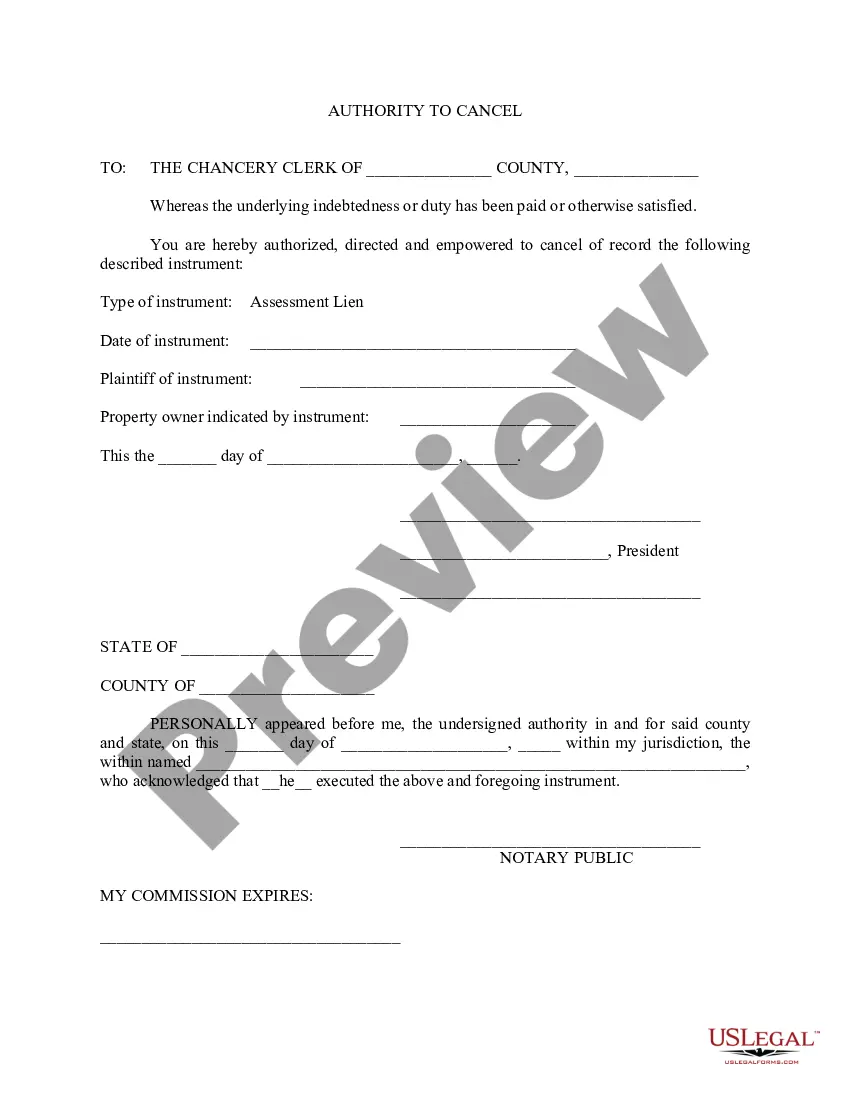
Authority Cancel Withdrawal In Salt Lake
Description


Get your form ready online
Our built-in tools help you complete, sign, share, and store your documents in one place.
Make edits, fill in missing information, and update formatting in US Legal Forms—just like you would in MS Word.
Download a copy, print it, send it by email, or mail it via USPS—whatever works best for your next step.
Sign and collect signatures with our SignNow integration. Send to multiple recipients, set reminders, and more. Go Premium to unlock E-Sign.
If this form requires notarization, complete it online through a secure video call—no need to meet a notary in person or wait for an appointment.
We protect your documents and personal data by following strict security and privacy standards.

Make edits, fill in missing information, and update formatting in US Legal Forms—just like you would in MS Word.

Download a copy, print it, send it by email, or mail it via USPS—whatever works best for your next step.

Sign and collect signatures with our SignNow integration. Send to multiple recipients, set reminders, and more. Go Premium to unlock E-Sign.

If this form requires notarization, complete it online through a secure video call—no need to meet a notary in person or wait for an appointment.

We protect your documents and personal data by following strict security and privacy standards.
Looking for another form?






Form popularity
FAQ
To transfer, you need to apply to the school you wish to attend and send whatever they require (probably your high school and current college transcripts and SAT or ACT scores.) To drop out, you need to go to the administration offices of your current college and notify them you wish to withdraw.
To remove a class, click the checkbox in the “Select” column for the class you wish to drop. NOTE: You may select mul ple classes. If you drop after the drop deadline, a “W” grade is recorded on the transcript and appropriate tui on and fees are assessed.
Whether it be a disability, bereavement, mental health reason, or other happiness and health-related issue, there are many valid reasons to consider transferring or dropping out. Universities have help and guidance for students facing a wide range of issues that might make them feel like they need to quit.
How to Withdraw: Students can withdraw online by logging into Campus Information Services, click on the "Registration" tile on your Student Homepage, and click on the “Drop Class” link. Students in PRTL, PRTS, and PRTW classes for credit should contact the Registration & Records Division through UMail.
Students can withdraw online by logging into Campus Information Services, click on the "Registration" tile on your Student Homepage, and click on the “Drop Class” link. Students in PRTL, PRTS, and PRTW classes for credit should contact the Registration & Records Division through UMail.
If you must withdraw, always withdraw officially It is preferable to withdraw by meeting with an advisor. It's important to make sure that your official withdrawal was processed. If you can't meet with an advisor, you can usually also officially withdraw from classes using your online student account.