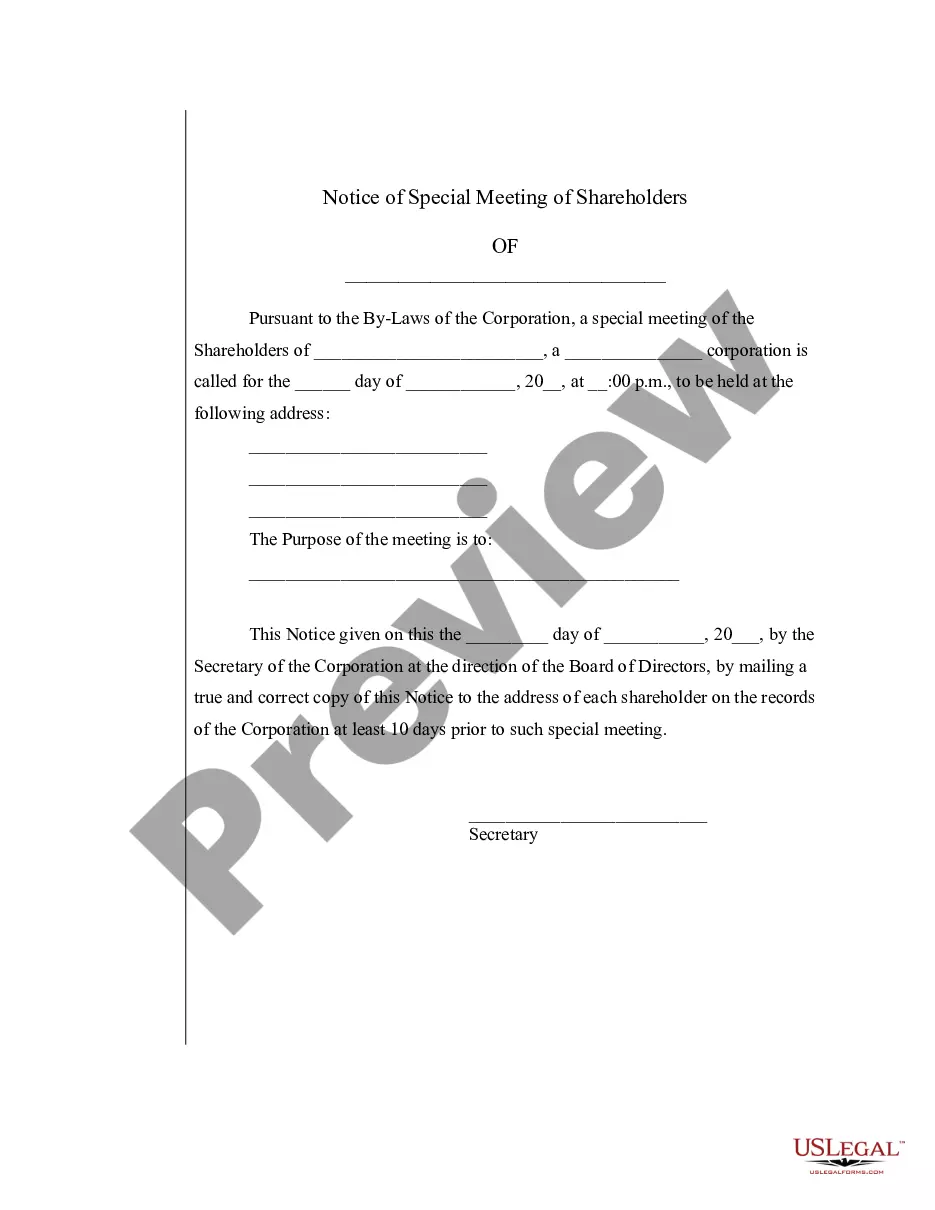
Special Meeting Sample Format In Maryland
Description



Get your form ready online
Our built-in tools help you complete, sign, share, and store your documents in one place.
Make edits, fill in missing information, and update formatting in US Legal Forms—just like you would in MS Word.
Download a copy, print it, send it by email, or mail it via USPS—whatever works best for your next step.
Sign and collect signatures with our SignNow integration. Send to multiple recipients, set reminders, and more. Go Premium to unlock E-Sign.
If this form requires notarization, complete it online through a secure video call—no need to meet a notary in person or wait for an appointment.
We protect your documents and personal data by following strict security and privacy standards.

Make edits, fill in missing information, and update formatting in US Legal Forms—just like you would in MS Word.

Download a copy, print it, send it by email, or mail it via USPS—whatever works best for your next step.

Sign and collect signatures with our SignNow integration. Send to multiple recipients, set reminders, and more. Go Premium to unlock E-Sign.

If this form requires notarization, complete it online through a secure video call—no need to meet a notary in person or wait for an appointment.

We protect your documents and personal data by following strict security and privacy standards.
Looking for another form?









Form popularity
FAQ
Before providing the notice, ensure it includes: Meeting date and time. Specify the date, time, and location or virtual meeting link. Agenda. Outline the topics to be discussed and prioritize the most pressing matters. Quorum requirements. Supporting materials. RSVP instructions. Special details. Contact information.
Ing to Robert's Rules of Order, special meetings always require previous notice. Here are a few valid reasons for calling a special meeting: An urgent matter needs to be dealt with before the next regular meeting.
Tips to Remember regarding Notice Writing Be precise and to the point. It is a formal form of communication so the language used should be formal as well. Keep the sentences short and use simple words. Use passive voice as far as possible. Present your notices in a proper format in a box.
How to write a meeting agenda Clarify meeting objectives. The first step in writing a meeting agenda is to clearly define any goals. Invite participant input. Outline key questions for discussion. Define each task's purpose. Allocate time for agenda items. Assign topic facilitators. Write the meeting agenda.
Understanding special meetings through an example However, an unexpected opportunity for an acquisition arises, and the board needs to make a quick decision. In this case, the board members may call a special meeting to discuss and approve the acquisition deal.
Here are five steps to write a notice of meeting letter: Create a header. Start by creating a header for the notice of meeting letter. Write meeting information. Below the header, write a brief paragraph that includes the meeting's information. List the agenda. Conclude the letter. Revise the letter.
Following are 10 steps that can help you compose an effective meeting minutes report: Make an outline. Include factual information. Write down the purpose. Record decisions made. Add details for the next meeting. Be concise. Consider recording. Edit and proofread.
In addition to specifying the date, time and location of the meeting, special meeting notices should make note of all agenda items. Unless the bylaws indicate something different, board members should only be discussing the business that was stated in the notice for the special meeting.
Check it out: Step 1: Write a Direct Subject Line. Step 2: Use a Professional Greeting & Intro. Step 3: Explain the Need for the Meeting. Step 4: Request a Response. Step 5: Offer to Prepare and Send an Agenda. Step 6: Closing & Signature. Sample 5: Request for an Urgent Meeting Regarding a Crisis.
Create a Strong Subject Line. Specify the Meeting Date and Time. Include All the Necessary Meeting Details. Define the Meeting Goal. Share the Meeting Agenda. Include the Meeting Link. Provide CTA & RSVP Details. Sign Your Meeting Request.

