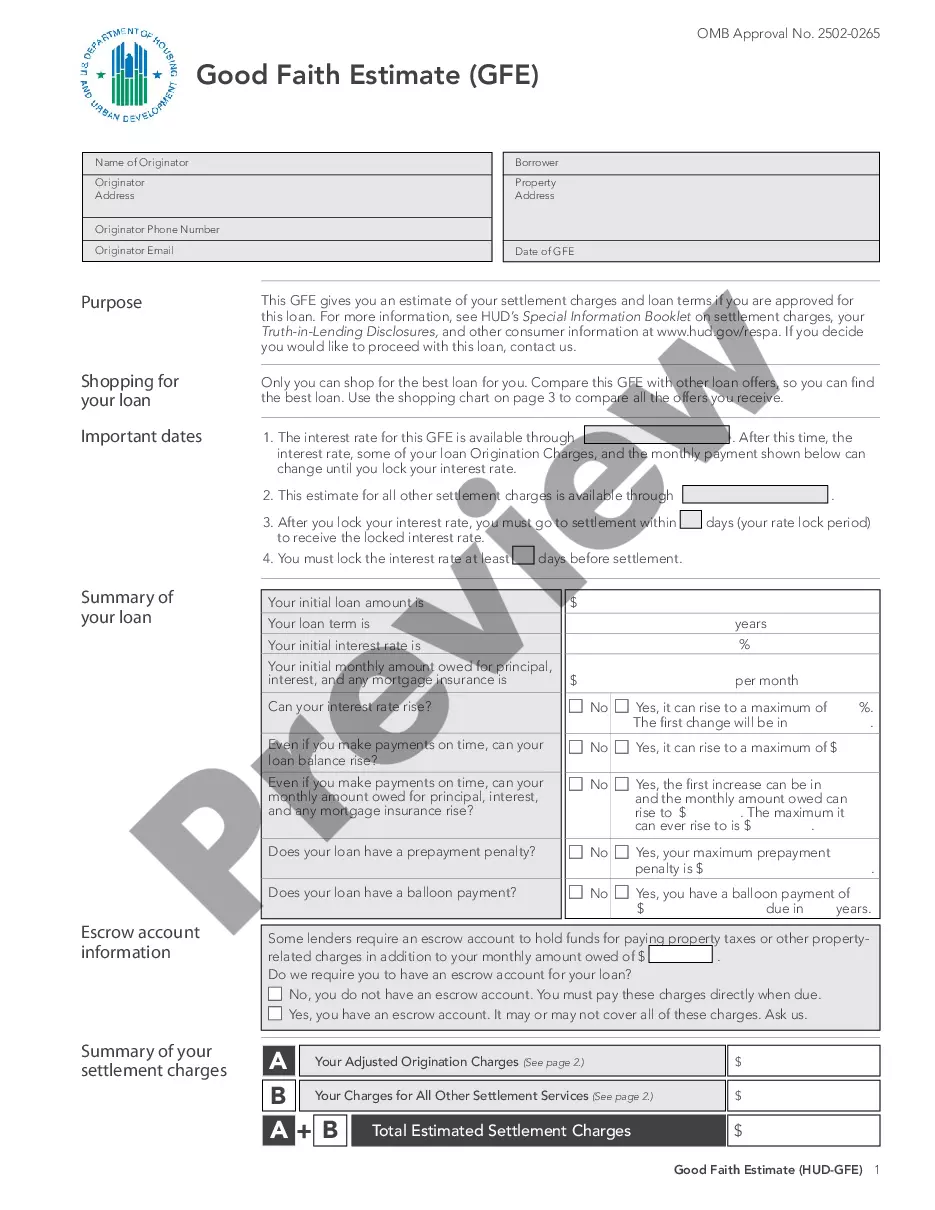
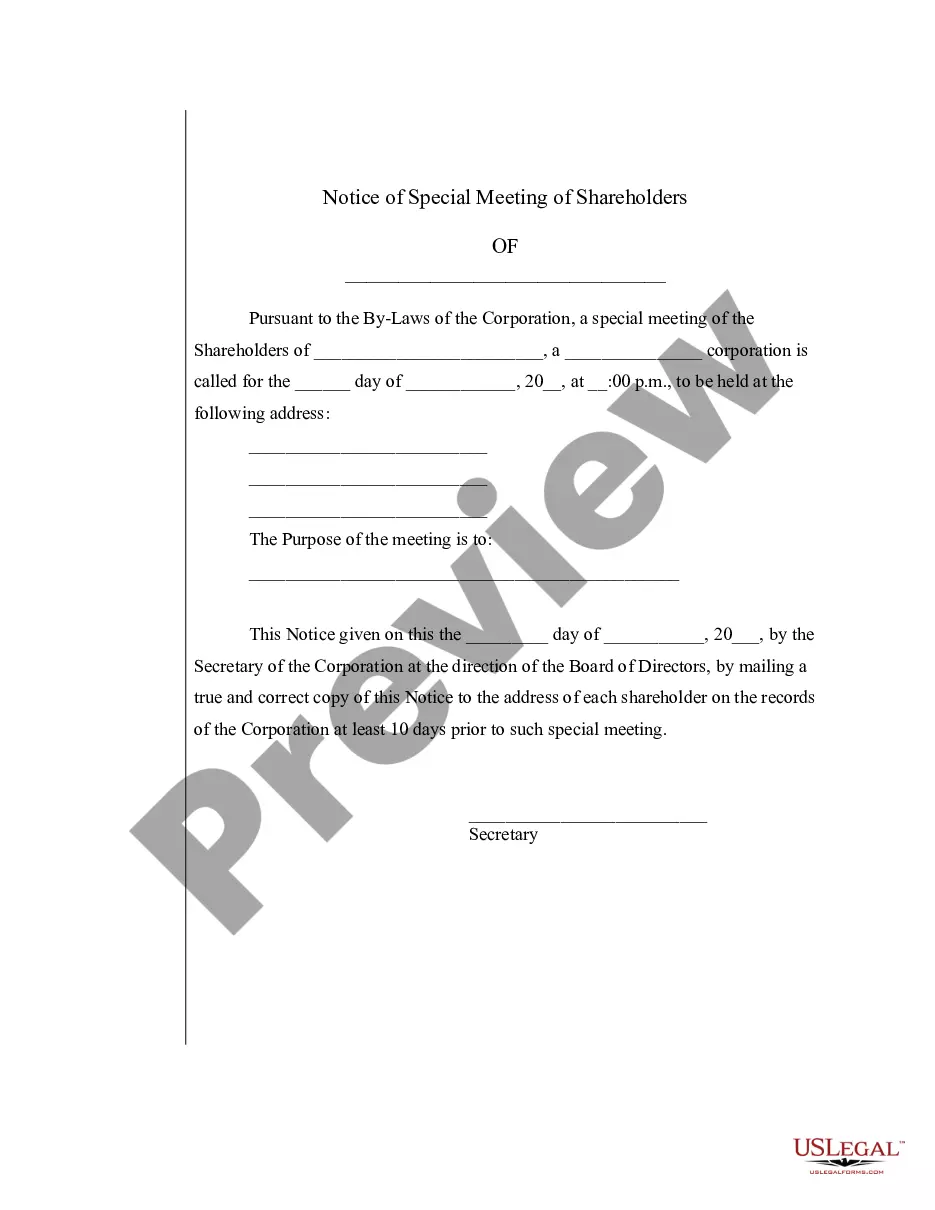
Special Meeting Sample For Nonprofit In Allegheny
Description



Get your form ready online
Our built-in tools help you complete, sign, share, and store your documents in one place.
Make edits, fill in missing information, and update formatting in US Legal Forms—just like you would in MS Word.
Download a copy, print it, send it by email, or mail it via USPS—whatever works best for your next step.
Sign and collect signatures with our SignNow integration. Send to multiple recipients, set reminders, and more. Go Premium to unlock E-Sign.
If this form requires notarization, complete it online through a secure video call—no need to meet a notary in person or wait for an appointment.
We protect your documents and personal data by following strict security and privacy standards.

Make edits, fill in missing information, and update formatting in US Legal Forms—just like you would in MS Word.

Download a copy, print it, send it by email, or mail it via USPS—whatever works best for your next step.

Sign and collect signatures with our SignNow integration. Send to multiple recipients, set reminders, and more. Go Premium to unlock E-Sign.

If this form requires notarization, complete it online through a secure video call—no need to meet a notary in person or wait for an appointment.

We protect your documents and personal data by following strict security and privacy standards.
Looking for another form?




Form popularity
FAQ
Once your board meeting minutes are fully written, you are responsible for making them official by having the board secretary sign them. Your organization may also require the president's signature.
Understand who can access minutes: In many cases, meeting minutes are considered public records, which means others can view them. Make sure you understand who can view the meeting notes, and keep that audience in mind when deciding what information to include.
Main points: No surprises! That means: Send out agenda and materials (days) in advance. Talk with every Board member (days) before the Board meeting. Focus on the strategic, not tactical operations. Keep the Board meeting focused on the agenda you set. Focus on discussions, not monologues.
Minutes of board meetings of most California nonprofit corporations are not required to be open to inspection by the general public. However, if the corporation has statutory members (i.e., voting members, as defined in California Corporations Code § 5056), the members have a right to inspect board meeting minutes.
Unless the nonprofit is a governmental entity, there is no obligation to open board meetings to the public.
Minutes should start with the attendance and continue through the motion to close the meeting (opening and closing of the meeting should have times attached.) Each topic that is discussed should have a brief paragraph summarizing what was discussed.
Minutes of meetings should include: the corporation's name and ICN. the type of meeting – directors', general or AGM. a copy of the notice for the meeting. the agenda that was issued before the meeting. the date, time and place of the meeting. the name of the chairperson. the names of all people at the meeting.
How To Write Effective Meeting Minutes (with Templates and Samples) Create an outline. Check-off attendees as they join the meeting. Record decisions or notes on action items. Ask for clarification if necessary. Don't try to capture it all. Record the meeting.
The notice must provide directors with the date, time, and location of the meeting. Although technically, the purpose of the meeting does not have to be provided, it is generally a good idea to include an agenda or similar information so directors know what to expect and why it is important to attend.
It is different from a regular meeting, which is held on a regular schedule. For example, a company may call a special meeting to discuss a major decision, such as a merger or acquisition. A school board may call a special meeting to address a specific issue, such as a budget shortfall.