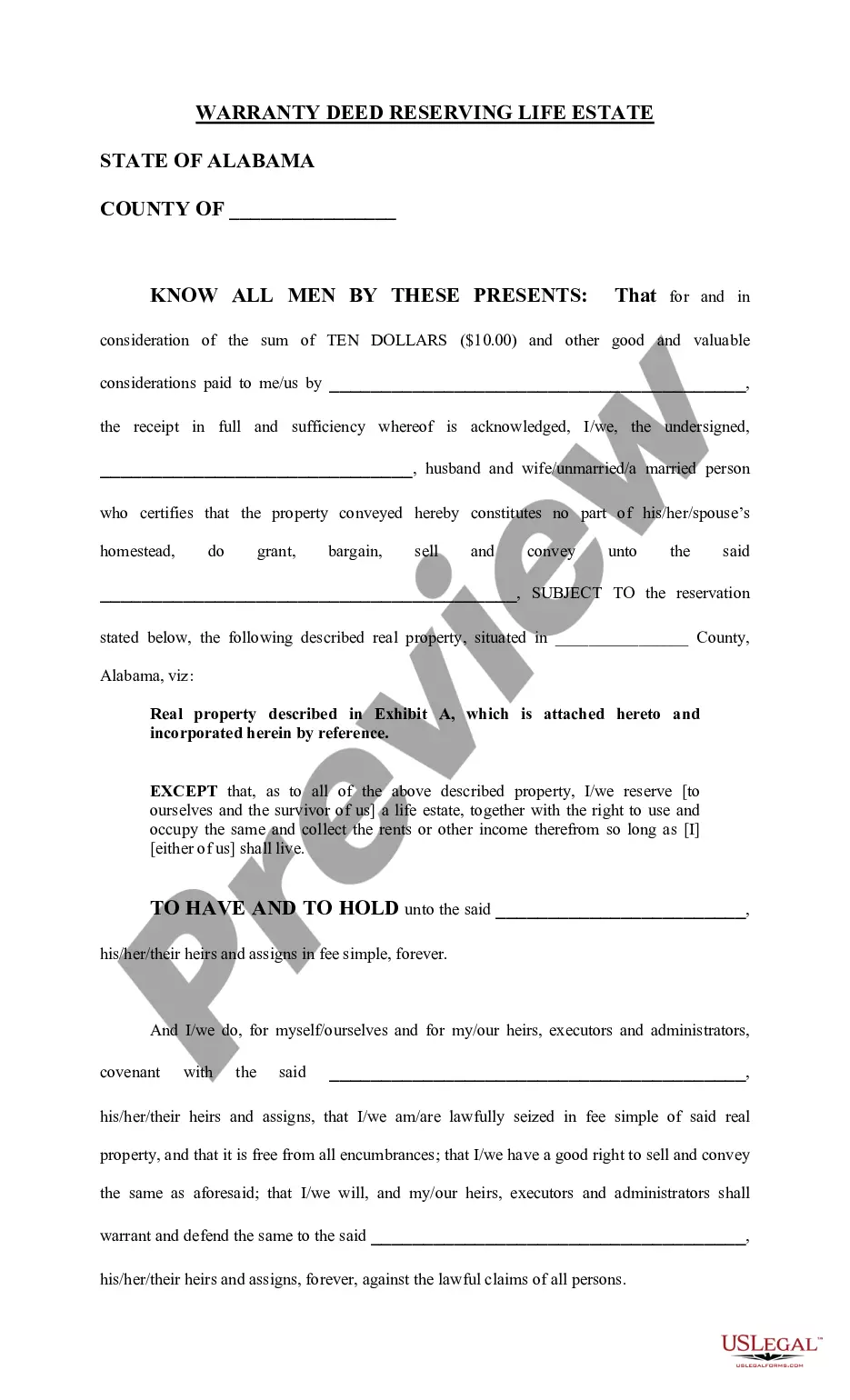
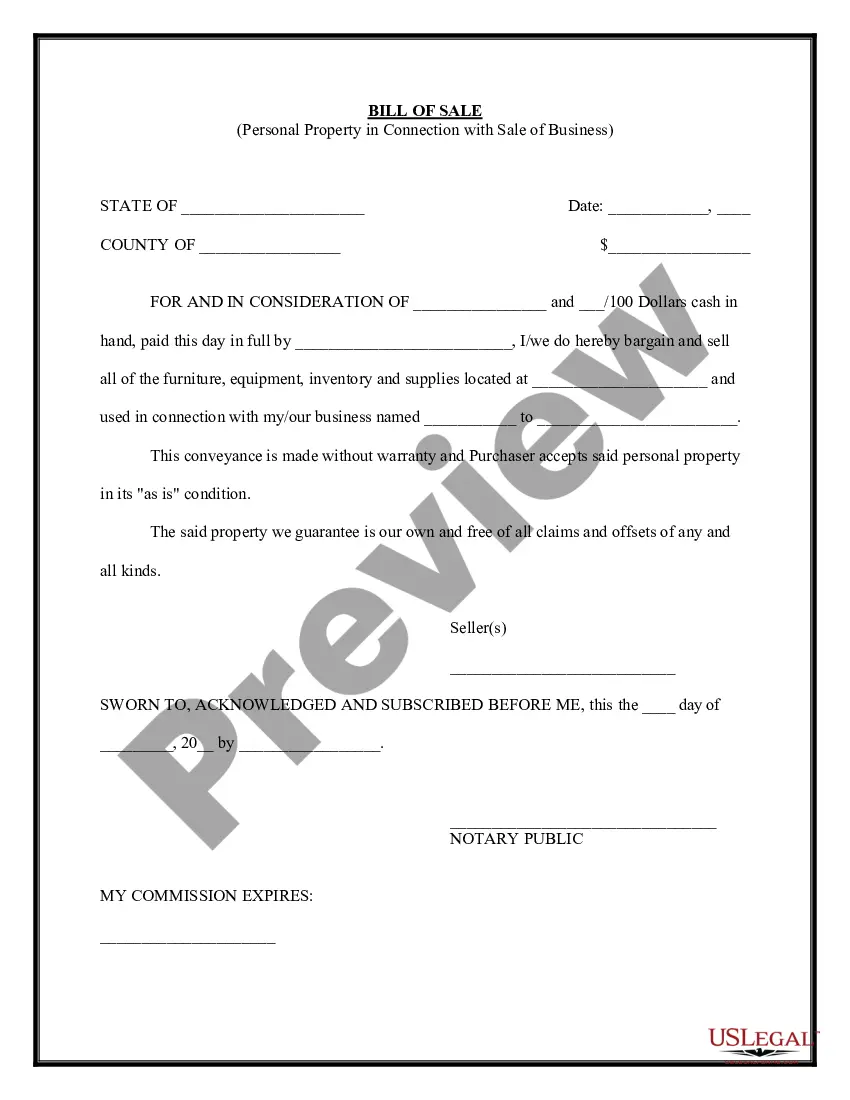
Printable Bill Of Sale Form For Mobile Home
Description
Get your form ready online
Our built-in tools help you complete, sign, share, and store your documents in one place.
Make edits, fill in missing information, and update formatting in US Legal Forms—just like you would in MS Word.
Download a copy, print it, send it by email, or mail it via USPS—whatever works best for your next step.
Sign and collect signatures with our SignNow integration. Send to multiple recipients, set reminders, and more. Go Premium to unlock E-Sign.
If this form requires notarization, complete it online through a secure video call—no need to meet a notary in person or wait for an appointment.
We protect your documents and personal data by following strict security and privacy standards.
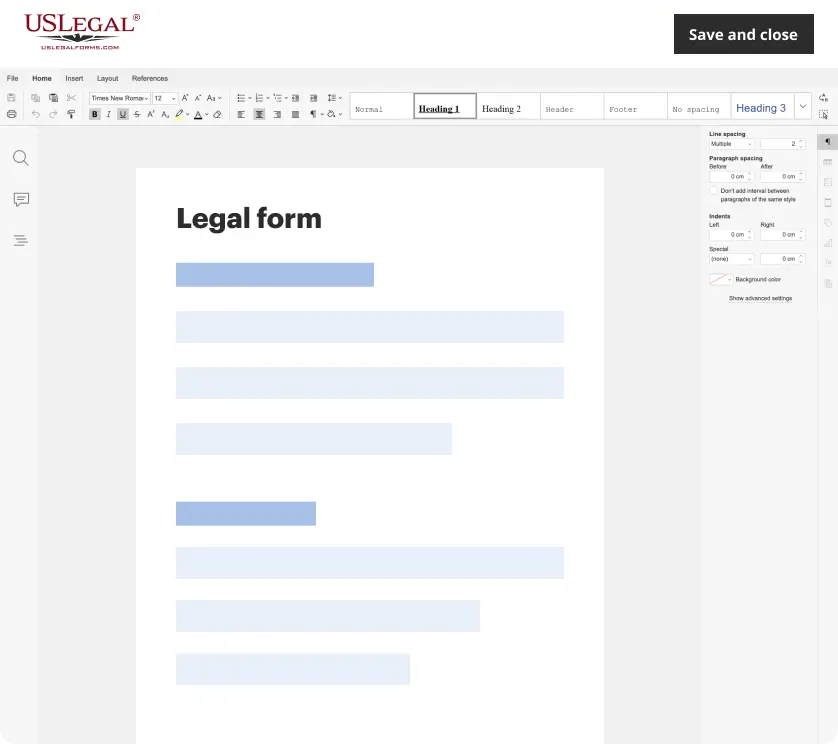
Make edits, fill in missing information, and update formatting in US Legal Forms—just like you would in MS Word.
Download a copy, print it, send it by email, or mail it via USPS—whatever works best for your next step.
Sign and collect signatures with our SignNow integration. Send to multiple recipients, set reminders, and more. Go Premium to unlock E-Sign.

If this form requires notarization, complete it online through a secure video call—no need to meet a notary in person or wait for an appointment.
We protect your documents and personal data by following strict security and privacy standards.
Looking for another form?
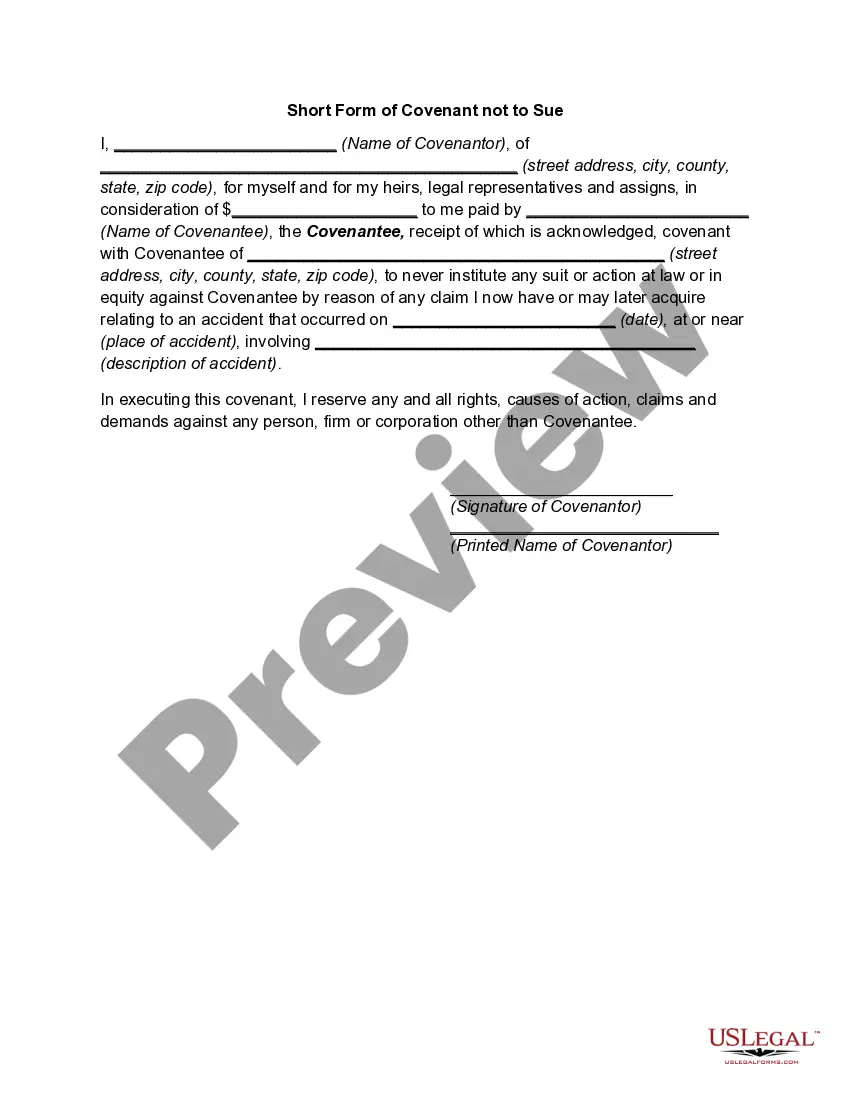
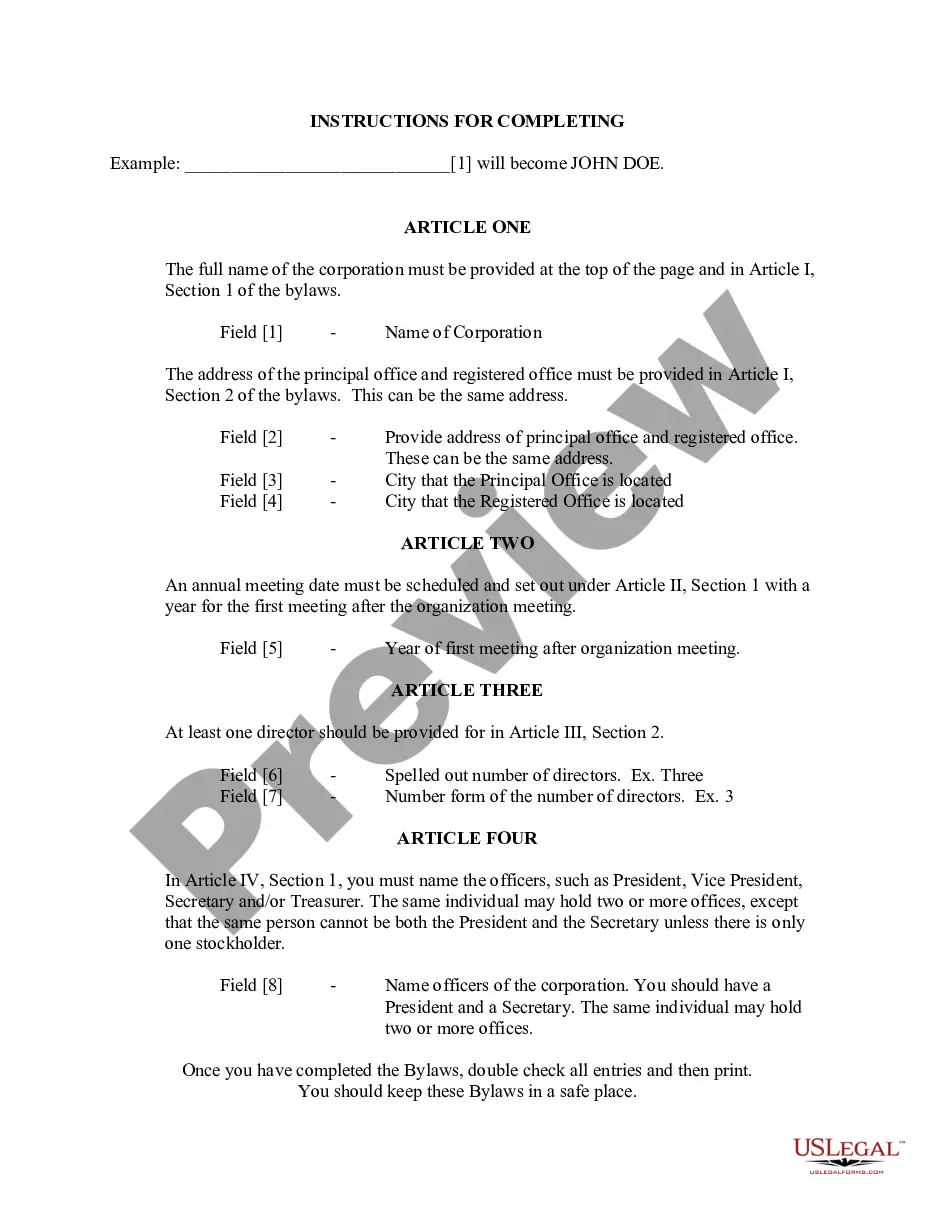
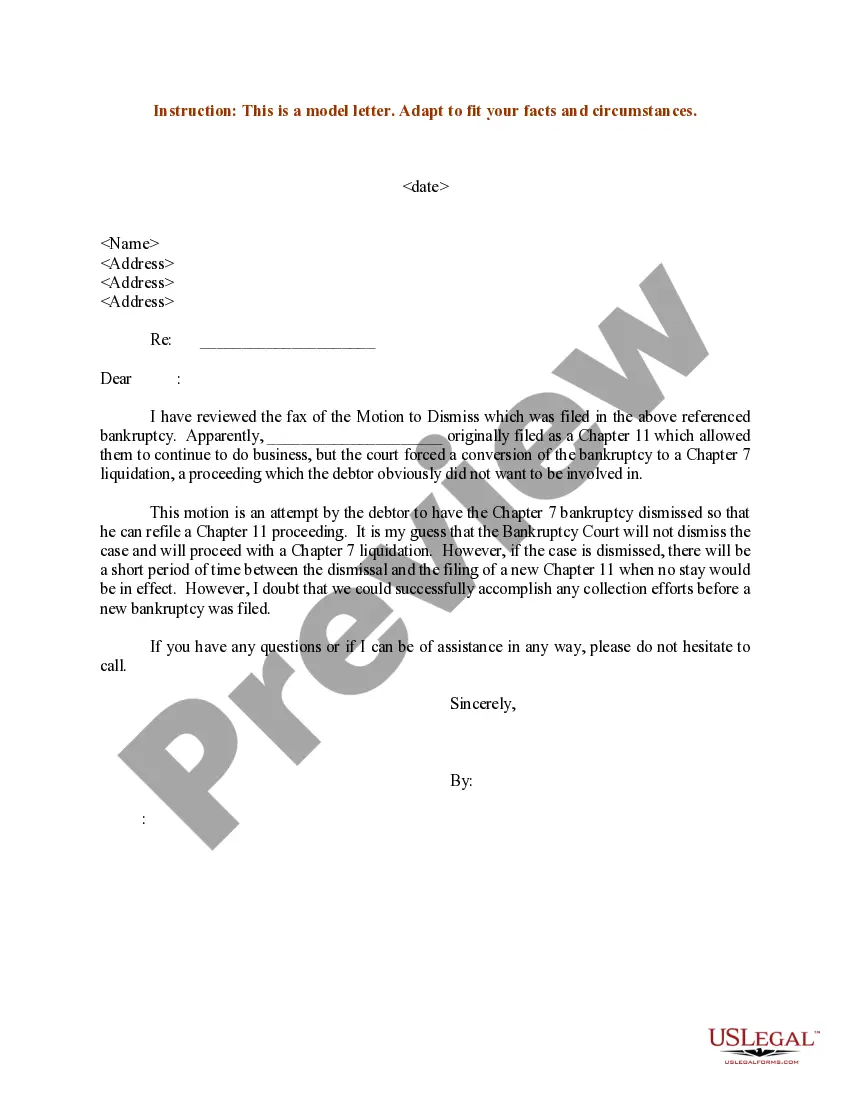
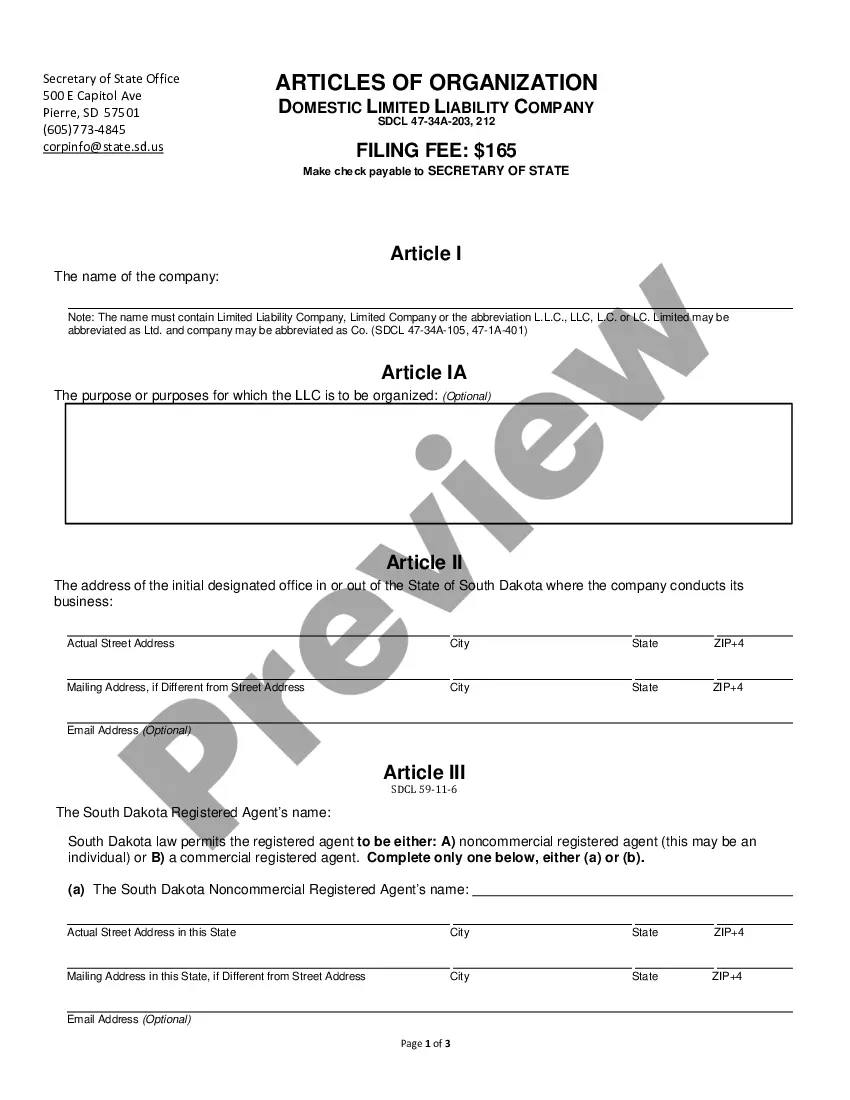
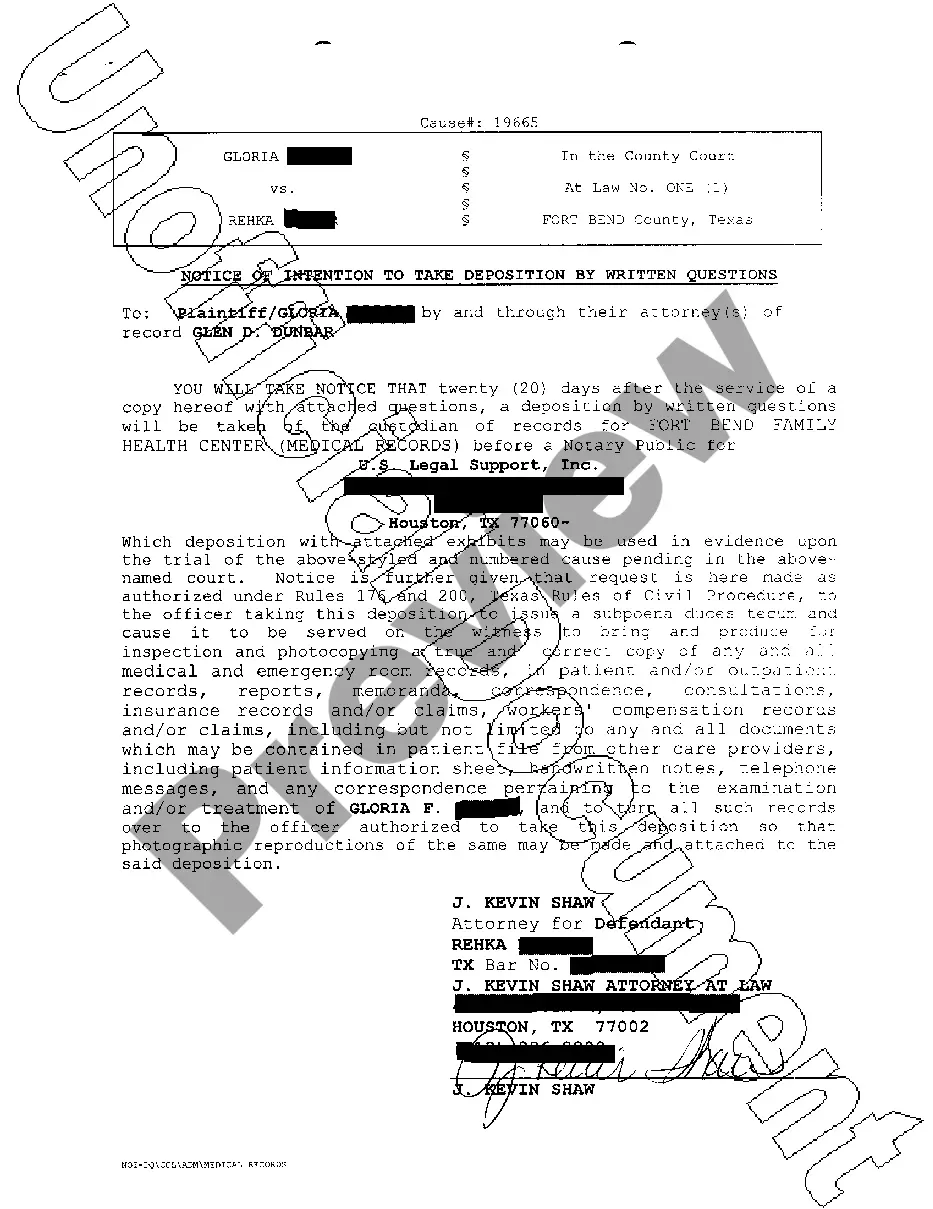
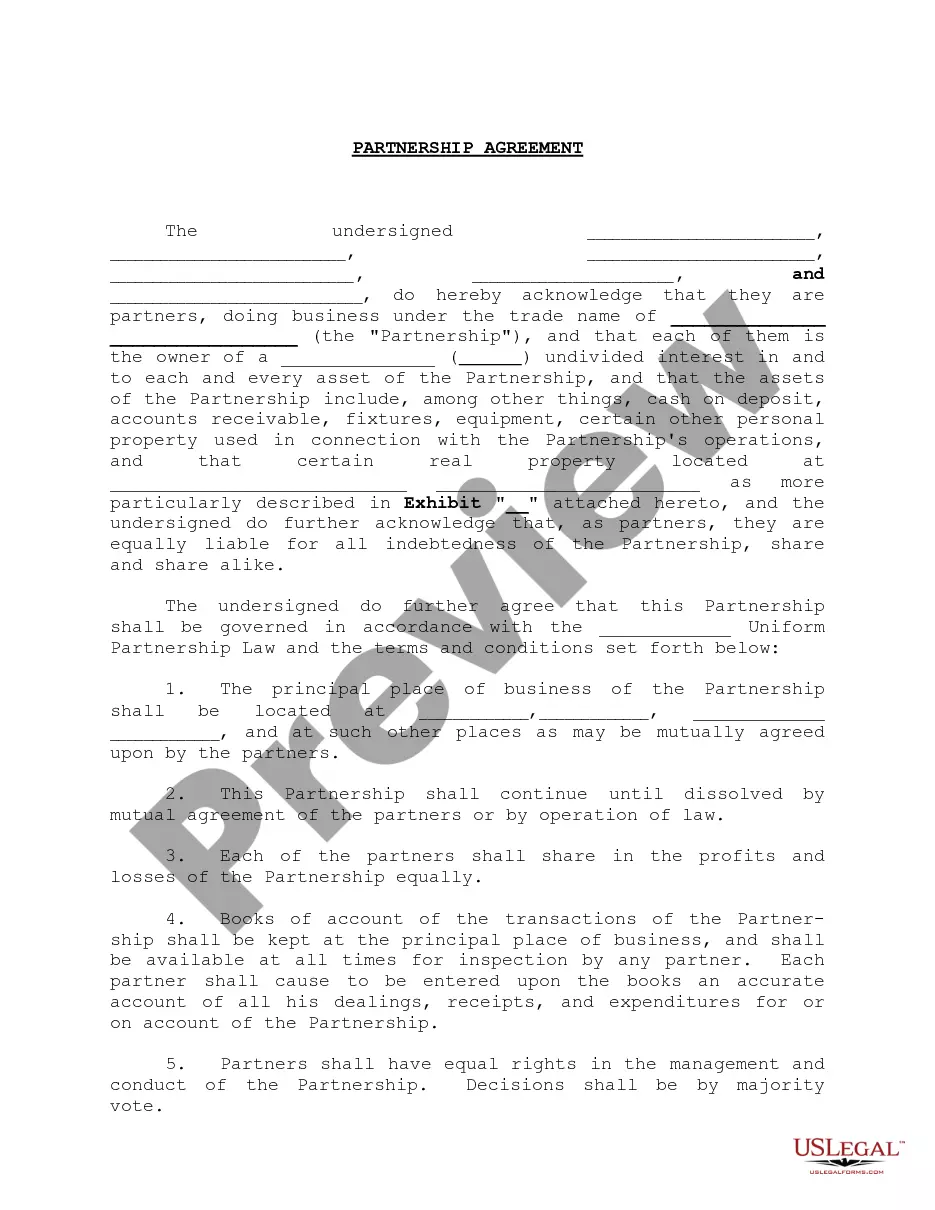
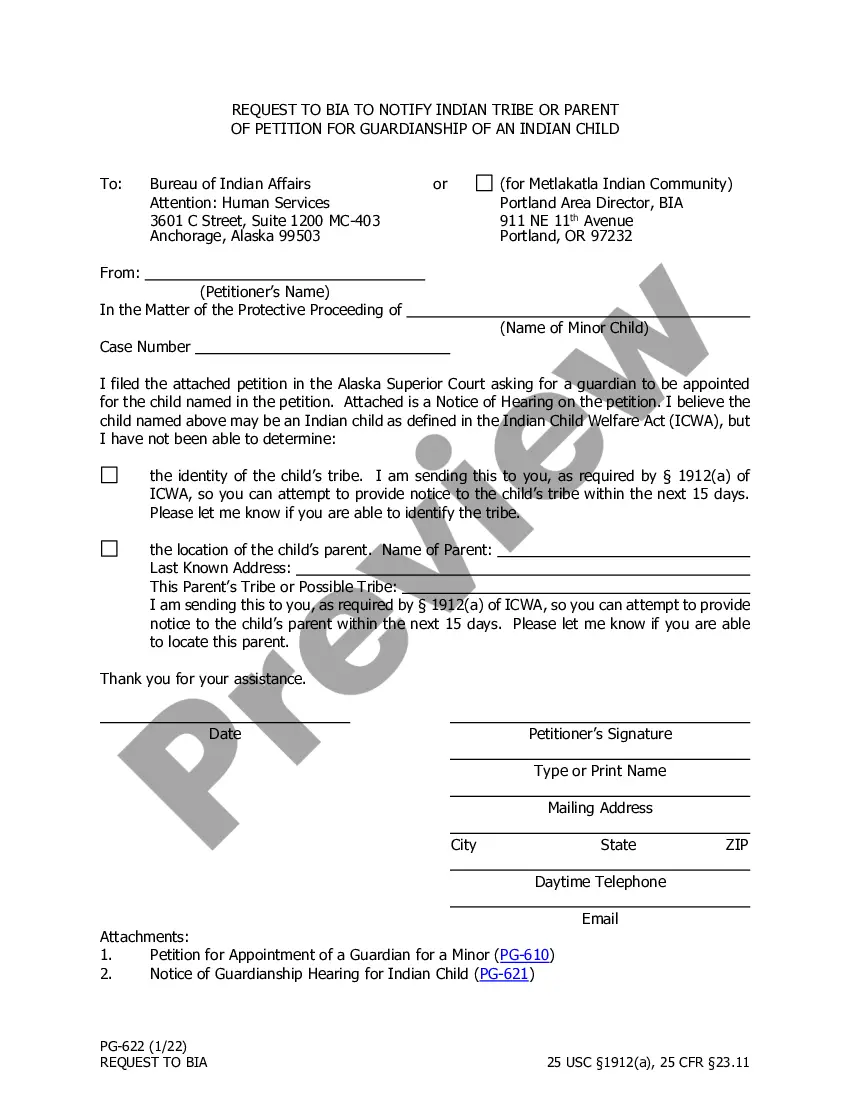
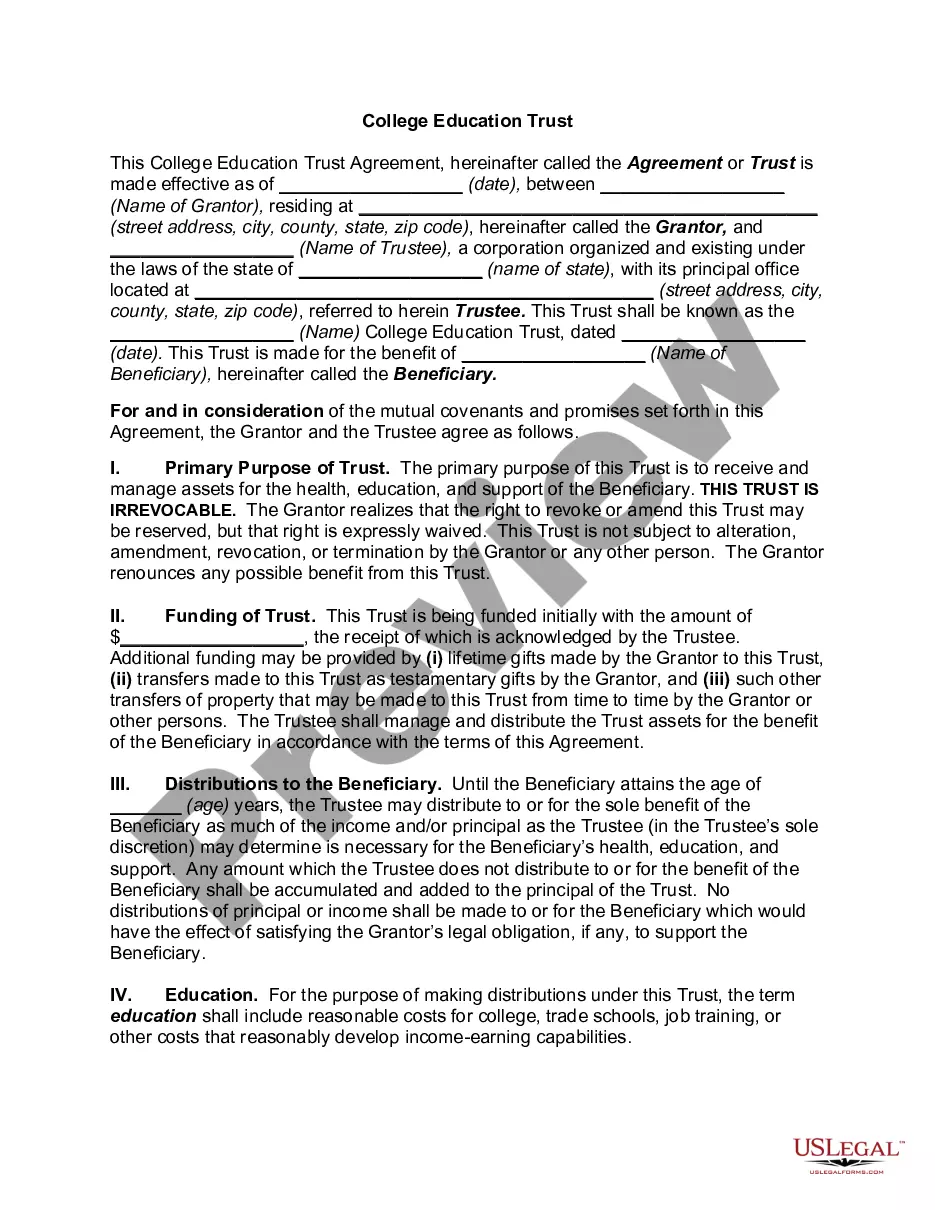
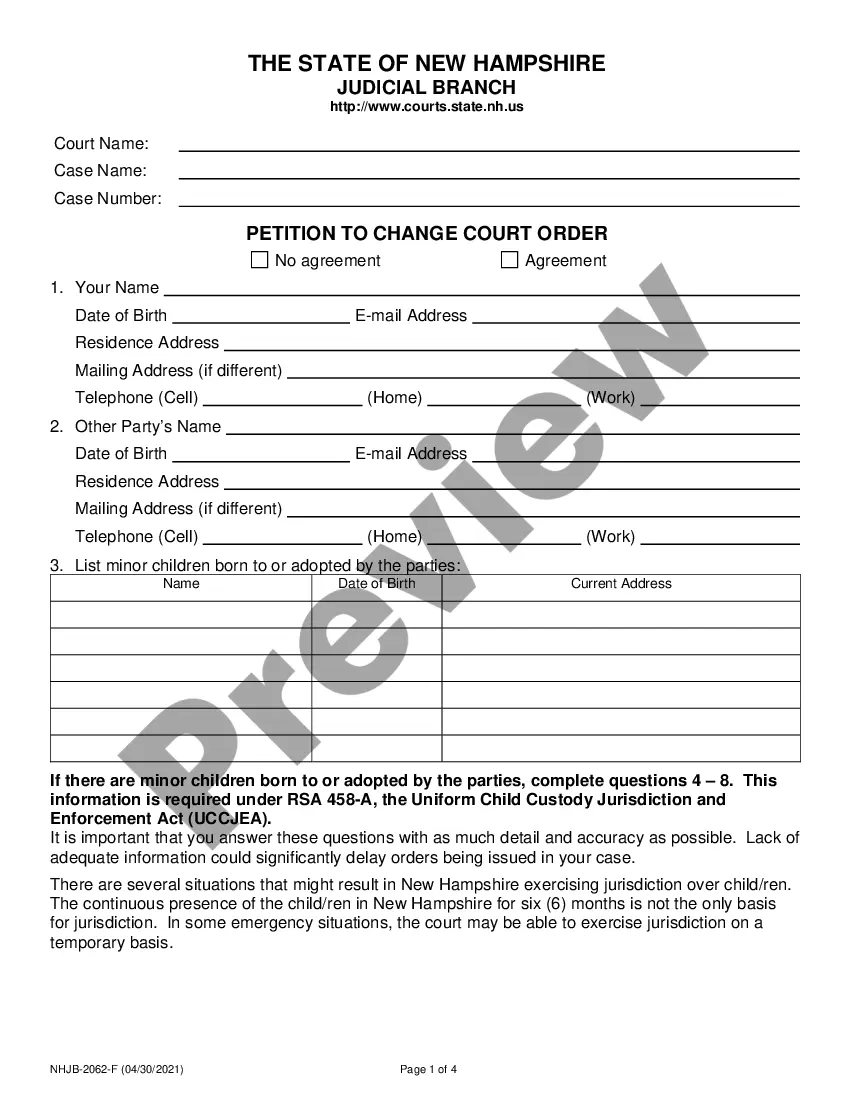
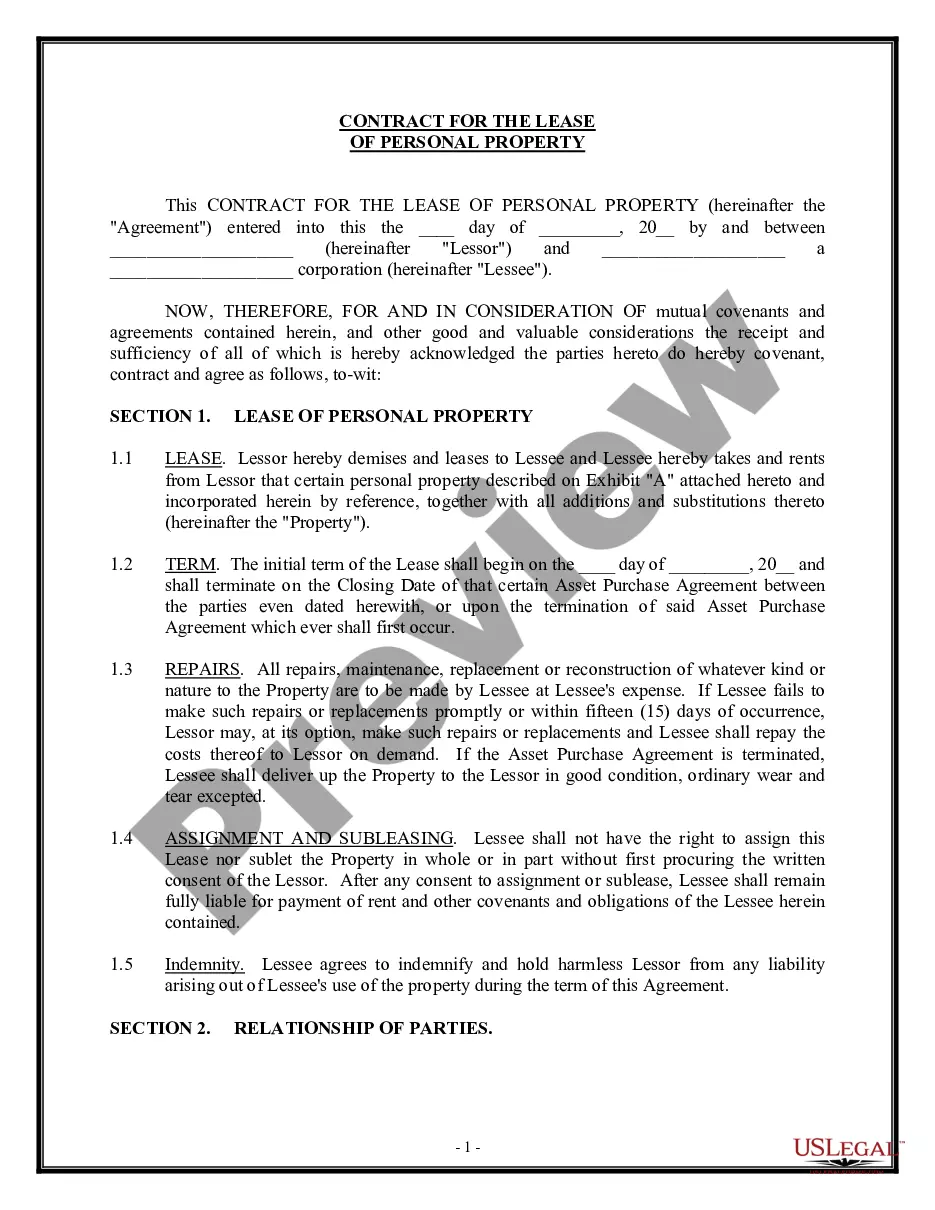
How to fill out Simple Bill Of Sale For Personal Property Used In Connection With Business?
There’s no longer a reason to squander hours searching for legal documents to adhere to your local state regulations.
US Legal Forms has gathered all of them in one location and made them easily accessible.
Our platform offers over 85k templates for any business and personal legal situations organized by state and category of use.
Creating formal documents under federal and state laws and regulations is swift and straightforward with our platform. Give US Legal Forms a try today to keep your documentation organized!
- All forms are professionally created and verified for authenticity, ensuring you get a current Printable Bill Of Sale Form For Mobile Home.
- If you are acquainted with our platform and already possess an account, make sure your subscription is active before acquiring any templates.
- Log In to your account, select the document, and click Download.
- You can also revisit all saved documents whenever necessary by accessing the My documents tab in your profile.
- If you’re new to our platform, the procedure will entail additional steps to complete.
- Here’s how new users can obtain the Printable Bill Of Sale Form For Mobile Home from our catalog.
- Examine the page content closely to ensure it includes the sample you require.
- To do this, use the form description and preview options if available.
Form popularity
FAQ
How to Transfer Ownership of a Mobile Home in MissouriContact the Missouri Department of Revenue regarding title paperwork.Fill out the paperwork, including the names of the current owner and future owner, make and model of the home, sale price and any other information required.More items...
When transferring the ownership of a mobile home in Florida, both the buyer and seller must fill out and submit a bill of sale to Florida's Department of Highway Safety and Motor Vehicles. A bill of sale is a legal document stating details about a transaction, such as the sale of a mobile home.
If you want to record your manufactured home as affixed, you must submit the following items to any Missouri license office:A completed Affidavit of Affixation (Form 5312);The proper ownership document(s); and.The appropriate transaction fees:
The mobile home VIN number may be in one of two places on the home:On the data plate on the interior of the home.Stamped on the steel frame of each section of the home.
Texas Mobile Home PaperworkSale, transfer and current ownership of a manufactured home.Whether a home is titled as personal or real property.The home's physical location.Outstanding liens.