Corporation First Meeting For Project In Phoenix
Description
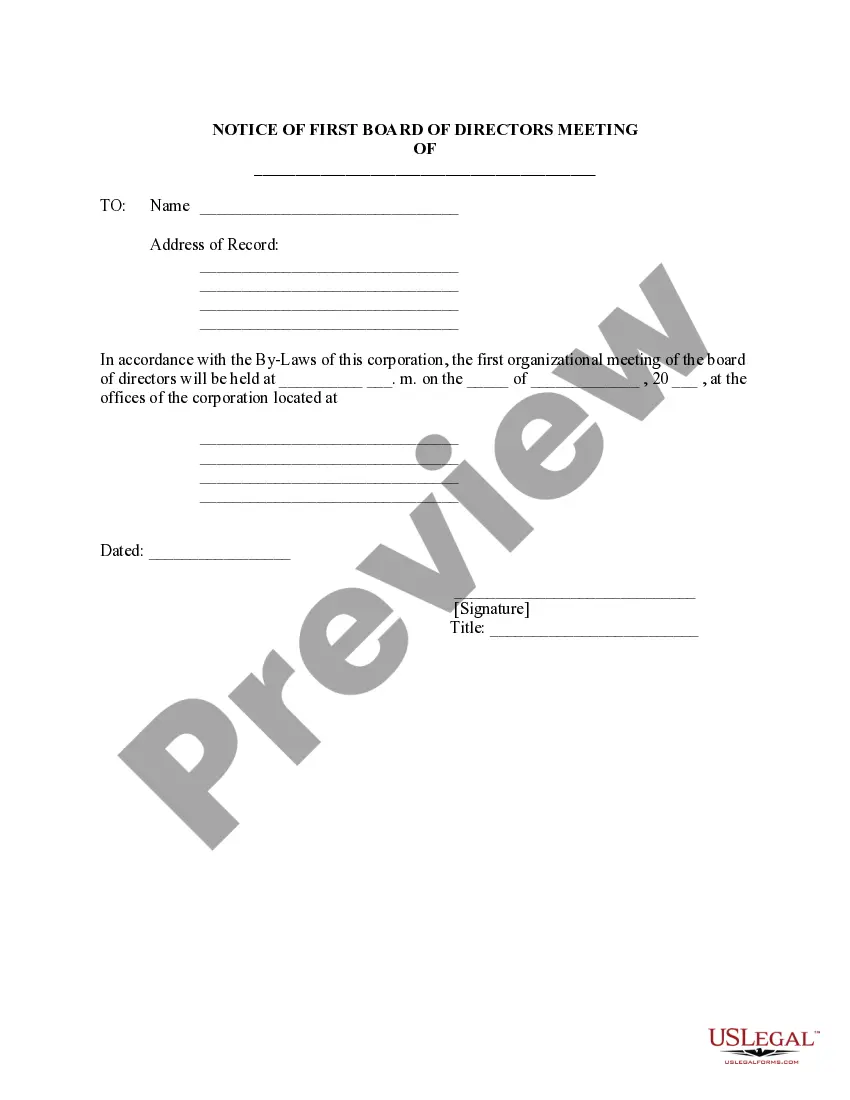


Get your form ready online
Our built-in tools help you complete, sign, share, and store your documents in one place.
Make edits, fill in missing information, and update formatting in US Legal Forms—just like you would in MS Word.
Download a copy, print it, send it by email, or mail it via USPS—whatever works best for your next step.
Sign and collect signatures with our SignNow integration. Send to multiple recipients, set reminders, and more. Go Premium to unlock E-Sign.
If this form requires notarization, complete it online through a secure video call—no need to meet a notary in person or wait for an appointment.
We protect your documents and personal data by following strict security and privacy standards.

Make edits, fill in missing information, and update formatting in US Legal Forms—just like you would in MS Word.

Download a copy, print it, send it by email, or mail it via USPS—whatever works best for your next step.

Sign and collect signatures with our SignNow integration. Send to multiple recipients, set reminders, and more. Go Premium to unlock E-Sign.

If this form requires notarization, complete it online through a secure video call—no need to meet a notary in person or wait for an appointment.

We protect your documents and personal data by following strict security and privacy standards.
Looking for another form?
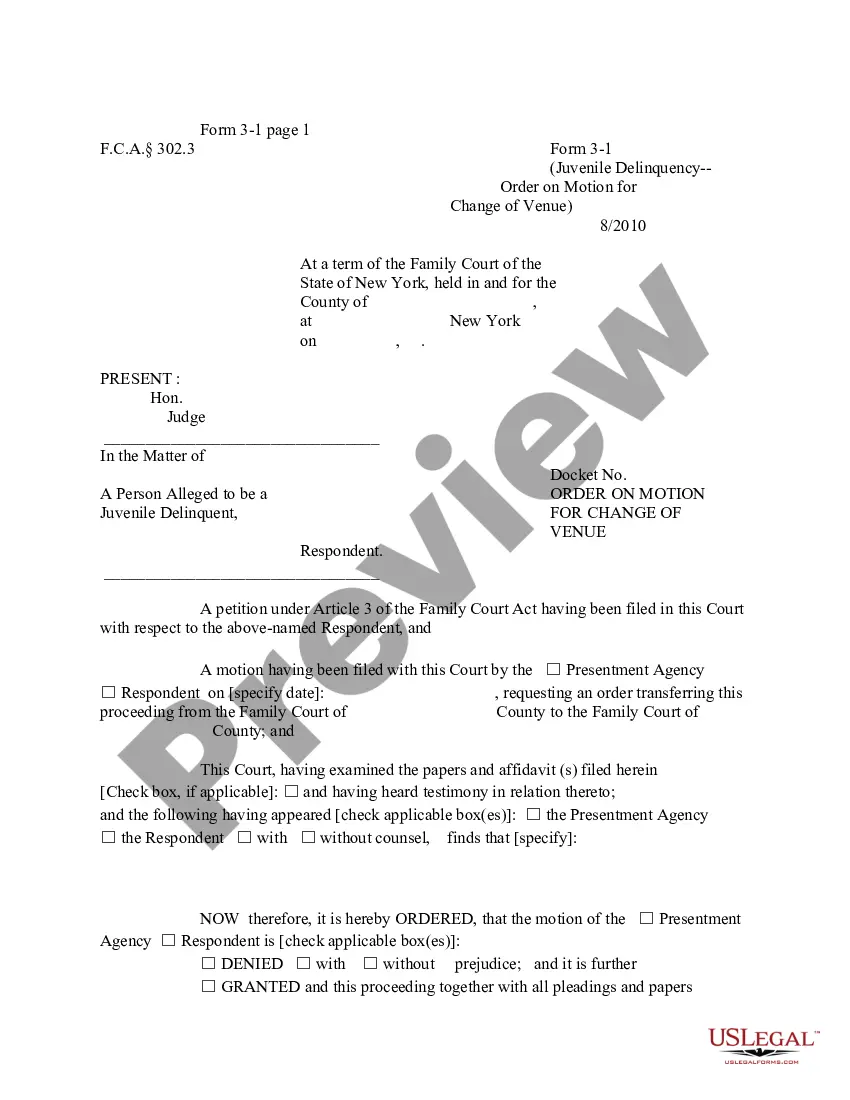

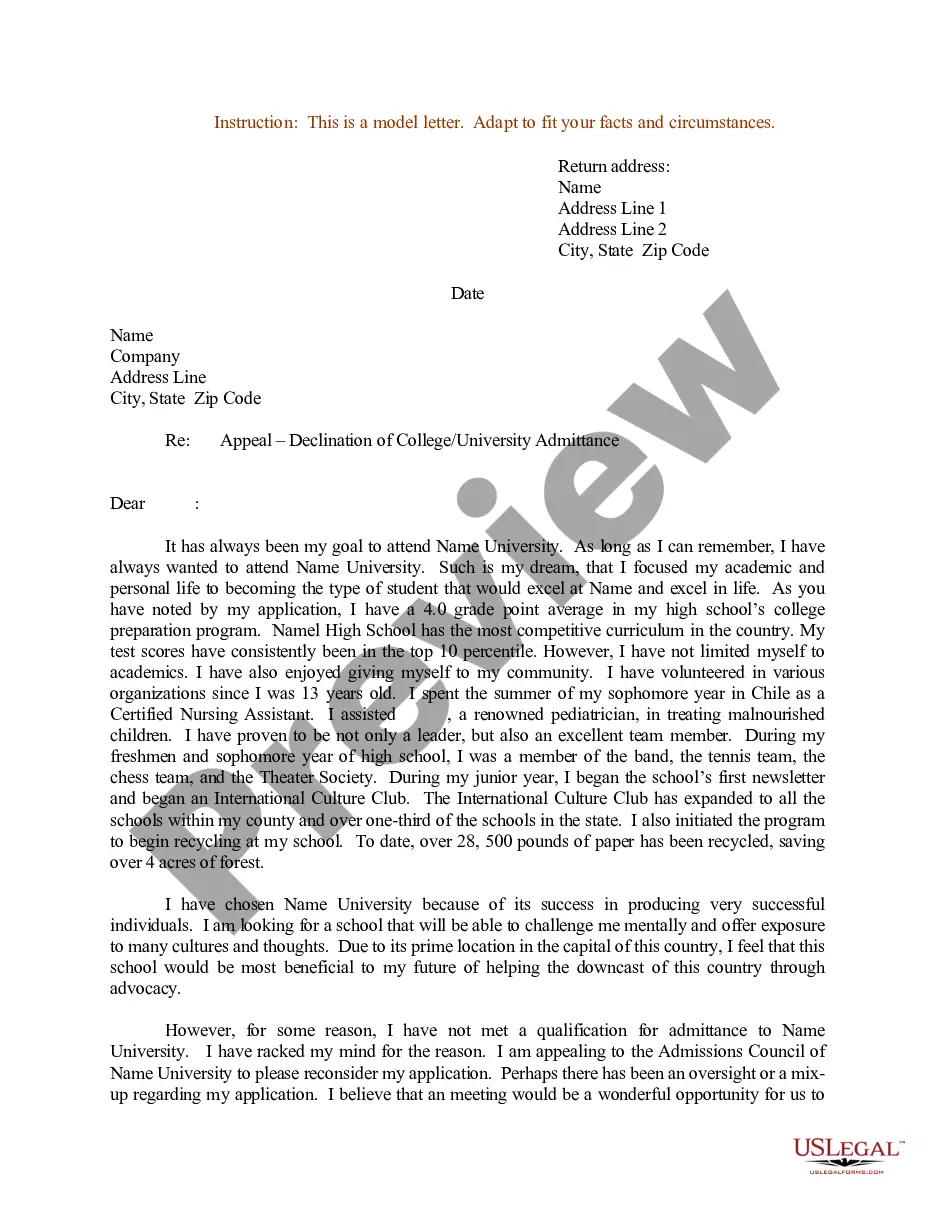



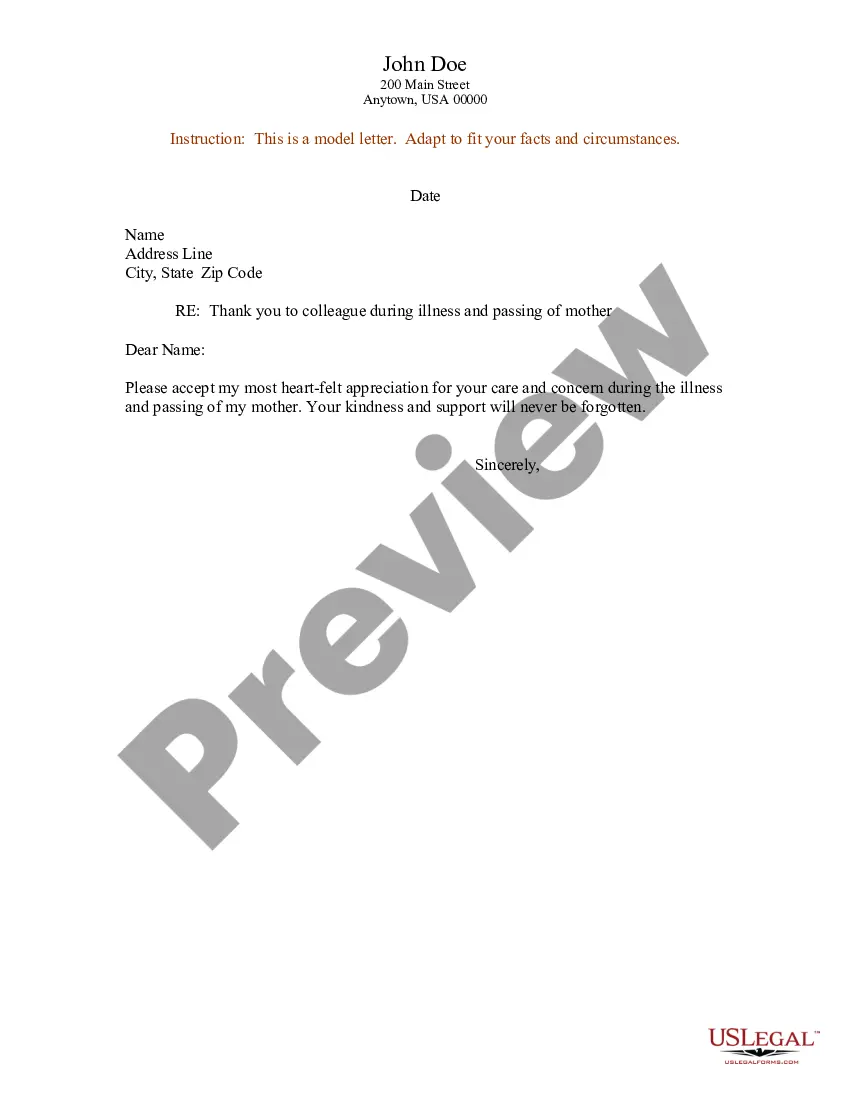



Form popularity
FAQ
Project Meeting Tips Plan well and set objectives. Create an agenda. Include the right attendees. Start and finish on time. Encourage participation. Take good notes. Follow up. Never cancel.
Please introduce yourself to a new project team by keeping it concise and relevant. Start with your name and role, then briefly mention your background and experience pertinent to the project. For example, ``Hi everyone, I'm (Your Name), the new (Your Role).
Greet the group: Start with a friendly greeting. - ``Hello everyone, I hope you're all doing well.'' State your name: Clearly say your name. - ``My name is (Your Name).'' Your role and department: Briefly describe your position and what your role involves. Ba
If you are joining an existing project it is best to go round the room before the meeting and introduce your self one by one by saying hello, your name, a 5 to a 10-word description (job, department and role are typical). You cannot rely on the chair giving you the chance to formally introduce your self.
10 steps for a successful project kickoff meeting Prepare for the meeting. Make introductions. Start with the project's purpose. Share the project plan. Outline the project scope. Establish project roles and responsibilities. Share where you'll track project data and real-time updates. Make time for questions.
An Easy Trick for Meeting Introductions Present. Start with a present-tense statement about yourself. If you're not sure how to begin, simply state your name and title. Past. Next add a few points about your background. Future. Wrap up with a comment about what's ahead.
A project kick-off meeting is the first meeting with the project team and the client of the project where applicable. This meeting is the time to establish common goals and the purpose of the project.
5 Tips - Crushing Project Kick-off Meetings Tip # 1 - Agree all key points prior to the actual kick-off meeting Tip # 2 - Create a detailed kick-off meeting agenda Tip # 3 - Assign speaking parts (so you don't do all the talking) Tip # 4 - Create a sense of excitement Tip # 5 - Post kick-off meeting summary email
How to Start a Corporation in Arizona Select a name for your corporation. Nominate a registered agent. Appoint initial directors at the organizational meeting. File Articles of Incorporation. Create and approve bylaws. Select a share structure. Obtain an EIN. File Arizona state taxes.
Yes, it is possible to establish an S-corp as a one-person business. While traditionally S corporations are formed with multiple shareholders, the IRS allows a single individual to set up an S corporation. As an individual, you can be the sole shareholder, director, and employee of the S-corp.

