Request Letter For Court Clearance In San Diego
Description




Get your form ready online
Our built-in tools help you complete, sign, share, and store your documents in one place.
Make edits, fill in missing information, and update formatting in US Legal Forms—just like you would in MS Word.
Download a copy, print it, send it by email, or mail it via USPS—whatever works best for your next step.
Sign and collect signatures with our SignNow integration. Send to multiple recipients, set reminders, and more. Go Premium to unlock E-Sign.
If this form requires notarization, complete it online through a secure video call—no need to meet a notary in person or wait for an appointment.
We protect your documents and personal data by following strict security and privacy standards.

Make edits, fill in missing information, and update formatting in US Legal Forms—just like you would in MS Word.

Download a copy, print it, send it by email, or mail it via USPS—whatever works best for your next step.

Sign and collect signatures with our SignNow integration. Send to multiple recipients, set reminders, and more. Go Premium to unlock E-Sign.

If this form requires notarization, complete it online through a secure video call—no need to meet a notary in person or wait for an appointment.

We protect your documents and personal data by following strict security and privacy standards.
Looking for another form?
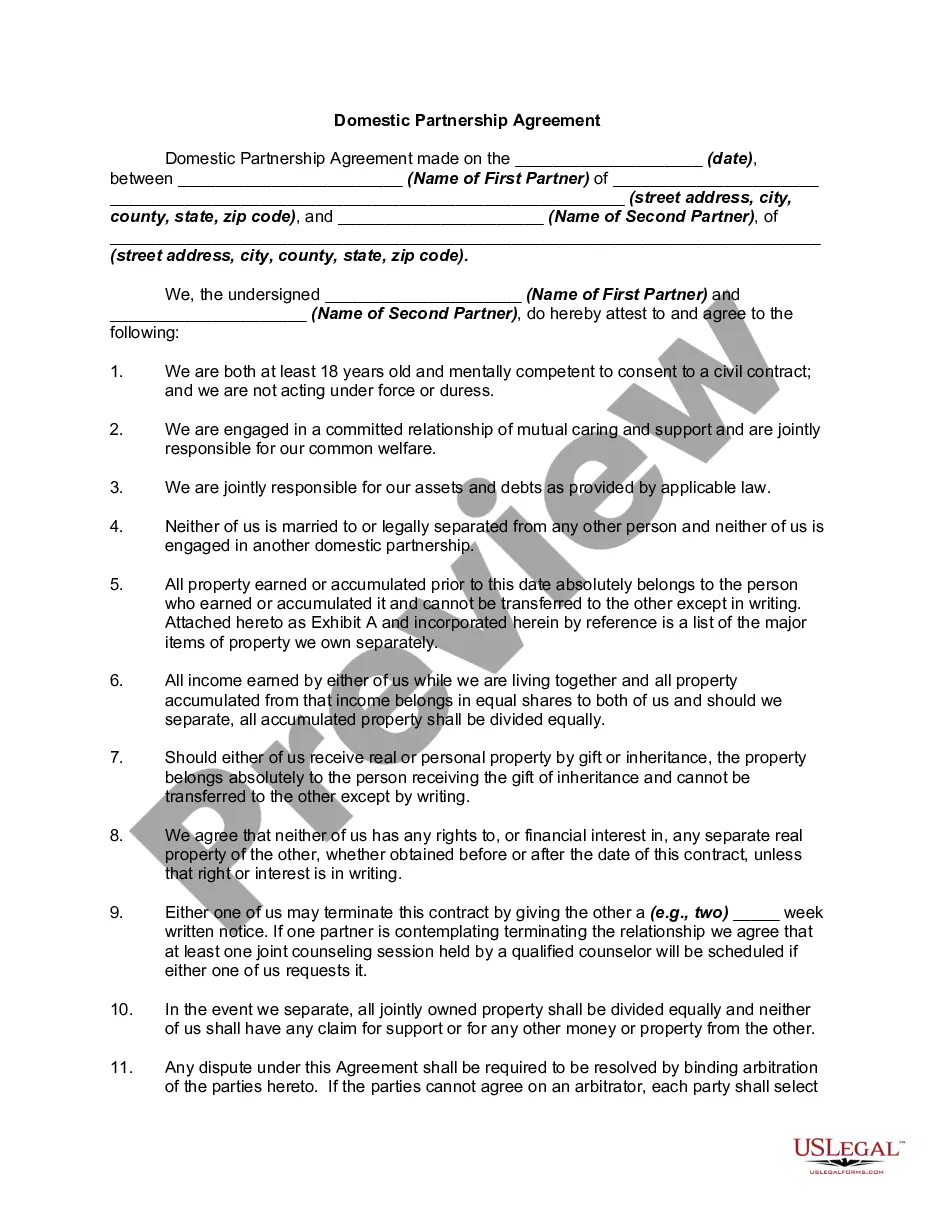
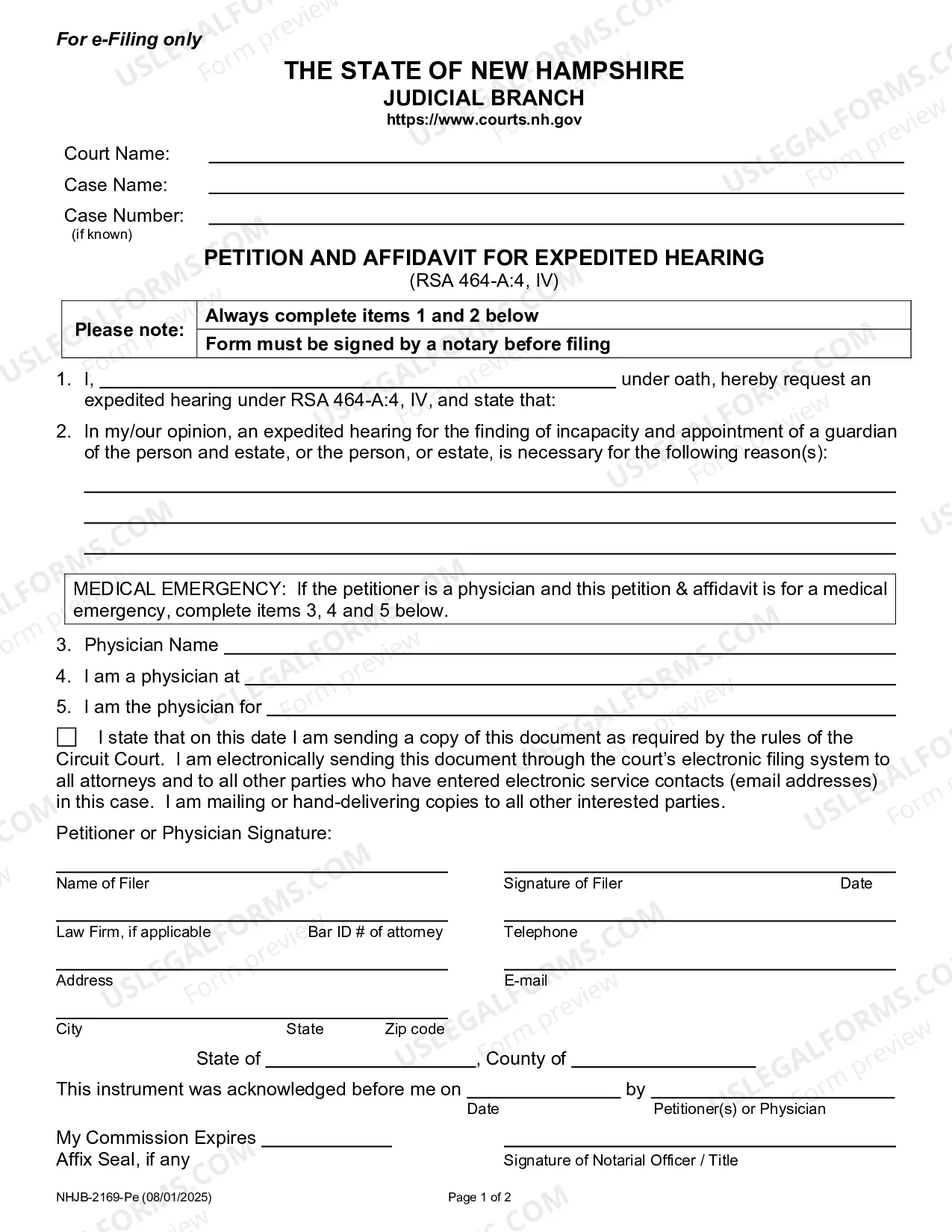

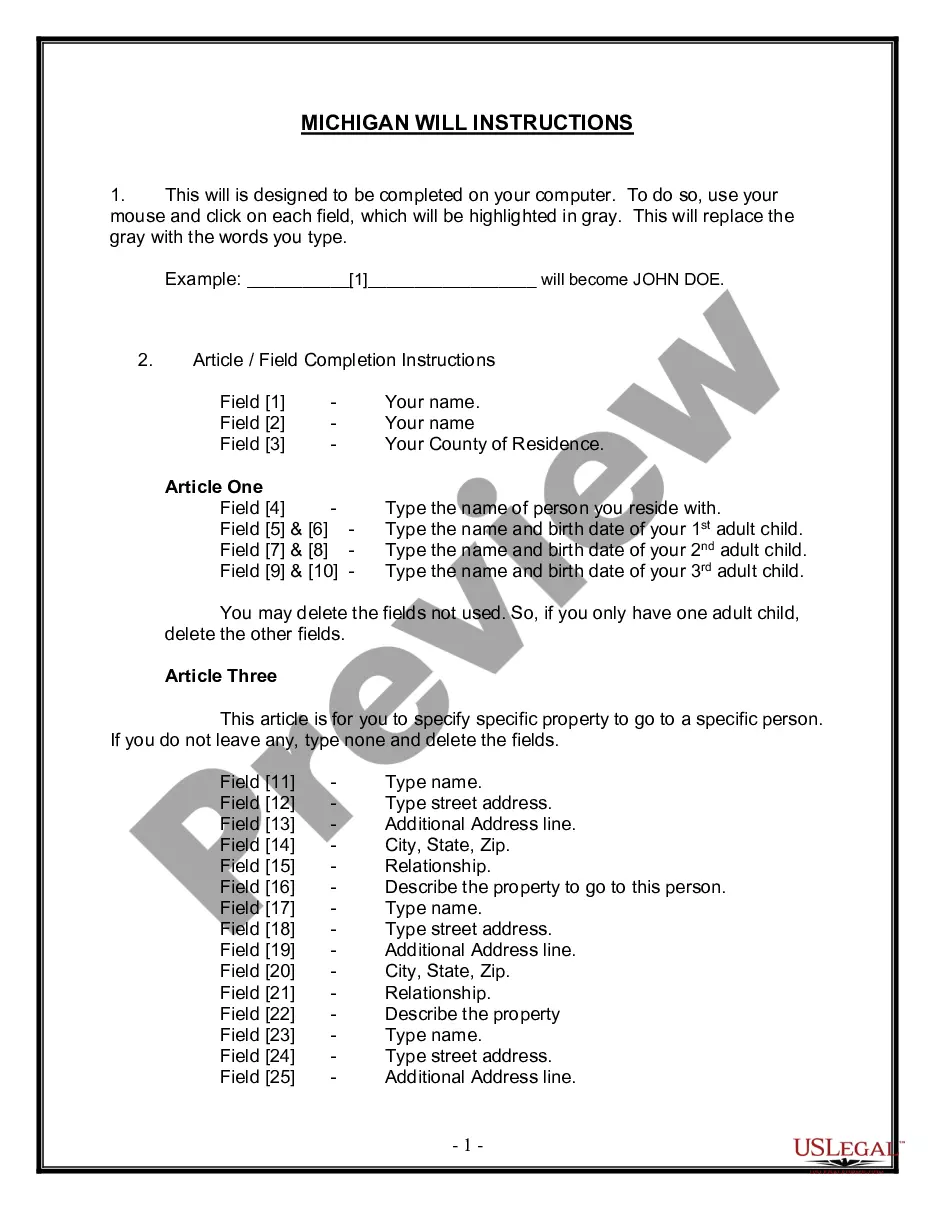

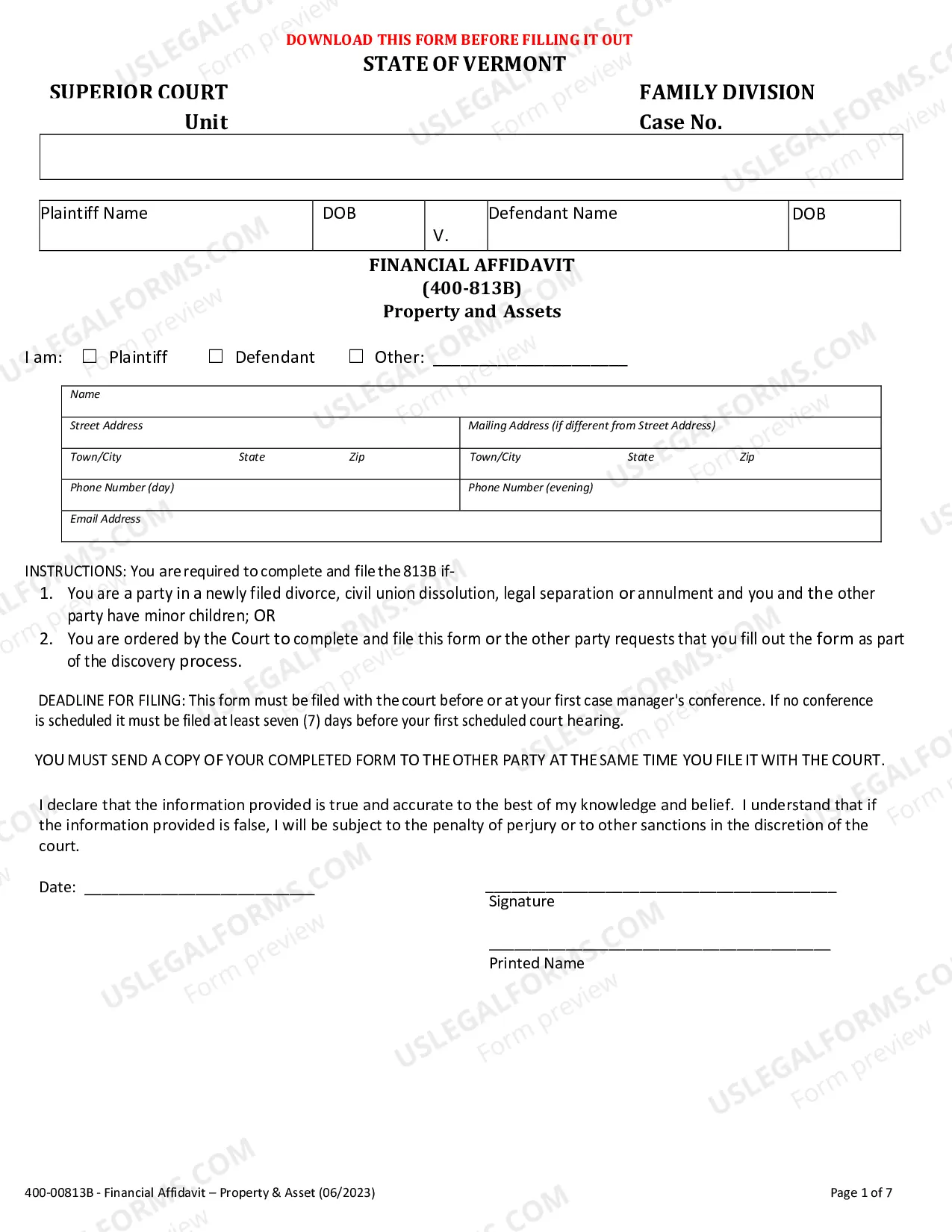


Form popularity
FAQ
Send a written request directly to the Court Reporter: Complete the Transcript Request Form. Email form to the Court Reporter (see contact list below) Wait for a response from the Court Reporter regarding next steps.
The applicant must complete a "Petition for Dismissal" form for each case separately and submit it to the Superior Court where the conviction occurred for review and decision by the court. Any supporting documents to show why the court should grant the dismissal/expungement must be filed with the Petition.
The public may request copies of court case records if the records are not confidential by law or sealed by a court order. The public may request copies of a court's judicial administrative records if the records are not exempt under rule 10.500(f) of the California Rules of Court.
Most documents in federal courts – appellate, district, and bankruptcy – are filed electronically, using a system called Case Management/Electronic Case Files (CM/ECF). The media and public may view most filings found in this system via the Public Access to Court Electronic Records service, better known as PACER.
To obtain a copy of your local criminal history record, a Service Request Form must be submitted to the San Diego County Sheriff's Records & ID Division.
Here's a short list of what you'll want to include: Facts of the case. An outline of what happened. Statement of the issue. A brief description of the problem. Demand. The dollar amount or action necessary to resolve the case. Response deadline. The date by which the recipient must respond. Noncompliance consequences.
Content and Tone Opening Statement. The first sentence or two should state the purpose of the letter clearly. Be Factual. Include factual detail but avoid dramatizing the situation. Be Specific. Documentation. Stick to the Point. Do Not Try to Manipulate the Reader. How to Talk About Feelings. Be Brief.
How to Request Production of Documents and Things Download the template for Request for Production. Fill out basic information at the top. Choose a location for the other side to bring the documents. Add your own definitions (if useful) ... Write your requests for production. Sign and date the document. Make copies.
What to include in your document request email or letter Introduce yourself. State who you are using full name, position and company name. Purpose for written request. Then, explain why you are writing. Call to action. Benefit to the client. Closing. Contact Information.
Writing Your Letter Search for a form letter. Some courts print off forms that you can use to request a hearing. Open a word processing document. Insert a salutation. Add a heading. Begin the letter with your request. Explain why you need the hearing. Provide a contact number. Sign the letter.

