Court Letter Templates With Name In Riverside
Description




Get your form ready online
Our built-in tools help you complete, sign, share, and store your documents in one place.
Make edits, fill in missing information, and update formatting in US Legal Forms—just like you would in MS Word.
Download a copy, print it, send it by email, or mail it via USPS—whatever works best for your next step.
Sign and collect signatures with our SignNow integration. Send to multiple recipients, set reminders, and more. Go Premium to unlock E-Sign.
If this form requires notarization, complete it online through a secure video call—no need to meet a notary in person or wait for an appointment.
We protect your documents and personal data by following strict security and privacy standards.

Make edits, fill in missing information, and update formatting in US Legal Forms—just like you would in MS Word.

Download a copy, print it, send it by email, or mail it via USPS—whatever works best for your next step.

Sign and collect signatures with our SignNow integration. Send to multiple recipients, set reminders, and more. Go Premium to unlock E-Sign.

If this form requires notarization, complete it online through a secure video call—no need to meet a notary in person or wait for an appointment.

We protect your documents and personal data by following strict security and privacy standards.
Looking for another form?







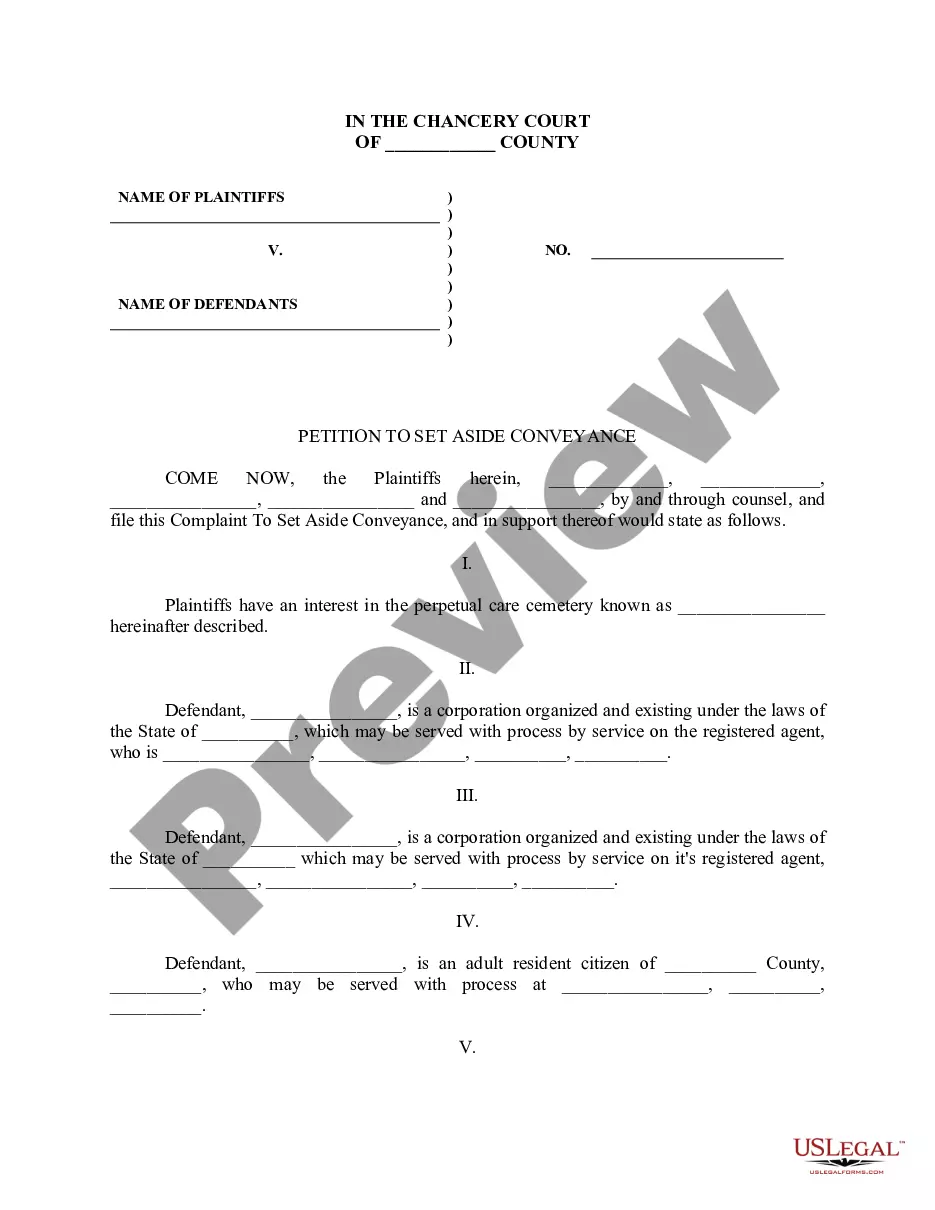
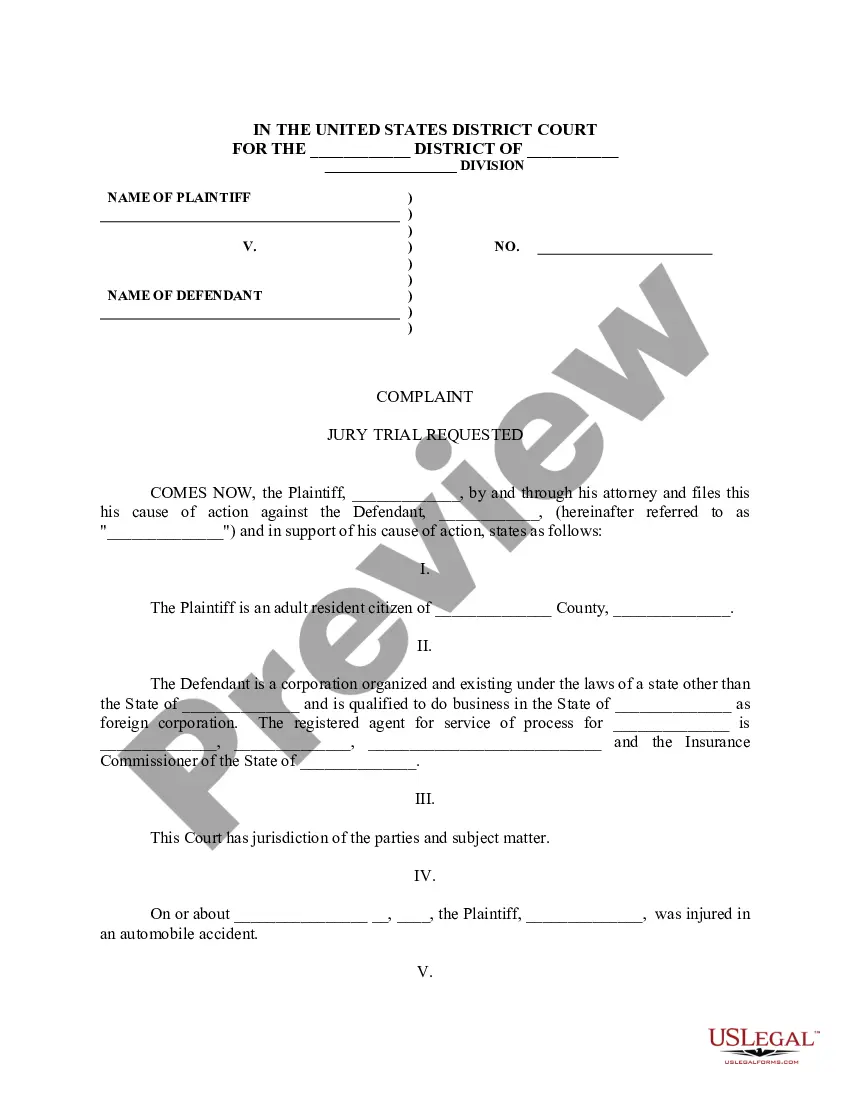

Form popularity
FAQ
It is called a "walk-on" or "add-on" and you must go to the clerk's office as soon as the court opens. If you are late, the clerk will not put it on calendar.
This site allows for the electronic filing of documents Unlimited Civil, including Complex, Limited Civil, Unlawful Detainers and Small Claims cases with the Riverside Superior Court. Please read the Riverside Superior Court General Order re: Electronic Filing for Civil .
Ex Parte Applications Ex parte documents must be eFiled before am the court day before the hearing. Ex parte written oppositions must be eFiled before am the day of the hearing. Printed courtesy copies of ex parte oppositions must be provided to the court the day of the ex parte hearing.
The following types of documents are submitted through the efiling process: - Peremptory Challenges or Challenges for Cause of a Judicial Officer per to Code of Civil Procedure sections 170.6 or 170.3; - Bonds/Undertaking documents; - Trial and Evidentiary Hearing Exhibits; - Documents submitted conditionally under ...
Pursuant to Code of Civil Procedure §1010.6 and the California Rules of Court, rule 2.253(b)(2), the Civil Division of the Riverside Superior Court is implementing electronic filing (eFiling). You can eFile documents 24/7 through an approved Electronic Filing Service Provider (EFSP).
California Judicial Council Forms are pre approved pleadings for filing with the Court.
Every case-initiating document filed in the Central District must be filed electronically, except: (a) in criminal cases; (b) in sealed cases, or where leave to file the case under seal is sought; or (c) where the filer is exempt from e-filing pursuant to Local Rule 5-4.2(a), such as parties who are not represented by ...
Pleading Paper Your name must start on line 1. The Court name and location must start on line 8. The caption of the case must start on line 11. You must have a footer with the title of the document. After the caption (the box with the name of the Plaintiff/Respondent) you can use the space as needed, using double spacing.
Important points to include in a legal document. Party details. List the names, numbers, addresses (email or physical), and any other relevant information of all parties involved. Background information. Motion. Roles and responsibilities. Breaches or contingencies. Dates and signatures.
Be polite and professional start your letter with a formal salutation. Such as dear clerk of courtsMoreBe polite and professional start your letter with a formal salutation. Such as dear clerk of courts or Dear Mr Ms Clerk's. Last name maintain a respectful tone throughout the letter 6.

