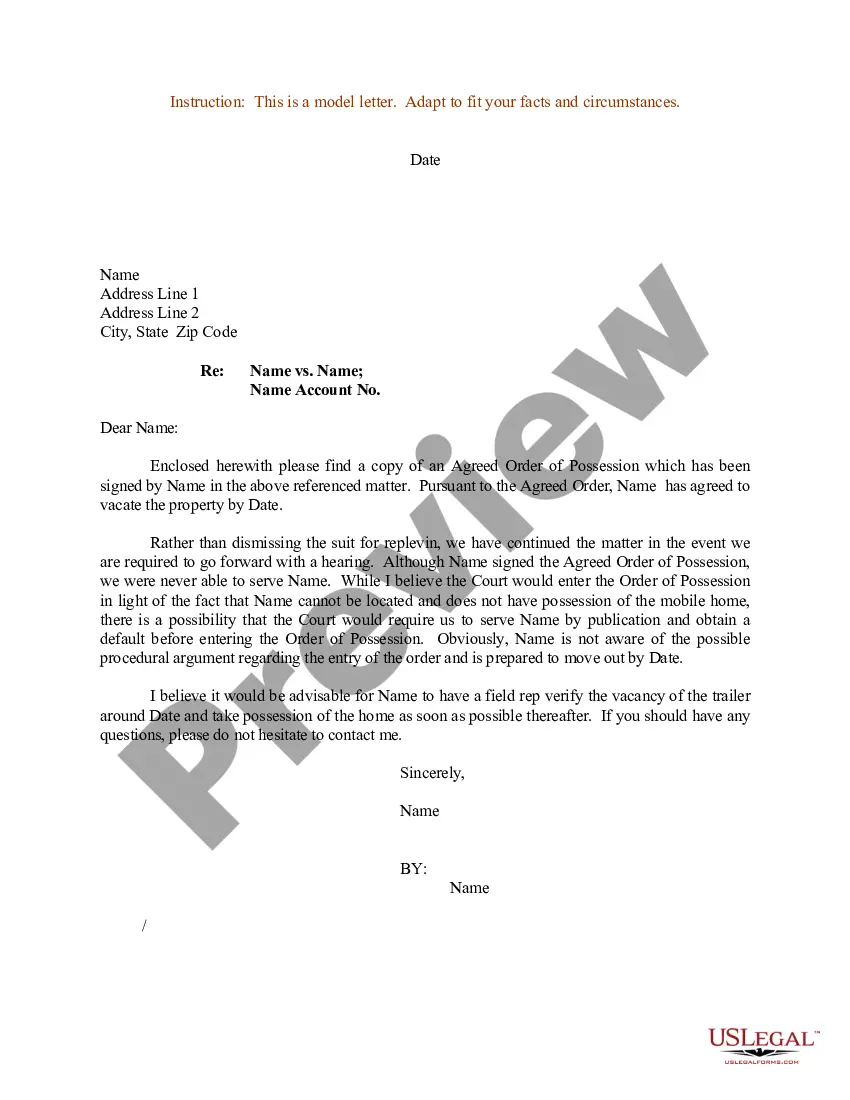
Letter Format For Court In Phoenix
Description



Get your form ready online
Our built-in tools help you complete, sign, share, and store your documents in one place.
Make edits, fill in missing information, and update formatting in US Legal Forms—just like you would in MS Word.
Download a copy, print it, send it by email, or mail it via USPS—whatever works best for your next step.
Sign and collect signatures with our SignNow integration. Send to multiple recipients, set reminders, and more. Go Premium to unlock E-Sign.
If this form requires notarization, complete it online through a secure video call—no need to meet a notary in person or wait for an appointment.
We protect your documents and personal data by following strict security and privacy standards.

Make edits, fill in missing information, and update formatting in US Legal Forms—just like you would in MS Word.

Download a copy, print it, send it by email, or mail it via USPS—whatever works best for your next step.

Sign and collect signatures with our SignNow integration. Send to multiple recipients, set reminders, and more. Go Premium to unlock E-Sign.

If this form requires notarization, complete it online through a secure video call—no need to meet a notary in person or wait for an appointment.

We protect your documents and personal data by following strict security and privacy standards.
Looking for another form?







Form popularity
FAQ
How to fill out the Superior Court Paperwork Service Acceptance Form? Provide your name in the designated field. Indicate the documents you have received by checking the boxes. Express agreement or disagreement with the court's jurisdiction. Provide your contact information for legal correspondence.
Letters from non-lawyers to judges are absolutely to be avoided. They are inappropriate and violate many rules regarding proper communication with judges. Some letters may be in violation of criminal law that prohibits improper efforts to influenc...
The case number typically appears in one of two formats, as shown in the following examples: CV 17-00010-PHX-DJH or cv00010 “CV” is the case type. Case types assigned by the Court include Civil (“cv”), Criminal (“cr”) and Miscellaneous (“mc”). The number 17 represents the year the case was filed.
How to Format an Answer Letter for a Civil Summons Provide the name of the court at the top of the Answer. List the name of the plaintiff on the left side. Write the case number on the right side of the Answer. Address the Judge and discuss your side of the case.
Tips for Writing a Letter to a Judge: Be Respectful: Use formal language and address the judge appropriately. Be Concise: Keep the letter focused and to the point. Provide Relevant Information: Stick to facts and avoid emotional appeals that lack substance.
Writing the Content of the Letter Write who you are and what your profession is. Explain how you know the defendant. Provide a general statement of support. Write a statement on the defendant's character. Add additional information. Write the conclusion. Avoid improper remarks.
The letter should be no longer than one page.
Include any necessary details to support your request or statement. This may include dates caseMoreInclude any necessary details to support your request or statement. This may include dates case numbers or descriptions of documents 8. Close the letter thank the clerk for their time and assistance.
For AZ criminal history checks / clearance you must contact the Arizona Department of Public Safety Criminal History Records Unit, phone (602) 223-2279. For national checks / clearance, you must contact the FBI, Special Correspondence Unit, phone (304) 625-5590.

