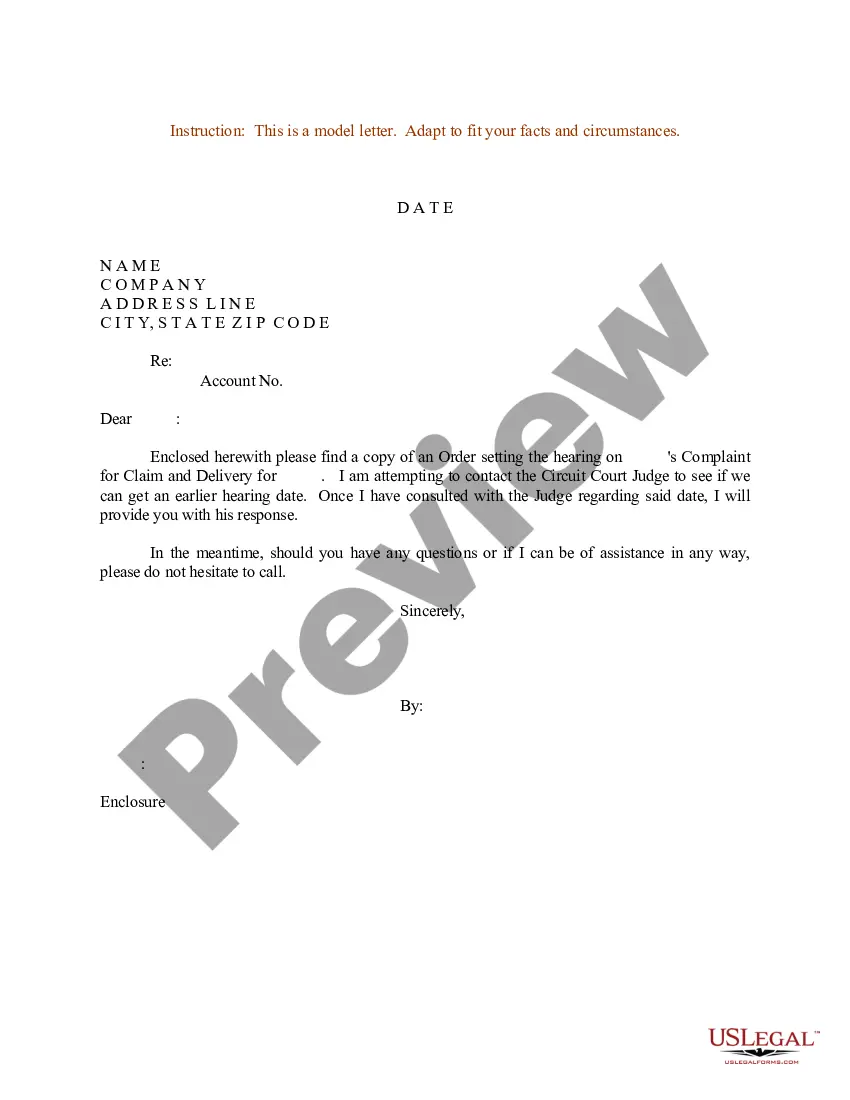
Court Letter Sample With Greetings In Nassau
Description




Get your form ready online
Our built-in tools help you complete, sign, share, and store your documents in one place.
Make edits, fill in missing information, and update formatting in US Legal Forms—just like you would in MS Word.
Download a copy, print it, send it by email, or mail it via USPS—whatever works best for your next step.
Sign and collect signatures with our SignNow integration. Send to multiple recipients, set reminders, and more. Go Premium to unlock E-Sign.
If this form requires notarization, complete it online through a secure video call—no need to meet a notary in person or wait for an appointment.
We protect your documents and personal data by following strict security and privacy standards.

Make edits, fill in missing information, and update formatting in US Legal Forms—just like you would in MS Word.

Download a copy, print it, send it by email, or mail it via USPS—whatever works best for your next step.

Sign and collect signatures with our SignNow integration. Send to multiple recipients, set reminders, and more. Go Premium to unlock E-Sign.

If this form requires notarization, complete it online through a secure video call—no need to meet a notary in person or wait for an appointment.

We protect your documents and personal data by following strict security and privacy standards.
Looking for another form?



Form popularity
FAQ
The return date is the court date. The party making the motion chooses the court date and puts it in the Notice of Motion so everyone knows when to come to court. NYSCEF wants to know the court date and has a calendar button to find the court date you picked.
Motions made by notice of motion and petitions and notices of petition in special proceedings are processed by the General Clerk's Office (Room 119) and are to be made returnable in the Motion Submission Part Courtroom (Room 130) on any business day of the week at AM.
Motions made by notice of motion and petitions and notices of petition in special proceedings are processed by the General Clerk's Office (Room 119) and are to be made returnable in the Motion Submission Part Courtroom (Room 130) on any business day of the week at AM.
Yes. Certain ex parte communications to a judge or court personnel are allowed by law. For example, if you are contesting a citation (commonly called a “ticket”) for a traffic infraction, the law allows you to submit a written explanation directly to the court.
Type the Name and Address of the Judge or Court Staff On the next line below the name, include the name of the court in which the judge presides, such as "San Francisco Superior Court" or "United States Court of Appeals, Ninth Circuit." Directly under the name, include the judge's address, city, state and ZIP code.
A motion may be withdrawn at any time prior to its return date by filing with the clerk a written request signed by counsel for the moving party. A request to withdraw a motion after submission must be supported by a stipulation of withdrawal signed by all counsel.
A motion may be withdrawn at any time prior to its return date by filing with the clerk a written request signed by counsel for the moving party.
An effective court statement should include personal identification, detailed case information, relevant facts, supporting evidence, and maintain objectivity to ensure credibility and focus.
Format of the letter: introduce yourself, state how long you've known the person and in what capacity. Choose 2 to 3 reasons why you support them and write a brief paragraph on each. Close with a sentence reiterating your support.
Follow the order of this format, leaving a space in between each section: Your Information (first thing that goes on the inside of the letter) Name. The Date. The Judge's Information. Honorable Judge First Name Last Name. What the Letter Is Going to Address. Salutation. Body. Signature.

