Sample Letter To Court Clerk In Minnesota
Description




Get your form ready online
Our built-in tools help you complete, sign, share, and store your documents in one place.
Make edits, fill in missing information, and update formatting in US Legal Forms—just like you would in MS Word.
Download a copy, print it, send it by email, or mail it via USPS—whatever works best for your next step.
Sign and collect signatures with our SignNow integration. Send to multiple recipients, set reminders, and more. Go Premium to unlock E-Sign.
If this form requires notarization, complete it online through a secure video call—no need to meet a notary in person or wait for an appointment.
We protect your documents and personal data by following strict security and privacy standards.

Make edits, fill in missing information, and update formatting in US Legal Forms—just like you would in MS Word.

Download a copy, print it, send it by email, or mail it via USPS—whatever works best for your next step.

Sign and collect signatures with our SignNow integration. Send to multiple recipients, set reminders, and more. Go Premium to unlock E-Sign.

If this form requires notarization, complete it online through a secure video call—no need to meet a notary in person or wait for an appointment.

We protect your documents and personal data by following strict security and privacy standards.
Looking for another form?



Form popularity
FAQ
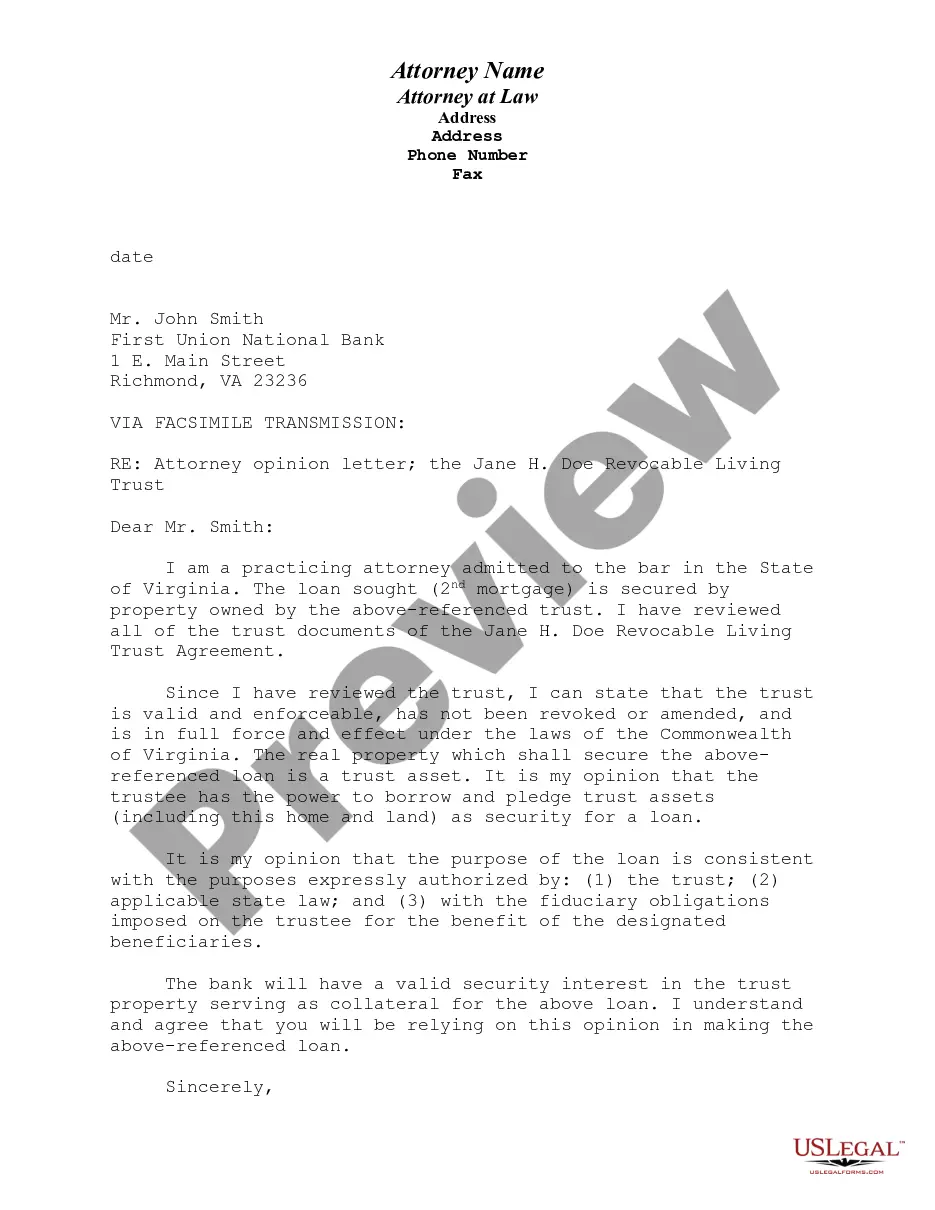
Include any necessary details to support your request or statement. This may include dates caseMoreInclude any necessary details to support your request or statement. This may include dates case numbers or descriptions of documents 8. Close the letter thank the clerk for their time and assistance.
Minnesota Guide & File is a web-based electronic tool that helps you create court forms in certain types of cases. In most situations, you can then file your forms electronically (eFile) through Guide & File, or print and file at a courthouse.
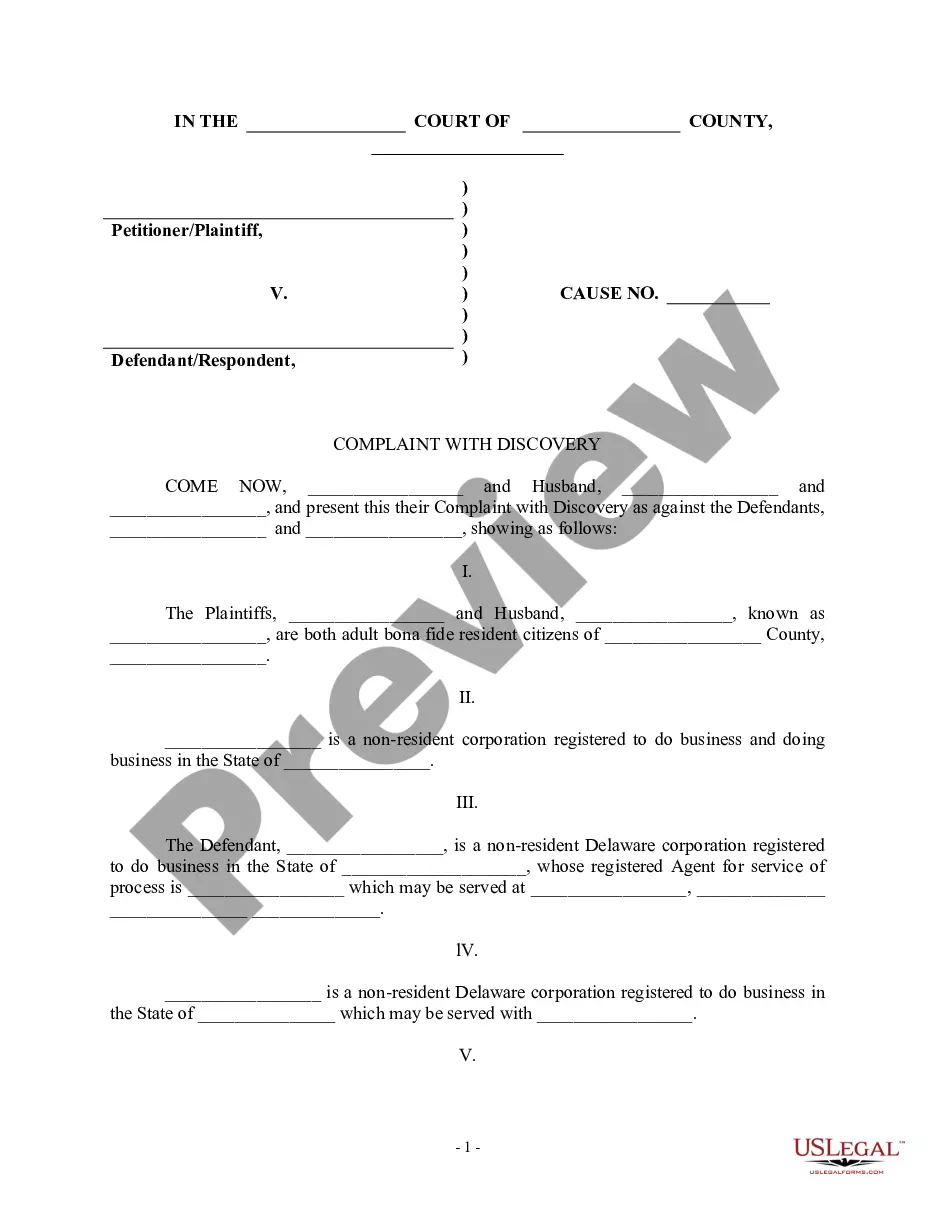
You must give or mail to the person who signed this summons a written response called an Answer within 20 days of the date on which you received this Summons. You must send a copy of your Answer to the person who signed this summons located at: _____________________ .
Instructions for filing a. Motion. in the Minnesota Court of Appeals. Step 1: Fill out the Motion form. Step 2: Fill out the Affidavit in Support of Motion form. Step 3: Serve your Motion and Affidavit on the opposing parties. Step 4: Proof of Service. Step 5: File the Motion, Affidavit, and Certificate of Service by Mail.
Instructions for filing a. Motion. in the Minnesota Court of Appeals. Step 1: Fill out the Motion form. Step 2: Fill out the Affidavit in Support of Motion form. Step 3: Serve your Motion and Affidavit on the opposing parties. Step 4: Proof of Service. Step 5: File the Motion, Affidavit, and Certificate of Service by Mail.
Write your legal argument by stating the rule and explaining how your facts apply to it. Then, add your signature, a Certificate of Service, and a Notice of Hearing. File your motion with the clerk of court overseeing your case. Then, give copies to each defendant.
General format - each motion generally consists of a case caption, a title that briefly identifies the relief sought, a series of numbered paragraphs that explains -- in a logical way -- why you are entitled to that relief, a prayer for relief, a signature block, a certification that a copy of the motion was sent to ...
Rule 69. In aid of the judgment or execution, the judgment creditor, or successor in interest when that interest appears of record, may obtain discovery from any person, including the judgment debtor, in the manner provided by these rules.
After the defendant has filed an answer or a motion to dismiss the complaint, the judge holds a pretrial conference, sometimes referred to as a case management conference. A schedule for discovery is generally set at this conference, and a trial date is sometimes also scheduled.
