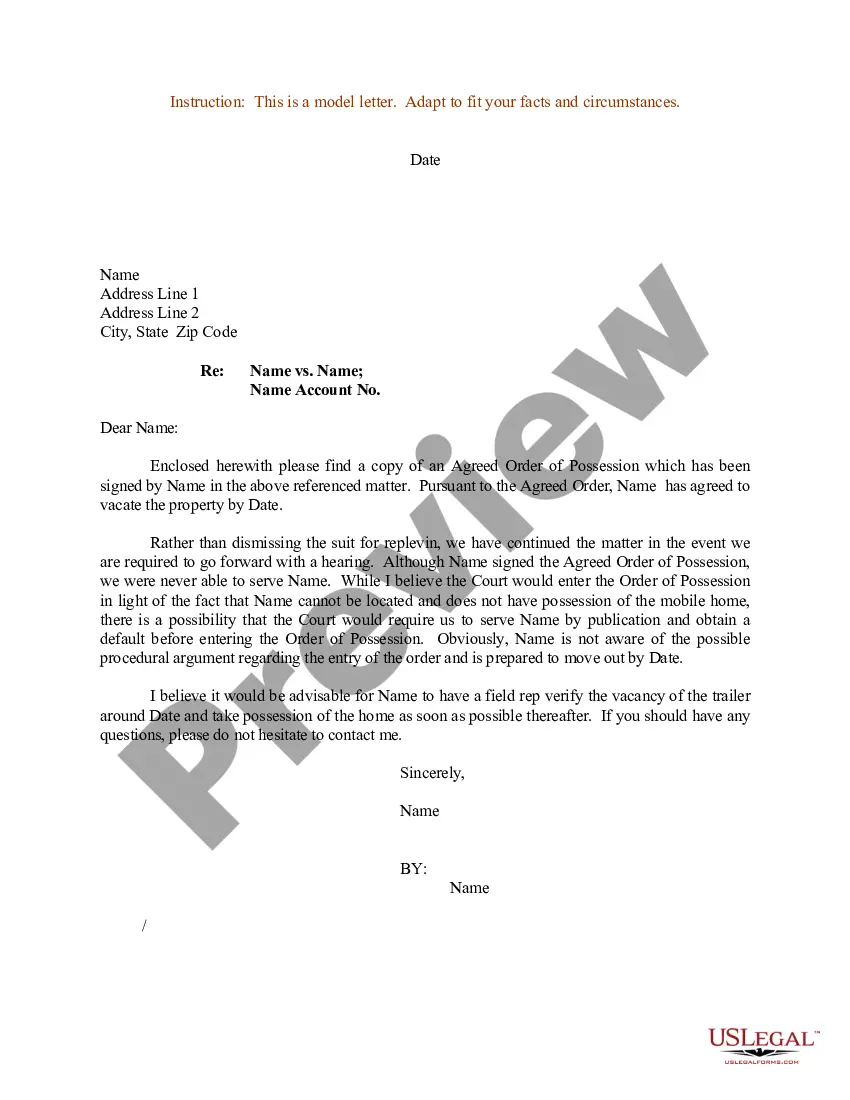
Court Letter Sample Formal In Minnesota
Description



Get your form ready online
Our built-in tools help you complete, sign, share, and store your documents in one place.
Make edits, fill in missing information, and update formatting in US Legal Forms—just like you would in MS Word.
Download a copy, print it, send it by email, or mail it via USPS—whatever works best for your next step.
Sign and collect signatures with our SignNow integration. Send to multiple recipients, set reminders, and more. Go Premium to unlock E-Sign.
If this form requires notarization, complete it online through a secure video call—no need to meet a notary in person or wait for an appointment.
We protect your documents and personal data by following strict security and privacy standards.

Make edits, fill in missing information, and update formatting in US Legal Forms—just like you would in MS Word.

Download a copy, print it, send it by email, or mail it via USPS—whatever works best for your next step.

Sign and collect signatures with our SignNow integration. Send to multiple recipients, set reminders, and more. Go Premium to unlock E-Sign.

If this form requires notarization, complete it online through a secure video call—no need to meet a notary in person or wait for an appointment.

We protect your documents and personal data by following strict security and privacy standards.
Looking for another form?



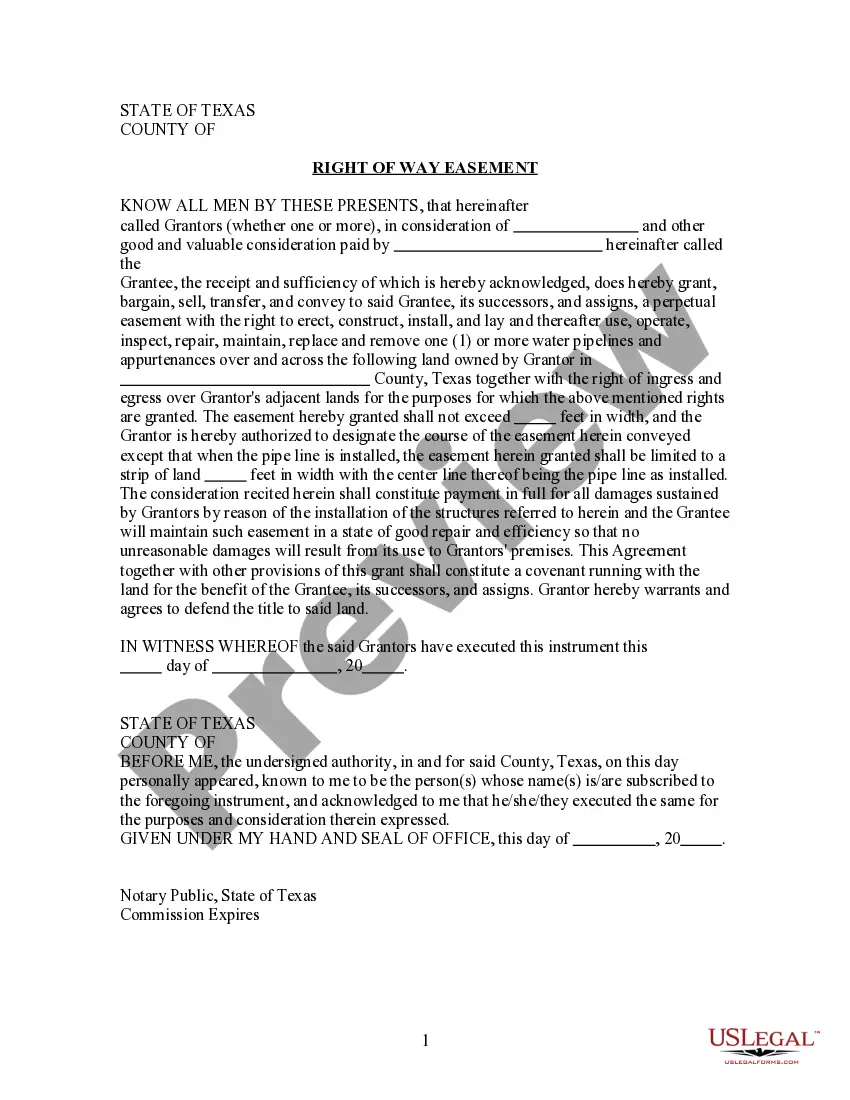



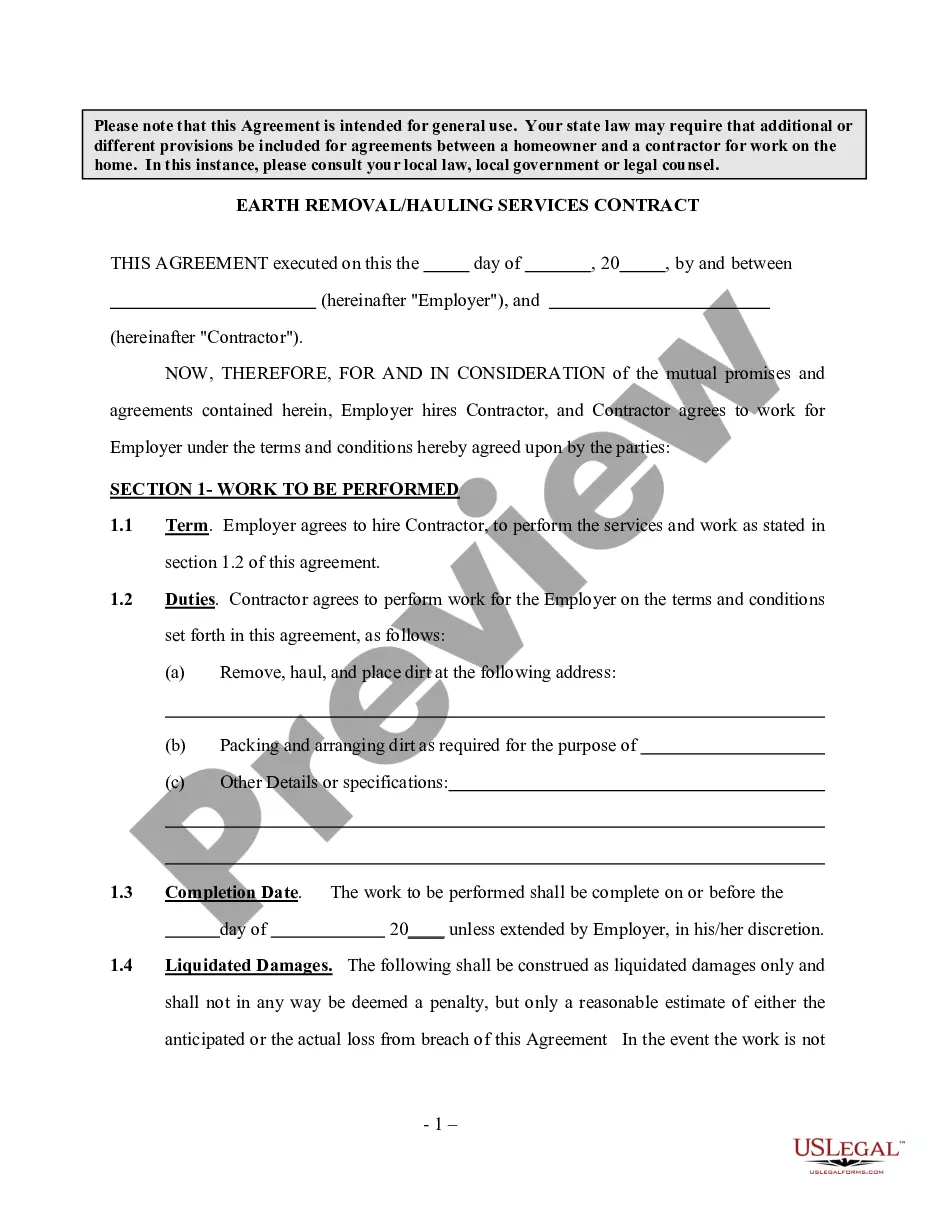

Form popularity
FAQ
Introduce yourself in the opening paragraph. Outline your relationship with the person who is the subject of the legal proceedings. Acknowledge the charges that have been brought against the person. State your opinion of the person's general character.
Introduce yourself in the opening paragraph. Outline your relationship with the person who is the subject of the legal proceedings. Acknowledge the charges that have been brought against the person. State your opinion of the person's general character.
Outside of the Supreme Court, always use “The Honorable (full name)” in your correspondence.
Follow the order of this format, leaving a space in between each section: Your Information (first thing that goes on the inside of the letter) Name. The Date. The Judge's Information. Honorable Judge First Name Last Name. What the Letter Is Going to Address. Salutation. Body. Signature.
Most courts will accept copies of electronically delivered letters, but be sure to check with the attorney first. Remember that judges read hundreds of letters. The easier you make it for the judge to read, the most likely the judge will be able to focus on the message you are trying to convey.
Writing Your Letter Search for a form letter. Some courts print off forms that you can use to request a hearing. Open a word processing document. Insert a salutation. Add a heading. Begin the letter with your request. Explain why you need the hearing. Provide a contact number. Sign the letter.
Write the Salutation If the letter is intended for a judge, type "Dear Judge (Last name):" and include a colon after the judge's name. If you are addressing it to a member of the court staff, type "Dear Ms. Smith:" and include a colon after the person's name.
To get an Order for Protection dismissed in Minnesota, consult an experienced attorney for guidance. Gather evidence proving innocence, highlight changed circumstances, and attend court hearings. Mediation also aids in resolution. Legal defenses such as lack of evidence or due process violations are also crucial.
The public can also access court documents from public access computer terminals at any Minnesota district (county) courthouse or at the Minnesota State Law Library. The availability of court records is governed by the Minnesota Rules of Public Access to Records of the Judicial Branch.
There shall be no remote access to publicly accessible district court case records in the following cast types: (1) Domestic abuse (proceedings for orders for protection under Minnesota Statutes, section 518B. 01); (2) Harassment (proceedings for harassment restraining orders under Minnesota Statutes, section 609.748);

