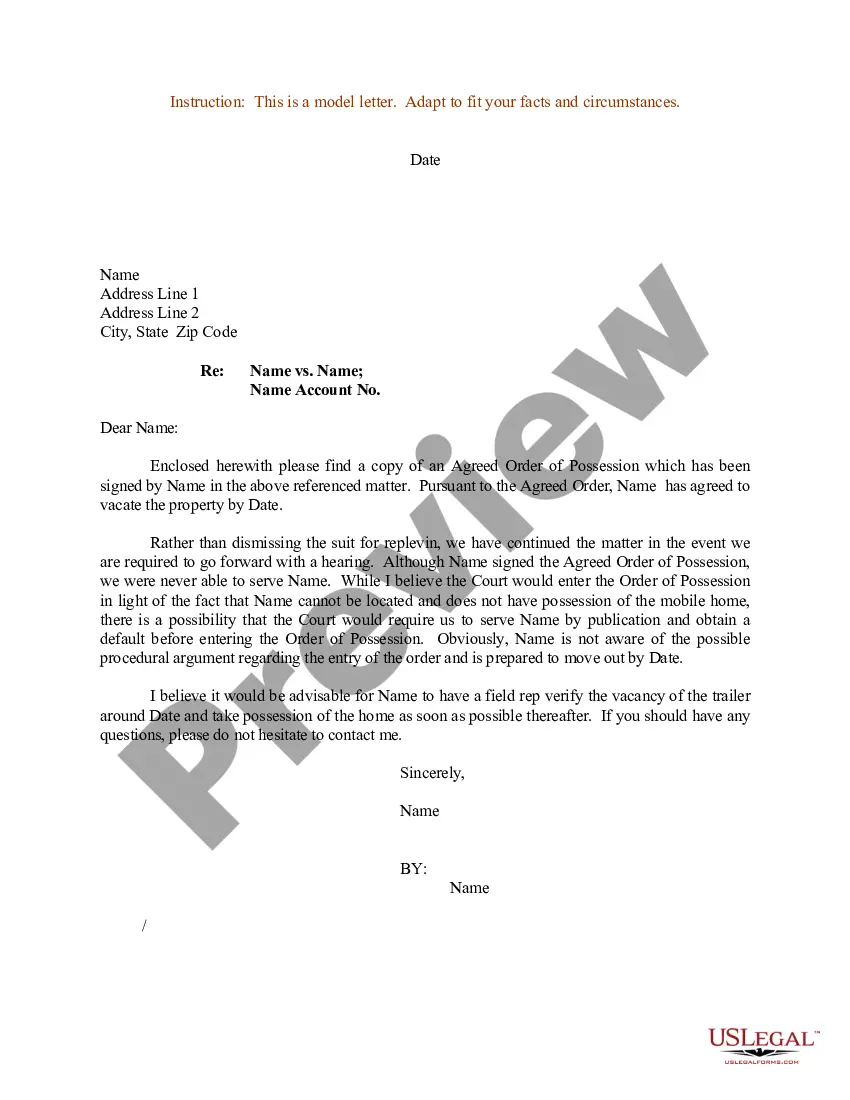
Court Letter Sample For Request In Miami-Dade
Description



Get your form ready online
Our built-in tools help you complete, sign, share, and store your documents in one place.
Make edits, fill in missing information, and update formatting in US Legal Forms—just like you would in MS Word.
Download a copy, print it, send it by email, or mail it via USPS—whatever works best for your next step.
Sign and collect signatures with our SignNow integration. Send to multiple recipients, set reminders, and more. Go Premium to unlock E-Sign.
If this form requires notarization, complete it online through a secure video call—no need to meet a notary in person or wait for an appointment.
We protect your documents and personal data by following strict security and privacy standards.

Make edits, fill in missing information, and update formatting in US Legal Forms—just like you would in MS Word.

Download a copy, print it, send it by email, or mail it via USPS—whatever works best for your next step.

Sign and collect signatures with our SignNow integration. Send to multiple recipients, set reminders, and more. Go Premium to unlock E-Sign.

If this form requires notarization, complete it online through a secure video call—no need to meet a notary in person or wait for an appointment.

We protect your documents and personal data by following strict security and privacy standards.
Looking for another form?









Form popularity
FAQ
By Florida law, the Clerk of Courts in each county is the official custodian of court records. Click here to access the Clerk's Online Services, including official records, civil/family/probate cases, criminal cases and traffic cases, or you may call the Clerk's 24-hour voice response system at (305) 275-1155.
To make a request contact the Clerk's office by mail or in person at Miami-Dade County Courthouse or by email at cocoffrec@miamidade.
Pursuant to Chapter 119, Florida Statutes, requests for public records may be submitted in person, by mail, online submission form, email or telephonically. A public records request does not have to be in writing as a prerequisite for completing a public records request.
As long as the proceeding was not sealed, anyone may obtain a transcript. To obtain a written transcript of a proceeding where a court reporter was present, contact the court reporter listed in the minutes of the proceeding.
Federal case files are maintained electronically and are available through the internet-based Public Access to Court Electronic Records (PACER) service. PACER allows anyone with an account to search and locate appellate, district, and bankruptcy court case and docket information. Register for a PACER account.
Request a court hearing. You may plead not guilty and request a court hearing online, by visiting our Traffic Online System or by filling out the Request for Trial Form.
Anonymous Public/Case Search users may view all court records except those that are expunged or sealed, automatically confidential under rule 2.420(d)(1), Fla, R. Gen.
Typically, you would file a motion with the court and pick up a hearing date when you file. Alternately, you could request a hearing date in person. If you want to request a hearing date using a letter, then you should check to see if the court allows you to request a hearing in this manner.
By Florida law, the Clerk of Courts in each county is the official custodian of court records. Click here to access the Clerk's Online Services, including official records, civil/family/probate cases, criminal cases and traffic cases, or you may call the Clerk's 24-hour voice response system at (305) 275-1155.

