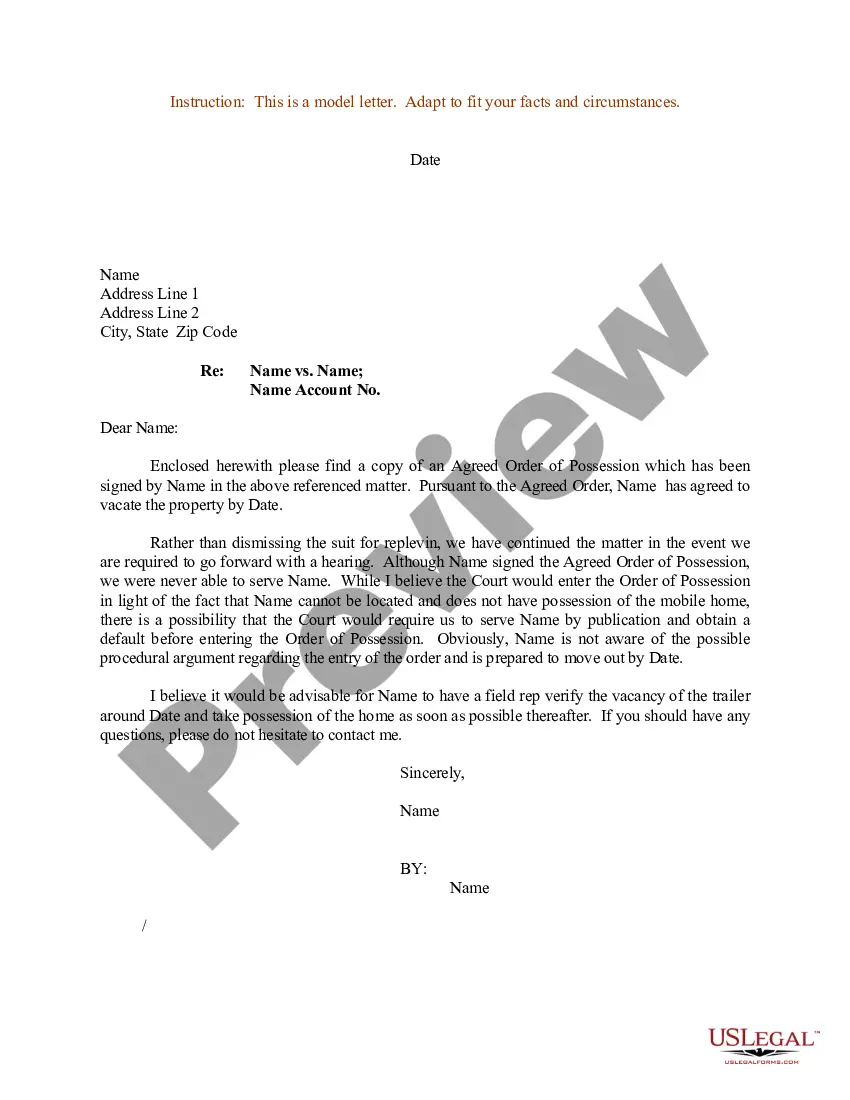
Sample Letter For Court Hearing In Houston
Description



Get your form ready online
Our built-in tools help you complete, sign, share, and store your documents in one place.
Make edits, fill in missing information, and update formatting in US Legal Forms—just like you would in MS Word.
Download a copy, print it, send it by email, or mail it via USPS—whatever works best for your next step.
Sign and collect signatures with our SignNow integration. Send to multiple recipients, set reminders, and more. Go Premium to unlock E-Sign.
If this form requires notarization, complete it online through a secure video call—no need to meet a notary in person or wait for an appointment.
We protect your documents and personal data by following strict security and privacy standards.

Make edits, fill in missing information, and update formatting in US Legal Forms—just like you would in MS Word.

Download a copy, print it, send it by email, or mail it via USPS—whatever works best for your next step.

Sign and collect signatures with our SignNow integration. Send to multiple recipients, set reminders, and more. Go Premium to unlock E-Sign.

If this form requires notarization, complete it online through a secure video call—no need to meet a notary in person or wait for an appointment.

We protect your documents and personal data by following strict security and privacy standards.
Looking for another form?








Form popularity
FAQ
To file online, go to E-File Texas ( ) 11 and follow the instructions. To file in person, take your answer (and copies) to the district clerk's office in the county where the plaintiff filed the case. At the clerk's office: Turn in your answer form (and copies).
Writing Your Letter Search for a form letter. Some courts print off forms that you can use to request a hearing. Open a word processing document. Insert a salutation. Add a heading. Begin the letter with your request. Explain why you need the hearing. Provide a contact number. Sign the letter.
When drafting an answer, one must: (1) follow the local, state, and federal court rules; (2) research the legal claims in the adversary's complaint; (3) respond to the adversary's factual allegations; and (4) assert affirmative defenses, counterclaims, cross-claims, or third-party claims, if applicable.
To file online, go to E-File Texas ( ) 11 and follow the instructions. To file in person, take your answer (and copies) to the district clerk's office in the county where the plaintiff filed the case. At the clerk's office: Turn in your answer form (and copies).
On a separate page or pages, write a short and plain statement of the answer to the allegations in the complaint. Number the paragraphs. The answer should correspond to each paragraph in the complaint, with paragraph 1 of the answer corresponding to paragraph 1 of the complaint, etc.
How Do You Fill Out an Answer Form? Step 1: Deny or Verify the Pleas From the Complaint. Step 2: Raise Your Defenses and Counterclaims. Step 3: Sign the Unsworn Declaration. Step 4: Fill Out the Certificate of Service. Step 5: File Your Forms With the Justice Court Clerk Within 14 Days.
An affidavit of non-prosecution serves as a formal declaration by the alleged victim that they do not wish to participate in the prosecution process. This document can be submitted to the prosecutor's office or the court as evidence of the victim's intentions not to cooperate. It must be notarized.
Log into the DCO Website (.hcdistrictclerk) and navigate to Online Services > My Filings. 2. Use the 'Recent' tab or the 'Search' tab to find your eFiled “Motions” document. Click the gavel icon to begin requesting a hearing.
Log into the DCO Website (.hcdistrictclerk) and navigate to Online Services > My Filings. 2. Use the 'Recent' tab or the 'Search' tab to find your eFiled “Motions” document. Click the gavel icon to begin requesting a hearing.

