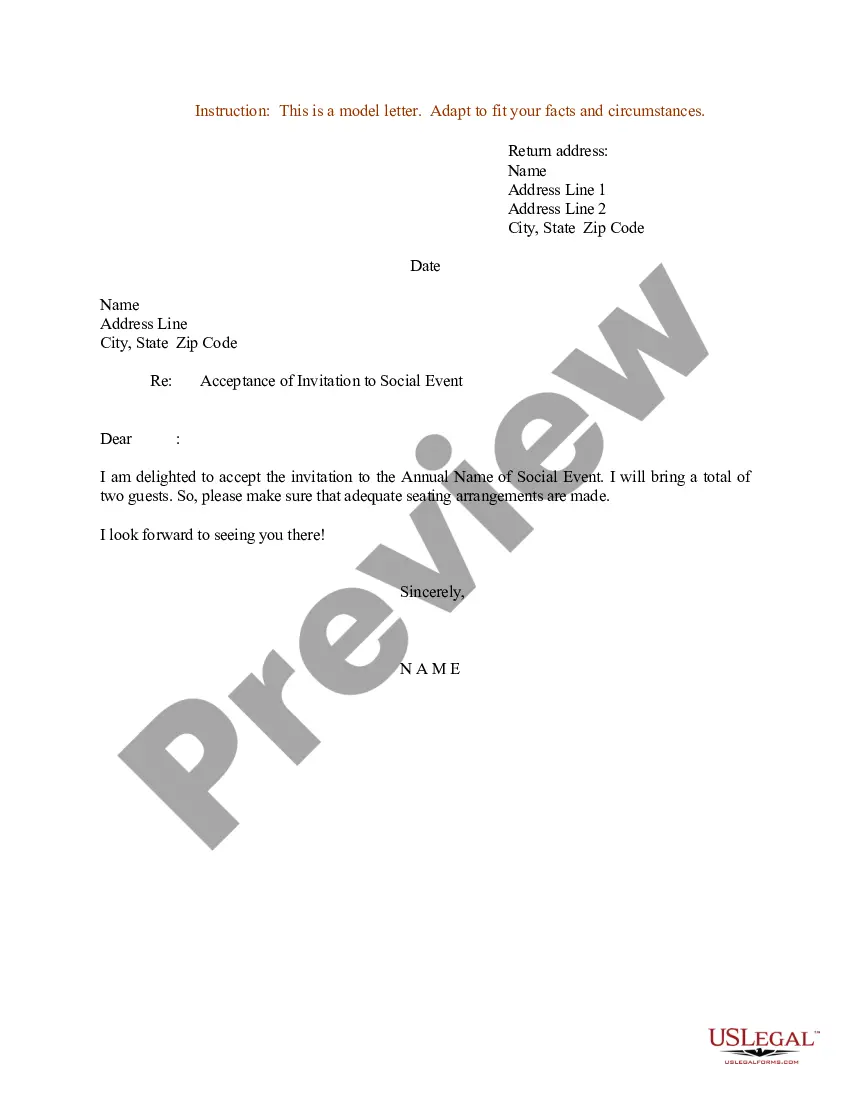
Letter Invitation For A Meeting In Alameda
Description
Get your form ready online
Our built-in tools help you complete, sign, share, and store your documents in one place.
Make edits, fill in missing information, and update formatting in US Legal Forms—just like you would in MS Word.
Download a copy, print it, send it by email, or mail it via USPS—whatever works best for your next step.
Sign and collect signatures with our SignNow integration. Send to multiple recipients, set reminders, and more. Go Premium to unlock E-Sign.
If this form requires notarization, complete it online through a secure video call—no need to meet a notary in person or wait for an appointment.
We protect your documents and personal data by following strict security and privacy standards.

Make edits, fill in missing information, and update formatting in US Legal Forms—just like you would in MS Word.

Download a copy, print it, send it by email, or mail it via USPS—whatever works best for your next step.

Sign and collect signatures with our SignNow integration. Send to multiple recipients, set reminders, and more. Go Premium to unlock E-Sign.

If this form requires notarization, complete it online through a secure video call—no need to meet a notary in person or wait for an appointment.

We protect your documents and personal data by following strict security and privacy standards.
Looking for another form?









Form popularity
FAQ
What is the Minimum Wage in California? County or City2025 Minimum Wage Alameda $17.00 Belmont $18.30 Burlingame $17.43 Berkeley $18.6736 more rows •
The Noise Element of the Alameda County Ordinance Code has established noise standards for residential and public institutional land uses. The maximum A-weighted decibel level (dBA) is 65 for a 1-hour period during the daytime and 60 dBA during nighttime hours (10 p.m. to 7 a.m.).
The Sunshine Ordinance is an ordinance to insure easier access to public records and to strengthen the open meeting laws.
The Sunshine Ordinance is an ordinance to insure easier access to public records and to strengthen the open meeting laws.
How to structure your meeting invitation email Craft an enticing subject line. First impressions are essential. Personalize the “send from” field. Spell out the 4 Ws. Explain the goal of your meeting. Share the meeting agenda. Explain how to prepare. Include relevant action items. Sign off with your email signature.
Dear Name, I would like to invite you to a presentation meeting that will be held date and time at location. During this meeting, we will be presenting topic of presentation and discussing main points of discussion. We hope to get your valuable insights and feedback on this matter.
5 tips for writing better meeting invitation emails Write a clear, concise subject line. Include important meeting details. Share a meeting agenda. Add a personal touch. Keep it short and sweet. Bonus tip: Stay in touch ahead of the meeting with reminders. Include your scheduling link.
5 tips for writing better meeting invitation emails Write a clear, concise subject line. Include important meeting details. Share a meeting agenda. Add a personal touch. Keep it short and sweet. Bonus tip: Stay in touch ahead of the meeting with reminders. Include your scheduling link.
I'm writing to invite you to attend the Meeting Name scheduled for Date at Time. This meeting will take place at Address or Meeting Link. The agenda for this meeting includes List of Topics. Kindly confirm your attendance at your earliest convenience.
Use Polite and Friendly Language: Politeness goes a long way. Simple phrases like “Could you let me know your availability?” or “Would you be open to meeting on one of these dates?” set a respectful tone and encourage a positive response.

