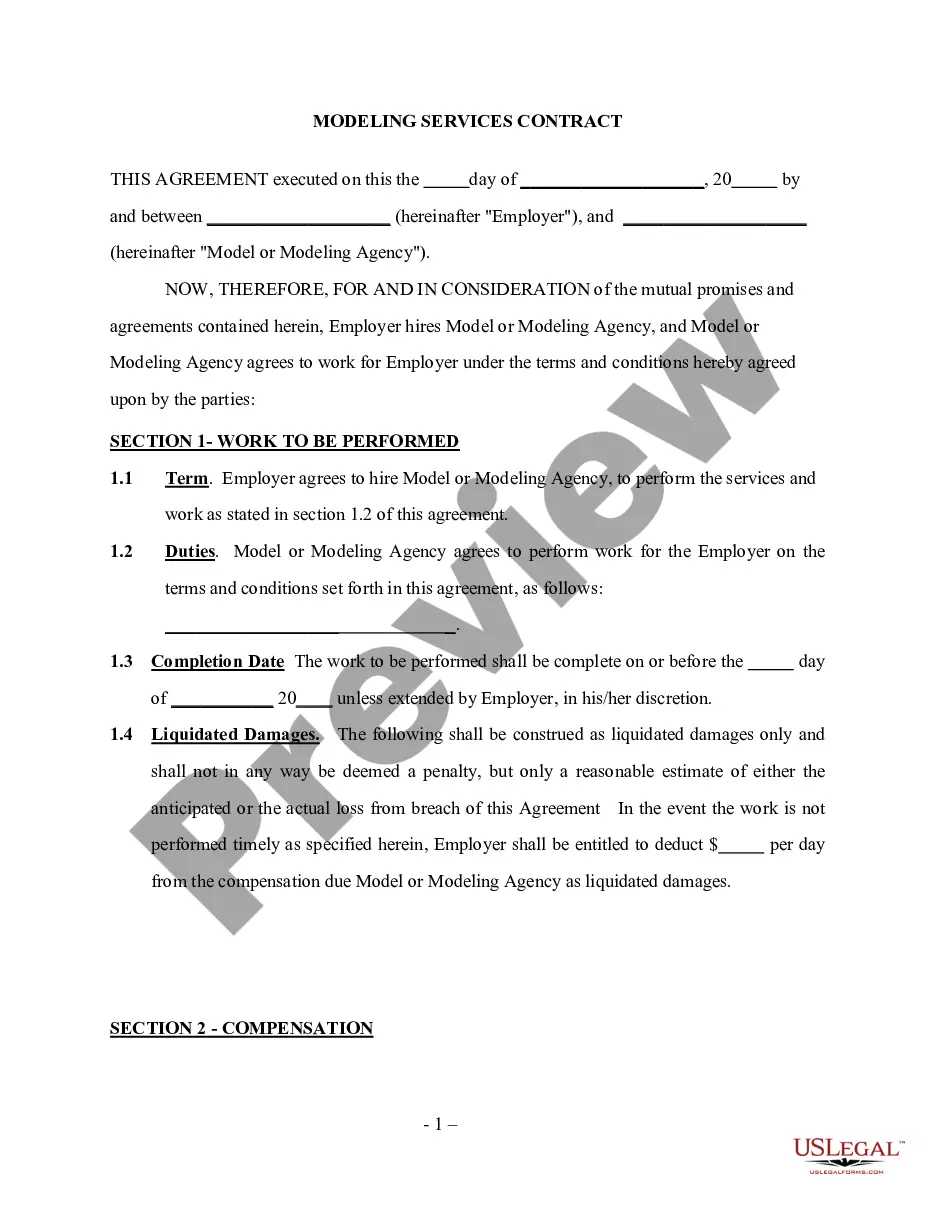
Noc Templates With Photo In Wake
Description



Get your form ready online
Our built-in tools help you complete, sign, share, and store your documents in one place.
Make edits, fill in missing information, and update formatting in US Legal Forms—just like you would in MS Word.
Download a copy, print it, send it by email, or mail it via USPS—whatever works best for your next step.
Sign and collect signatures with our SignNow integration. Send to multiple recipients, set reminders, and more. Go Premium to unlock E-Sign.
If this form requires notarization, complete it online through a secure video call—no need to meet a notary in person or wait for an appointment.
We protect your documents and personal data by following strict security and privacy standards.

Make edits, fill in missing information, and update formatting in US Legal Forms—just like you would in MS Word.

Download a copy, print it, send it by email, or mail it via USPS—whatever works best for your next step.

Sign and collect signatures with our SignNow integration. Send to multiple recipients, set reminders, and more. Go Premium to unlock E-Sign.

If this form requires notarization, complete it online through a secure video call—no need to meet a notary in person or wait for an appointment.

We protect your documents and personal data by following strict security and privacy standards.
Looking for another form?








Form popularity
FAQ
Step-by-Step Guide to Creating a Funeral Program Template in Apple Pages Open Apple Pages and Choose a Template. Set Up the Document Layout. Customize the Cover Page. Create the Order of Service Section. Add an Obituary or Life Story. Include Poems, Quotes, or Scripture. Incorporate Photos and Captions:
How many pages should a funeral program have? Usually 4-8 pages, depending on the amount of information included.
As you consider how to lay out your funeral program, you should plan to include the full name (including maiden name) of the deceased, the dates and locations of their birth and death, the funeral service and burial time, date, and place, the name of the officiant and pallbearers, the names of surviving family members, ...
Here is a step-by-step guide: Choose a Template: Start Microsoft Word and go to the "File" menu. Customize the Cover Page. Add an Order of Service. Include Obituary or Life Story. Add Photos and Captions. Include Poems, Quotes, or Scriptures. Add Acknowledgments and Thank You Notes. Review and Print:
Tips for printing your funeral programs Proofread your funeral program. As with any published material, you will want to proofread it before you send it off to the printer. Save your file as a PDF. Make sure you save your funeral program design file as a PDF. Print on high-quality paper.
For Mac users, there are several tools available that make it easy to design and customize funeral program templates. Applications like Pages, Keynote, and Microsoft Word for Mac provide versatile and user-friendly platforms for creating a personalized funeral program.
You can also use a 28 lb. paper as an alternative, although not as thick. If you have your funeral program printed at a local office supply store or FEDEX facility, they will carry the 32 lb. paper in letter size but may not have it in the larger sizes.
As you consider how to lay out your funeral program, you should plan to include the full name (including maiden name) of the deceased, the dates and locations of their birth and death, the funeral service and burial time, date, and place, the name of the officiant and pallbearers, the names of surviving family members, ...