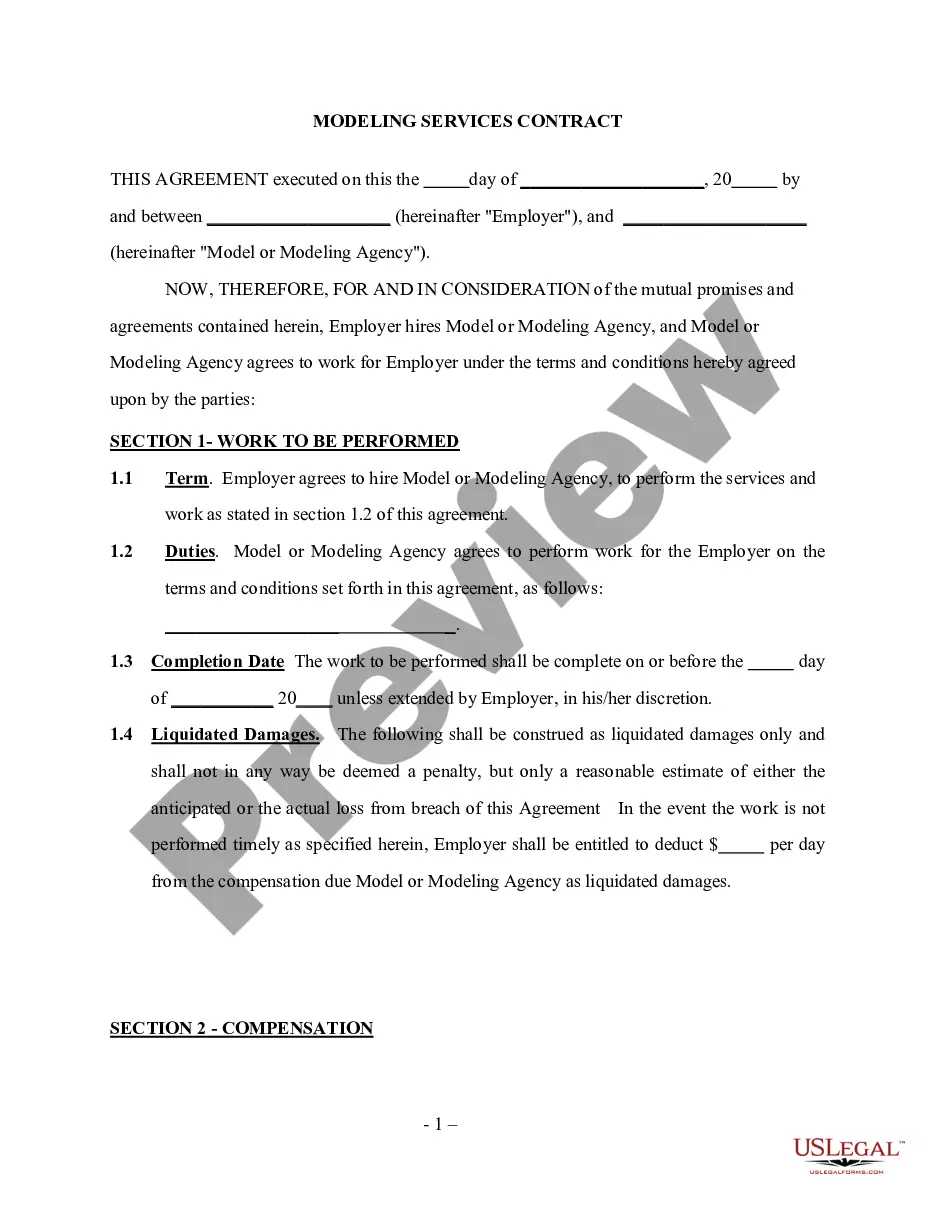
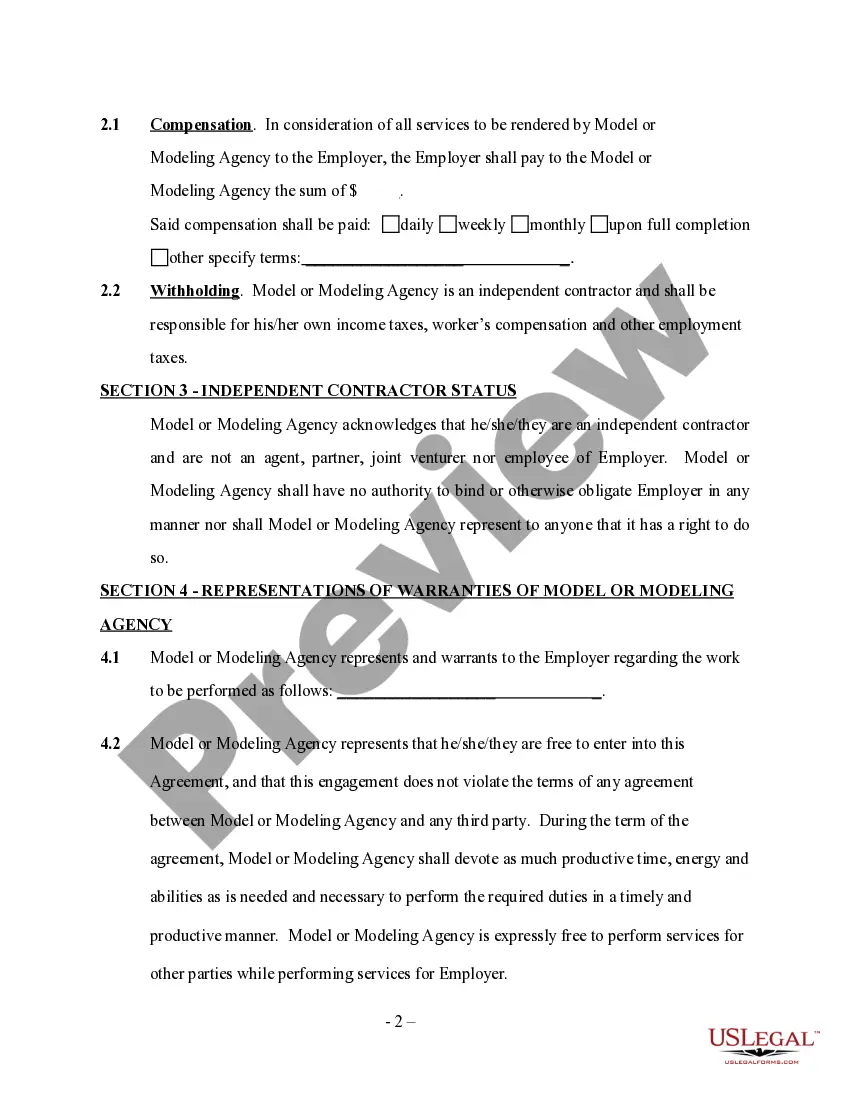
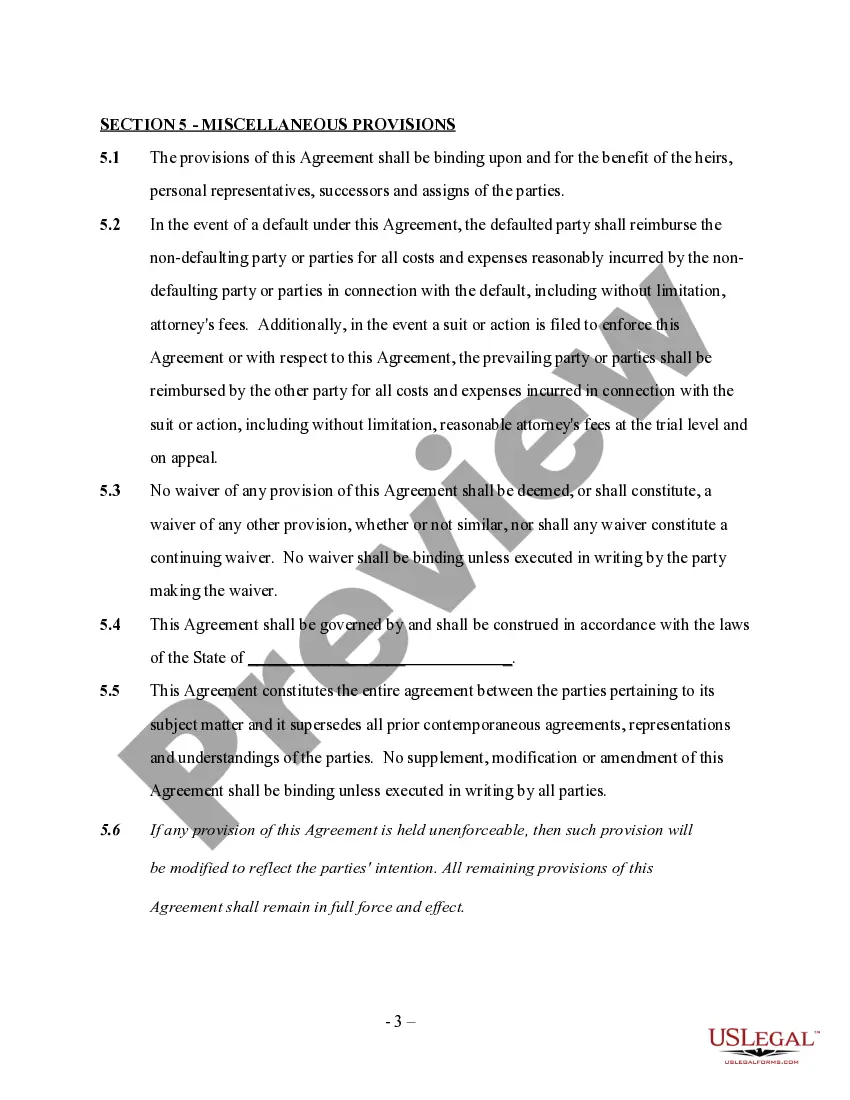
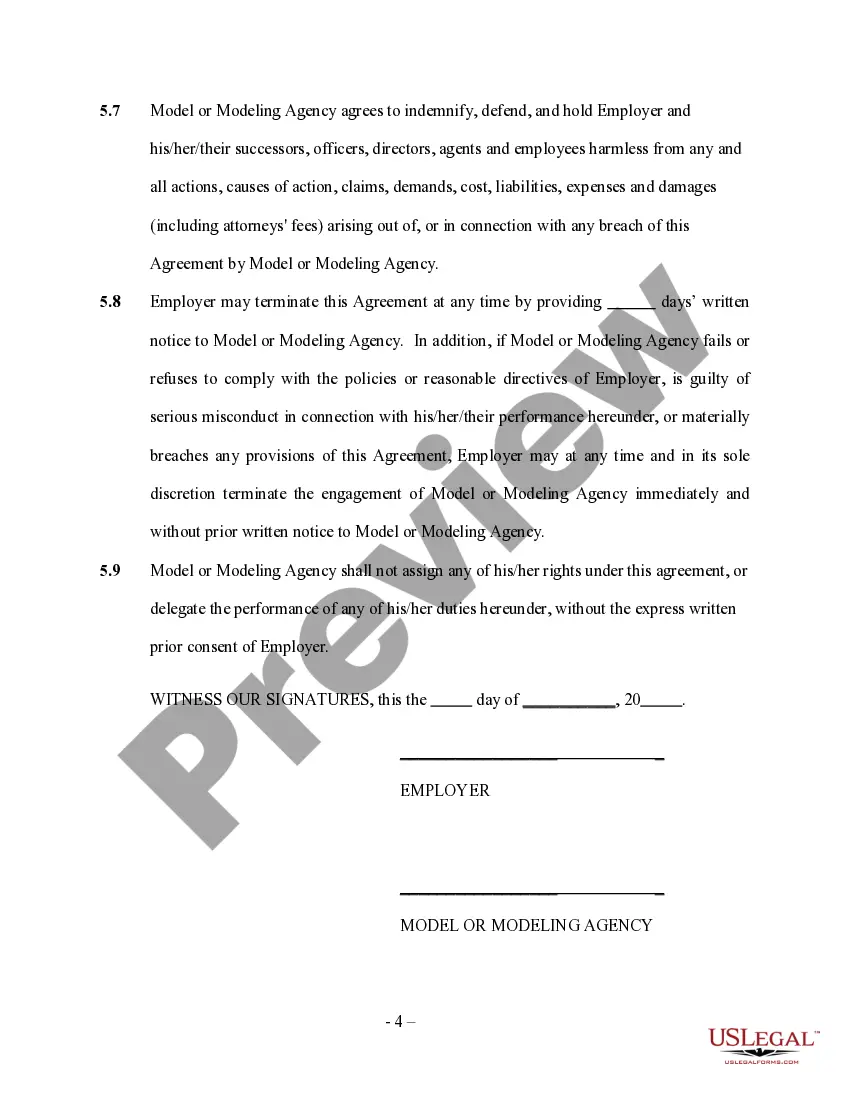
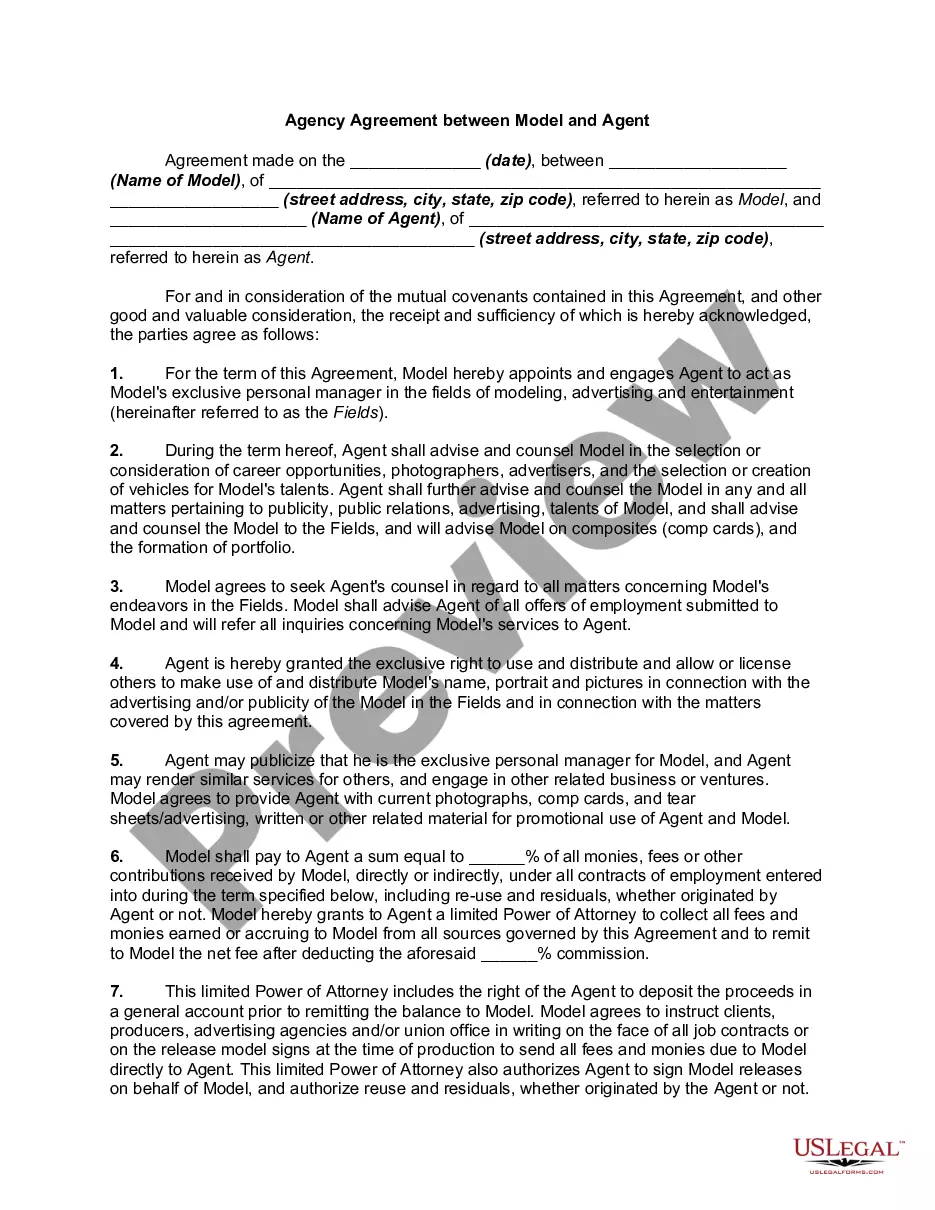
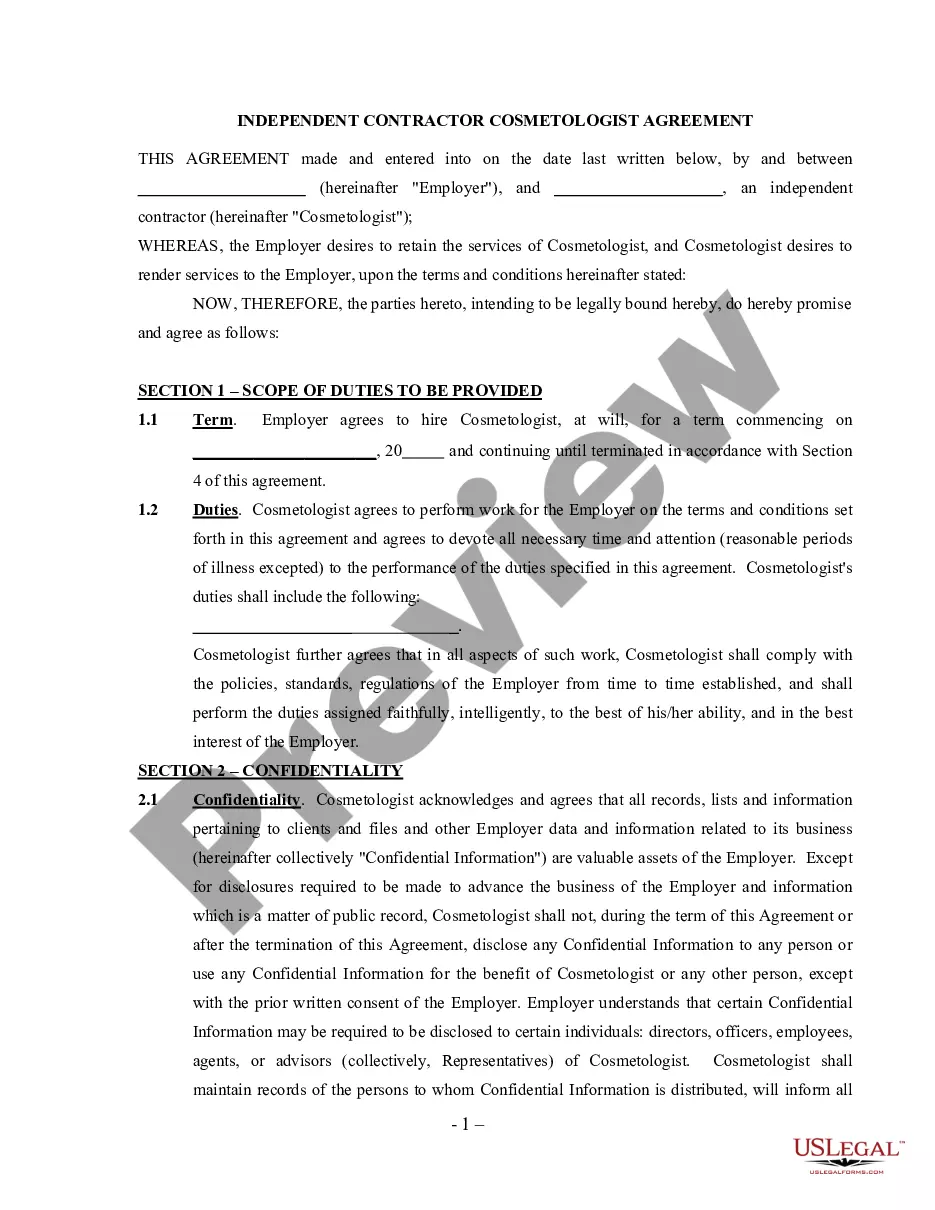
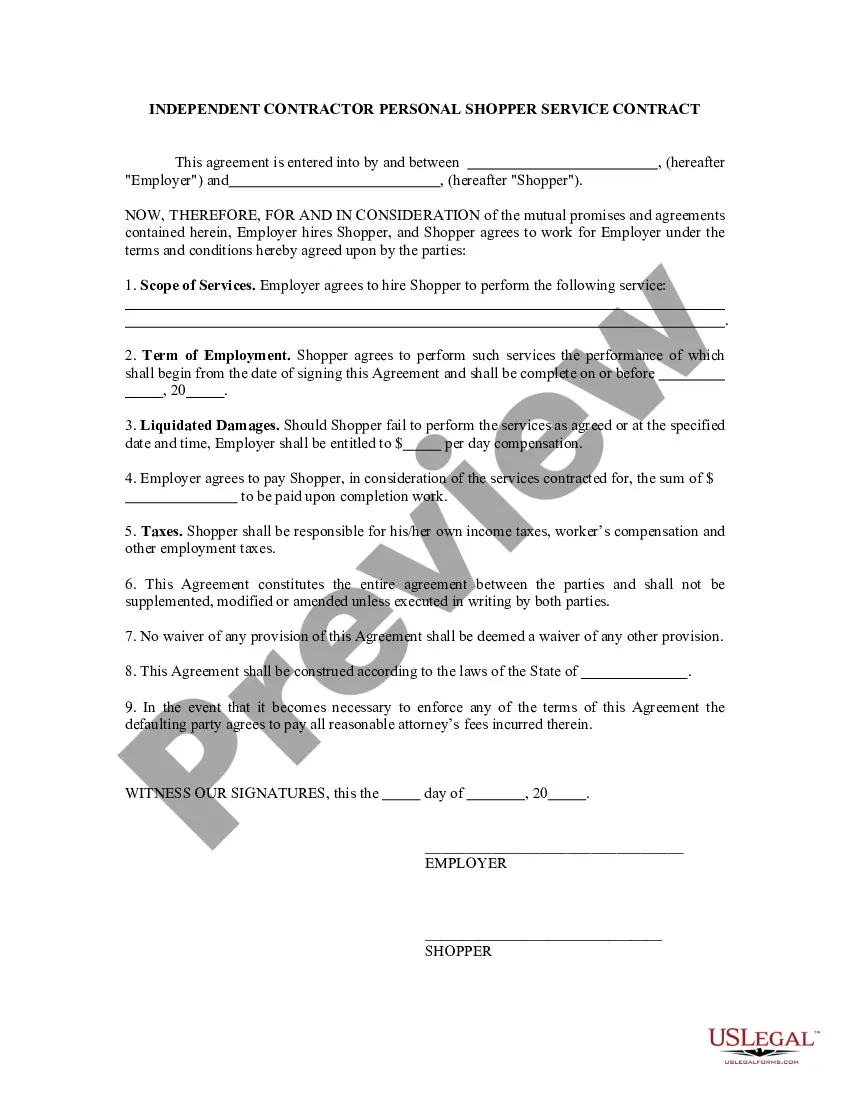
Modeling Contract Agreement With Suppliers
Description
Get your form ready online
Our built-in tools help you complete, sign, share, and store your documents in one place.
Make edits, fill in missing information, and update formatting in US Legal Forms—just like you would in MS Word.
Download a copy, print it, send it by email, or mail it via USPS—whatever works best for your next step.
Sign and collect signatures with our SignNow integration. Send to multiple recipients, set reminders, and more. Go Premium to unlock E-Sign.
If this form requires notarization, complete it online through a secure video call—no need to meet a notary in person or wait for an appointment.
We protect your documents and personal data by following strict security and privacy standards.

Make edits, fill in missing information, and update formatting in US Legal Forms—just like you would in MS Word.

Download a copy, print it, send it by email, or mail it via USPS—whatever works best for your next step.

Sign and collect signatures with our SignNow integration. Send to multiple recipients, set reminders, and more. Go Premium to unlock E-Sign.

If this form requires notarization, complete it online through a secure video call—no need to meet a notary in person or wait for an appointment.

We protect your documents and personal data by following strict security and privacy standards.
Looking for another form?

How to fill out Modeling Services Contract - Self-Employed?
Whether you handle documents often or occasionally need to submit a legal report, it is crucial to have a reliable source where all samples are pertinent and current.
One task you should perform with a Supplier Modeling Contract Agreement is to confirm that it is the latest version, as this determines if it can be submitted.
If you wish to simplify your search for the most recent document examples, look for them on US Legal Forms.
To obtain a form without an account, follow these instructions: Use the search bar to locate the desired form. Review the Supplier Modeling Contract Agreement preview and description to confirm it matches your needs. After verifying the form, just click Buy Now. Select a subscription plan that suits you. Create an account or Log In to your existing one. Provide your credit card details or PayPal account to finalize the purchase. Choose the download file format and confirm it. Eliminate the hassle of managing legal documents. All your templates will be organized and validated with a US Legal Forms account.
- US Legal Forms is a repository of legal documents that includes nearly every document template you might seek.
- Search for the templates you need, assess their relevance immediately, and learn more about their application.
- With US Legal Forms, you gain access to over 85,000 document templates across a wide range of professional fields.
- Obtain the Supplier Modeling Contract Agreement samples in just a few clicks and store them anytime in your account.
- A US Legal Forms account will enable you to access all necessary samples with enhanced convenience and reduced stress.
- Simply click Log In in the website header and navigate to the My documents section where all requested forms are readily available.
- This way, you won’t need to waste time searching for the ideal template or verifying its authenticity.
Form popularity
FAQ
Write the contract in six stepsStart with a contract template.Open with the basic information.Describe in detail what you have agreed to.Include a description of how the contract will be ended.Write into the contract which laws apply and how disputes will be resolved.Include space for signatures.
A model agreement, in labor law, is a collective bargaining agreement sometimes recommended by an employee organization to its locals to serve as a standard agreement for a certain geographic area or industry. It merely a model and not an adhesive text.
Key clauses to Include in a Vendors Agreement:Specify the goods & services that will be provided.Mention payment modes.The manner in which a client will be billed.The manner in which a person will contact for accounts payable details.Include Statement of Work (SoW)Knowledge of legal requirement & laws of the state.More items...
The simple answer is YES. You can write your own contracts. There is no requirement that they must be written by a lawyer. There is no requirement that they have to be a certain form or font.
Key elements of a supplier agreement are: The items the supplier must provide. Pricing and payments for all goods and/or services....Some of the names you may hear are:Details of supply.Trade agreements.Service contracts.Management contracts.Schedule of services.Details of service.Other variations of these names.