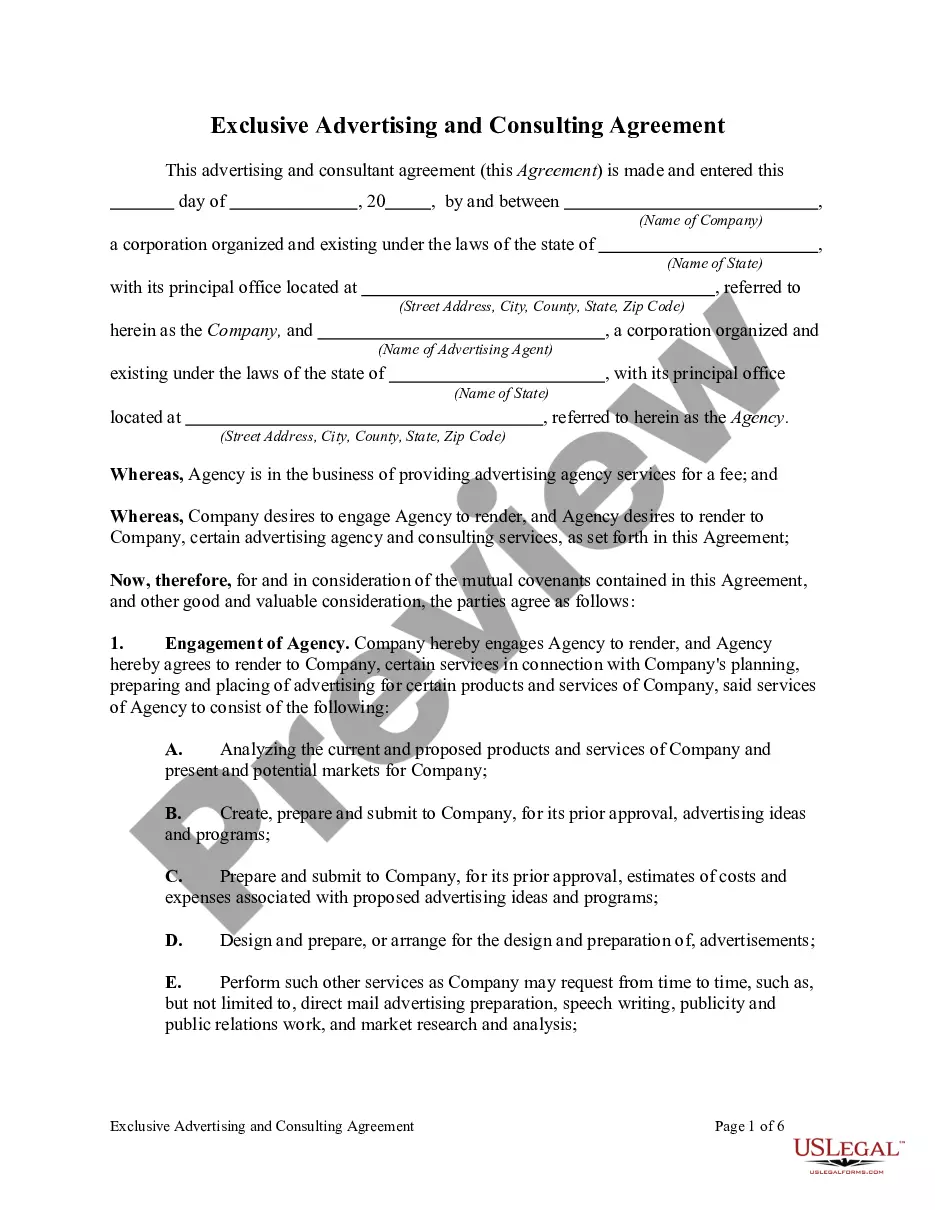
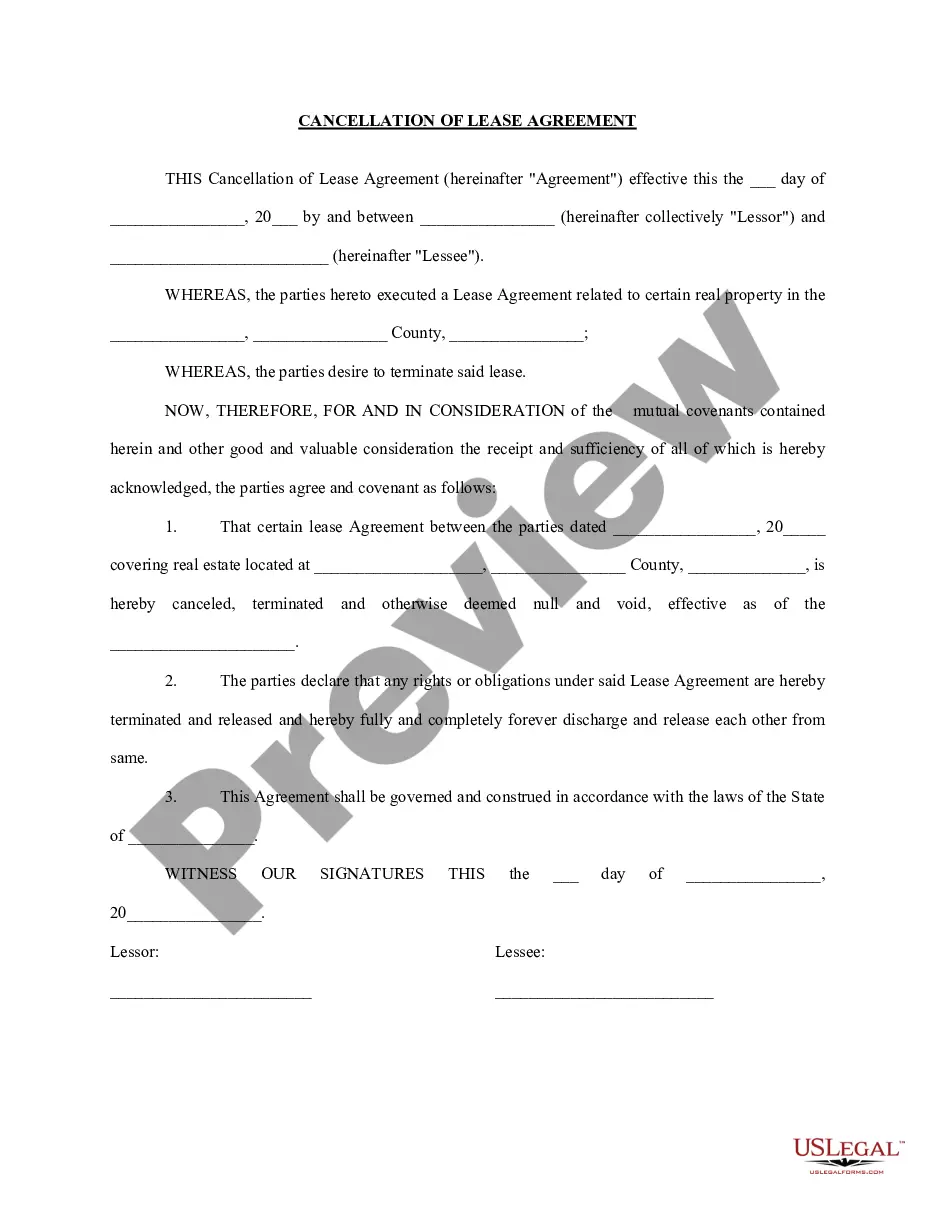
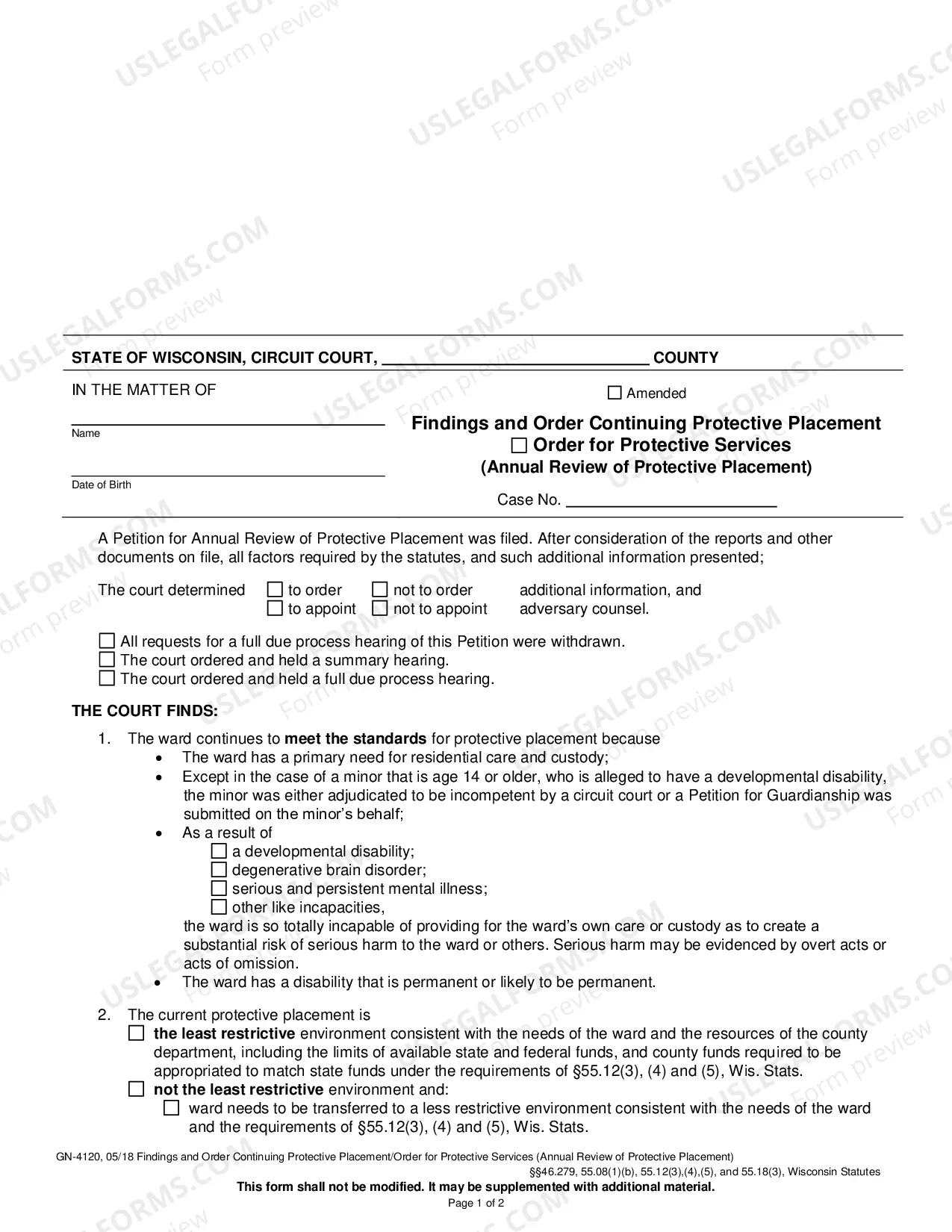
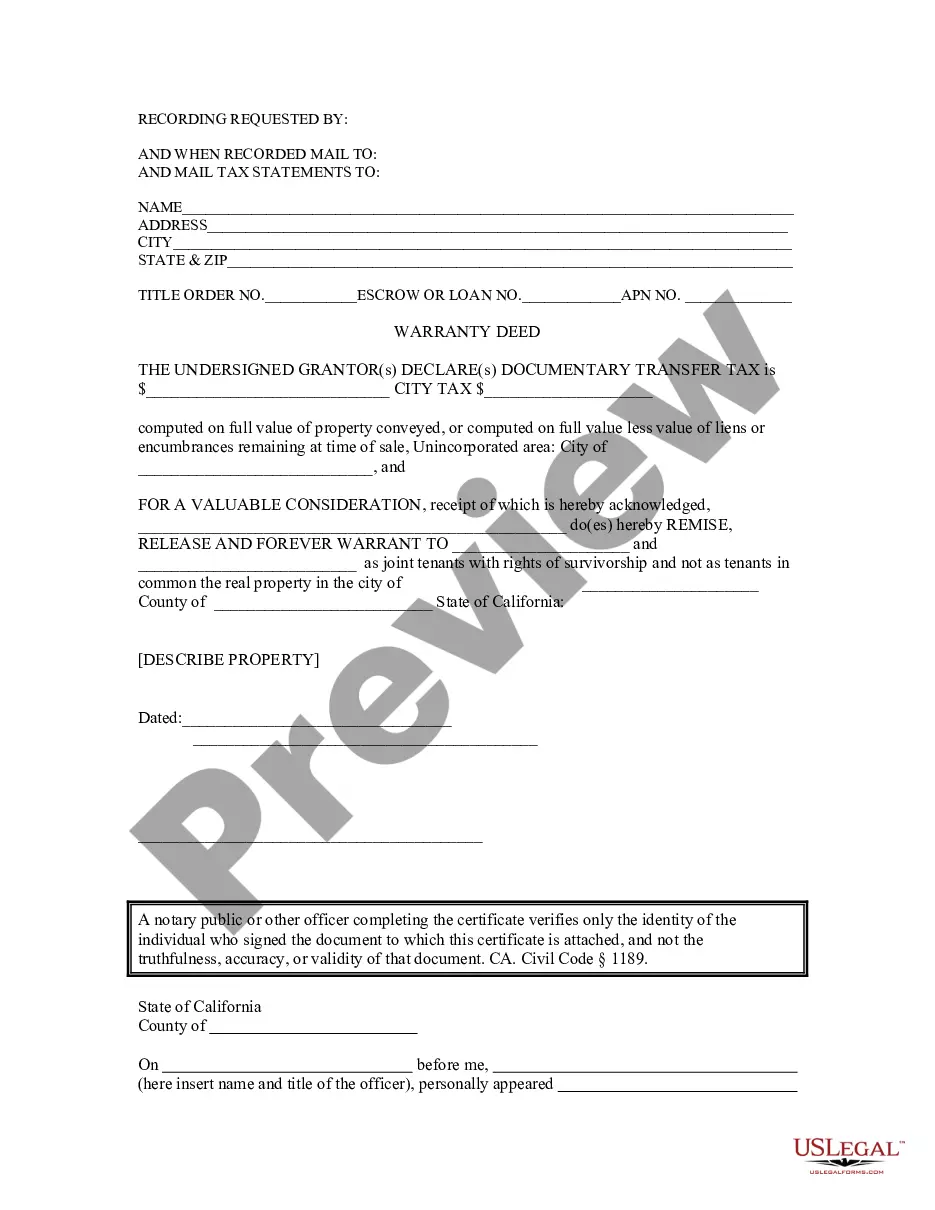
Noc Template For Job In Salt Lake
Description



Get your form ready online
Our built-in tools help you complete, sign, share, and store your documents in one place.
Make edits, fill in missing information, and update formatting in US Legal Forms—just like you would in MS Word.
Download a copy, print it, send it by email, or mail it via USPS—whatever works best for your next step.
Sign and collect signatures with our SignNow integration. Send to multiple recipients, set reminders, and more. Go Premium to unlock E-Sign.
If this form requires notarization, complete it online through a secure video call—no need to meet a notary in person or wait for an appointment.
We protect your documents and personal data by following strict security and privacy standards.

Make edits, fill in missing information, and update formatting in US Legal Forms—just like you would in MS Word.

Download a copy, print it, send it by email, or mail it via USPS—whatever works best for your next step.

Sign and collect signatures with our SignNow integration. Send to multiple recipients, set reminders, and more. Go Premium to unlock E-Sign.

If this form requires notarization, complete it online through a secure video call—no need to meet a notary in person or wait for an appointment.

We protect your documents and personal data by following strict security and privacy standards.
Looking for another form?






Form popularity
FAQ
Dear Recipient's Name, I, Your Name, currently employed at Your Company's Name as a Your Position, am writing this letter to certify that I have no objection to Employee's Name working as a Employee's Position at Employee's New Company's Name.
Generally, it includes the following information: The name and address of the property owner. The name and address of the company that is requesting the NOC. The address of the property that is being used as the company's registered office. The date on which the NOC is being issued. The signature of the property owner.
Dear Recipient's Name, I, Your Name, currently employed at Your Company's Name as a Your Position, am writing this letter to certify that I have no objection to Employee's Name working as a Employee's Position at Employee's New Company's Name.
Important Tips for Writing NOCs A no-objection letter is a formal document and should be written in formal language. Steer clear of slang and ensure proper grammar and spelling. Ensure that the tone of the letter is professional. Use formal salutations and closings, and avoid making the letter too personal.
The property owner or top-of-chain party (often a GC) files the NOC. The steps to file are: confirm your state's requirements; accurately fill out the notice form; sign and notarize; file the NOC; display the NOC on the job site.
Generally, it includes the following information: The name and address of the property owner. The name and address of the company that is requesting the NOC. The address of the property that is being used as the company's registered office. The date on which the NOC is being issued. The signature of the property owner.
This could be your employer, landlord, or another relevant authority. Write a formal request letter stating why you need the NOC. Be clear and concise, including all necessary details. Please attach any required documents, such as your passport copy, visa copy, or employment contract, depending on your request.
What To Include In A Notice Of Completion Project Details. First things first, introduce your construction project. Date of Completion. Just like a birth certificate, the NOC must declare the official date of project completion. Contractor Information. Property Owner Information. Optional Additions.
How to Write a NOC? Name of the person in favour of. Name of Person Issuing. Address/Contact of the Issuing Authority. Date Issued. Official Signature.