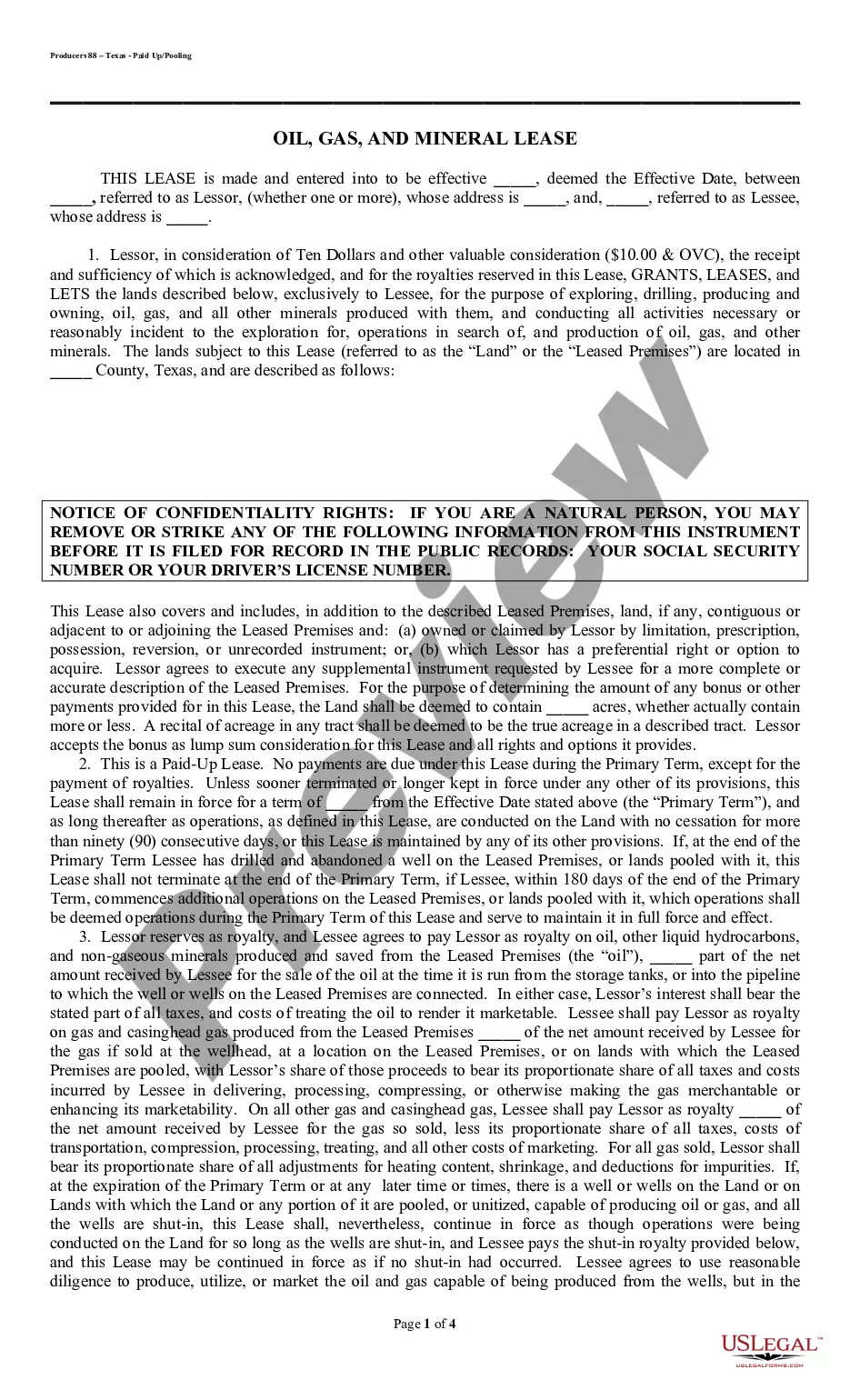
Arbitration Case File With The State In San Antonio
Description

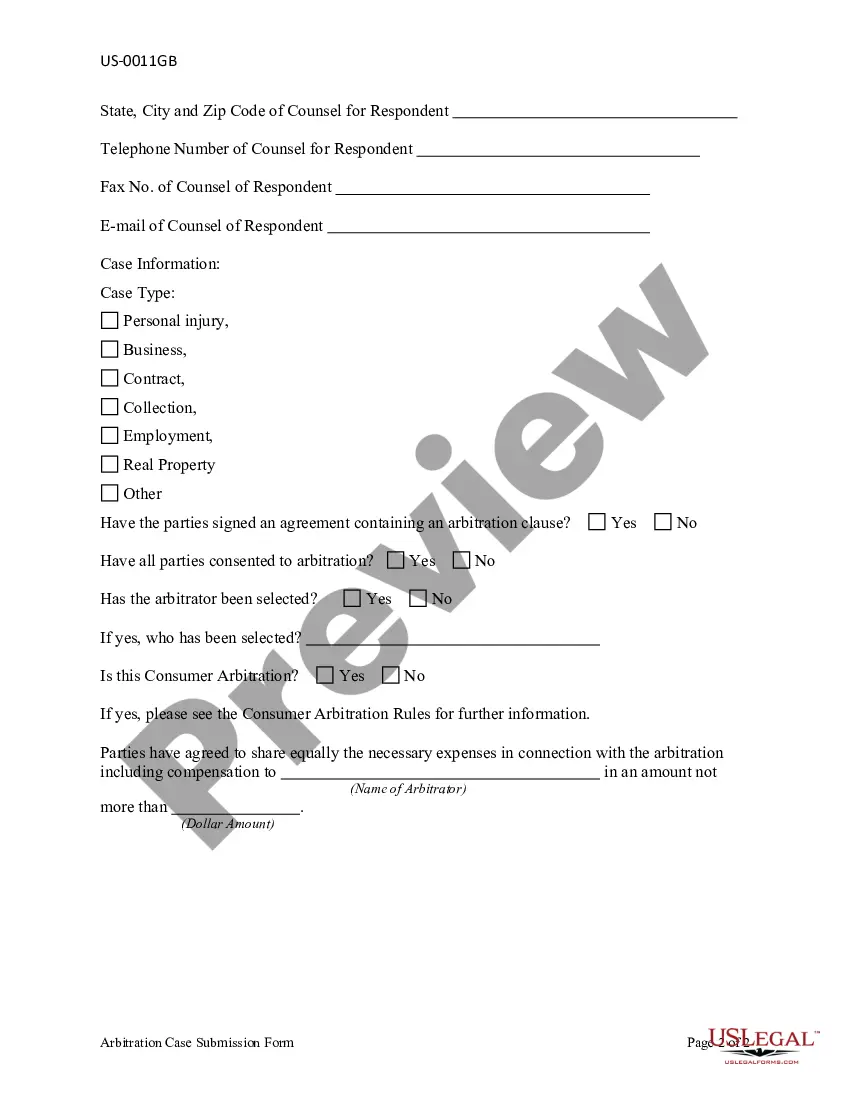

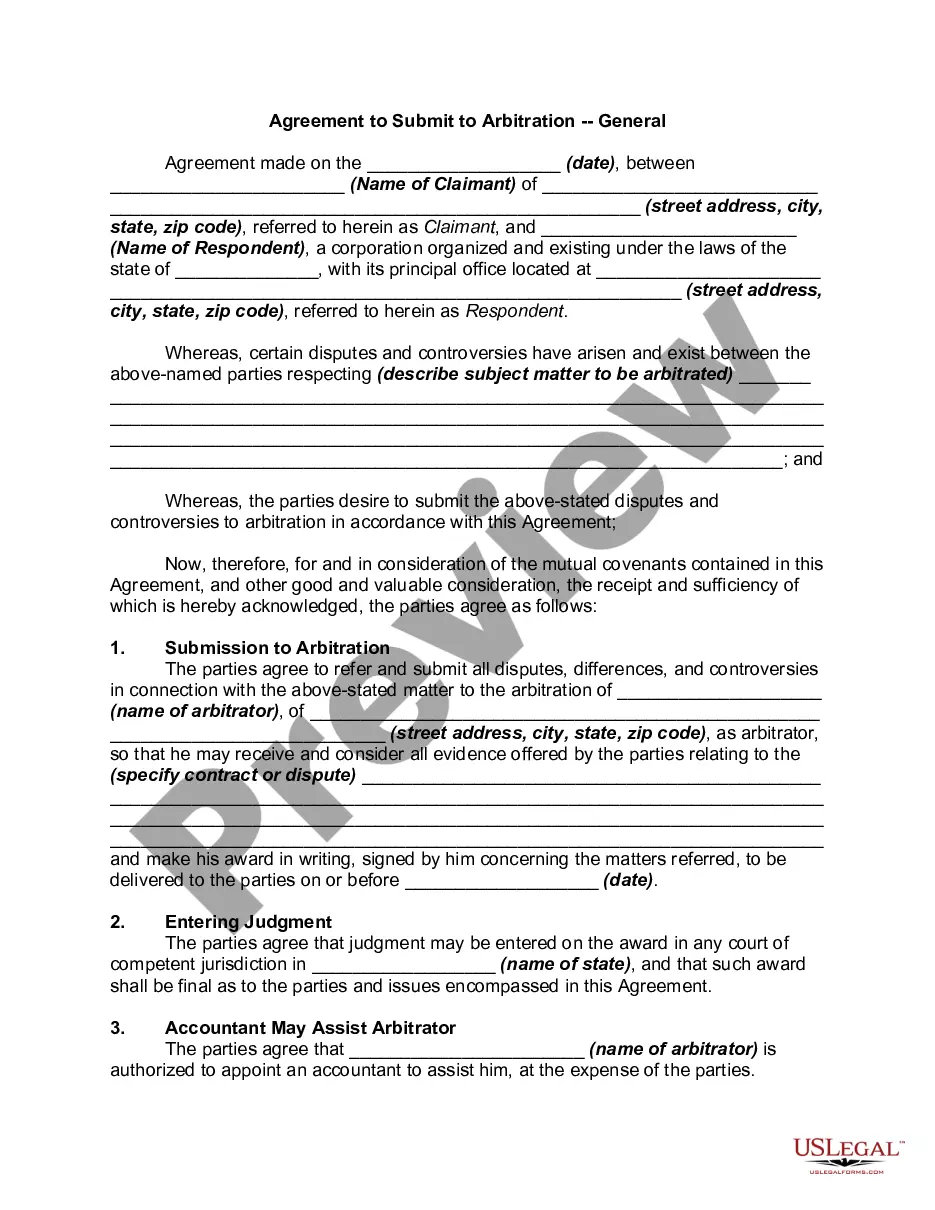

Get your form ready online
Our built-in tools help you complete, sign, share, and store your documents in one place.
Make edits, fill in missing information, and update formatting in US Legal Forms—just like you would in MS Word.
Download a copy, print it, send it by email, or mail it via USPS—whatever works best for your next step.
Sign and collect signatures with our SignNow integration. Send to multiple recipients, set reminders, and more. Go Premium to unlock E-Sign.
If this form requires notarization, complete it online through a secure video call—no need to meet a notary in person or wait for an appointment.
We protect your documents and personal data by following strict security and privacy standards.

Make edits, fill in missing information, and update formatting in US Legal Forms—just like you would in MS Word.

Download a copy, print it, send it by email, or mail it via USPS—whatever works best for your next step.

Sign and collect signatures with our SignNow integration. Send to multiple recipients, set reminders, and more. Go Premium to unlock E-Sign.

If this form requires notarization, complete it online through a secure video call—no need to meet a notary in person or wait for an appointment.

We protect your documents and personal data by following strict security and privacy standards.
Looking for another form?



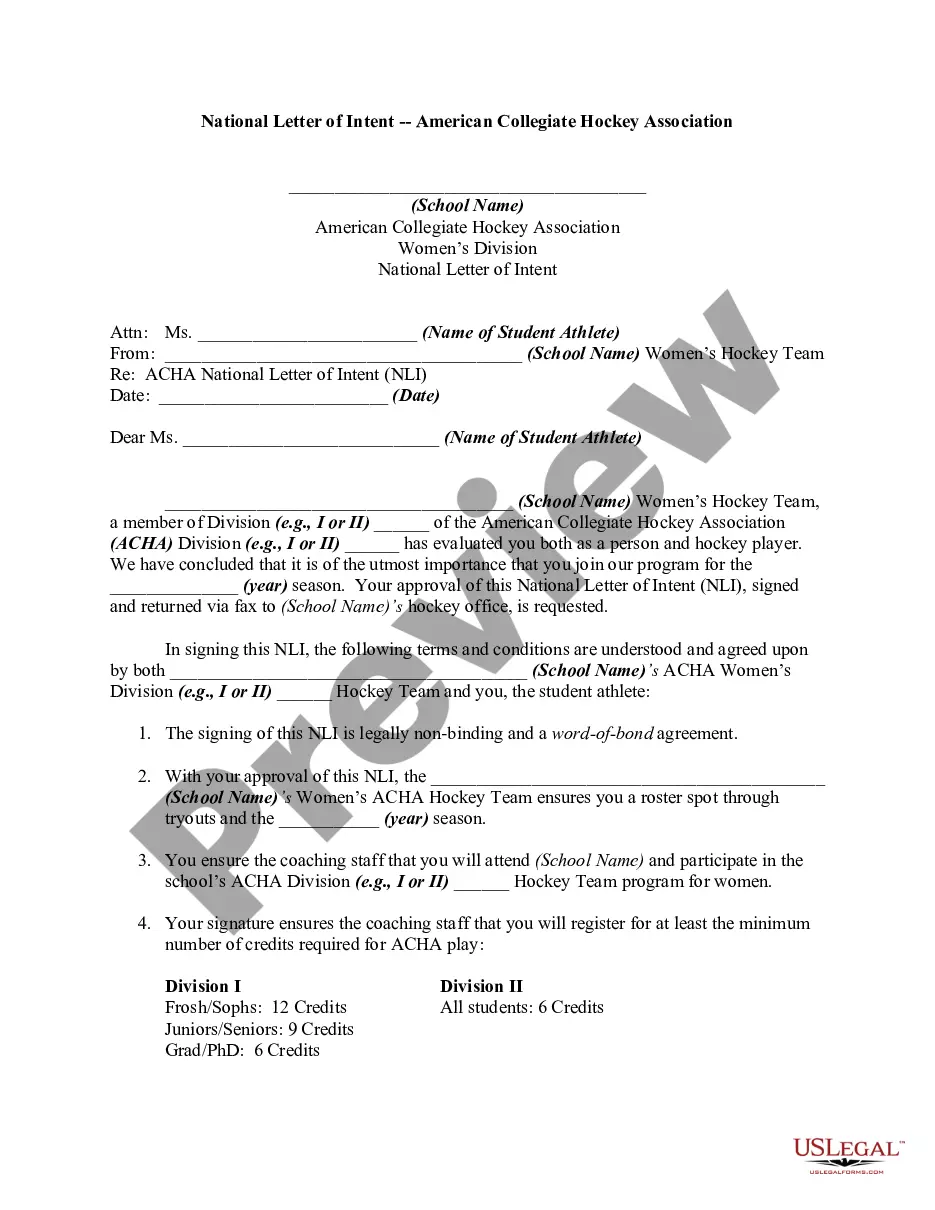





Form popularity
FAQ
A claimant will typically start arbitration by sending a document known as a “request for arbitration” or a “notice to arbitrate” to its opponent.
After drafting the Motion to Compel Arbitration, you'll need to file it with the court clerk. You can do this in person or let an attorney do it for you if you have one. Filing requirements vary from one court to another; you need to consult with the court clerk about local rules for filing that apply to your case.
Parties are encouraged to file their Requests electronically using ICC Case Connect. Via the Request form, claimant(s) will be invited to supply key information in relation to their Request, and to upload their Request and any relevant annexes.
At arbitration, the arbitrator will listen as the parties offer evidence about the issues. Witnesses will answer questions under oath, and each party will explain its side of the case. After the arbitration, the arbitrator will review the evidence and make a decision (enter an award) on each issue.
The arbitrator's final decision on the case is called the “award.” This is like a judge's or jury's decision in a court case. Once the arbitrator decides that all of the parties' evidence and arguments have been presented, the arbitrator will close the hearings. This means no more evidence or arguments will be allowed.
Arbitration is often in a condition of employment. For example, an employee complained that she's been biased and unfair. For example, research by Colvin reveals employees win 36.4 percent of discrimination cases in federal court and 43.8 percent in state court, but only 21.4 percent in arbitration.
The arbitrator listens to both sides, looks at the evidence you've sent in and decides what the outcome should be. In some cases, the arbitrator may choose to have several meetings with you both. When the arbitrator makes a decision, this is called an award and it's legally binding.
A claimant will typically start arbitration by sending a document known as a “request for arbitration” or a “notice to arbitrate” to its opponent.
A claimant will typically start arbitration by sending a document known as a “request for arbitration” or a “notice to arbitrate” to its opponent.
Either Party to a contract in which there is an Arbitration clause can either himself or through an authorised agent may invoke Arbitration so as to refer the dispute to arbitration, as per provisions of the arbitration clause.