Federal Arbitration Act Confirmation Of Award In Miami-Dade
Description

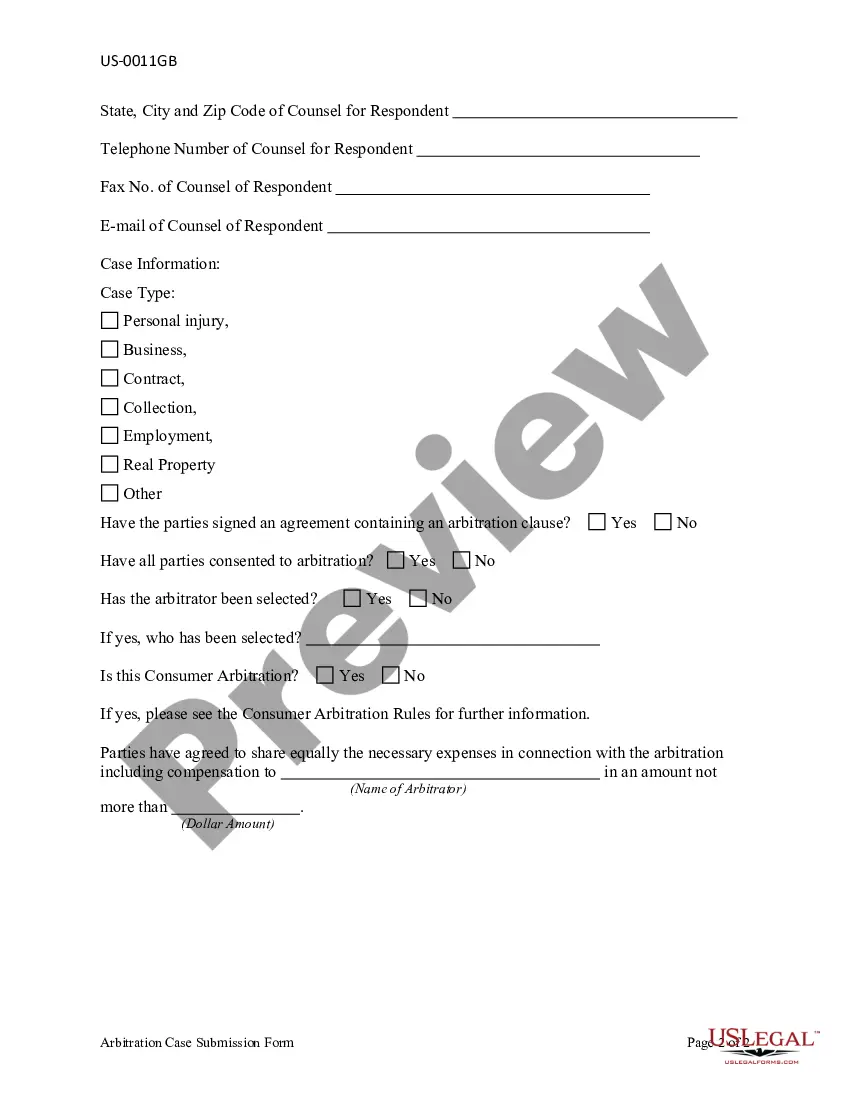

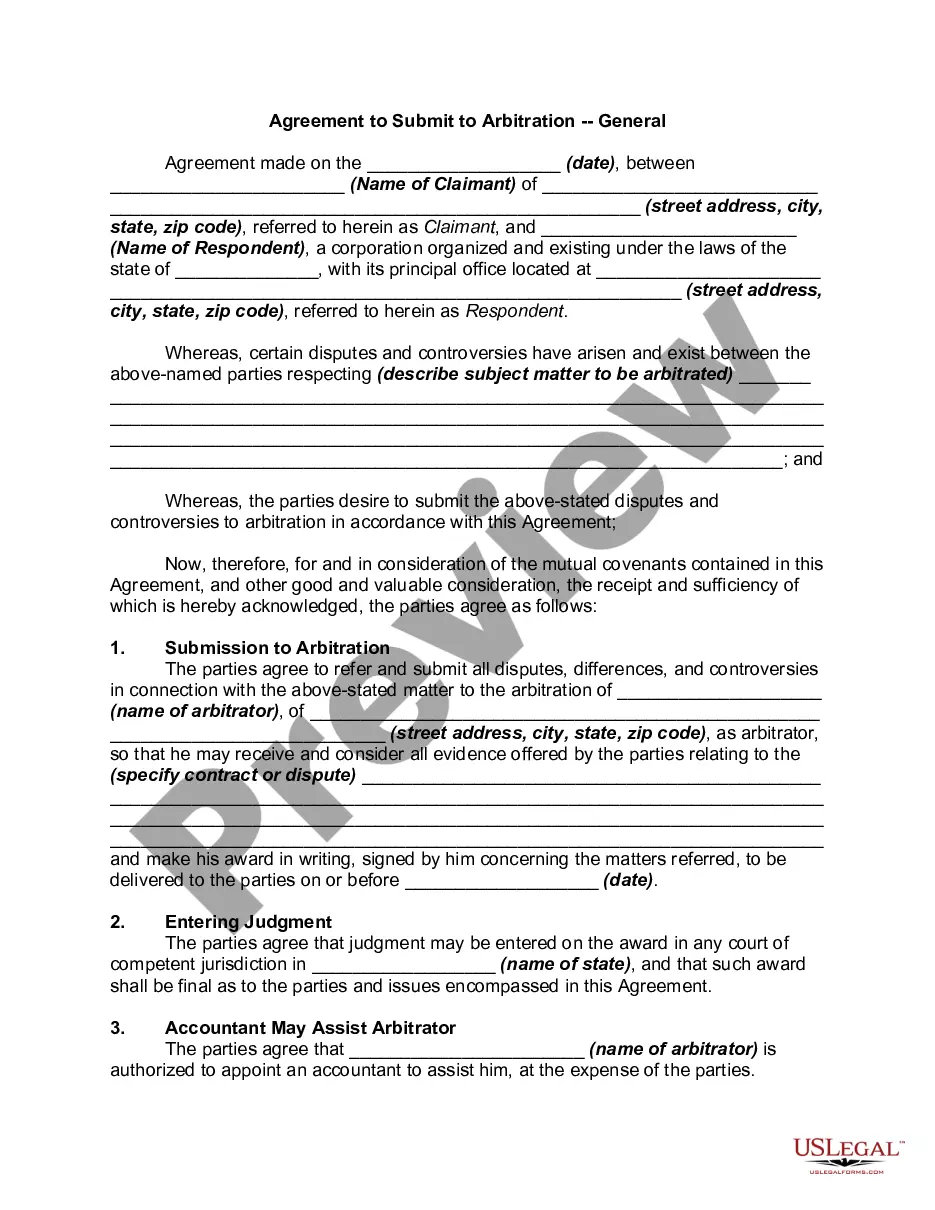

Get your form ready online
Our built-in tools help you complete, sign, share, and store your documents in one place.
Make edits, fill in missing information, and update formatting in US Legal Forms—just like you would in MS Word.
Download a copy, print it, send it by email, or mail it via USPS—whatever works best for your next step.
Sign and collect signatures with our SignNow integration. Send to multiple recipients, set reminders, and more. Go Premium to unlock E-Sign.
If this form requires notarization, complete it online through a secure video call—no need to meet a notary in person or wait for an appointment.
We protect your documents and personal data by following strict security and privacy standards.

Make edits, fill in missing information, and update formatting in US Legal Forms—just like you would in MS Word.

Download a copy, print it, send it by email, or mail it via USPS—whatever works best for your next step.

Sign and collect signatures with our SignNow integration. Send to multiple recipients, set reminders, and more. Go Premium to unlock E-Sign.

If this form requires notarization, complete it online through a secure video call—no need to meet a notary in person or wait for an appointment.

We protect your documents and personal data by following strict security and privacy standards.
Looking for another form?









Form popularity
FAQ
I) the names and addresses of the arbitrators, the parties and their legal representatives; ii) the terms of the arbitration agreement between the parties; iii) a summary of the facts and procedure including how the dispute arose; iv) a summary of the issues and the respective positions of the parties; v) an analysis ...
Parties may attempt to maintain the confidentiality of the award in court by requesting permission to file the award and the arbitral record under seal. However, there is a strong presumption in favor of public access to dispositive motions, including motions to confirm or vacate an arbitration award (see Kamakana v.
The Labour Relations Act (LRA) does not allow any party to appeal against an arbitration award. However, such awards can be overturned by other means. In fact, there are two ways of going about setting aside an arbitration award: by Labour Court review or by rescission application.
Requests for confirmation of an arbitral award must be submitted by motion or petition (9 U.S.C. § 13). Together with the petition or motion, a party seeking confirmation under Chapter 1 of the FAA must file: ∎ The arbitration agreement.
If the parties in their agreement have agreed that a judgment of the court shall be entered upon the award made pursuant to the arbitration, and shall specify the court, then at any time within one year after the award is made any party to the arbitration may apply to the court so specified for an order confirming the ...
Ask the court to approve (confirm) or correct an arbitrator's decision (award) in an arbitration done under an agreement between the parties and to make the award a court decision (judgment) or ask the court to cancel (vacate) the arbitrator's award.
682.12 Confirmation of an award. —After a party to an arbitration proceeding receives notice of an award, the party may make a motion to the court for an order confirming the award at which time the court shall issue a confirming order unless the award is modified or corrected pursuant to s. 682.10 or s.
Once an arbitral award is confirmed, the judgment is docketed, which means that it has the same force and effect as any other civil judgment. In most cases, arbitration awards are confirmed and entered as judgments without adverse party opposition.
Ask the court to approve (confirm) or correct an arbitrator's decision (award) in an arbitration done under an agreement between the parties and to make the award a court decision (judgment) or ask the court to cancel (vacate) the arbitrator's award.