Submit Submission Difference In Suffolk
Description

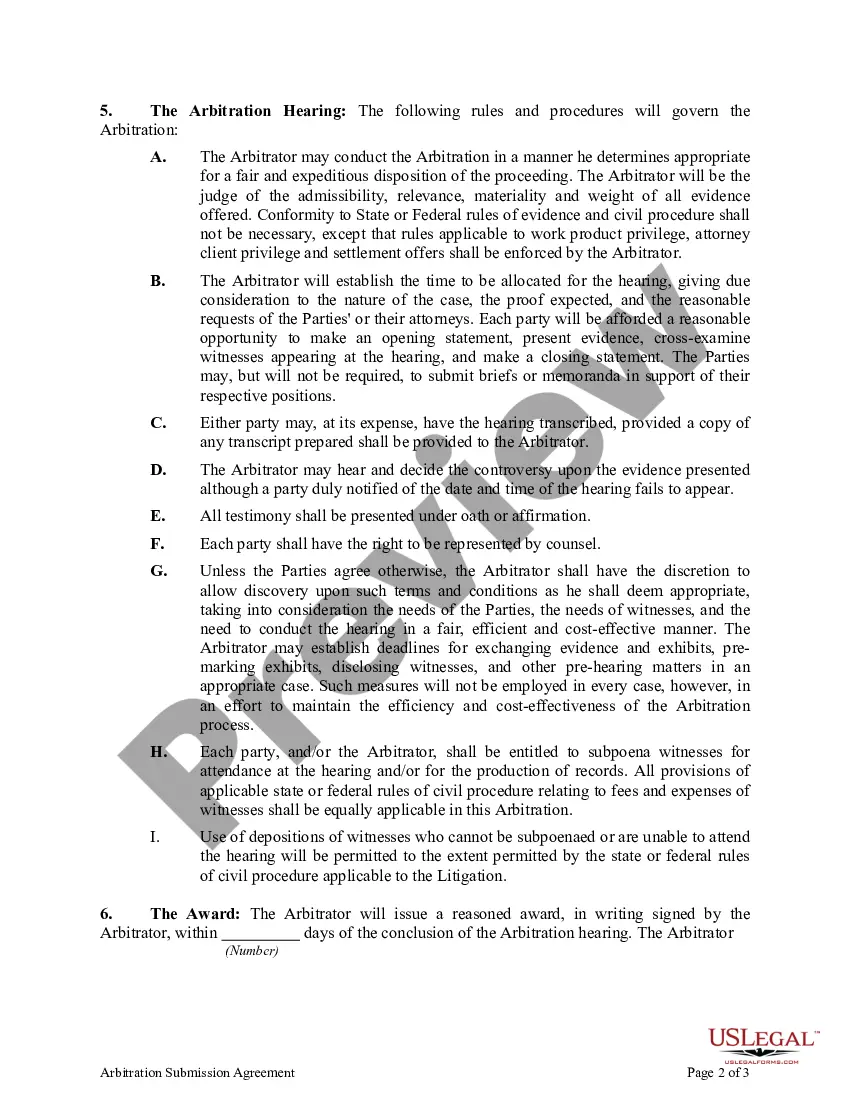
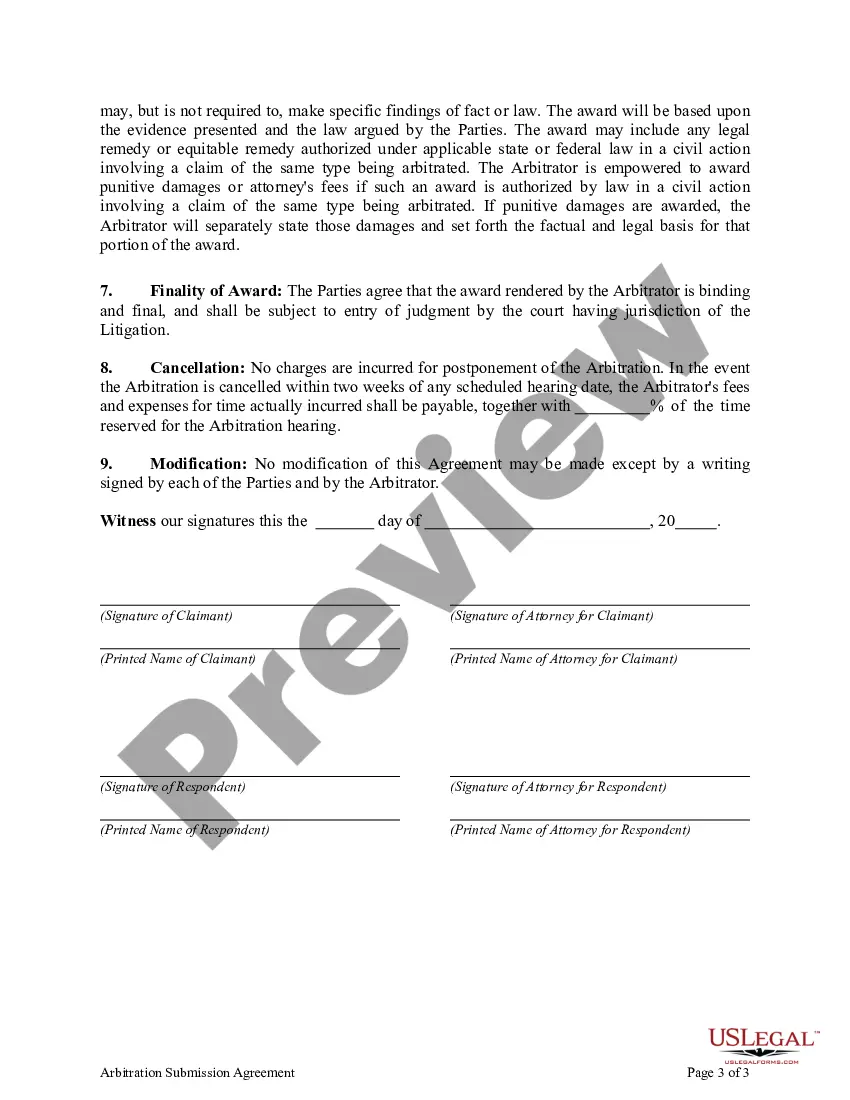

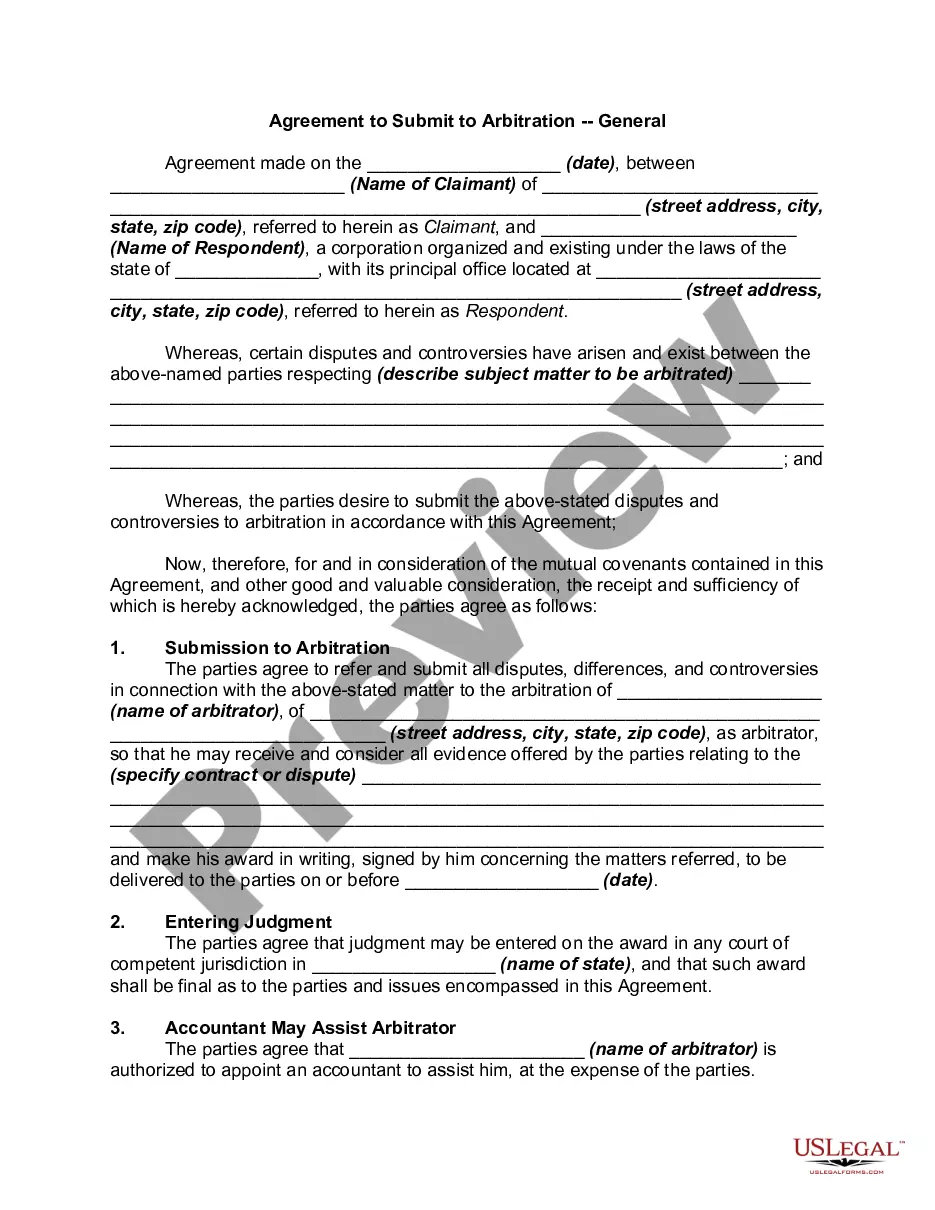

Get your form ready online
Our built-in tools help you complete, sign, share, and store your documents in one place.
Make edits, fill in missing information, and update formatting in US Legal Forms—just like you would in MS Word.
Download a copy, print it, send it by email, or mail it via USPS—whatever works best for your next step.
Sign and collect signatures with our SignNow integration. Send to multiple recipients, set reminders, and more. Go Premium to unlock E-Sign.
If this form requires notarization, complete it online through a secure video call—no need to meet a notary in person or wait for an appointment.
We protect your documents and personal data by following strict security and privacy standards.

Make edits, fill in missing information, and update formatting in US Legal Forms—just like you would in MS Word.

Download a copy, print it, send it by email, or mail it via USPS—whatever works best for your next step.

Sign and collect signatures with our SignNow integration. Send to multiple recipients, set reminders, and more. Go Premium to unlock E-Sign.

If this form requires notarization, complete it online through a secure video call—no need to meet a notary in person or wait for an appointment.

We protect your documents and personal data by following strict security and privacy standards.
Looking for another form?




Form popularity
FAQ
A motion may be withdrawn at any time prior to its return date by filing with the clerk a written request signed by counsel for the moving party. A request to withdraw a motion after submission must be supported by a stipulation of withdrawal signed by all counsel.
Motions made by notice of motion and petitions and notices of petition in special proceedings are processed by the General Clerk's Office (Room 119) and are to be made returnable in the Motion Submission Part Courtroom (Room 130) on any business day of the week at AM.
Motions made by notice of motion and petitions and notices of petition in special proceedings are processed by the General Clerk's Office (Room 119) and are to be made returnable in the Motion Submission Part Courtroom (Room 130) on any business day of the week at AM.
The return date is the court date. The party making the motion chooses the court date and puts it in the Notice of Motion so everyone knows when to come to court. NYSCEF wants to know the court date and has a calendar button to find the court date you picked.
A motion may be withdrawn at any time prior to its return date by filing with the clerk a written request signed by counsel for the moving party.
The return date is the court date. The party making the motion chooses the court date and puts it in the Notice of Motion so everyone knows when to come to court.
MOTIONS/ORDERS TO SHOW CAUSE The Notice of Motion, affirmations, affidavits and exhibits must be filed as SEPARATE documents. A proposed Order To Show Cause is filed in the same manner as a Notice of Motion using document type ORDER TO SHOW CAUSE (PROPOSED) in place of the Notice of Motion.
Legal Examples: A Show Cause Order is issued to a party who has allegedly violated a court order. The individual must appear in court to explain why they should not be held in contempt for failing to comply with the original order, such as not paying court-ordered child support.
Motions made by notice of motion and petitions and notices of petition in special proceedings are processed by the General Clerk's Office (Room 119) and are to be made returnable in the Motion Submission Part Courtroom (Room 130) on any business day of the week at AM.
An order to show cause (O.S.C.), is a court order or the demand of a judge requiring a party to justify or explain why the court should or should not grant a motion or a relief. For example, if a party requests a restraining order from a judge, the judge may need more information.
