Meeting Minutes Corporate With Client In Clark
Description

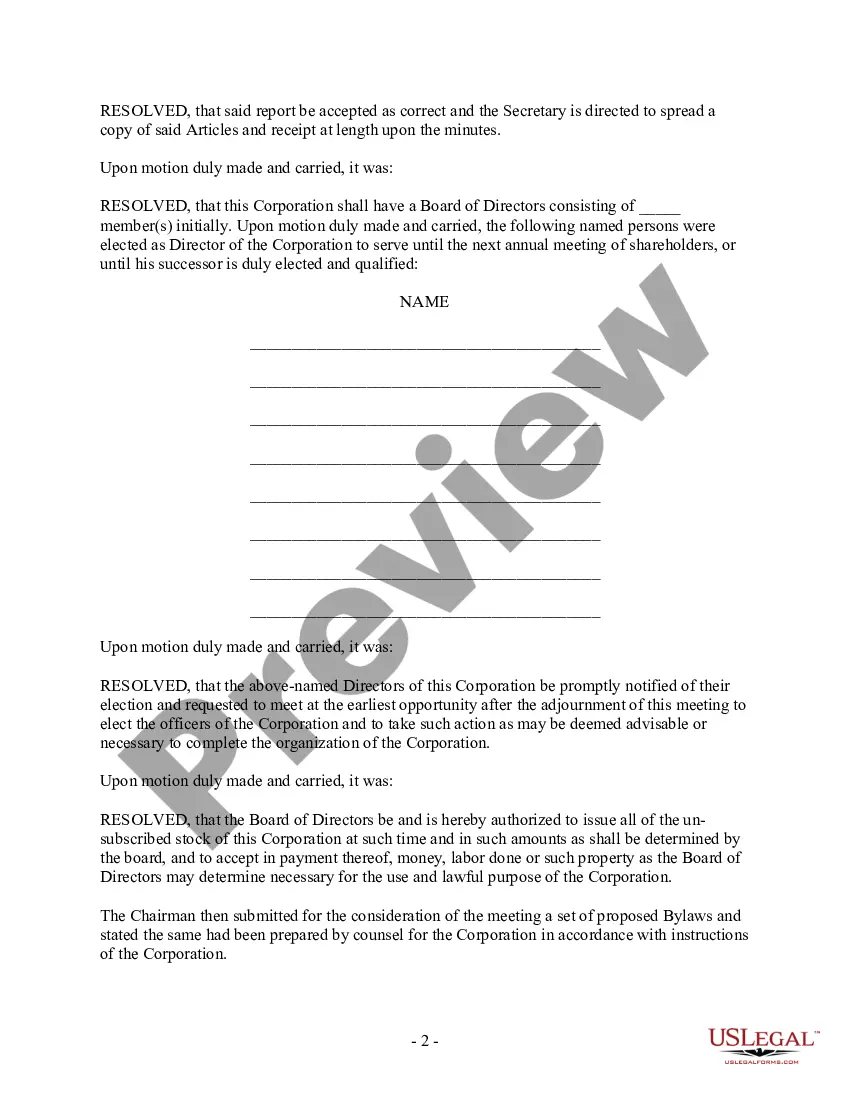
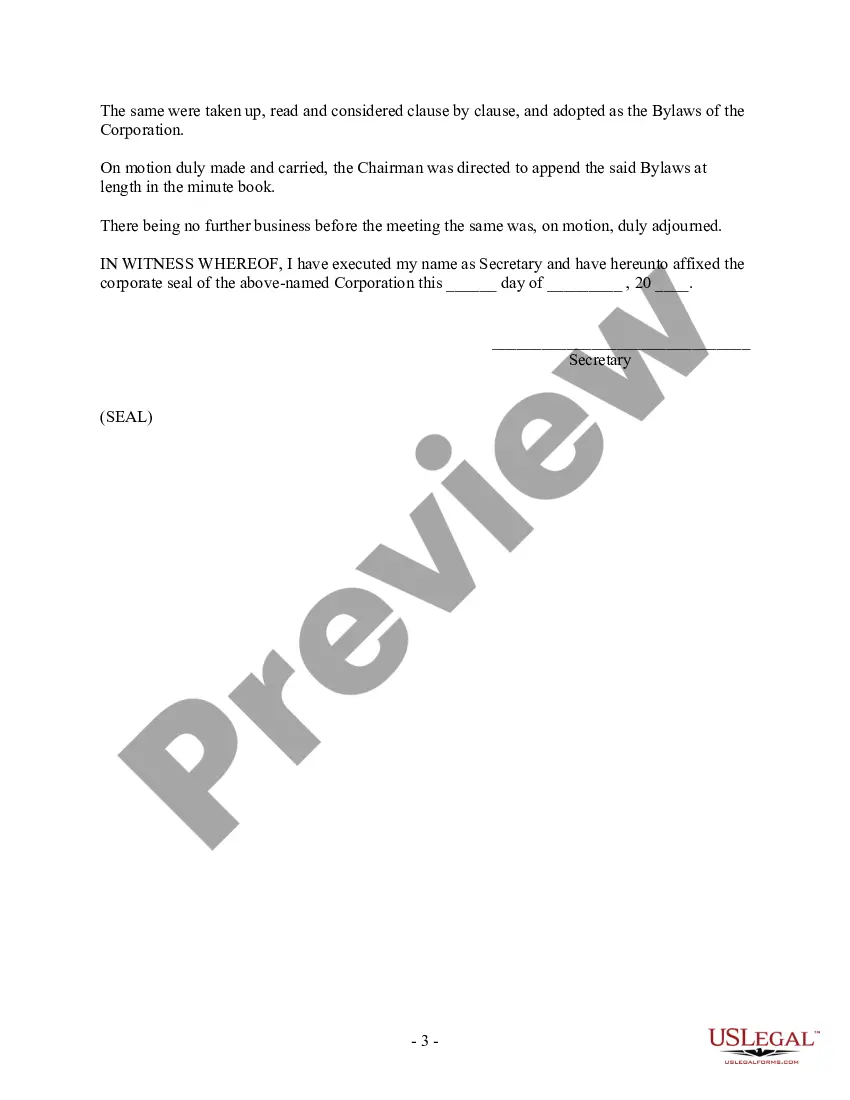



Get your form ready online
Our built-in tools help you complete, sign, share, and store your documents in one place.
Make edits, fill in missing information, and update formatting in US Legal Forms—just like you would in MS Word.
Download a copy, print it, send it by email, or mail it via USPS—whatever works best for your next step.
Sign and collect signatures with our SignNow integration. Send to multiple recipients, set reminders, and more. Go Premium to unlock E-Sign.
If this form requires notarization, complete it online through a secure video call—no need to meet a notary in person or wait for an appointment.
We protect your documents and personal data by following strict security and privacy standards.

Make edits, fill in missing information, and update formatting in US Legal Forms—just like you would in MS Word.

Download a copy, print it, send it by email, or mail it via USPS—whatever works best for your next step.

Sign and collect signatures with our SignNow integration. Send to multiple recipients, set reminders, and more. Go Premium to unlock E-Sign.

If this form requires notarization, complete it online through a secure video call—no need to meet a notary in person or wait for an appointment.

We protect your documents and personal data by following strict security and privacy standards.
Looking for another form?







Form popularity
FAQ
This document needs to be signed by: or another person who is authorized to take minutes and/or record official corporate action. There is no requirement that the signature be witnessed or notarized.
How to send a meeting recap Take notes during the meeting. Decide who should receive the email. Thank everyone for their time. List what was discussed in the meeting. Highlight action items or next steps. Attach supporting documents. Include a reminder of the next meeting date. Proofread and send to recipients.
Follow these steps to learn how to properly send a meeting recap to employees or clients. Take notes during the meeting. Decide who should receive the email. Thank everyone for their time. List what was discussed in the meeting. Highlight action items or next steps. Attach supporting documents.
Robert's Rules (Section -16) state that “the minutes should contain mainly a record of what was done at the meeting, not what was said by the members.” Minutes are not transcripts of meetings; rather, the document contains a record of actions taken by the body, organized by the meeting's order of business (agenda).
Dear Recipient Name, I hope this email finds you well. As a follow-up to our recent meeting for Meeting Name held on Meeting Date, I wanted to provide a recap of the meeting minutes. Give a brief overview of the main discussion points and decisions made during the meeting.
The minutes of a meeting should be written in the third person. It is important to write the date, time, and location of the meeting at the top of each page. The meeting should start with a summary of what was discussed and then be followed by a list of all decisions made.
Corporate meeting minutes typically include: The meeting's date, time and location. A list of attendees and absentees, including any present board members or officers. Agenda items. Summaries of all discussion points. Details of all activities completed or agreed upon. Results of any votes or motions.
Here are seven steps you can take to write and distribute meeting minutes: Prepare a template before the meeting. Take notes during the meeting. Collect copies of any reports or presentations. Review your notes. Create a final draft. Request approval from leadership. Deliver the meeting minutes.
What to include Meeting date, time and location. Names of the committee or other group holding the meeting, the Chair and Secretary. List of those present, including guests in attendance, and any recorded regrets/absences. A record of formal motions and outcomes.
How to write meeting minutes Prepare a template before the meeting. Take notes during the meeting. Collect copies of any reports or presentations. Review your notes. Create a final draft. Request approval from leadership. Deliver the meeting minutes.
