Requesting Discovery Form For Court In Hennepin
Description
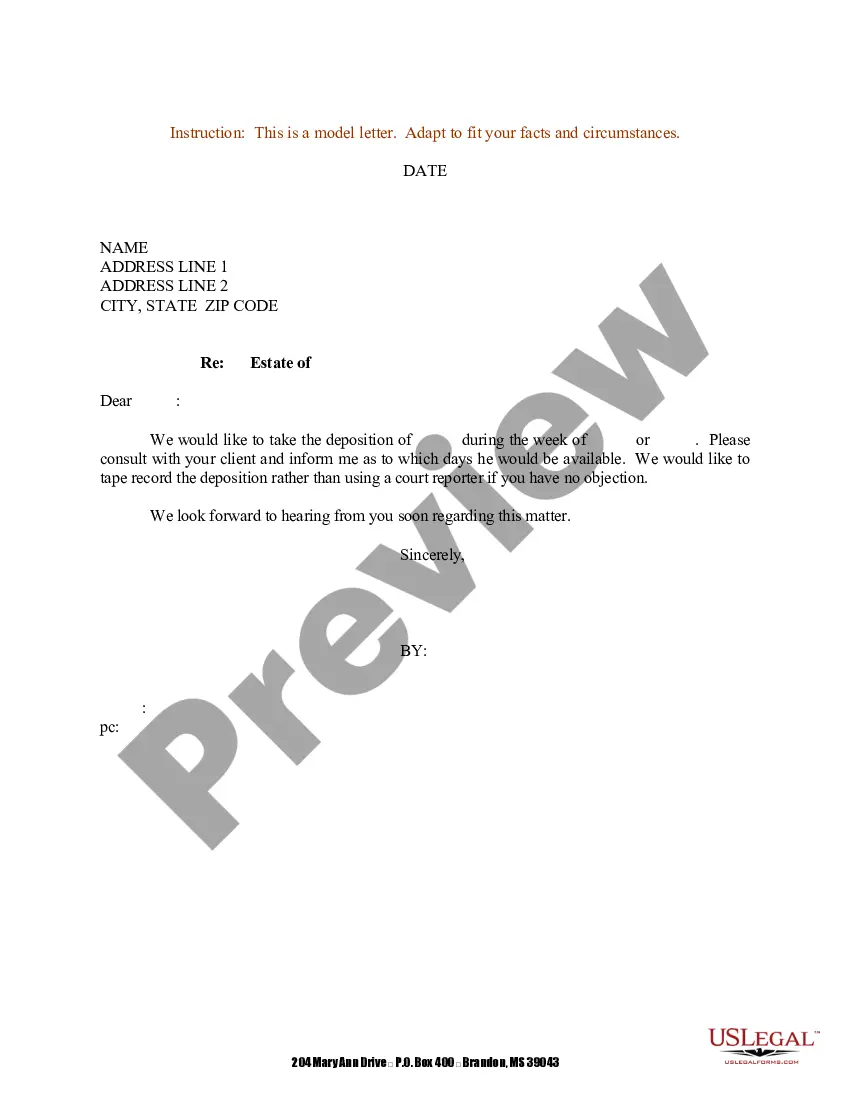
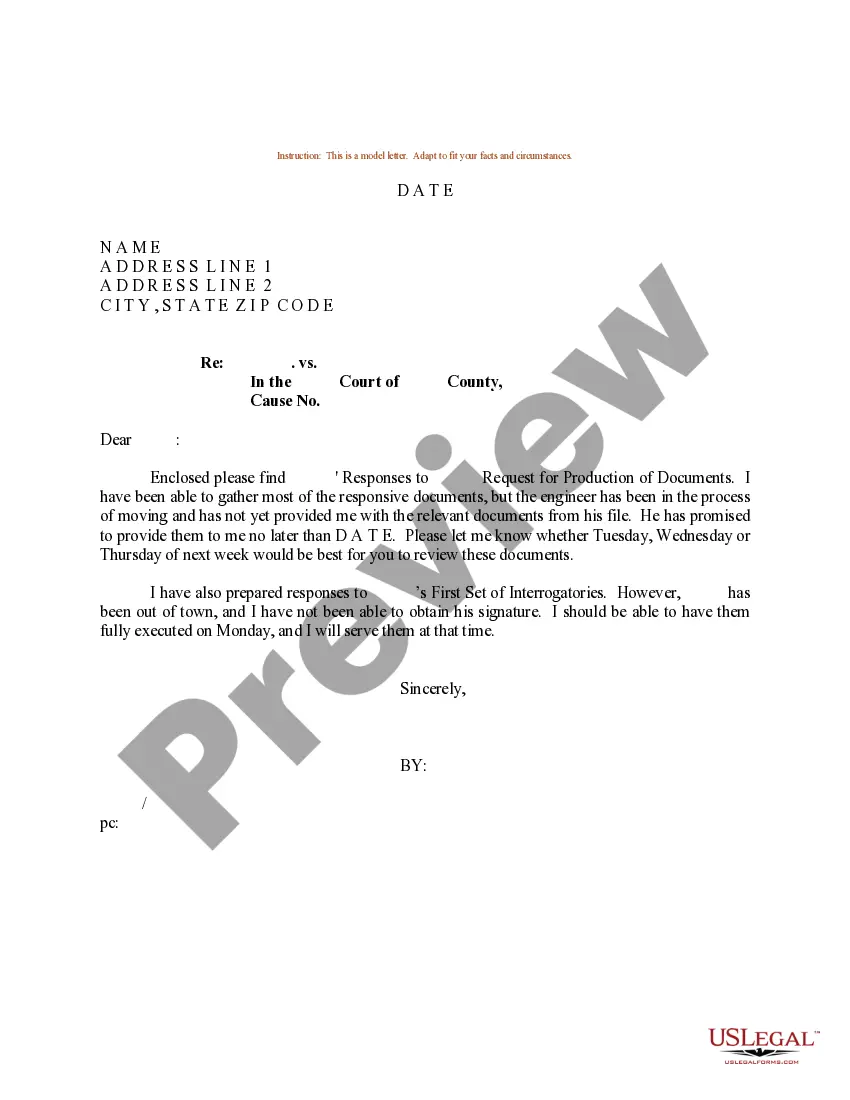
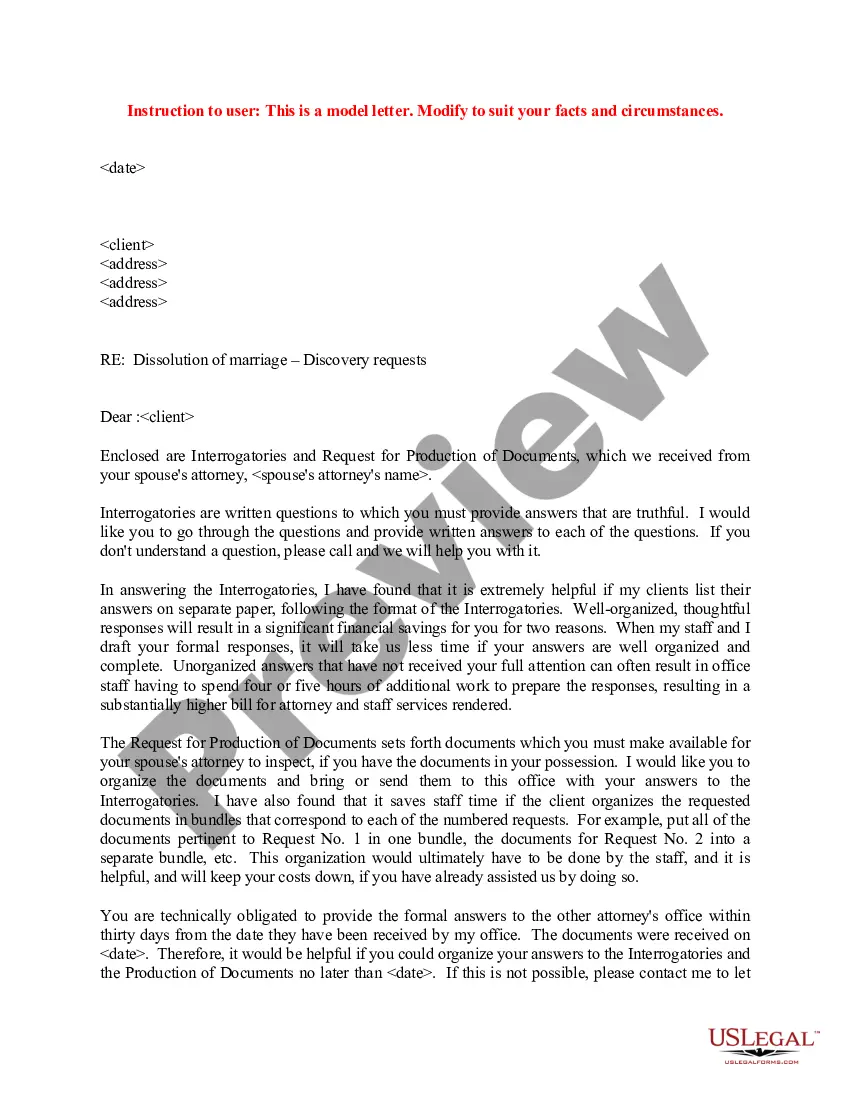
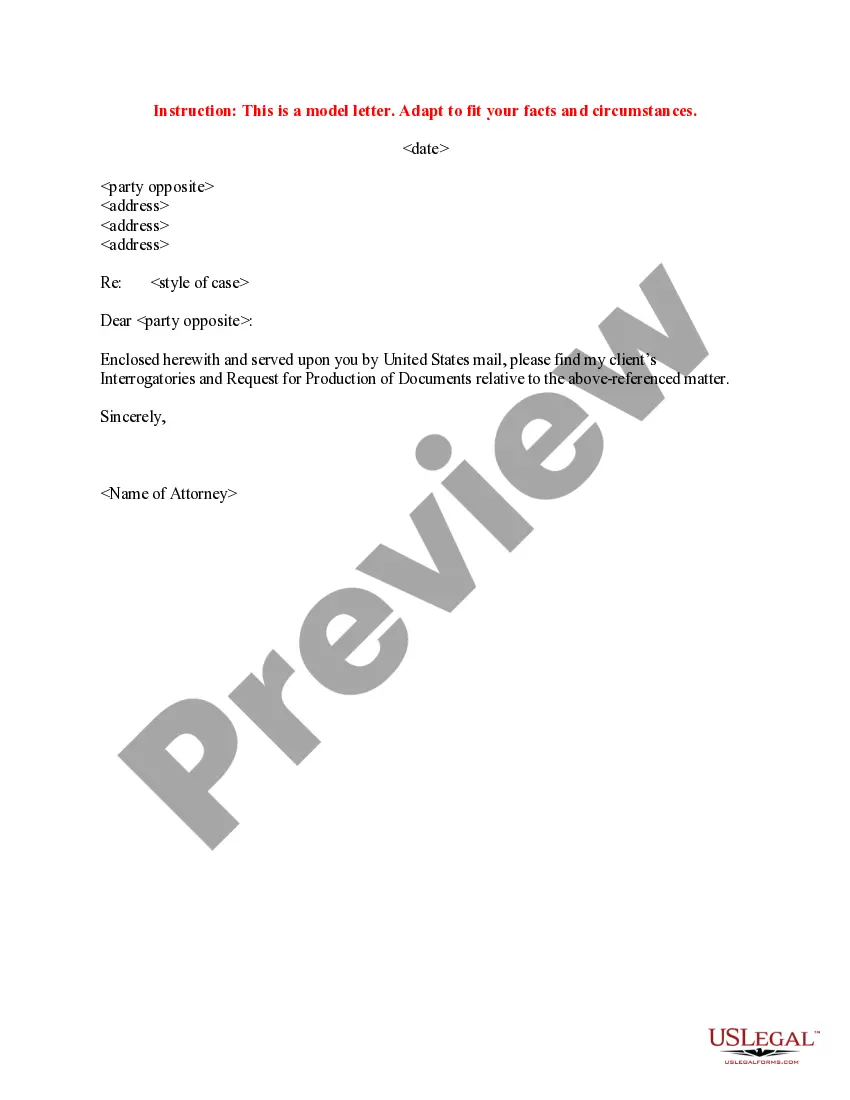
Get your form ready online
Our built-in tools help you complete, sign, share, and store your documents in one place.
Make edits, fill in missing information, and update formatting in US Legal Forms—just like you would in MS Word.
Download a copy, print it, send it by email, or mail it via USPS—whatever works best for your next step.
Sign and collect signatures with our SignNow integration. Send to multiple recipients, set reminders, and more. Go Premium to unlock E-Sign.
If this form requires notarization, complete it online through a secure video call—no need to meet a notary in person or wait for an appointment.
We protect your documents and personal data by following strict security and privacy standards.

Make edits, fill in missing information, and update formatting in US Legal Forms—just like you would in MS Word.

Download a copy, print it, send it by email, or mail it via USPS—whatever works best for your next step.

Sign and collect signatures with our SignNow integration. Send to multiple recipients, set reminders, and more. Go Premium to unlock E-Sign.

If this form requires notarization, complete it online through a secure video call—no need to meet a notary in person or wait for an appointment.

We protect your documents and personal data by following strict security and privacy standards.
Looking for another form?








Form popularity
FAQ
Categorizing and Labeling for Court Fill out an exhibit list with a description and exhibit number or letter. Identify exhibits as physical, electronic, or both. Use specific file naming protocol and sequencing for digital files. Bookmark and annotate PDFs.
Exhibits may include: Photographs, either digital or physical. Audio or video recordings as digital file types, DVDs, CDs, etc.
Discovery allows you to get information and evidence from the other party or other persons you can use in your lawsuit.
Exhibit list: Prepare an exhibit list that includes a description of each exhibit and its corresponding exhibit number or letter. The exhibit list should be filed with the court and shared with opposing counsel before trial.
Court filings with exhibits attached as part of the court filing must be submitted to the court at the time of filing with the court (either in person, by mail, or through the eFile and eServe (eFS) System).
Ensure the video is clear, relevant, and legally recorded. Gather required documents and authenticate the video. Submit it in the court-approved format before the deadline. During the hearing, use proper playback equipment and be ready to explain why the video is important to your case.
If you want to file a motion, the process is generally something like this: You write your motion. You file your motion with the court clerk. The court clerk inserts the date and time your motion will be heard by the judge. You “serve” (mail) your motion to the other side.
Additional ways to access court records Visit the District Court Records Center on the B-Level of the Hennepin County Government Center, or request a copy of the record by mail.
Instructions for filing a. Motion. in the Minnesota Court of Appeals. Step 1: Fill out the Motion form. Step 2: Fill out the Affidavit in Support of Motion form. Step 3: Serve your Motion and Affidavit on the opposing parties. Step 4: Proof of Service. Step 5: File the Motion, Affidavit, and Certificate of Service by Mail.

