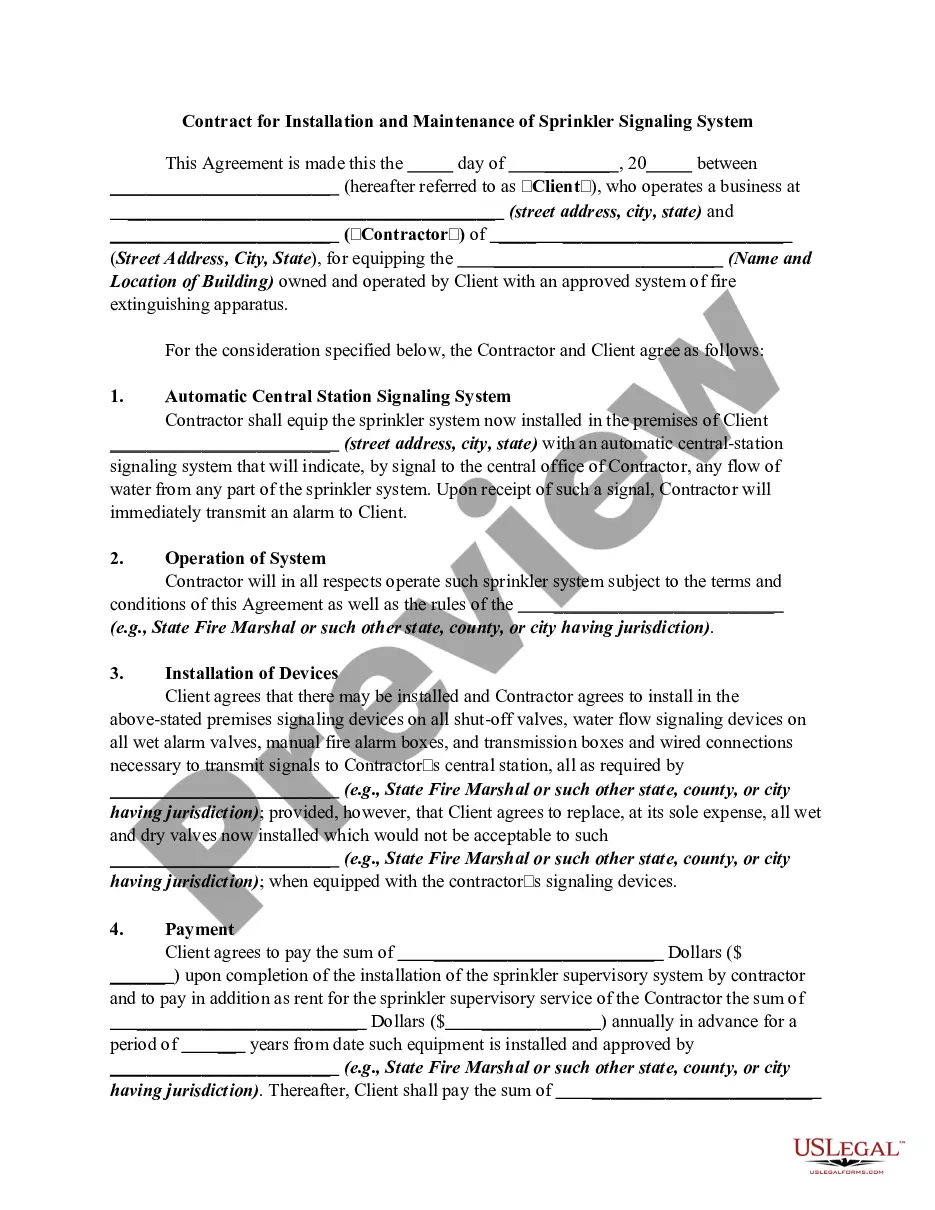
Agree With Arbitration In New York
Description








Get your form ready online
Our built-in tools help you complete, sign, share, and store your documents in one place.
Make edits, fill in missing information, and update formatting in US Legal Forms—just like you would in MS Word.
Download a copy, print it, send it by email, or mail it via USPS—whatever works best for your next step.
Sign and collect signatures with our SignNow integration. Send to multiple recipients, set reminders, and more. Go Premium to unlock E-Sign.
If this form requires notarization, complete it online through a secure video call—no need to meet a notary in person or wait for an appointment.
We protect your documents and personal data by following strict security and privacy standards.

Make edits, fill in missing information, and update formatting in US Legal Forms—just like you would in MS Word.

Download a copy, print it, send it by email, or mail it via USPS—whatever works best for your next step.

Sign and collect signatures with our SignNow integration. Send to multiple recipients, set reminders, and more. Go Premium to unlock E-Sign.

If this form requires notarization, complete it online through a secure video call—no need to meet a notary in person or wait for an appointment.

We protect your documents and personal data by following strict security and privacy standards.
Looking for another form?









Form popularity
FAQ
If you include an arbitration clause in your contract, you might want to specify the rules for the arbitration proceeding. You can be vague in your rules. For example, you can simply say that the arbitration is: binding.
File online using the New York Insurance ADR Center online version of the Arbitration Request form (AAA Form AR1). Upload documents stored on your desktop. In addition, the successful submission of a case in ADR Center immediately generates a case number that will assist the filer with tracking the status of the case.
The Scope of the Clause. This section of the clause is critical; it sets the boundaries for which disputes the tribunal is authorised to determine. Choice of Rules. The Number of Arbitrators. Appointing Authority. Choice of Venue. The language of the proceedings. Finality. Exclusion of the right of appeal.
FINRA requires investors and other parties to file their arbitration claims via the DR Portal—except for investors representing themselves, who have the option to file by mail. If you are new to the DR Portal, please create an account. Login to the DR Portal and select “File a New Arbitration Claim” in the left column.
After drafting the Motion to Compel Arbitration, you'll need to file it with the court clerk. You can do this in person or let an attorney do it for you if you have one. Filing requirements vary from one court to another; you need to consult with the court clerk about local rules for filing that apply to your case.
A claimant will typically start arbitration by sending a document known as a “request for arbitration” or a “notice to arbitrate” to its opponent.
You may file a petition to confirm an arbitration award at any time within one year after your client receives the award. See N.Y. C.P.L.R. § 7510. To ensure your application is timely, take steps to confirm the arbitration award promptly after the arbitrator issues the award.
You may file a petition to confirm an arbitration award at any time within one year after your client receives the award. See N.Y. C.P.L.R. § 7510. To ensure your application is timely, take steps to confirm the arbitration award promptly after the arbitrator issues the award.
Ask the court to approve (confirm) or correct an arbitrator's decision (award) in an arbitration done under an agreement between the parties and to make the award a court decision (judgment) or ask the court to cancel (vacate) the arbitrator's award.