Meeting Minutes Format Example In Montgomery
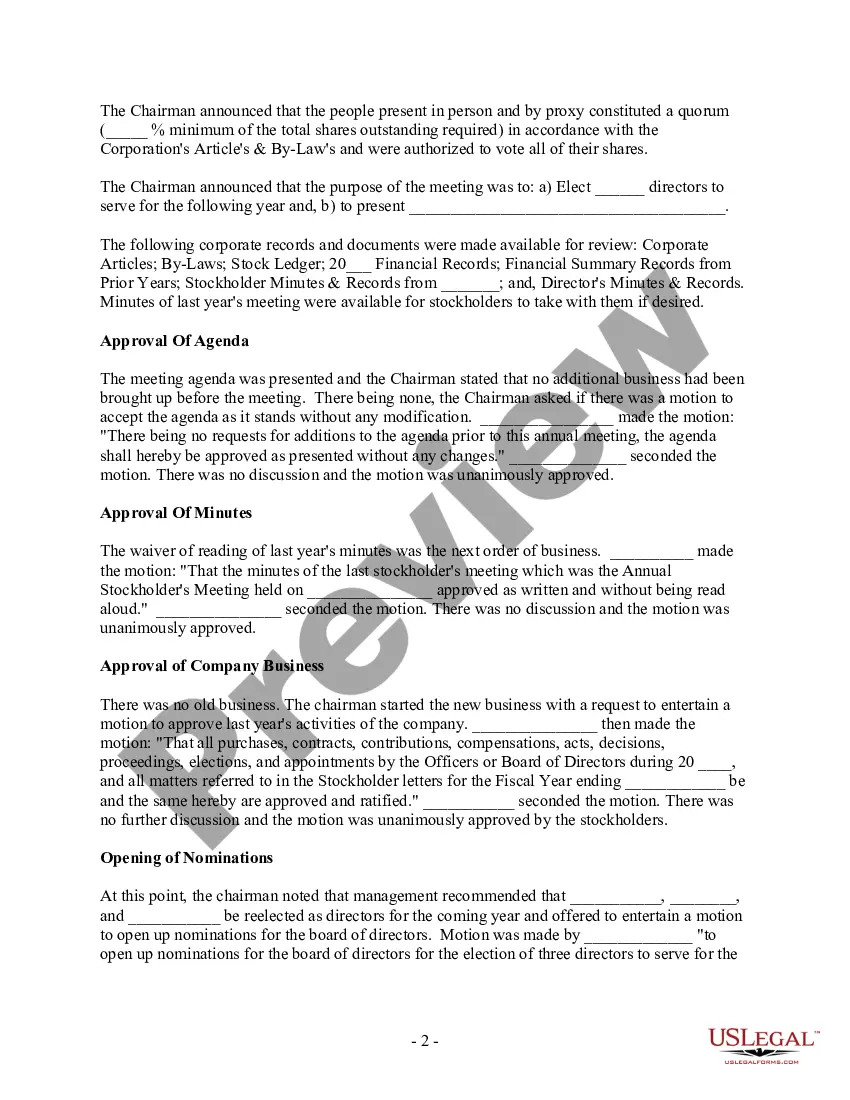
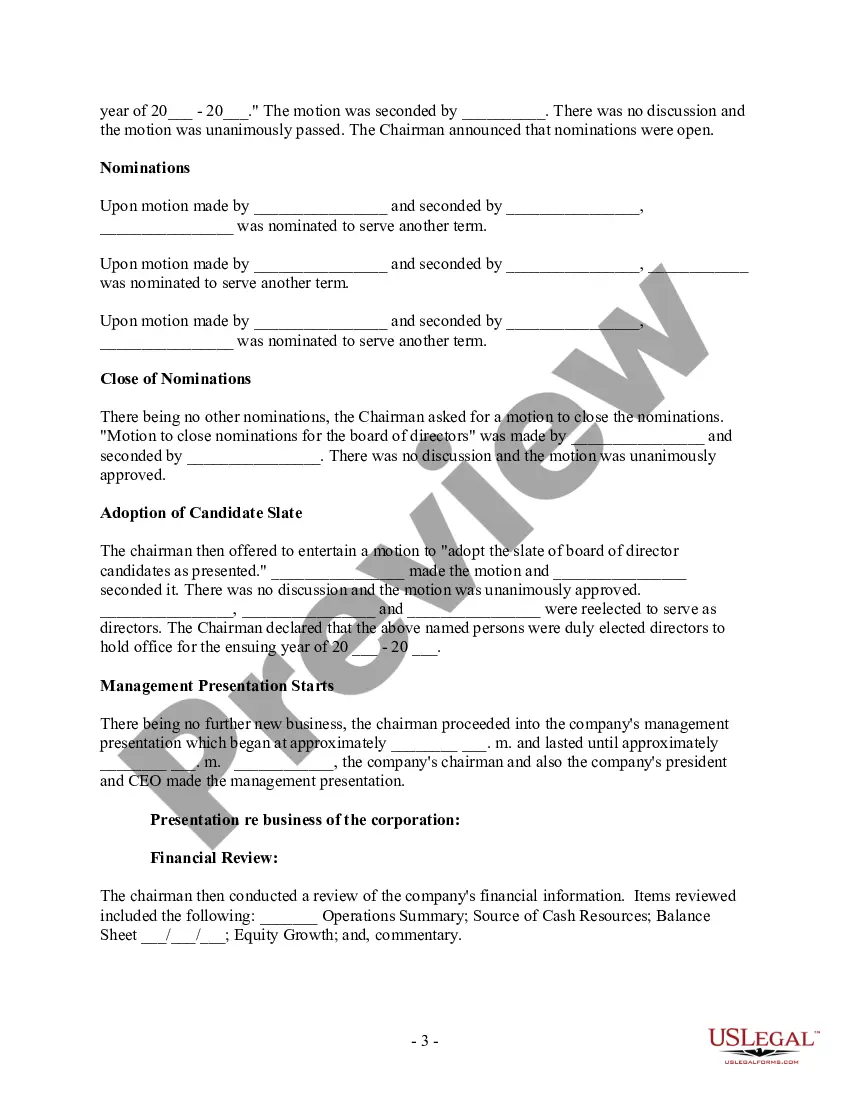
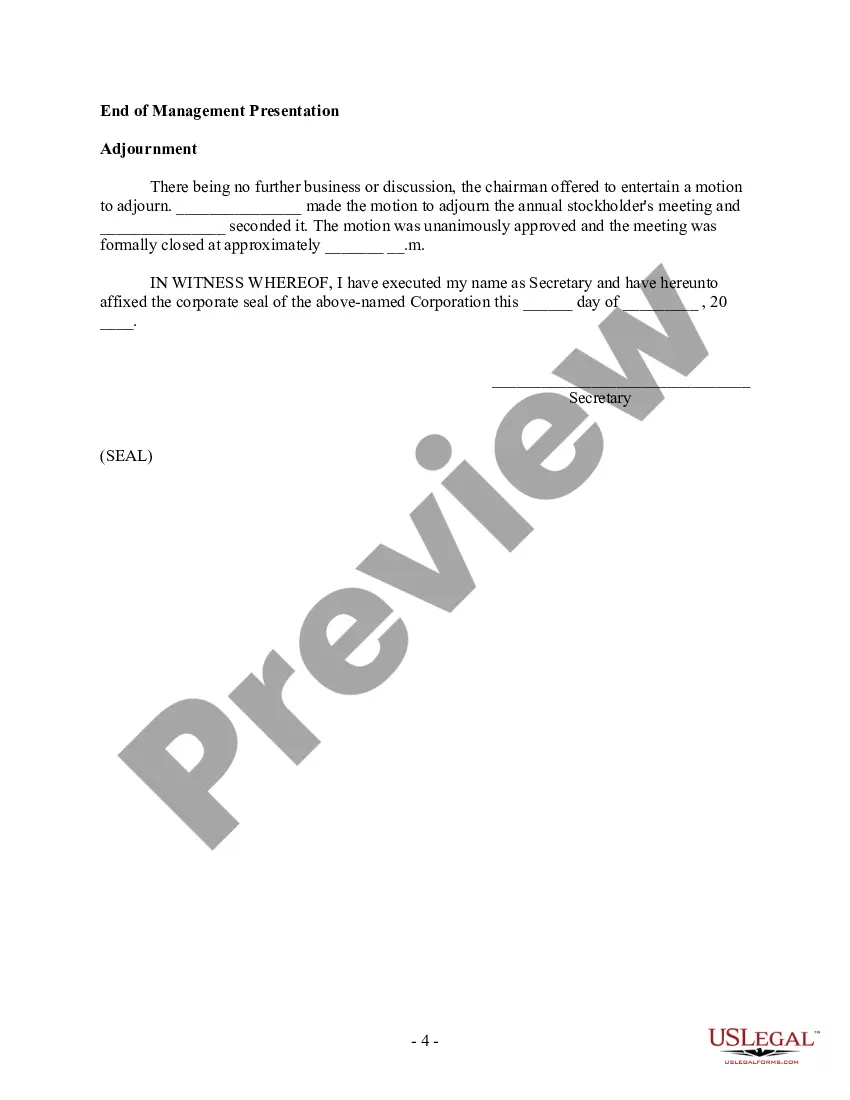
Description




Get your form ready online
Our built-in tools help you complete, sign, share, and store your documents in one place.
Make edits, fill in missing information, and update formatting in US Legal Forms—just like you would in MS Word.
Download a copy, print it, send it by email, or mail it via USPS—whatever works best for your next step.
Sign and collect signatures with our SignNow integration. Send to multiple recipients, set reminders, and more. Go Premium to unlock E-Sign.
If this form requires notarization, complete it online through a secure video call—no need to meet a notary in person or wait for an appointment.
We protect your documents and personal data by following strict security and privacy standards.

Make edits, fill in missing information, and update formatting in US Legal Forms—just like you would in MS Word.

Download a copy, print it, send it by email, or mail it via USPS—whatever works best for your next step.

Sign and collect signatures with our SignNow integration. Send to multiple recipients, set reminders, and more. Go Premium to unlock E-Sign.

If this form requires notarization, complete it online through a secure video call—no need to meet a notary in person or wait for an appointment.

We protect your documents and personal data by following strict security and privacy standards.
Looking for another form?









Form popularity
FAQ
Minutes should include the following: Date and time of meeting. Place of meeting. Members present. Members absent. Invited guests present. Agenda items. Actions voted (number by month and year only the voted actions) Major discussion items (even though no action voted)
What Should Be Included in Meeting Minutes? Date and time of the meeting. Names of the meeting participants and those unable to attend (e.g., “regrets”) Acceptance or corrections/amendments to previous meeting minutes. Decisions made about each agenda item, for example: Actions taken or agreed to be taken. Next steps.
The format for a meeting depends on the meeting type and style. While there is no set format for meeting minutes, templates provide guidelines for essential information that should be included in your documentation.
What to include in meeting minutes Why the meeting happened. First and last names of attendees. The date and time of the meeting. Projects assigned during the meeting and their deadlines. Decisions employees and leadership made during the meeting. Any corrections to previous meeting minutes. Motions that passed or failed.
How to Write a Meeting Agenda? 5 Key Steps Establish the meeting type. Not informing your team about the type of meeting they'd be attending can cause a lot of confusion. State the objective of the meeting. Identify specific meeting topics. Allocate time to discuss each topic. Include a list of necessary documents.
To take effective meeting minutes, the secretary should include: Date of the meeting. Time the meeting was called to order. Names of the meeting participants and absentees. Corrections and amendments to previous meeting minutes. Additions to the current agenda. Whether a quorum is present. Motions taken or rejected.
To take effective meeting minutes, the secretary should include: Date of the meeting. Time the meeting was called to order. Names of the meeting participants and absentees. Corrections and amendments to previous meeting minutes. Additions to the current agenda. Whether a quorum is present. Motions taken or rejected.
What to include Meeting date, time and location. Names of the committee or other group holding the meeting, the Chair and Secretary. List of those present, including guests in attendance, and any recorded regrets/absences. A record of formal motions and outcomes.
At their core, meeting minutes should include several key elements: Details of the Meeting: Start with the basics - the date, time, and location of the meeting, as well as the type of meeting (regular, special, annual, etc.). This sets the stage for what follows. Attendees: List everyone present and note any absences.
