Meeting Minutes Form Format Excel In Cook
Description

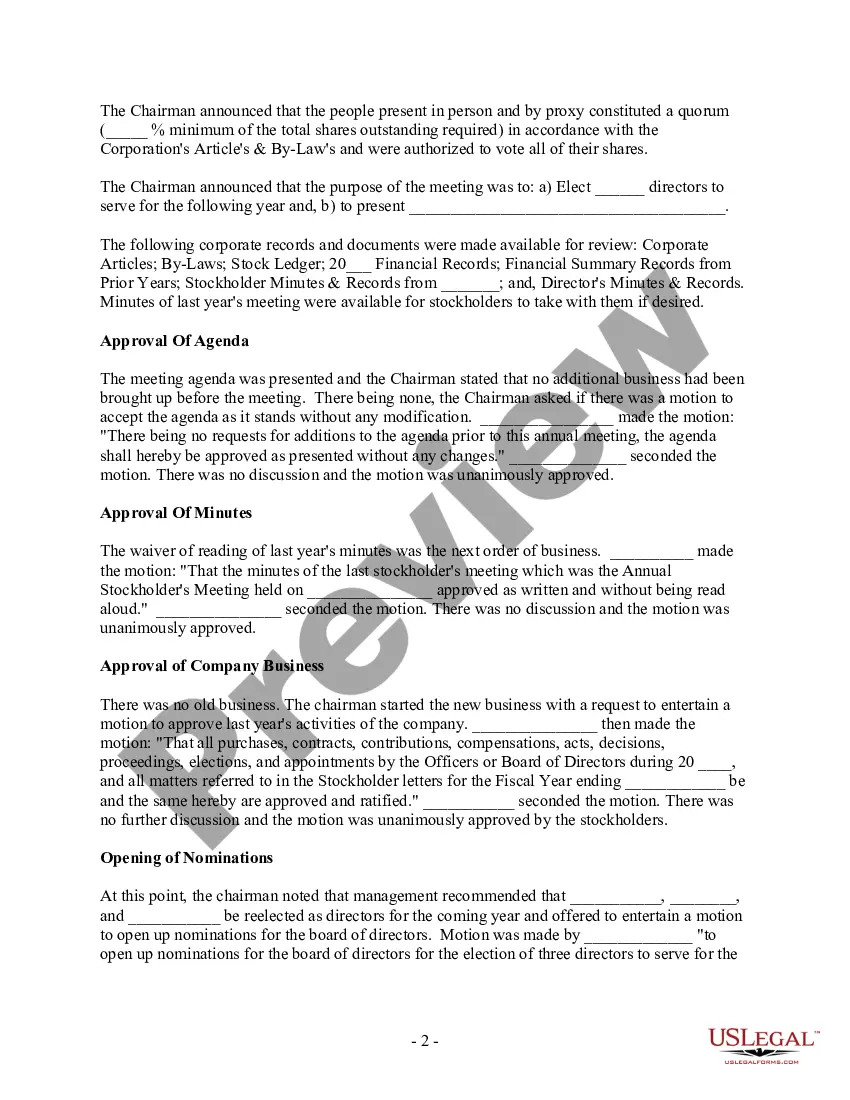
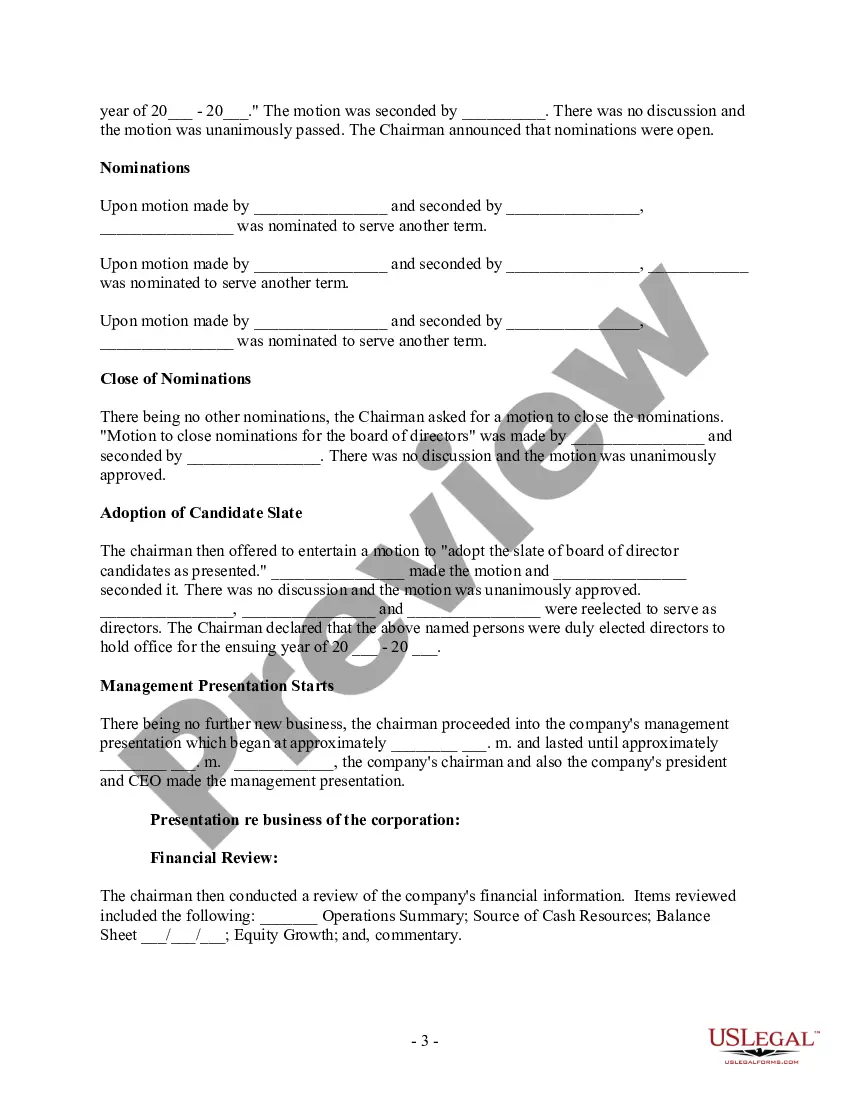
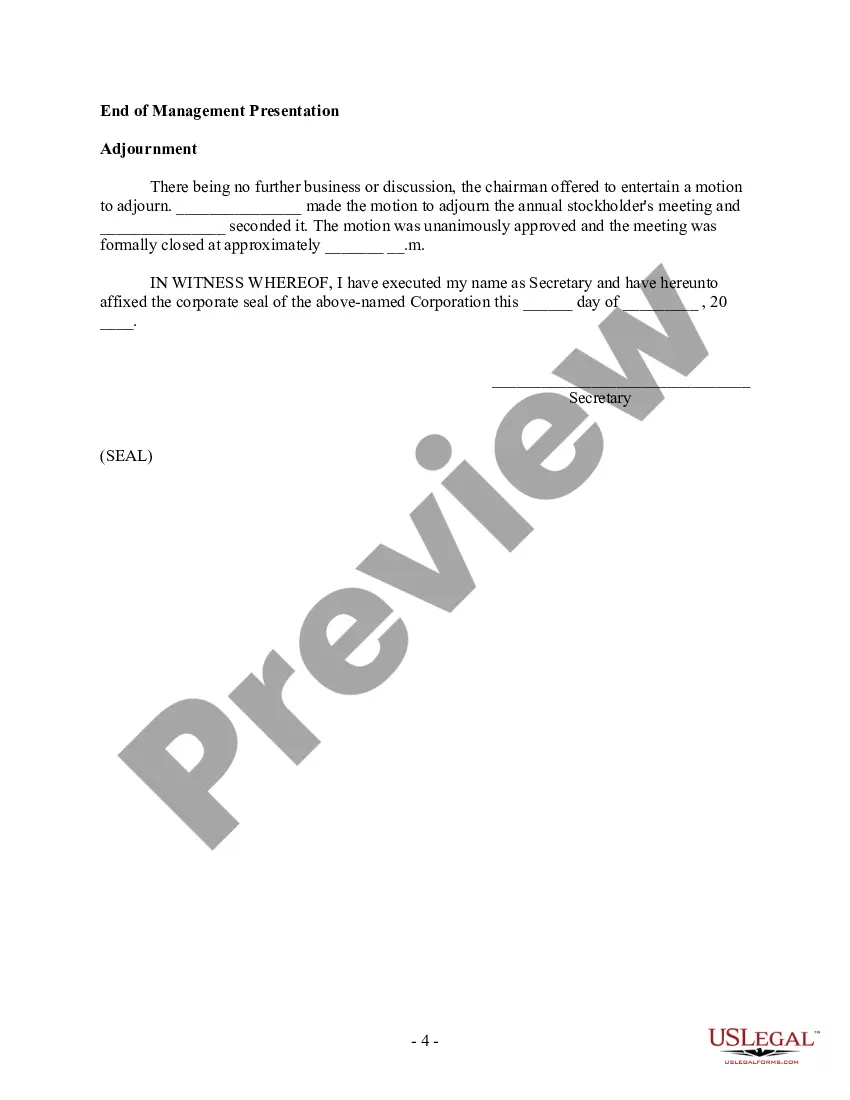



Get your form ready online
Our built-in tools help you complete, sign, share, and store your documents in one place.
Make edits, fill in missing information, and update formatting in US Legal Forms—just like you would in MS Word.
Download a copy, print it, send it by email, or mail it via USPS—whatever works best for your next step.
Sign and collect signatures with our SignNow integration. Send to multiple recipients, set reminders, and more. Go Premium to unlock E-Sign.
If this form requires notarization, complete it online through a secure video call—no need to meet a notary in person or wait for an appointment.
We protect your documents and personal data by following strict security and privacy standards.

Make edits, fill in missing information, and update formatting in US Legal Forms—just like you would in MS Word.

Download a copy, print it, send it by email, or mail it via USPS—whatever works best for your next step.

Sign and collect signatures with our SignNow integration. Send to multiple recipients, set reminders, and more. Go Premium to unlock E-Sign.

If this form requires notarization, complete it online through a secure video call—no need to meet a notary in person or wait for an appointment.

We protect your documents and personal data by following strict security and privacy standards.
Looking for another form?








Form popularity
FAQ
Robert's Rules (Section -16) state that “the minutes should contain mainly a record of what was done at the meeting, not what was said by the members.” Minutes are not transcripts of meetings; rather, the document contains a record of actions taken by the body, organized by the meeting's order of business (agenda).
Include the key elements like the meeting date and place, meeting attendees, agenda items, record decisions, actions, talking points, and deadlines. Formatting is a key. Make meeting minutes visually appealing and easy to read with proper spacing, bulleted lists, summary tables, and highlighted titles and keywords.
10 Meeting Minutes Software to Use in 2024 ClickUp – Best for AI-powered meeting minutes. Fellow – Good for integration with other apps. FreJun – Good for automations. Magic Minutes – Good for stand alone meeting minutes. Evernote – Good for all-purpose note-taking. Beenote – Good for planning meeting notes.
Following are 10 steps that can help you compose an effective meeting minutes report: Make an outline. Include factual information. Write down the purpose. Record decisions made. Add details for the next meeting. Be concise. Consider recording. Edit and proofread.
Meeting Minutes Template: Organization Name. Meeting Minutes. Date: Opening: The meeting was called to order at Time by Name at Location. Present: List of all present members Absent: List of any members who were not present Approval of Agenda: The agenda was reviewed and approved. Approval of Minutes:
What to include Meeting date, time and location. Names of the committee or other group holding the meeting, the Chair and Secretary. List of those present, including guests in attendance, and any recorded regrets/absences. A record of formal motions and outcomes.
Minutes of meeting excel template (MOM) is used to jot-down all the points discussed in the project initiation meeting. And It helps both developer and clients to record the requirements and to confirm the project requirement is clear at both sides.
How to write meeting minutes Organization name. Meeting purpose. Start and end times. Date and location. List of attendees and absentees, if necessary. Space for important information like motions passed or deadlines given. Space for your signature and the meeting leader's signature.
The minutes of a meeting should be written in the third person. It is important to write the date, time, and location of the meeting at the top of each page. The meeting should start with a summary of what was discussed and then be followed by a list of all decisions made.
