Meeting Minutes Format With Action Items In Broward
Description

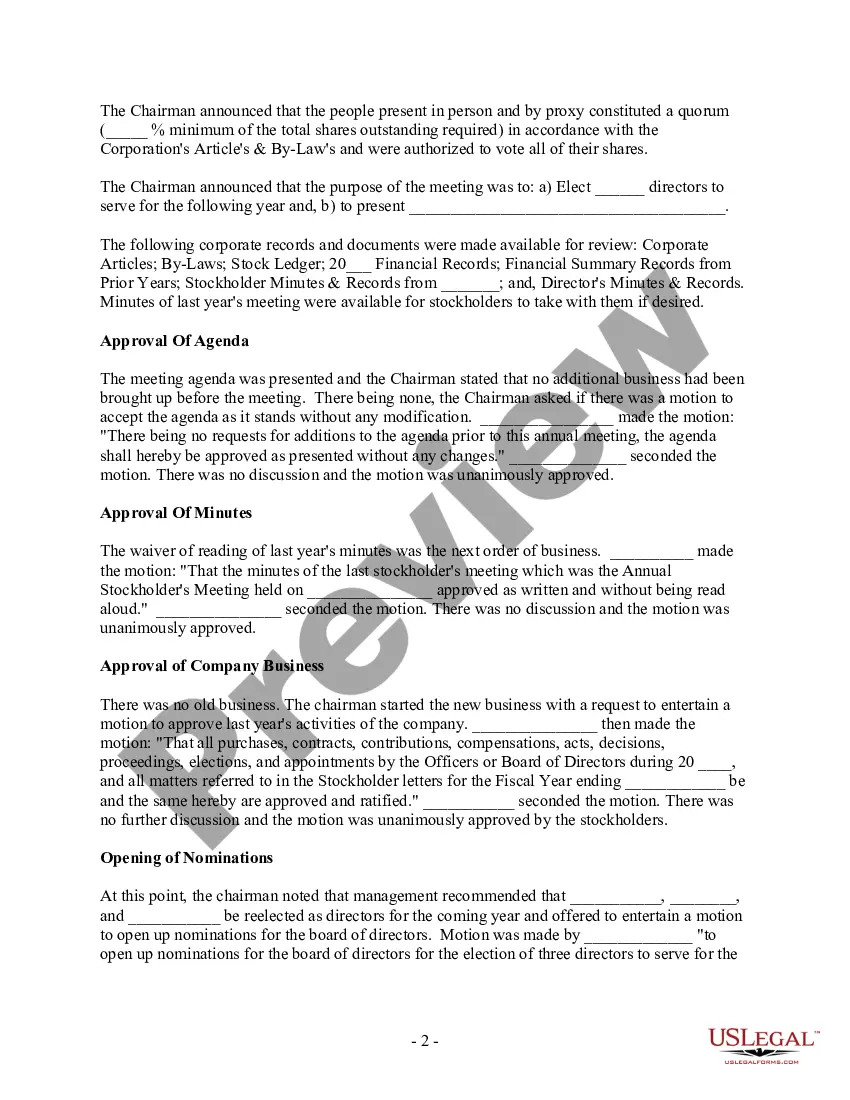
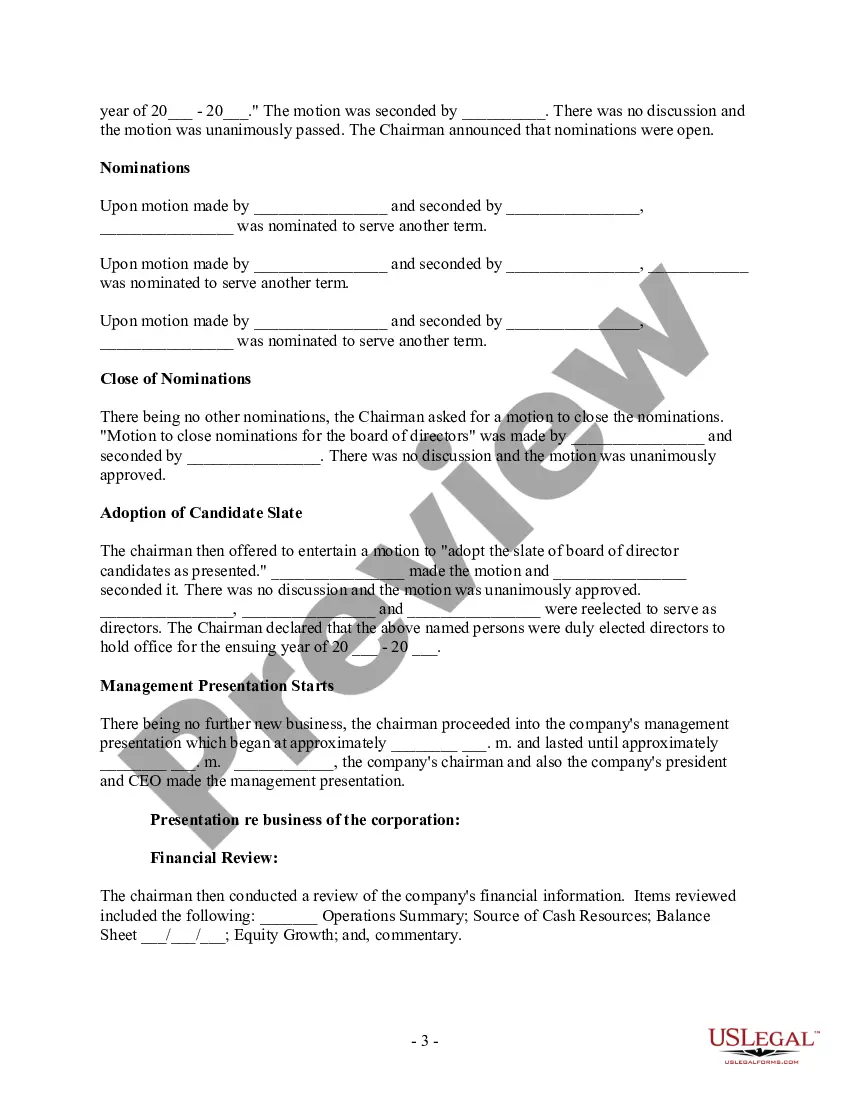
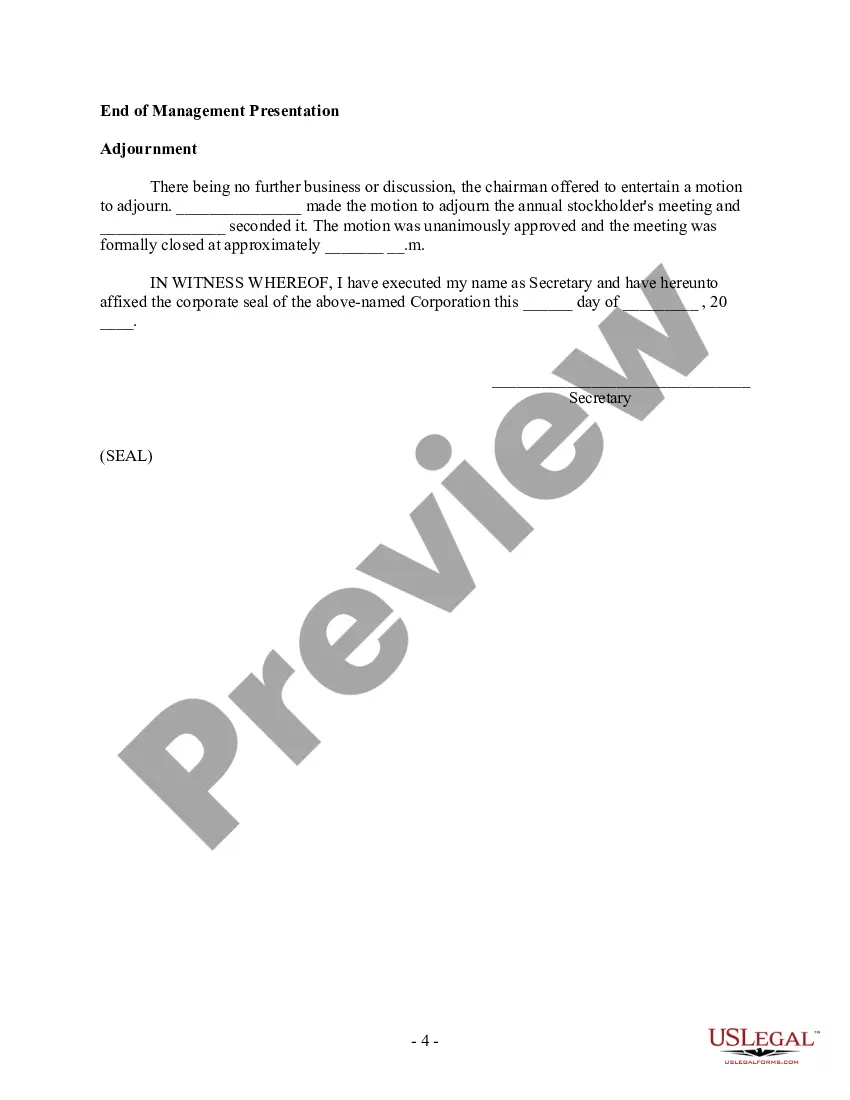



Get your form ready online
Our built-in tools help you complete, sign, share, and store your documents in one place.
Make edits, fill in missing information, and update formatting in US Legal Forms—just like you would in MS Word.
Download a copy, print it, send it by email, or mail it via USPS—whatever works best for your next step.
Sign and collect signatures with our SignNow integration. Send to multiple recipients, set reminders, and more. Go Premium to unlock E-Sign.
If this form requires notarization, complete it online through a secure video call—no need to meet a notary in person or wait for an appointment.
We protect your documents and personal data by following strict security and privacy standards.

Make edits, fill in missing information, and update formatting in US Legal Forms—just like you would in MS Word.

Download a copy, print it, send it by email, or mail it via USPS—whatever works best for your next step.

Sign and collect signatures with our SignNow integration. Send to multiple recipients, set reminders, and more. Go Premium to unlock E-Sign.

If this form requires notarization, complete it online through a secure video call—no need to meet a notary in person or wait for an appointment.

We protect your documents and personal data by following strict security and privacy standards.
Looking for another form?



Form popularity
FAQ
The minutes of a meeting should be written in the third person. It is important to write the date, time, and location of the meeting at the top of each page. The meeting should start with a summary of what was discussed and then be followed by a list of all decisions made.
5 steps to write impactful meeting action items Write the action item (what) Discuss the purpose (why) Set a due date (when) Assign a person to every action item (who) Think about what happens next.
How to write meeting minutes reports Make an outline. Prior to the meeting, create an outline by picking or designing a template. Include factual information. Add factual details, such as where and when the meeting takes place. Write down the purpose. Record decisions made.
``Action items that are actually tasks assigned during a meeting'' would need to come out of motions. The minutes will show the motion having passed.
Include who was present at the meeting as well as their role (if relevant). Note decisions that were made. If something is decided upon, always state what decision was made so that future actions can be assigned and held accountable.
At a minimum, minutes should include: Name and kind of meeting. Date, place, and time that the meeting began and ended. Names of the chair and secretary or their substitute. Names of voting members attending and whether a quorum was present. Names of guests and their subject matter.
What Should Be Included in Meeting Minutes? Date and time of the meeting. Names of the meeting participants and those unable to attend (e.g., “regrets”) Acceptance or corrections/amendments to previous meeting minutes. Decisions made about each agenda item, for example: Actions taken or agreed to be taken. Next steps.
What Should Be Included in Meeting Minutes? Date and time of the meeting. Names of the meeting participants and those unable to attend (e.g., “regrets”) Acceptance or corrections/amendments to previous meeting minutes. Decisions made about each agenda item, for example: Actions taken or agreed to be taken. Next steps.
How to Document Action Items in Minutes Be Specific About the Task. Assign Responsibility. Set Clear Deadlines. Provide Context When Necessary. Use a Standard Format for Consistency. Actively Listen During the Meeting. Keep the Format Simple and Consistent. Include Relevant Details, but Avoid Overloading.
5 steps to write impactful meeting action items Write the action item (what) Discuss the purpose (why) Set a due date (when) Assign a person to every action item (who) Think about what happens next.