Template For Minutes For Meeting In Alameda
Description

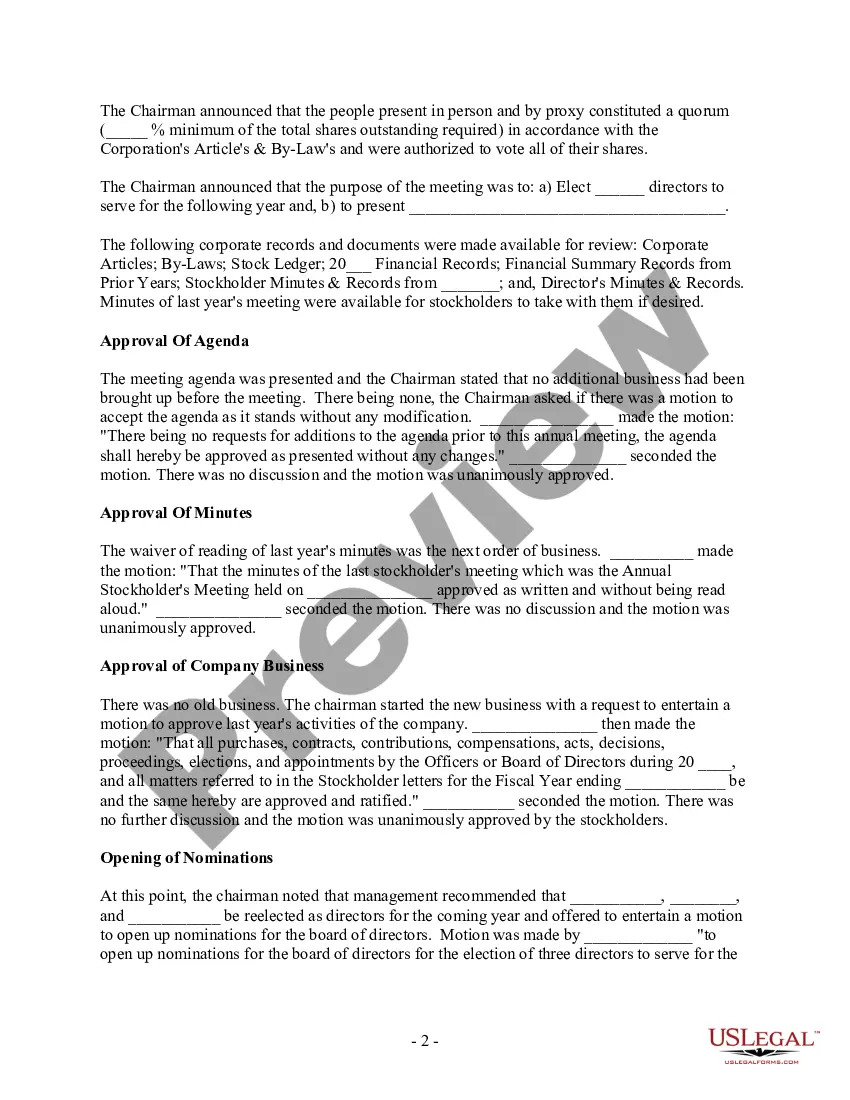
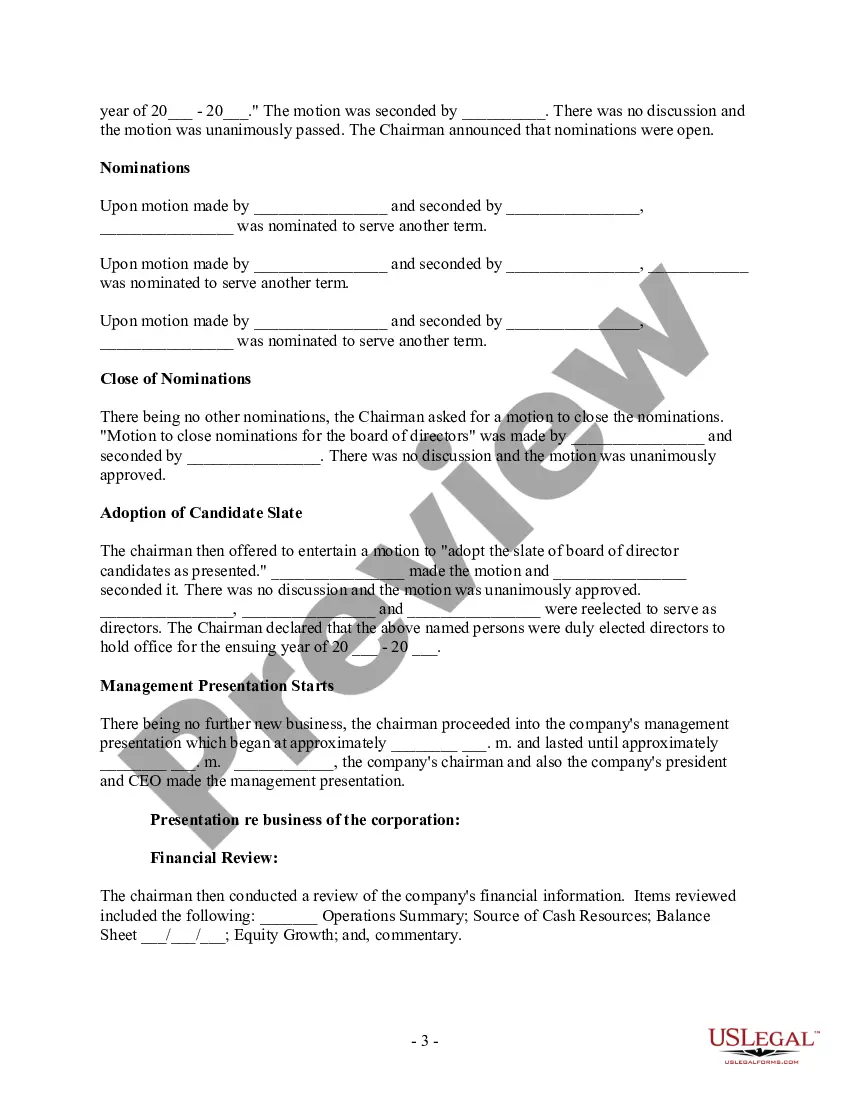
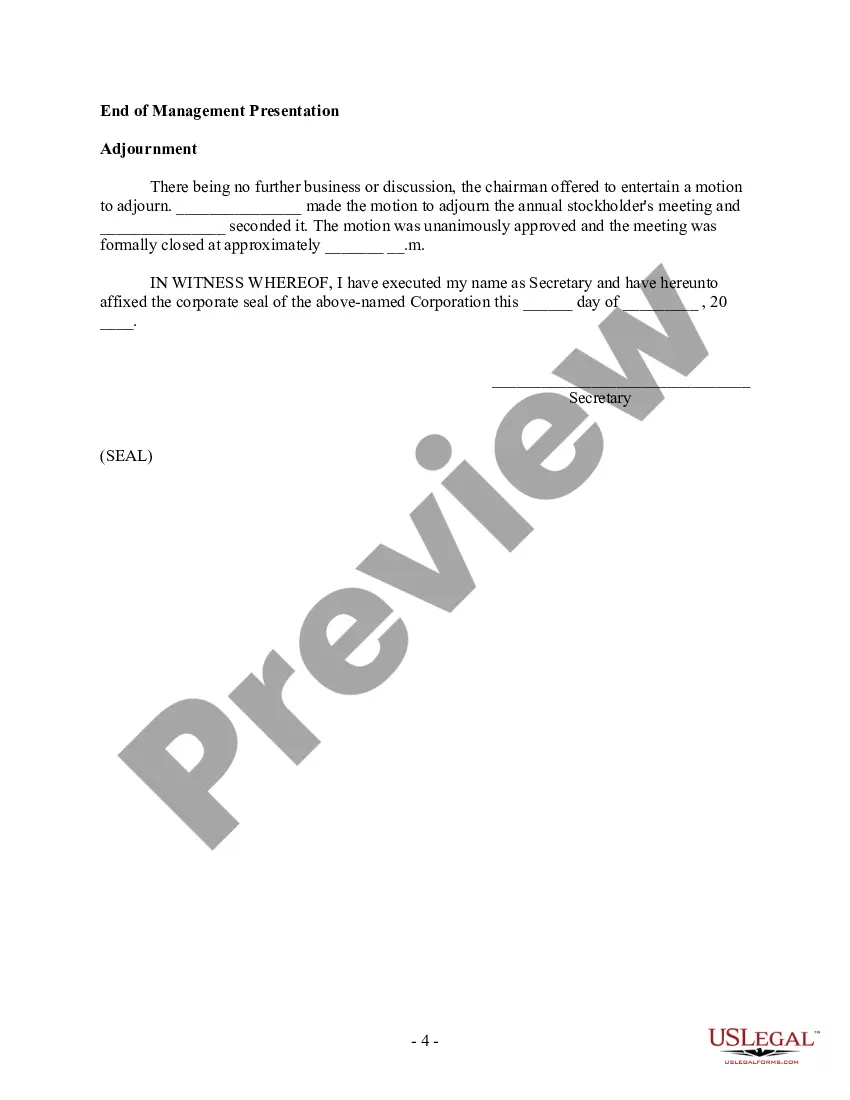



Get your form ready online
Our built-in tools help you complete, sign, share, and store your documents in one place.
Make edits, fill in missing information, and update formatting in US Legal Forms—just like you would in MS Word.
Download a copy, print it, send it by email, or mail it via USPS—whatever works best for your next step.
Sign and collect signatures with our SignNow integration. Send to multiple recipients, set reminders, and more. Go Premium to unlock E-Sign.
If this form requires notarization, complete it online through a secure video call—no need to meet a notary in person or wait for an appointment.
We protect your documents and personal data by following strict security and privacy standards.

Make edits, fill in missing information, and update formatting in US Legal Forms—just like you would in MS Word.

Download a copy, print it, send it by email, or mail it via USPS—whatever works best for your next step.

Sign and collect signatures with our SignNow integration. Send to multiple recipients, set reminders, and more. Go Premium to unlock E-Sign.

If this form requires notarization, complete it online through a secure video call—no need to meet a notary in person or wait for an appointment.

We protect your documents and personal data by following strict security and privacy standards.
Looking for another form?
Form popularity
FAQ
What Should Be Included in Meeting Minutes? Date and time of the meeting. Names of the meeting participants and those unable to attend (e.g., “regrets”) Acceptance or corrections/amendments to previous meeting minutes. Decisions made about each agenda item, for example: Actions taken or agreed to be taken. Next steps.
What do the minutes contain? Time, date and place of meeting. List of people attending. List of absent members of the group. Approval of the previous meeting's minutes, and any matters arising from those minutes. For each item in the agenda, a record of the principal points discussed and decisions taken.
What Should Be Included in Meeting Minutes? Date and time of the meeting. Names of the meeting participants and those unable to attend (e.g., “regrets”) Acceptance or corrections/amendments to previous meeting minutes. Decisions made about each agenda item, for example: Actions taken or agreed to be taken. Next steps.
Approve the minutes: Once corrections are complete, the chair asks for a motion to approve the minutes. One member makes the motion, a second member approves it, and the chair calls for a vote. The approval of meeting minutes goes through with a majority vote.
The format for a meeting depends on the meeting type and style. While there is no set format for meeting minutes, templates provide guidelines for essential information that should be included in your documentation.
What do the minutes contain? Time, date and place of meeting. List of people attending. List of absent members of the group. Approval of the previous meeting's minutes, and any matters arising from those minutes. For each item in the agenda, a record of the principal points discussed and decisions taken.
What to include in meeting minutes Why the meeting happened. First and last names of attendees. The date and time of the meeting. Projects assigned during the meeting and their deadlines. Decisions employees and leadership made during the meeting. Any corrections to previous meeting minutes. Motions that passed or failed.
Most teams end meeting minutes with action items describing steps that must be taken to meet project goals.
What Should Be Included in Meeting Minutes? Date and time of the meeting. Names of the meeting participants and those unable to attend (e.g., “regrets”) Acceptance or corrections/amendments to previous meeting minutes. Decisions made about each agenda item, for example: Actions taken or agreed to be taken. Next steps.
