Sample Letter For Refund Payment In Pennsylvania
Description
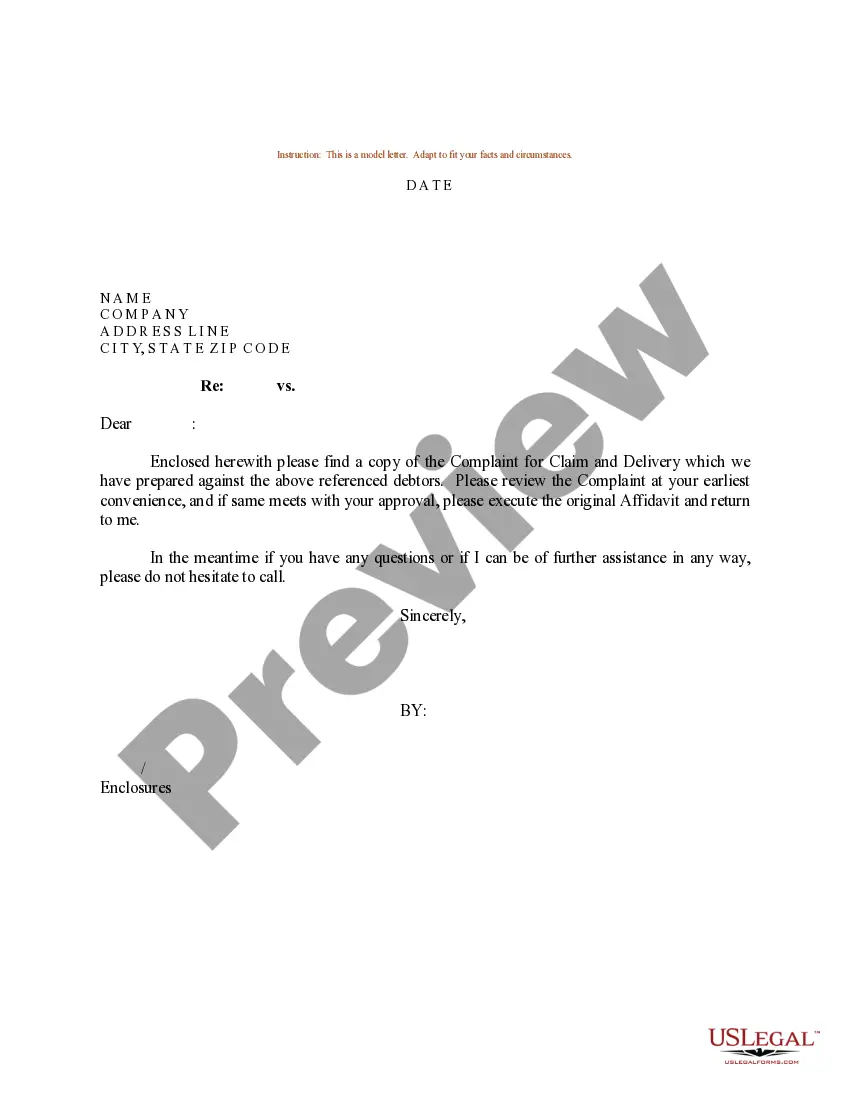

Get your form ready online
Our built-in tools help you complete, sign, share, and store your documents in one place.
Make edits, fill in missing information, and update formatting in US Legal Forms—just like you would in MS Word.
Download a copy, print it, send it by email, or mail it via USPS—whatever works best for your next step.
Sign and collect signatures with our SignNow integration. Send to multiple recipients, set reminders, and more. Go Premium to unlock E-Sign.
If this form requires notarization, complete it online through a secure video call—no need to meet a notary in person or wait for an appointment.
We protect your documents and personal data by following strict security and privacy standards.

Make edits, fill in missing information, and update formatting in US Legal Forms—just like you would in MS Word.

Download a copy, print it, send it by email, or mail it via USPS—whatever works best for your next step.

Sign and collect signatures with our SignNow integration. Send to multiple recipients, set reminders, and more. Go Premium to unlock E-Sign.

If this form requires notarization, complete it online through a secure video call—no need to meet a notary in person or wait for an appointment.

We protect your documents and personal data by following strict security and privacy standards.
Looking for another form?








Form popularity
FAQ
Step 1: Go to the e-Filing portal homepage. Step 2: Enter the user ID and password. Step 3: Go to e-File tab > Income Tax Returns > View Filed Returns. Step 4: Now you can check the refund status for the desired Assessment year. Status 1: When refund is issued: Status 2: When refund is partially adjusted:
Processing can take about six weeks to enter into the system. Then, it takes an additional three to four weeks for review. After review, it takes an additional three to four weeks for you to receive a refund check.
If you file your return electronically, your refund should be issued in less than three weeks, even faster when you choose direct deposit. You can have a refund check mailed to you, or you may be able to have your refund deposited directly into your bank account.
Every resident, part-year resident or nonresident individual must file a Pennsylvania Income Tax Return (PA-40) when he or she realizes income generating $1 or more in tax, even if no tax is due (e.g., when an employee receives compensation where tax is withheld).
After your overpayment is processed, it normally takes an additional 3 to 4 weeks for your refund to be mailed or direct deposited. You can track your refund on the Pennsylvania Department of Revenue's Where's My PA Personal Income Tax Refund? page.
The Board of Appeals can be reached by calling 717-783-3664. Forms can be downloaded from the Board's Online Petition Center or obtained by calling 1-888-PATAXES (728-2937). If there are technical issues with the filing of an online petition, an email can be sent to ra-rapswebtechnicalcontact@pa.
Check the status of your Pennsylvania state refund online at . Services for taxpayers with special hearing and/or speaking needs are available by calling 1-800-447-3020 (TT). Your refund status will be updated daily.
You must draft the demand letter with as little emotion as possible. And-- stick to the facts. Keep a detailed record and copies of all your communications with the other person or company. Write down the date, time, name of the person you spoke to, and the nature of all your conversations about the problem.
A refund demand letter is a written request for the return of payment for a good or service. It is addressed to the merchant and should include basic details about the transaction, the reason why the refund is sought, and expectations for repayment.

