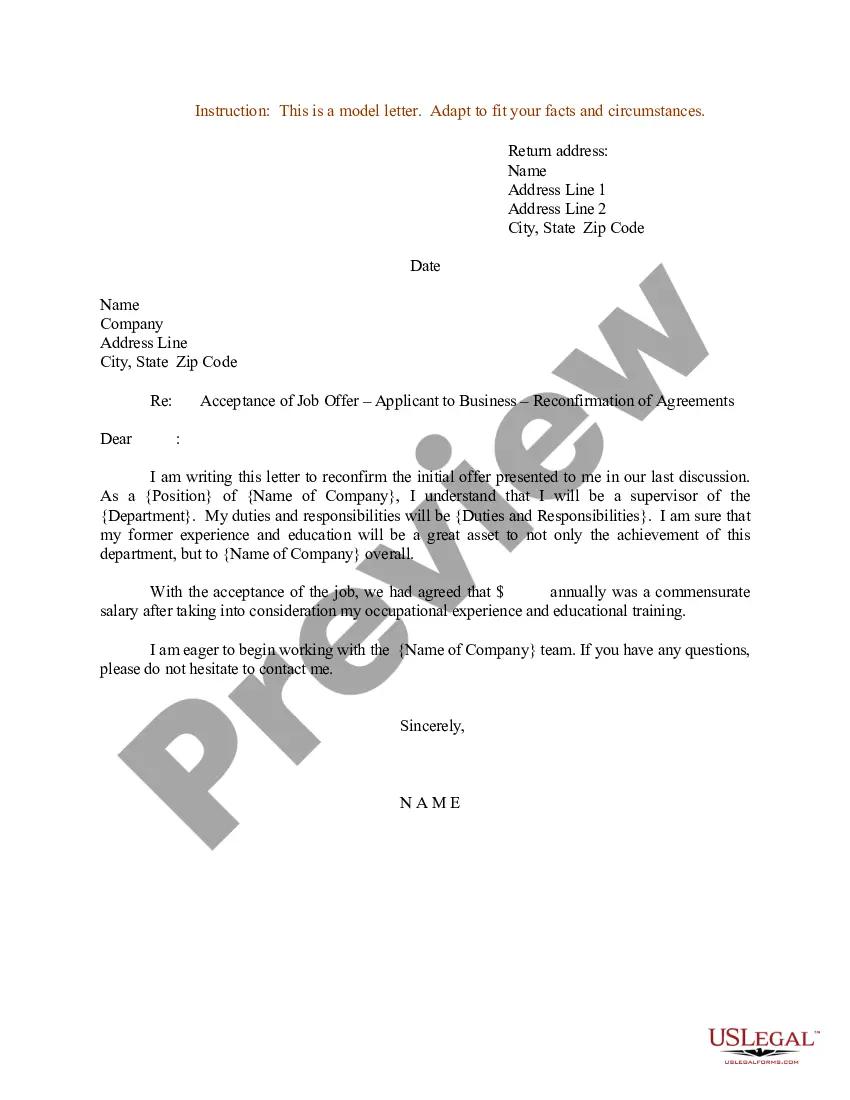
Letter Accepting Business With Immediate Effect
Description
Get your form ready online
Our built-in tools help you complete, sign, share, and store your documents in one place.
Make edits, fill in missing information, and update formatting in US Legal Forms—just like you would in MS Word.
Download a copy, print it, send it by email, or mail it via USPS—whatever works best for your next step.
Sign and collect signatures with our SignNow integration. Send to multiple recipients, set reminders, and more. Go Premium to unlock E-Sign.
If this form requires notarization, complete it online through a secure video call—no need to meet a notary in person or wait for an appointment.
We protect your documents and personal data by following strict security and privacy standards.

Make edits, fill in missing information, and update formatting in US Legal Forms—just like you would in MS Word.

Download a copy, print it, send it by email, or mail it via USPS—whatever works best for your next step.

Sign and collect signatures with our SignNow integration. Send to multiple recipients, set reminders, and more. Go Premium to unlock E-Sign.

If this form requires notarization, complete it online through a secure video call—no need to meet a notary in person or wait for an appointment.

We protect your documents and personal data by following strict security and privacy standards.
Looking for another form?
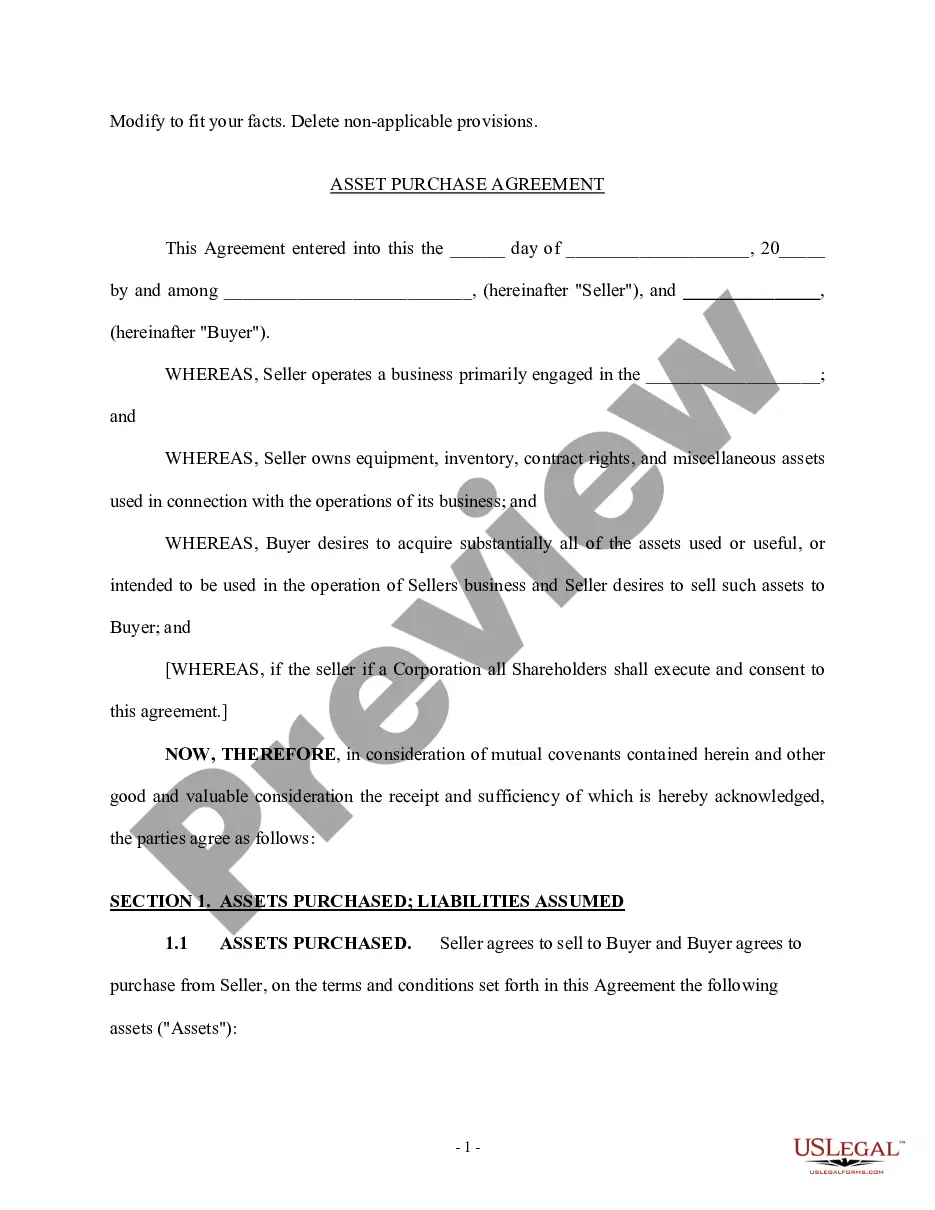
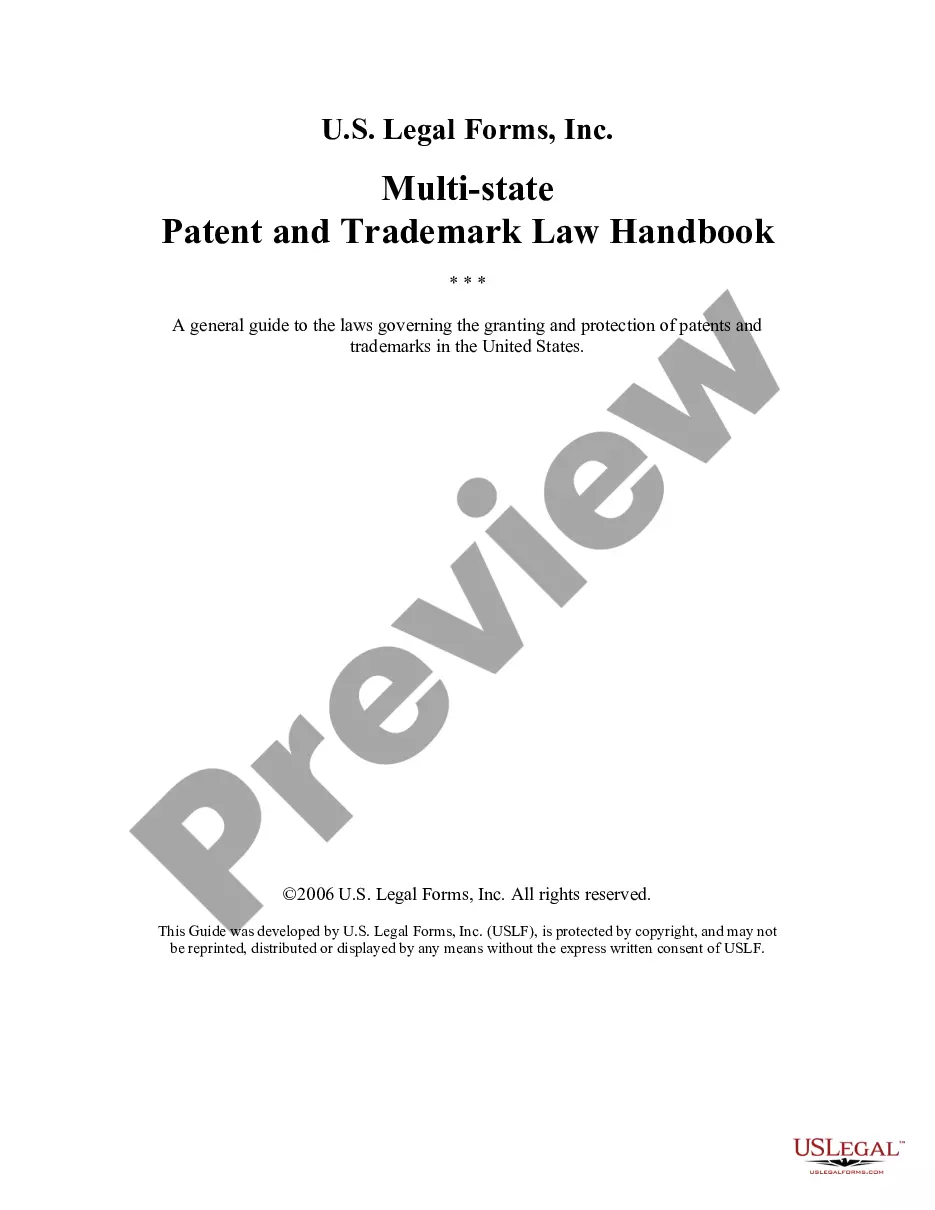
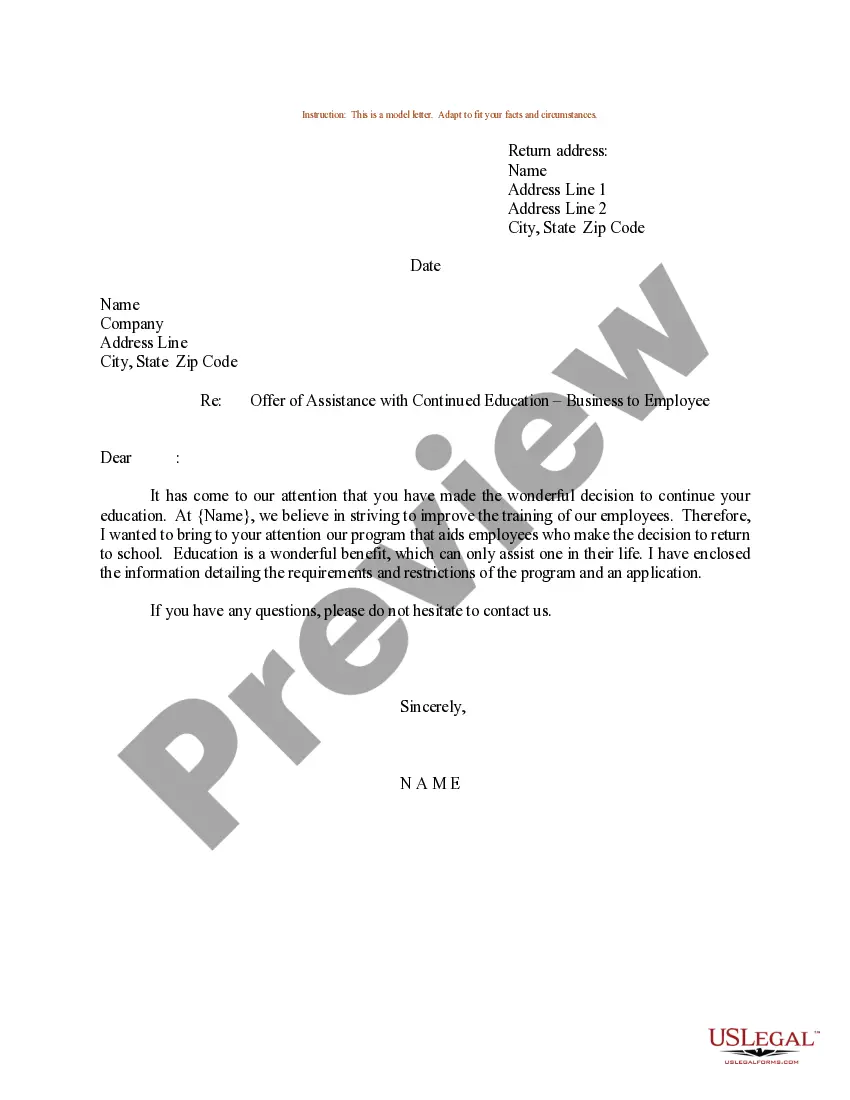
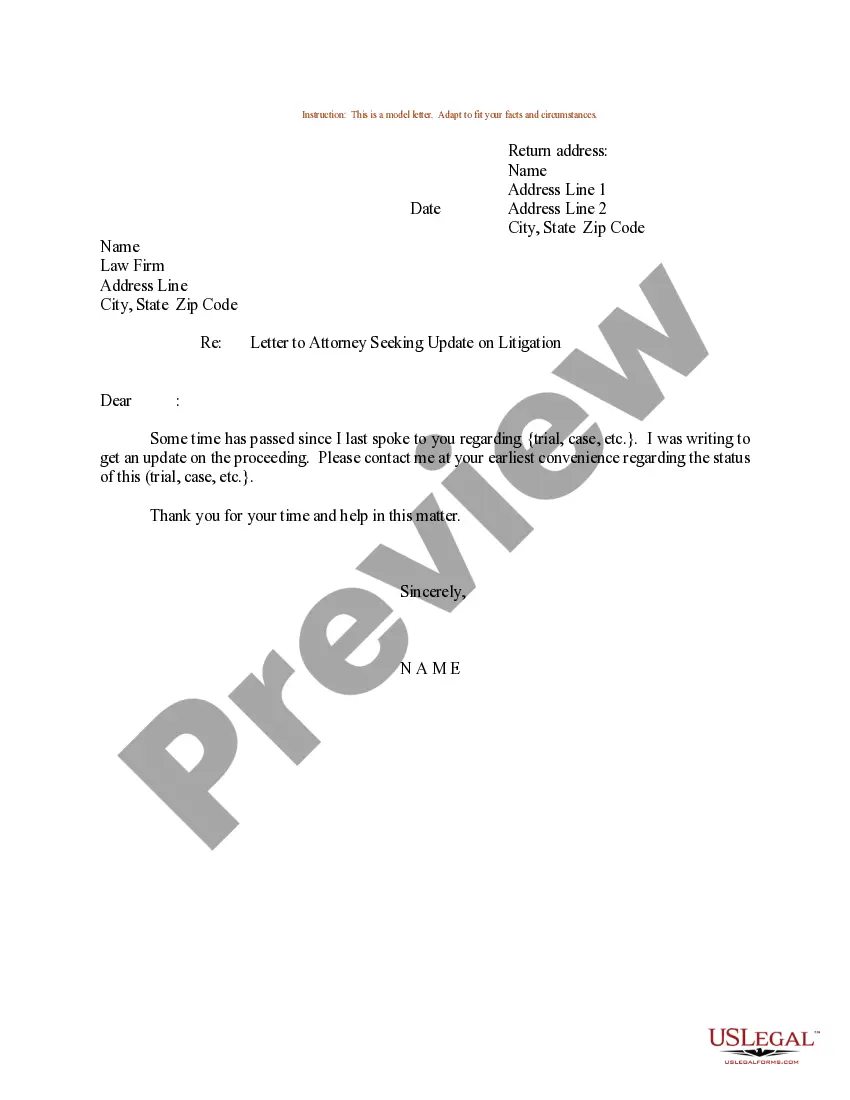
How to fill out Sample Letter For Acceptance Of Job Offer - Applicant To Business - Reconfirmation Of Agreements?
Whether for professional reasons or for personal issues, everyone must confront legal matters at some point in their lives. Filling out legal documents requires meticulous attention, starting from selecting the correct form template. For example, if you choose an incorrect version of a Letter Accepting Business With Immediate Effect, it will be rejected once you submit it. Hence, it is crucial to have a trustworthy source of legal documents such as US Legal Forms.
If you need to acquire a Letter Accepting Business With Immediate Effect template, follow these simple steps.
With an extensive US Legal Forms catalog available, you don’t have to waste time searching for the appropriate template across the internet. Use the library’s straightforward navigation to find the correct form for any occasion.
- Locate the template you require by utilizing the search bar or catalog navigation.
- Review the form’s description to confirm it suits your circumstances, state, and county.
- Click on the form’s preview to inspect it.
- If it is the incorrect document, return to the search feature to find the Letter Accepting Business With Immediate Effect template you need.
- Download the template once it aligns with your requirements.
- If you already possess a US Legal Forms account, simply click Log in to access previously saved templates in My documents.
- If you do not have an account yet, you can acquire the form by clicking Buy now.
- Select the suitable pricing option.
- Fill out the account registration form.
- Choose your payment method: use a credit card or PayPal account.
- Select the document format you desire and download the Letter Accepting Business With Immediate Effect.
- Once it is saved, you can complete the form using editing software or print it and fill it out by hand.
Form popularity
FAQ
Yes, you can accept a resignation with immediate effect. It is essential to acknowledge the employee's request and respond formally in writing. This ensures that there is a clear record of the acceptance and the effective date. Using a letter accepting business with immediate effect from US Legal Forms can help you create a professional response.
To put in a notice effective immediately, draft a letter that clearly states your intention. Begin with your contact information, followed by a formal greeting. In the body, declare your decision to resign or terminate your business relationship, specifying that it is effective immediately. Templates from US Legal Forms can provide you with a reliable format to follow.
Writing with immediate effect involves being clear and direct in your communication. Begin your letter by stating that the content is effective immediately. Include essential details like your name and the context of your communication. To make this easier, consider using a letter template from US Legal Forms, which can guide you through the necessary elements.
To resign politely and immediately, begin your letter with a courteous greeting. Clearly state your resignation and specify that it takes effect immediately. Thank your employer for the opportunities you received during your time there. Utilizing a professionally crafted letter accepting business with immediate effect from US Legal Forms can streamline this process.
To write a notice with immediate effect, start by clearly stating your intention at the top of the letter. Follow with your name, address, and the date. Then, express your decision to end your business relationship or employment, and mention that this notice is effective immediately. Using a template from US Legal Forms can help ensure your letter meets all necessary legal requirements.
Acceptance Letter Template Dear Sir, I am extremely glad to accept your offer for the position of [Title] at [Company's Name]. I agree with the whole terms we discussed in the interview. Certainly, I will go the [Company's Name] office by [Time] on [Date].
Here are the steps to take when writing a proposal acceptance letter: Format your letter. Your letter appears most professional if sent on your organization's letterhead. ... Specify sender, recipient and date. ... Accept the proposal. ... Clarify next steps. ... Offer thanks. ... Sign and send.
How to write a resignation acceptance letter Use the right formatting and structure. ... Include the date and contact information. ... Include a salutation. ... Accept the resignation. ... Include the final date of employment. ... Add other information. ... Express appreciation. ... Add a complimentary close.
How to accept a job offer in writing Address the appropriate recipient. Start by including your name and contact information, then the recipient's name and contact details. ... Express your gratitude for the job offer. ... Agree on the employment terms. ... Use a professional sign off. ... Follow up with the letter's recipient.
Dear Mr/Ms {Recipient's Name}, I extend my gratitude to you for offering me the position of {Title} in {Company's name}. I am delighted to accept your offer and look forward to commencing work with your company from {Date}.