Board Directors Meeting Minutes Format For Video Conferencing In Wayne
Description

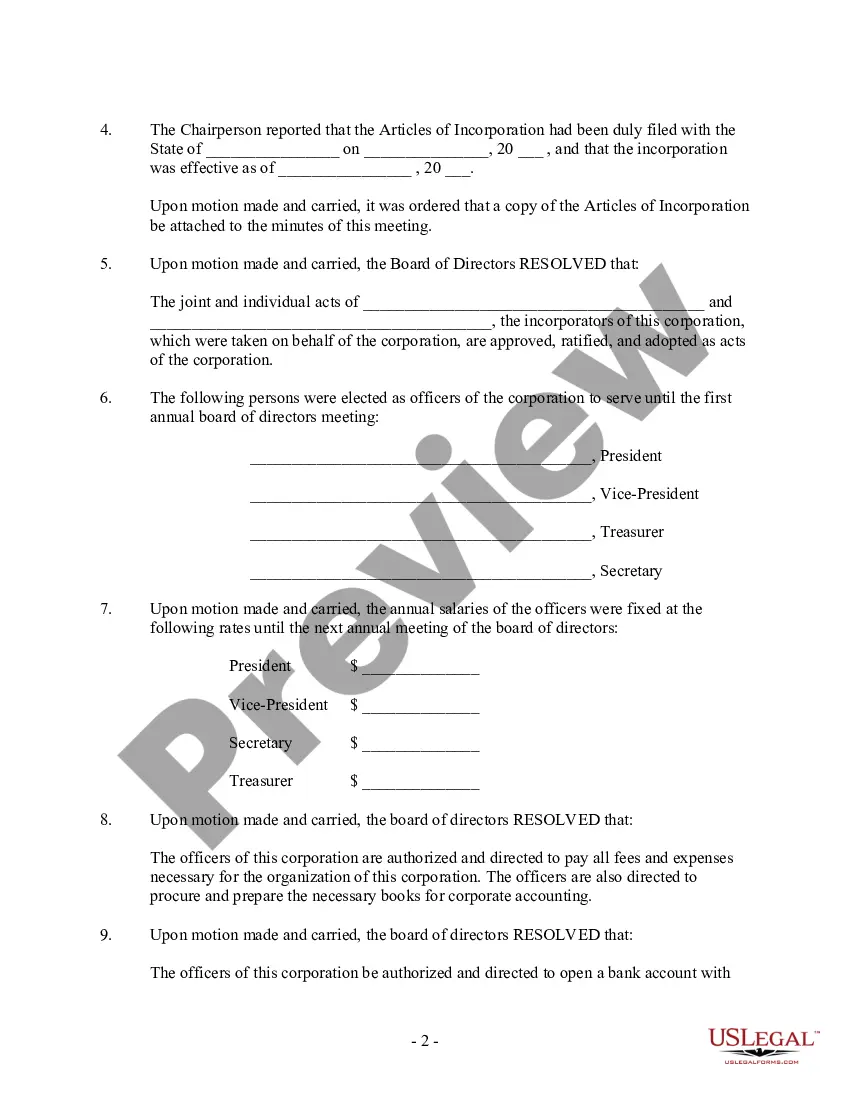
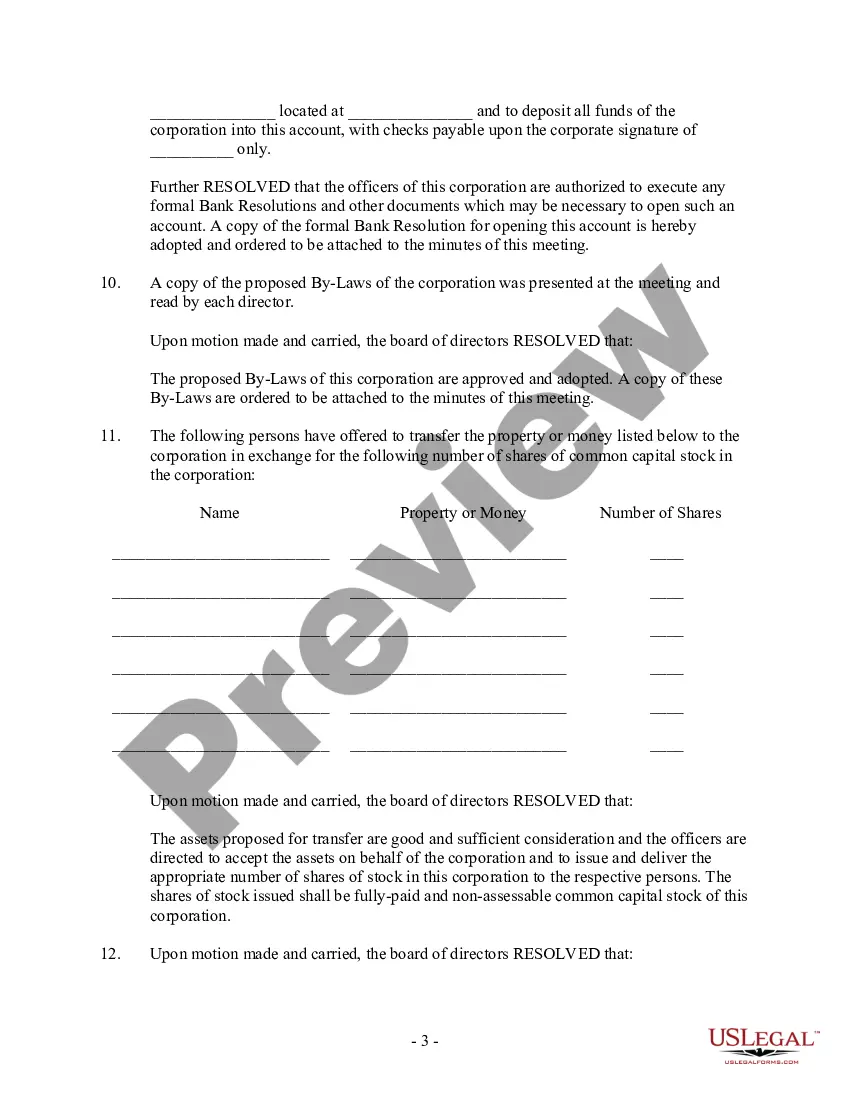
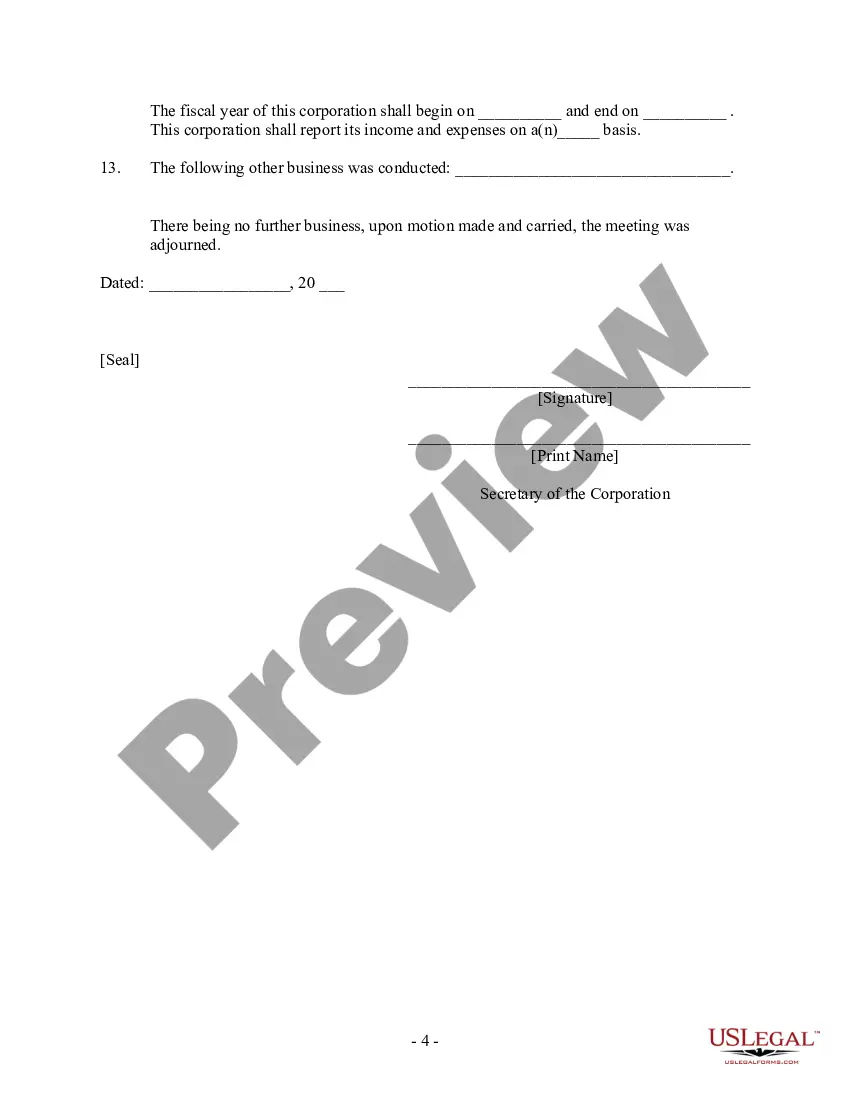




Get your form ready online
Our built-in tools help you complete, sign, share, and store your documents in one place.
Make edits, fill in missing information, and update formatting in US Legal Forms—just like you would in MS Word.
Download a copy, print it, send it by email, or mail it via USPS—whatever works best for your next step.
Sign and collect signatures with our SignNow integration. Send to multiple recipients, set reminders, and more. Go Premium to unlock E-Sign.
If this form requires notarization, complete it online through a secure video call—no need to meet a notary in person or wait for an appointment.
We protect your documents and personal data by following strict security and privacy standards.

Make edits, fill in missing information, and update formatting in US Legal Forms—just like you would in MS Word.

Download a copy, print it, send it by email, or mail it via USPS—whatever works best for your next step.

Sign and collect signatures with our SignNow integration. Send to multiple recipients, set reminders, and more. Go Premium to unlock E-Sign.

If this form requires notarization, complete it online through a secure video call—no need to meet a notary in person or wait for an appointment.

We protect your documents and personal data by following strict security and privacy standards.
Looking for another form?
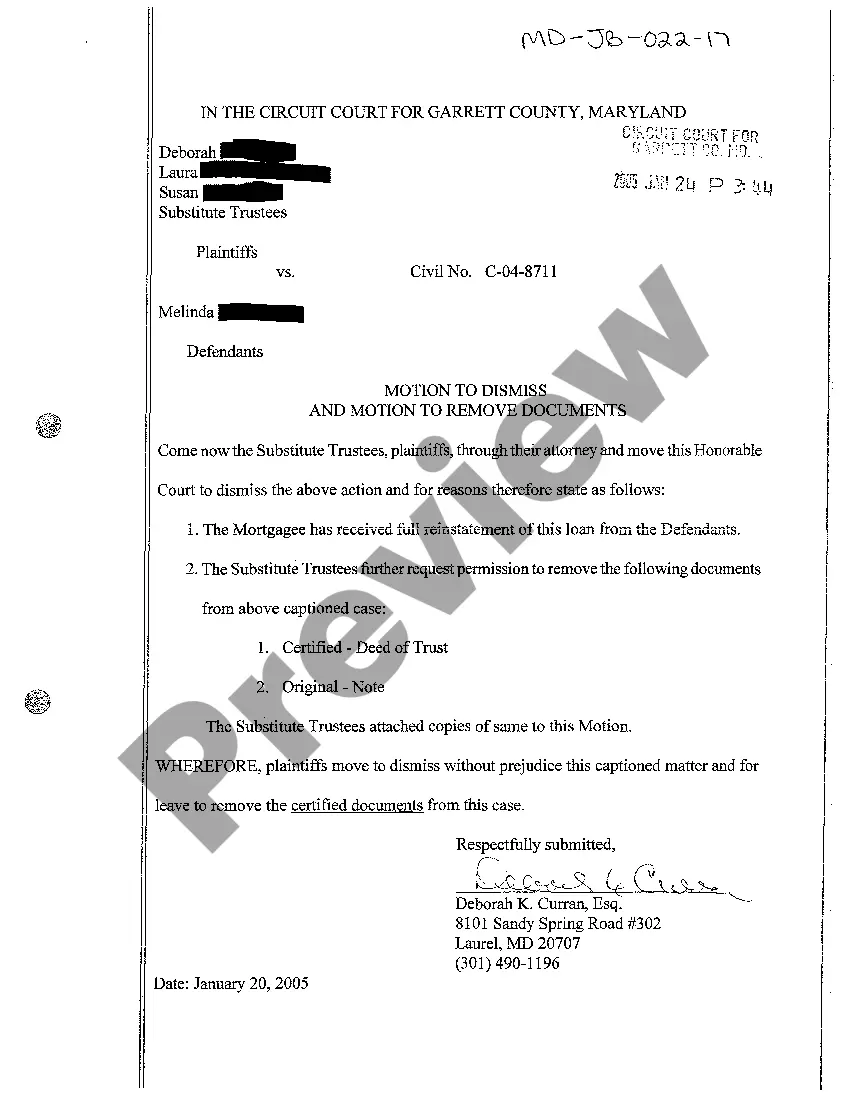



Form popularity
FAQ
Some boards host their meetings entirely over Zoom, while others use Zoom to offer a hybrid meeting component for board members who can't attend a board meeting in person.
Include essential items. Remember to record the meeting's date, time, attendees, and location. Stick to facts. Focus on capturing the main points of each speaker's comment, along with any action items or decisions.
Virtual board meetings are great because they can help increase attendance, allow flexibility in scheduling, and save time on commuting. But, at the same time, they pose unique challenges that include tech issues, security concerns, and the lack of in-person non-verbal cues.
10 Virtual Meeting Rules Make Sure to Have an Agenda for All Your Meetings. Choose an Excellent Software for Video Conferencing. Join the Virtual Meeting on Time. Begin With Introducing Yourself. All Participants Should Keep Their Microphones on Mute. Avoid Multitasking. Dress Appropriately. Take Breaks, If Required.
What information do board meeting minutes contain? Meeting date, time and location. Type of meeting. Names and titles of attendees and guests. Any absent board directors. Quorum. Notes about directors who left early or re-entered the meeting. Board approvals, resolutions and acceptance of reports. Overview of discussions.
Section 263(1) of the CAMA requires directors may meet for the dispatch of business, adjourn and otherwise regulate their meetings as they think fit. It is therefore possible for the directors to have virtual meetings as long, as the Articles of Association does not disallow such meetings.
Section 173(2) of the Companies Act, 2013 provides that a director may participate in a board meeting in person or through video conferencing or through audio-video visual means. Clearly, then, a director has three alternative methods to attend board meeting.
At their core, meeting minutes should include several key elements: Details of the Meeting: Start with the basics - the date, time, and location of the meeting, as well as the type of meeting (regular, special, annual, etc.). This sets the stage for what follows. Attendees: List everyone present and note any absences.
Synopsis of MCA Circular In view of the continuing restrictions on the movement of persons at several places in the country, it has been decided that the companies be allowed to conduct their AGM through video conferencing (VC) or other audio-visual means (OAVM) subject to the fulfillment of the certain requirements.
