Meeting Minutes Corporate Template With Action Items Excel In Allegheny
Description
Get your form ready online
Our built-in tools help you complete, sign, share, and store your documents in one place.
Make edits, fill in missing information, and update formatting in US Legal Forms—just like you would in MS Word.
Download a copy, print it, send it by email, or mail it via USPS—whatever works best for your next step.
Sign and collect signatures with our SignNow integration. Send to multiple recipients, set reminders, and more. Go Premium to unlock E-Sign.
If this form requires notarization, complete it online through a secure video call—no need to meet a notary in person or wait for an appointment.
We protect your documents and personal data by following strict security and privacy standards.

Make edits, fill in missing information, and update formatting in US Legal Forms—just like you would in MS Word.

Download a copy, print it, send it by email, or mail it via USPS—whatever works best for your next step.

Sign and collect signatures with our SignNow integration. Send to multiple recipients, set reminders, and more. Go Premium to unlock E-Sign.

If this form requires notarization, complete it online through a secure video call—no need to meet a notary in person or wait for an appointment.

We protect your documents and personal data by following strict security and privacy standards.
Looking for another form?
Form popularity
FAQ
By applying the three P's—purpose, people, and process—you can get back some of that most precious of resources: your time.
As a good rule of thumb, board meeting minutes should not include: Word-for-word accounts: Meeting minutes should not be verbatim. Back and forth: Take notes ing to the issue rather than chronologically. Inaccuracies: Secretaries and minute-takers aren't silent observers.
The minutes should include the point that was discussed and the decision that was reached. Avoid making personal observations or opinions. Don't make your own comments. Stick to just the facts.
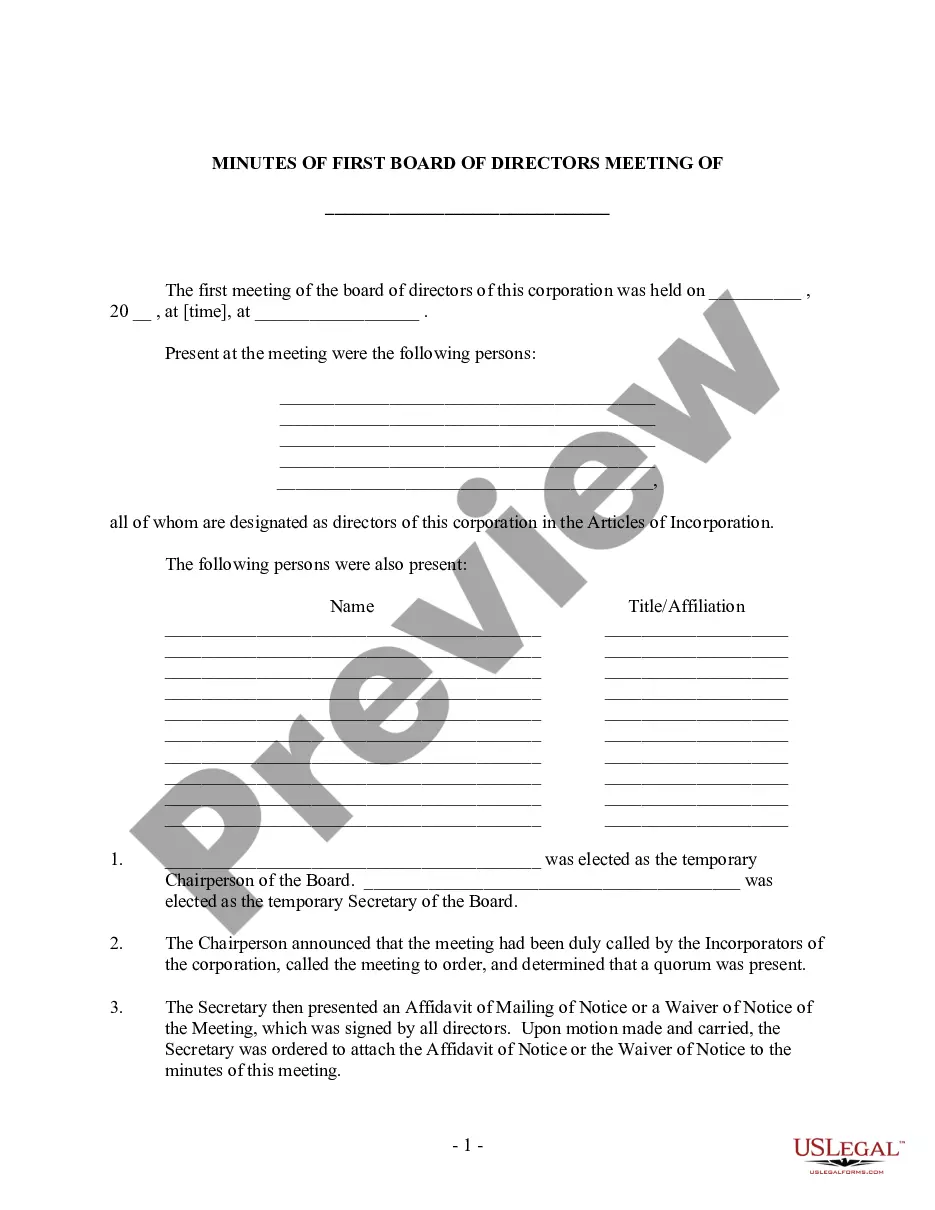
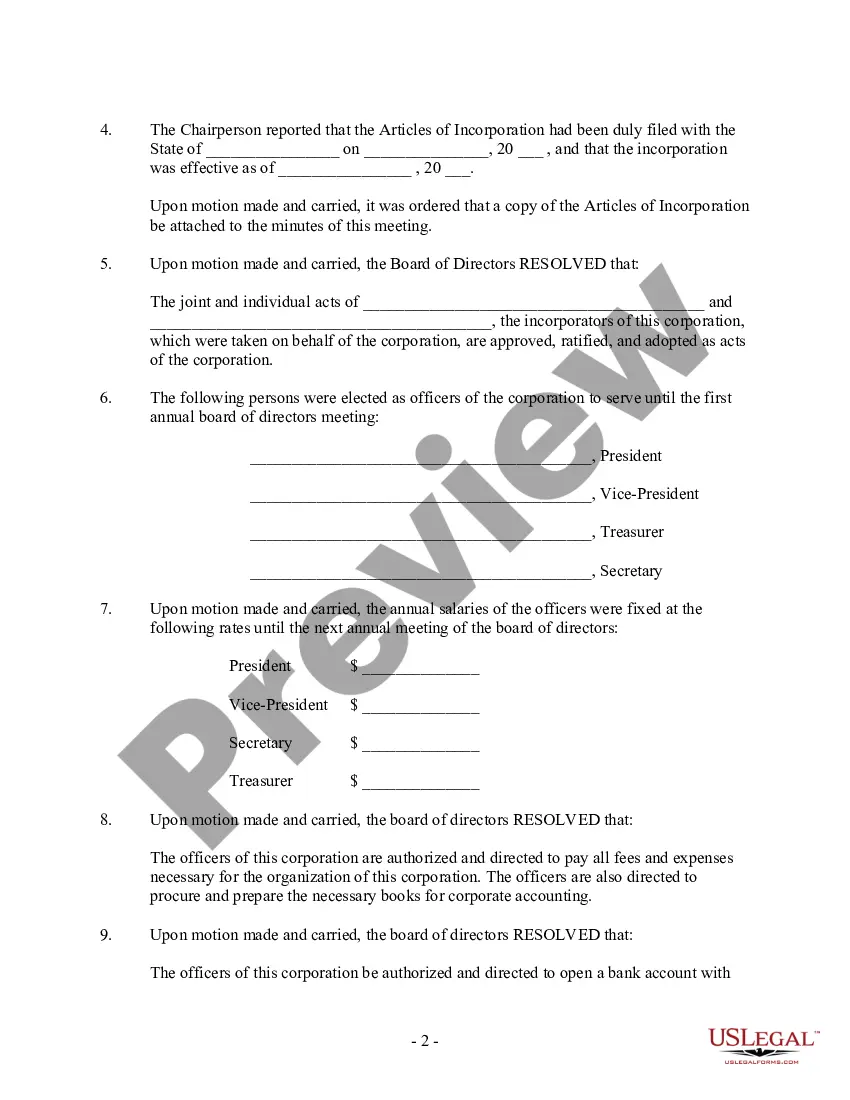
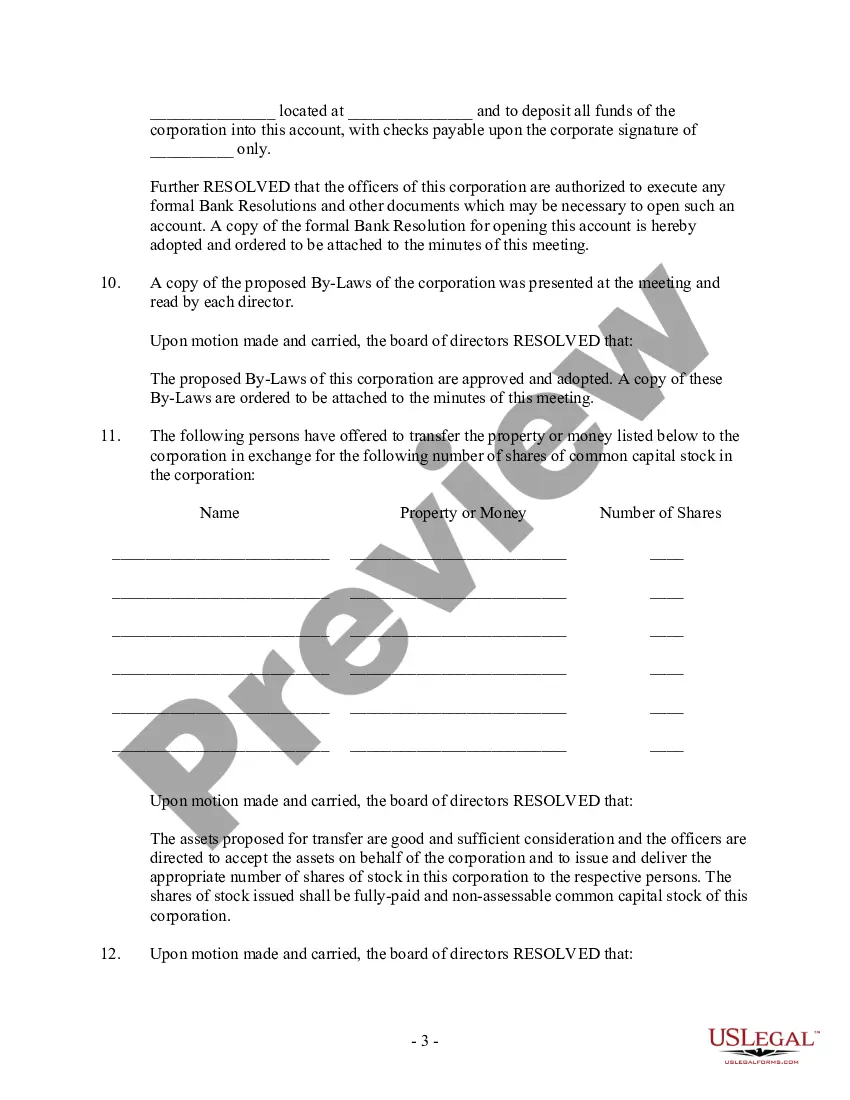
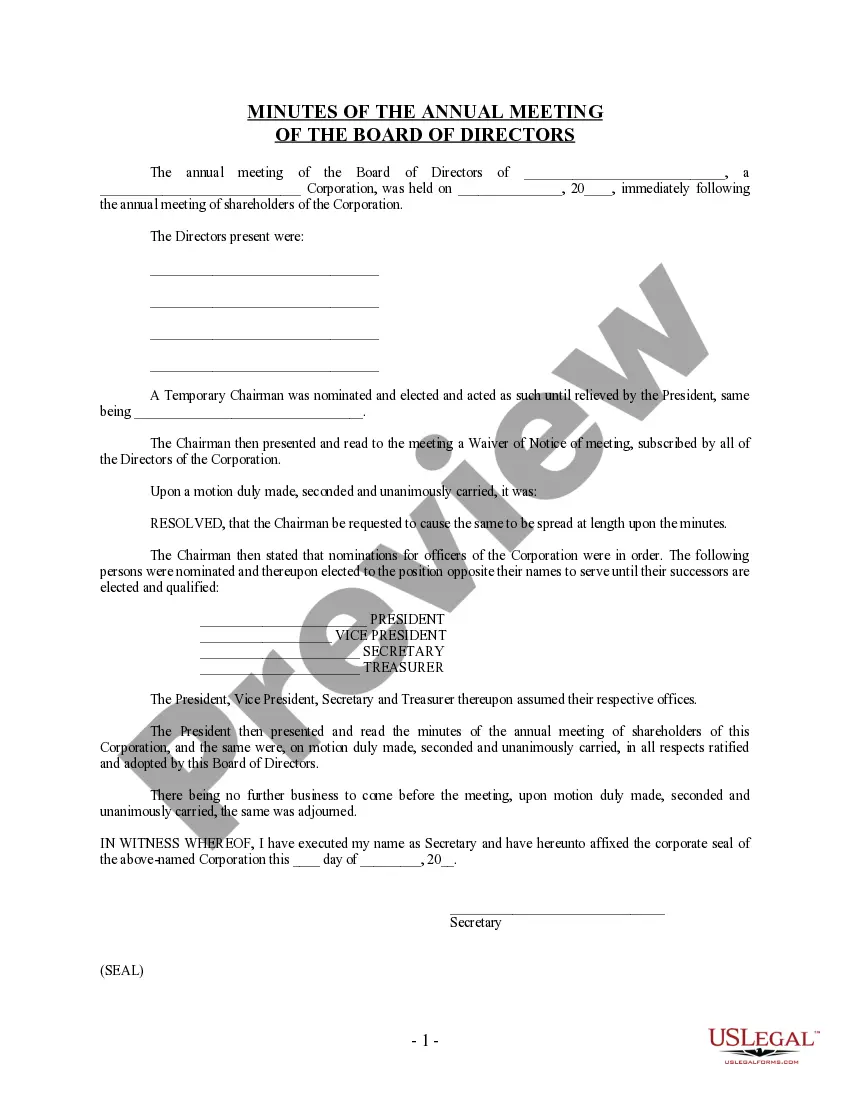
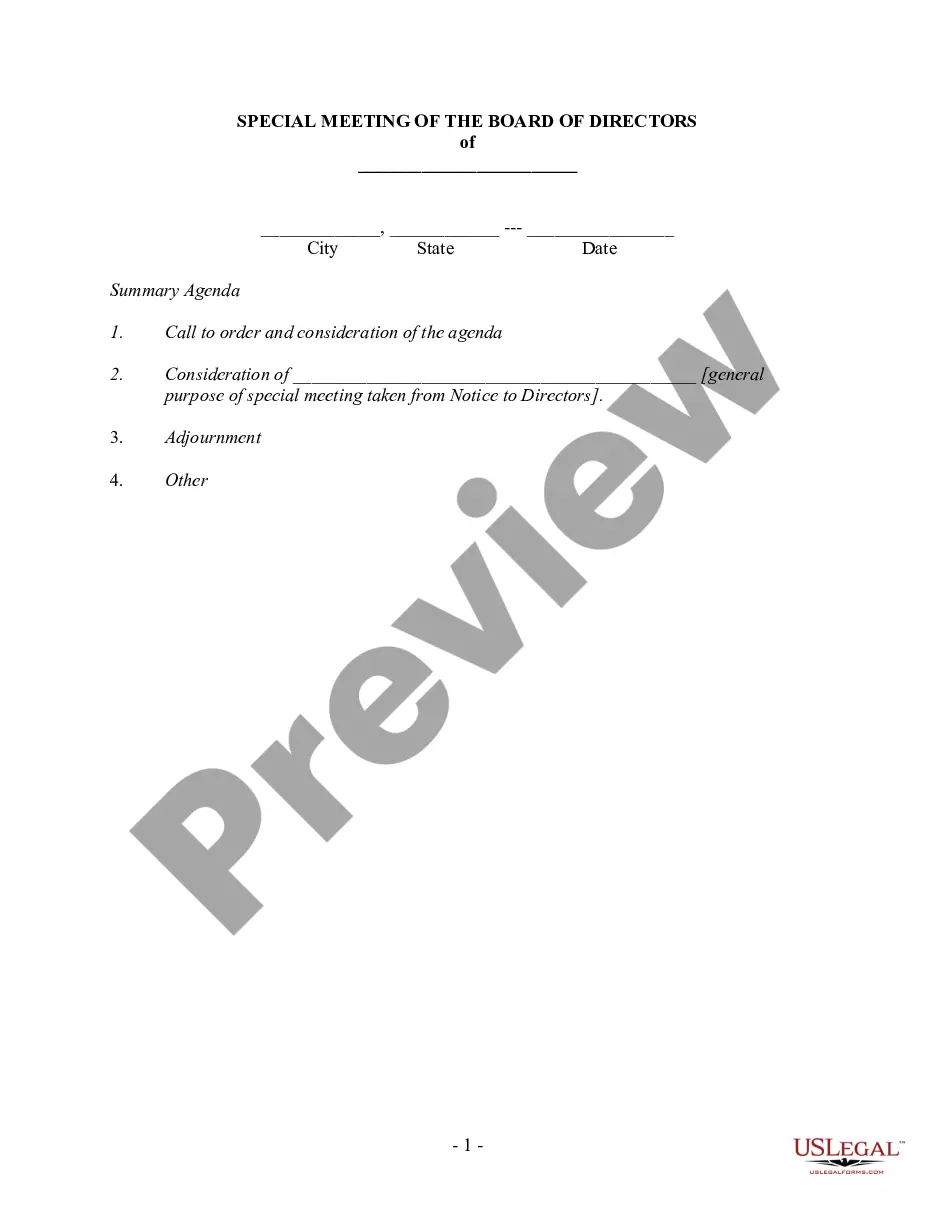
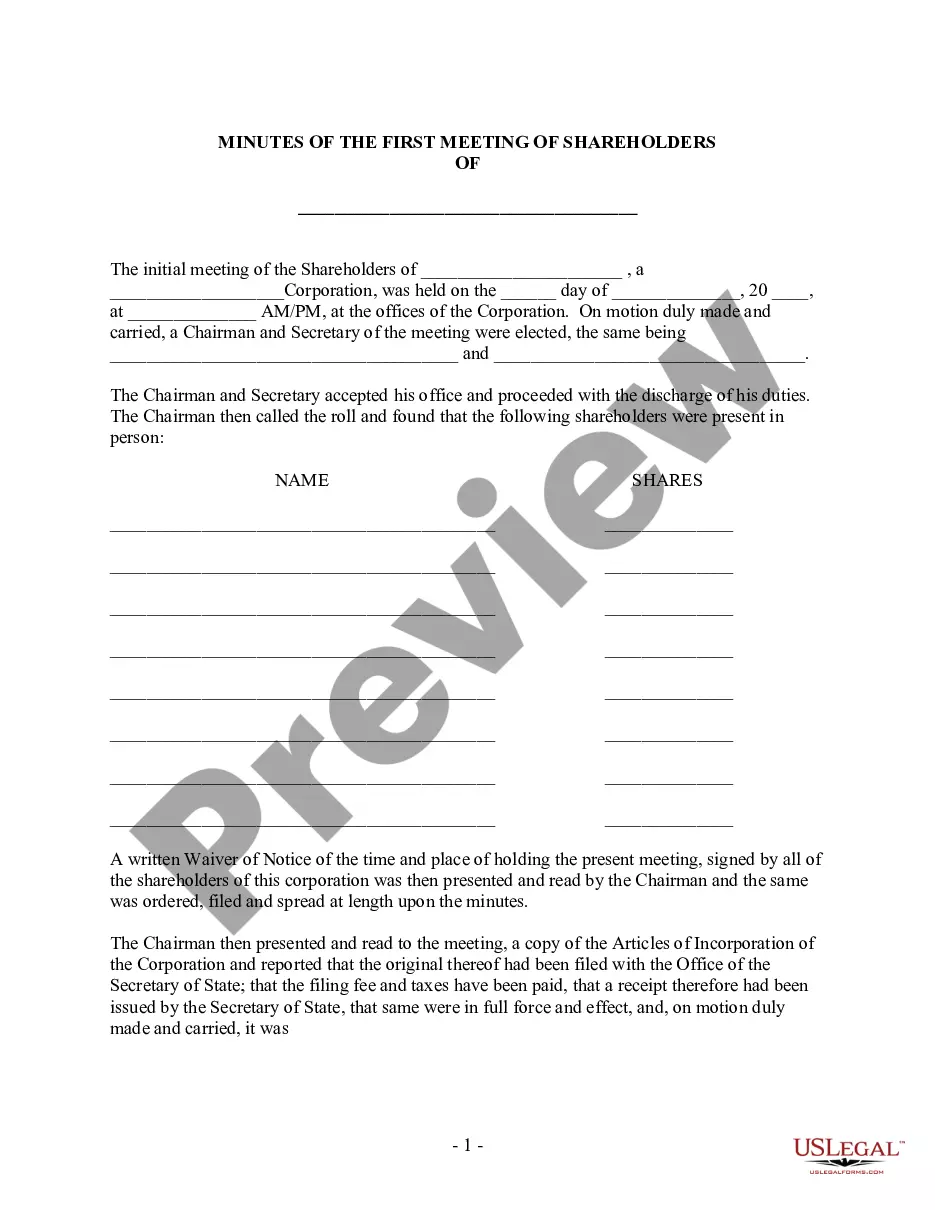
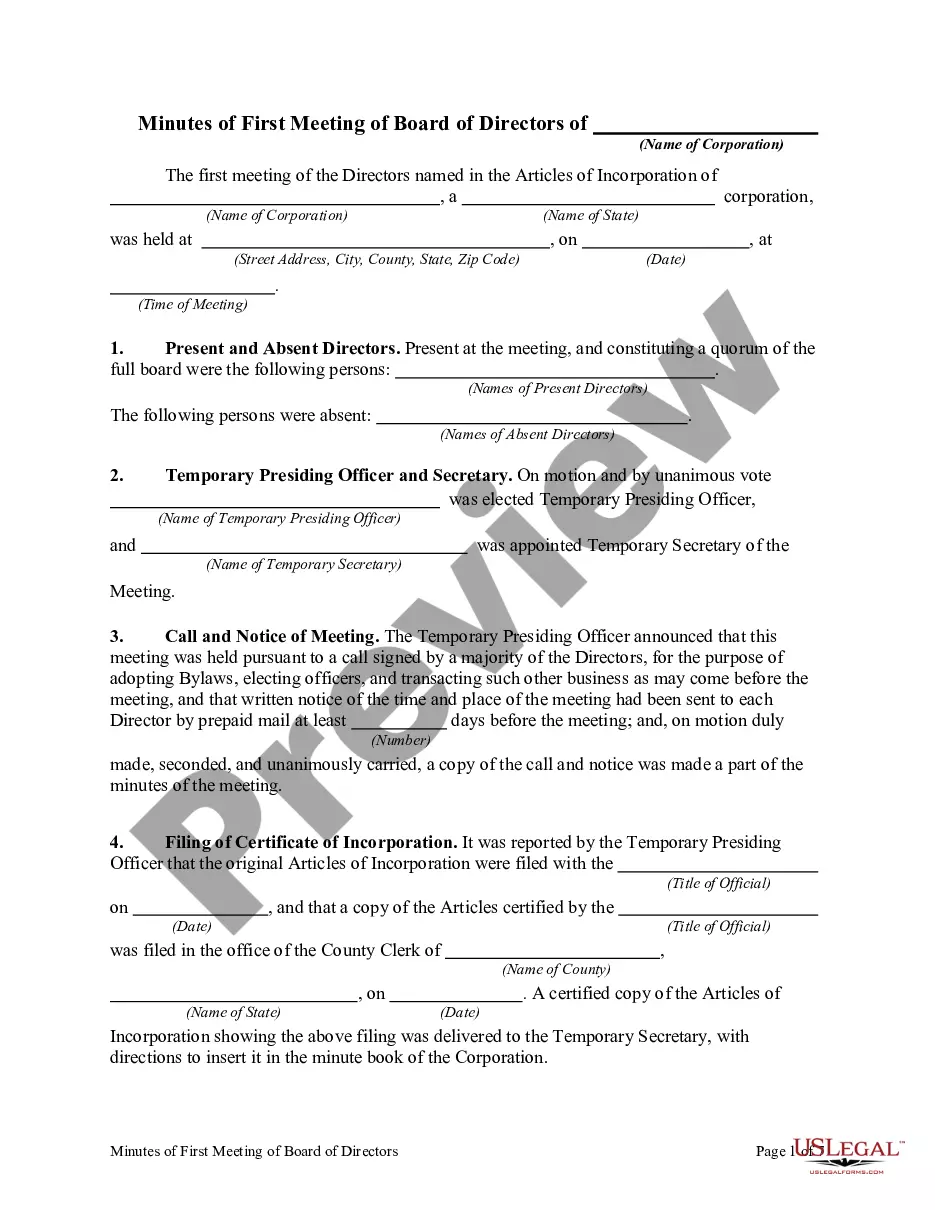
Corporate meeting minutes typically include: The meeting's date, time and location. A list of attendees and absentees, including any present board members or officers. Agenda items. Summaries of all discussion points. Details of all activities completed or agreed upon. Results of any votes or motions.
Personal observations or judgmental comments should not be included in meeting minutes. All statements should be as neutral as possible. Avoid writing down everything everyone said. Minutes should be concise and summarize the major points of what happened at the meeting.
Sembly: Best for automatic summaries, to-do lists, and documents. Otter.ai: Best for live transcripts, real-time summaries, and slide capture. ClickUp: Best for turning meeting notes into tasks and managing everything in one workspace.
7 Causes of Ineffective Meetings and How to overcome them. 1) Vital meeting participants aren't in attendance. 2) Participants arrive unprepared for the meeting. 3) The meeting is unfocused and directionless, resulting in wasted time. 4) The meeting has no clear starting point from which to progress.
How to Write Effective Action Items from Meetings Be as specific as possible. Vague action items can lead to confusion and delays, so it's vital to make certain each one is as clear and as detailed as possible. Prioritize but be flexible. Keep action items in one place. Track action item status. Follow up.
Running a meeting can be difficult, especially if you're trying to track progress and take minutes at the same time. That's where excel meeting minutes templates can help.
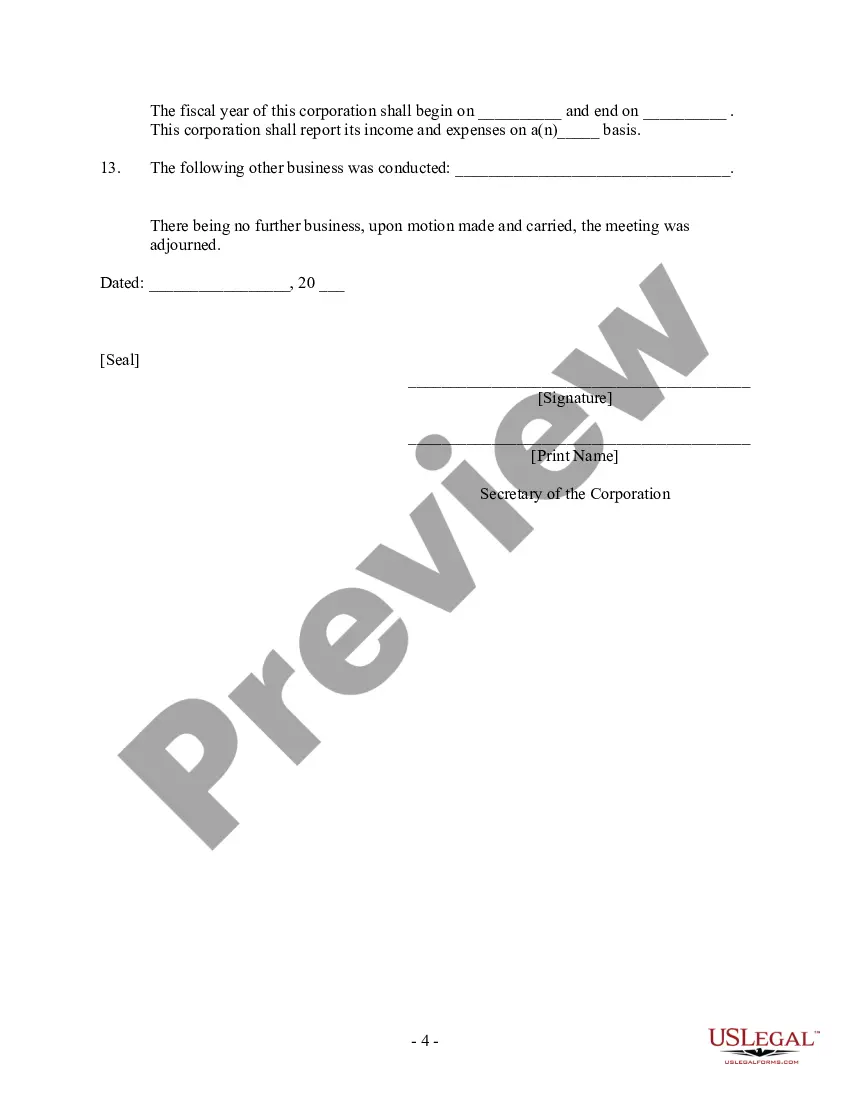
How to write meeting minutes Organization name. Meeting purpose. Start and end times. Date and location. List of attendees and absentees, if necessary. Space for important information like motions passed or deadlines given. Space for your signature and the meeting leader's signature.