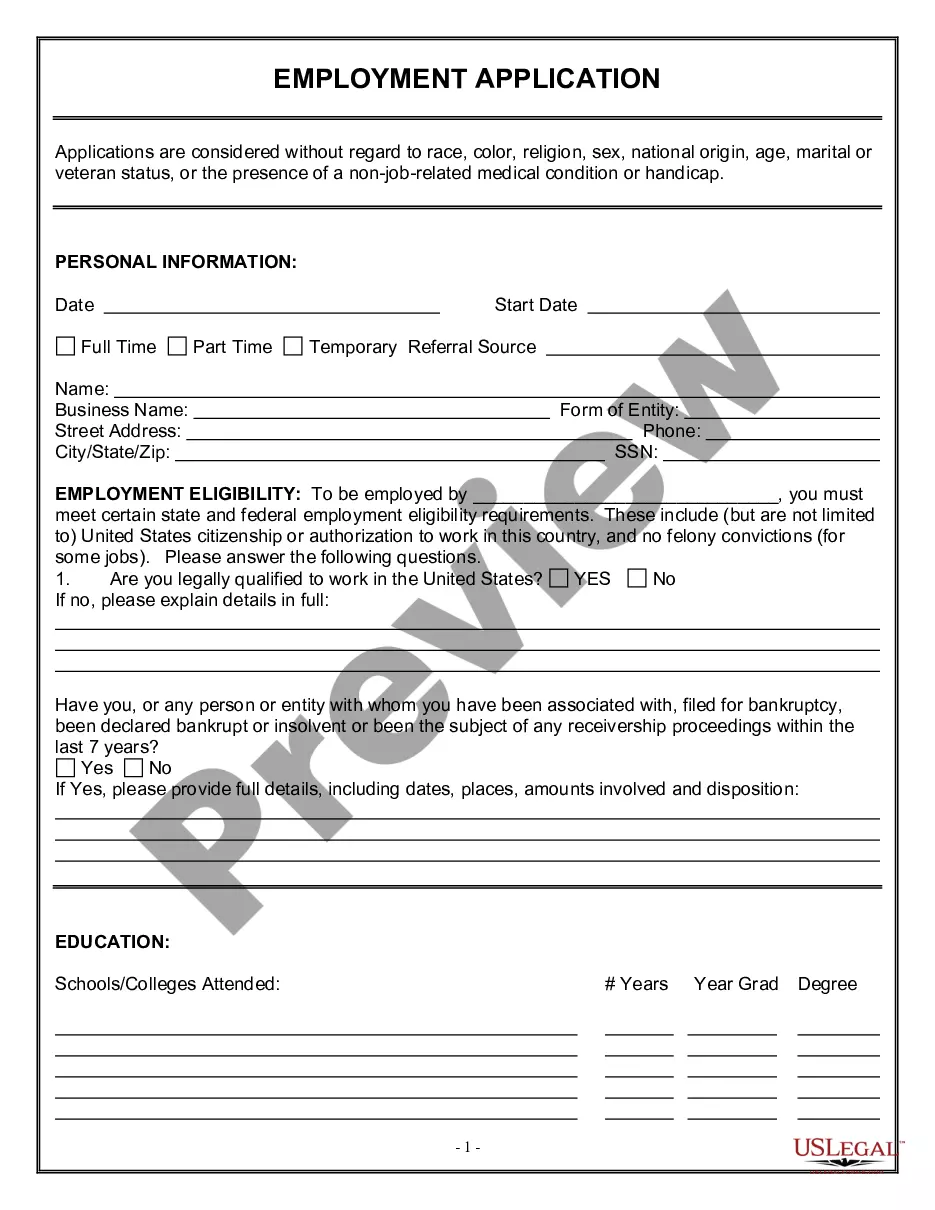
Acta Directorio For English In Alameda
Description

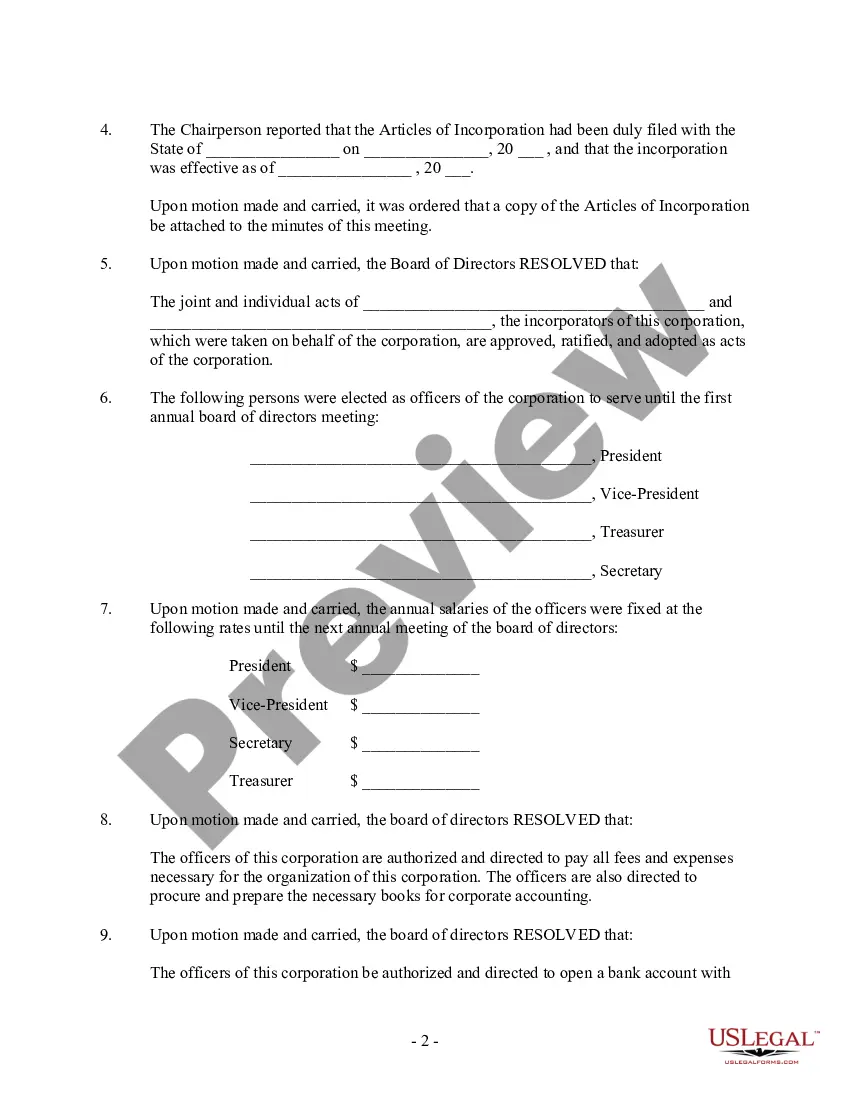
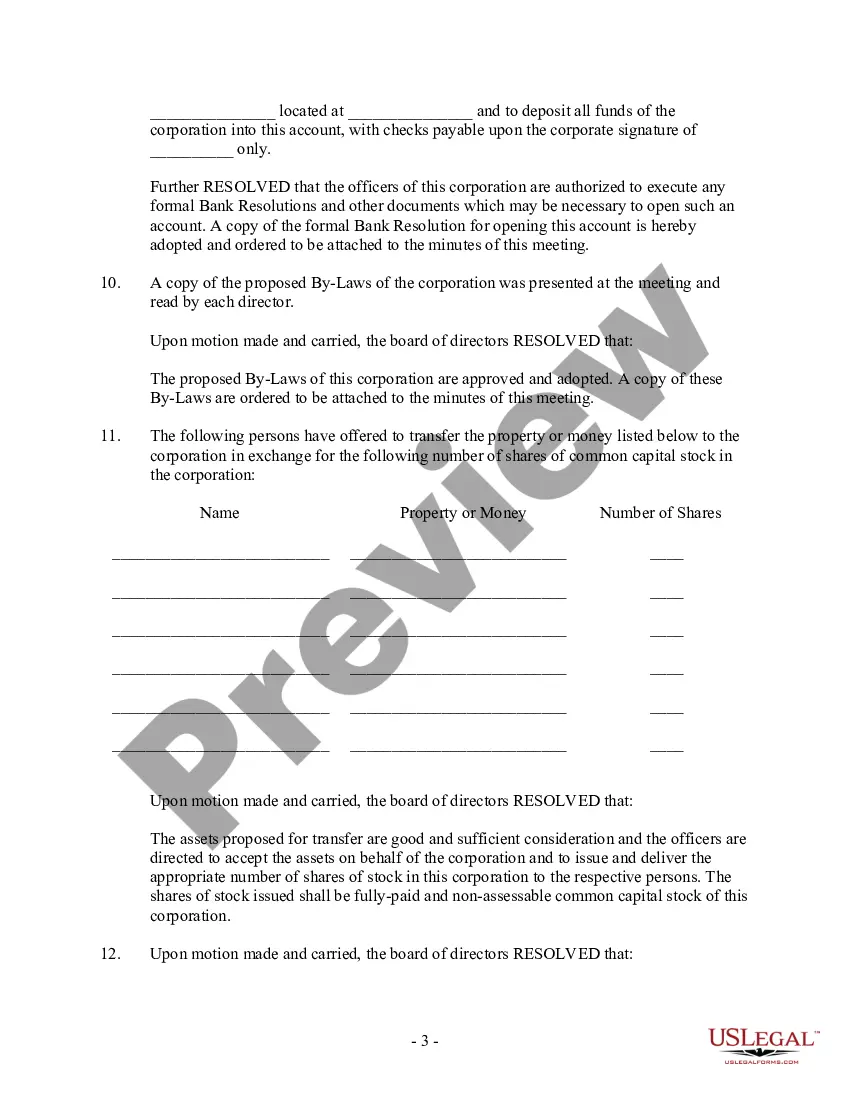
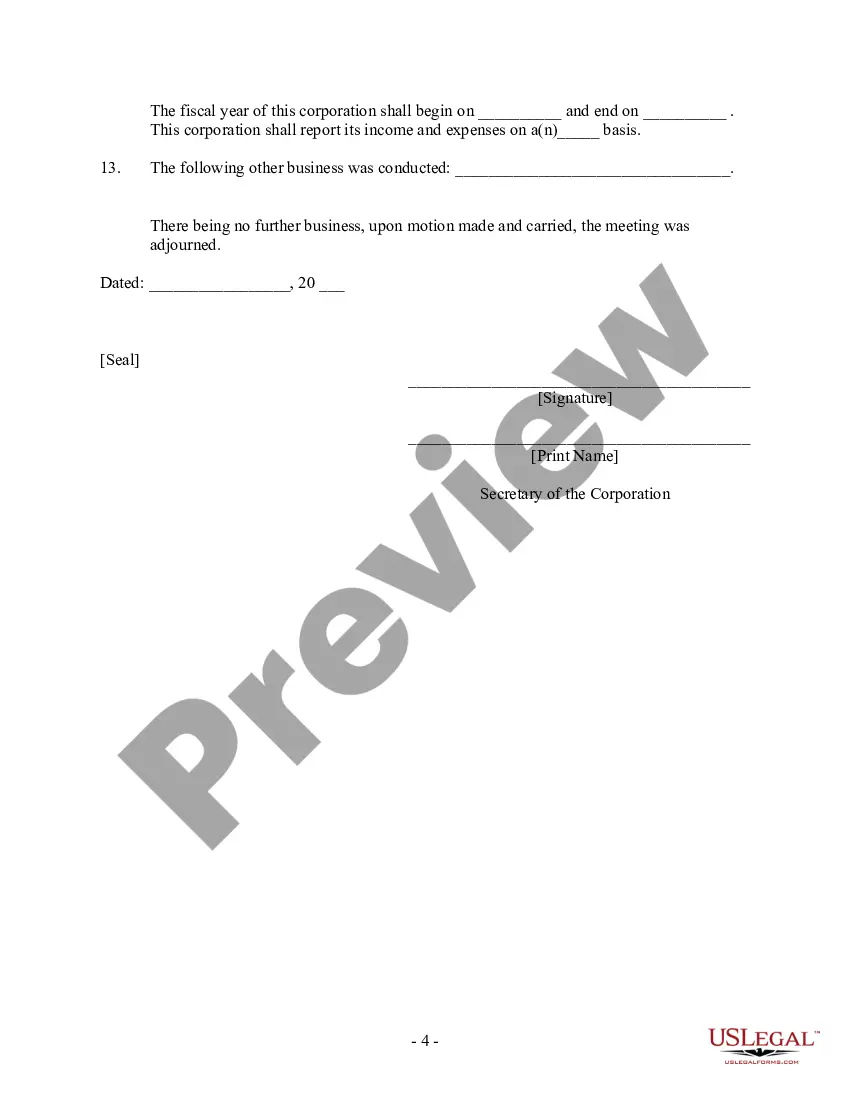




Get your form ready online
Our built-in tools help you complete, sign, share, and store your documents in one place.
Make edits, fill in missing information, and update formatting in US Legal Forms—just like you would in MS Word.
Download a copy, print it, send it by email, or mail it via USPS—whatever works best for your next step.
Sign and collect signatures with our SignNow integration. Send to multiple recipients, set reminders, and more. Go Premium to unlock E-Sign.
If this form requires notarization, complete it online through a secure video call—no need to meet a notary in person or wait for an appointment.
We protect your documents and personal data by following strict security and privacy standards.

Make edits, fill in missing information, and update formatting in US Legal Forms—just like you would in MS Word.

Download a copy, print it, send it by email, or mail it via USPS—whatever works best for your next step.

Sign and collect signatures with our SignNow integration. Send to multiple recipients, set reminders, and more. Go Premium to unlock E-Sign.

If this form requires notarization, complete it online through a secure video call—no need to meet a notary in person or wait for an appointment.

We protect your documents and personal data by following strict security and privacy standards.
Looking for another form?





Form popularity
FAQ
Traffic Court Hours Phone: Call between the hours of a.m. and p.m. Email: Send an email to asktraffic@alamedaurts.ca .
If you have been summoned by a county superior court or another federal court, you must contact that court for assistance. Personal Assistance: (213) 894-3644, Monday through Friday, a.m. to p.m. and p.m. to p.m.
Certified copies of divorce records can be requested through the superior court, either in-person or by mail. The George E. McDonald Hall of Justice is the courthouse in Alameda County that houses all divorce papers. For either option, start by filling out the county's civil records request form.
You can find out if you need to report for jury service by logging in to eJuror On-line. You'll need your 9 digit Juror Participant Number located on the front of your Summons for Jury Service. Once you log in, click on the Current Status link on the left side of the web page.
Records may be requested in the following ways: By submitting a request online via NextRequest. By telephone or visiting a department. By submitting a request in writing via email or US Mail.
If your request is not allowed on JPortal, you may need to contact the jury services office for further assistance by emailing jury@alamedaurts.ca or by calling the Jury Services Division at 510-891-6031.
If your request is not allowed on JPortal, you may need to contact the jury services office for further assistance by emailing jury@alamedaurts.ca or by calling the Jury Services Division at 510-891-6031.
For County assistance, please call 510.208. 9770 for a menu of County Agencies and Departments. You can also look up telephone numbers in the County Telephone Directory.