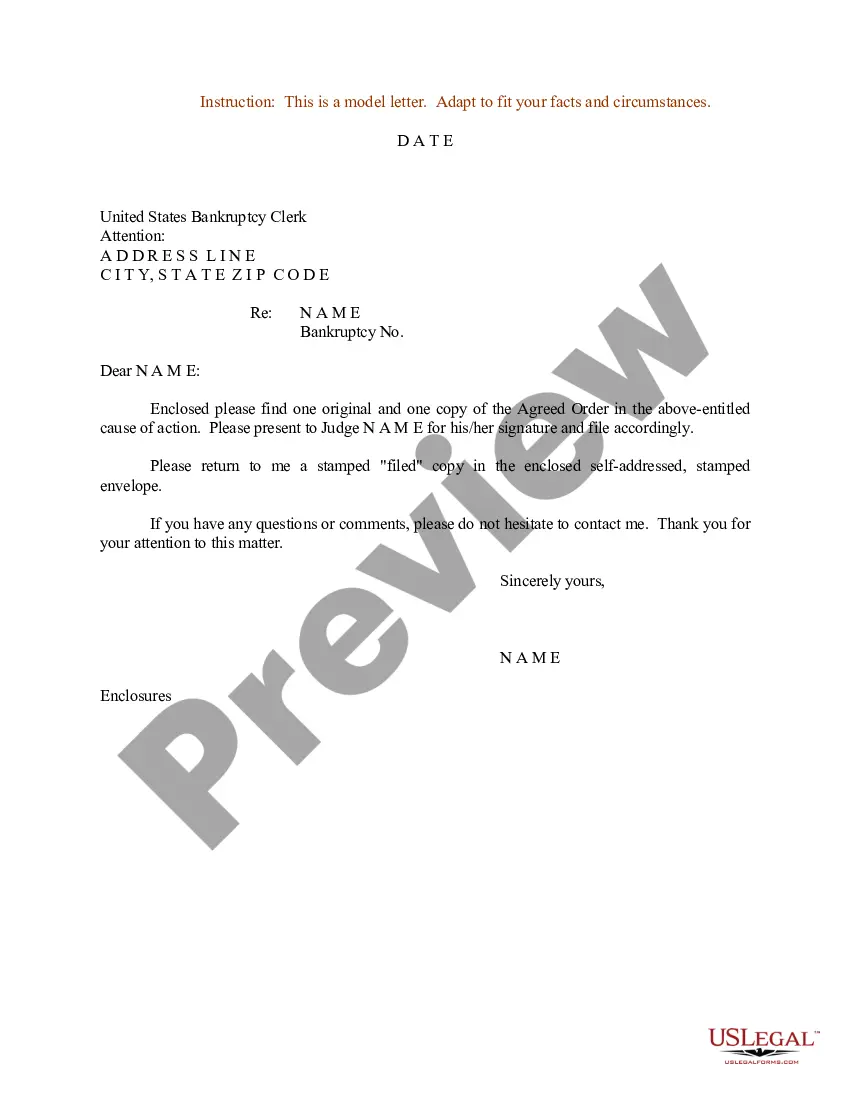
Sample Order For Judge To Sign In Maricopa
Description


Get your form ready online
Our built-in tools help you complete, sign, share, and store your documents in one place.
Make edits, fill in missing information, and update formatting in US Legal Forms—just like you would in MS Word.
Download a copy, print it, send it by email, or mail it via USPS—whatever works best for your next step.
Sign and collect signatures with our SignNow integration. Send to multiple recipients, set reminders, and more. Go Premium to unlock E-Sign.
If this form requires notarization, complete it online through a secure video call—no need to meet a notary in person or wait for an appointment.
We protect your documents and personal data by following strict security and privacy standards.

Make edits, fill in missing information, and update formatting in US Legal Forms—just like you would in MS Word.

Download a copy, print it, send it by email, or mail it via USPS—whatever works best for your next step.

Sign and collect signatures with our SignNow integration. Send to multiple recipients, set reminders, and more. Go Premium to unlock E-Sign.

If this form requires notarization, complete it online through a secure video call—no need to meet a notary in person or wait for an appointment.

We protect your documents and personal data by following strict security and privacy standards.
Looking for another form?
Form popularity
FAQ
A stipulation and proposed order that parties may use to memorialize and enforce their pretrial agreements on the admissibility or authenticity of evidence, including documents or electronically stored information (ESI), in federal litigation.
Rule 26 - Proposed Orders, Decrees, and Judgments (a)Definitions. A "proposed order" means any order, decree, or judgment that has not been signed by a judicial officer. (b)Generally. This rule rather than Civil Rule 5.1(d) applies to the submission of proposed orders.
The Proposed Judgment is a document for the judge to sign if he or she wants to grant your Motion for Summary Judgment.
If the proposed order needs to be served on parties, DO NOT include a proof of service page on the back of the proposed order. Instead, LBR 9021-1(b)(3) provides that the party who lodges an order must first serve and file a "Notice of Lodgment".
Judgment Debtor Exam: This Supplemental Proceeding is held to obtain information about the assets and relevant information you need to help you in collecting. You may have the Debtor appear or a person (party) who has knowledge of the Debtors assets.
A proposed order, in the context of legal proceedings, is a document that outlines the specific actions or decisions that a party involved in a case is asking the court to make. It is typically drafted by one of the parties or their attorney and presented to the court for approval.
If you want to file a motion, the process is generally something like this: You write your motion. You file your motion with the court clerk. The court clerk inserts the date and time your motion will be heard by the judge. You “serve” (mail) your motion to the other side.
Things You Should Know Write your legal argument by stating the rule and explaining how your facts apply to it. Then, add your signature, a Certificate of Service, and a Notice of Hearing. File your motion with the clerk of court overseeing your case. Then, give copies to each defendant.
To introduce a motion, say “I move that …” followed by a statement of the proposal. The motion is not discussed until it has been seconded by someone and stated in full by the chair.

