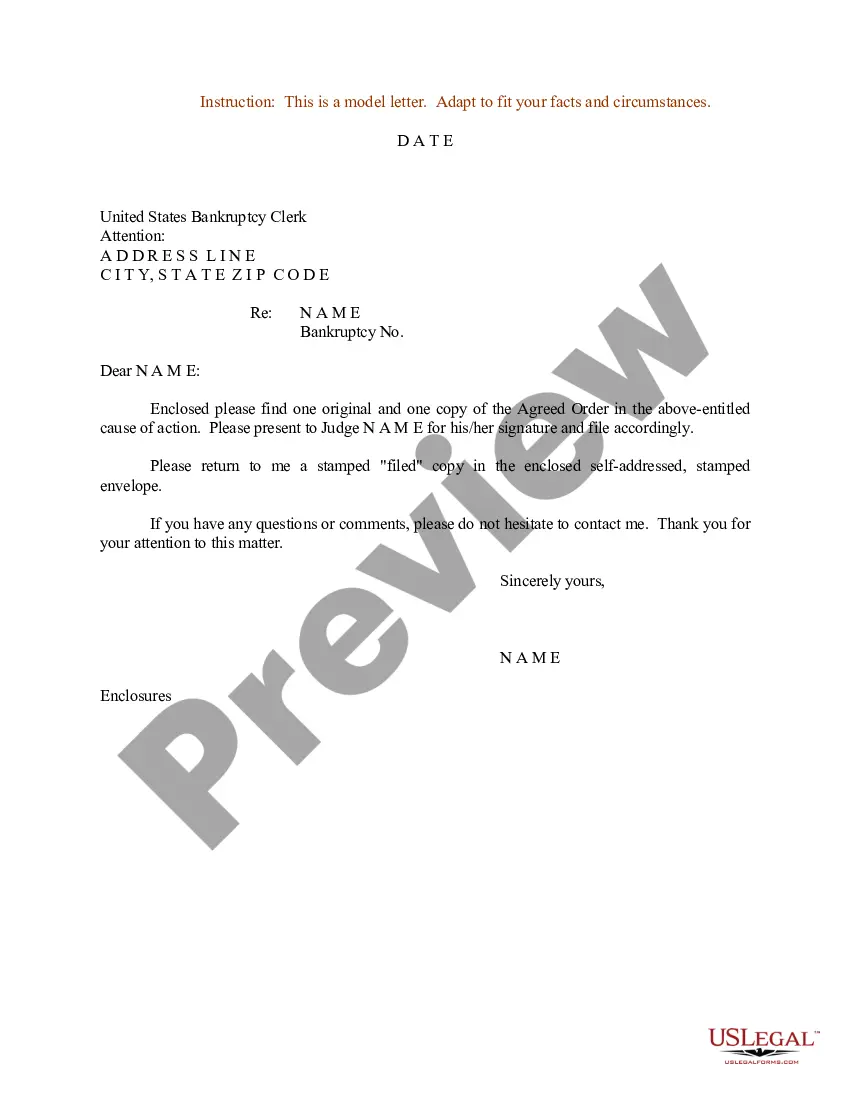
Sample Order For Judge To Sign In Cuyahoga
Description


Get your form ready online
Our built-in tools help you complete, sign, share, and store your documents in one place.
Make edits, fill in missing information, and update formatting in US Legal Forms—just like you would in MS Word.
Download a copy, print it, send it by email, or mail it via USPS—whatever works best for your next step.
Sign and collect signatures with our SignNow integration. Send to multiple recipients, set reminders, and more. Go Premium to unlock E-Sign.
If this form requires notarization, complete it online through a secure video call—no need to meet a notary in person or wait for an appointment.
We protect your documents and personal data by following strict security and privacy standards.

Make edits, fill in missing information, and update formatting in US Legal Forms—just like you would in MS Word.

Download a copy, print it, send it by email, or mail it via USPS—whatever works best for your next step.

Sign and collect signatures with our SignNow integration. Send to multiple recipients, set reminders, and more. Go Premium to unlock E-Sign.

If this form requires notarization, complete it online through a secure video call—no need to meet a notary in person or wait for an appointment.

We protect your documents and personal data by following strict security and privacy standards.
Looking for another form?



Form popularity
FAQ
Title Bureau Locations Cuyahoga County Fiscal Office. 2079 E.9th Street, 3rd Floor. Cleveland, OH 44115. Bedford. 22121 Rockside Road. Bedford, OH 44146. Mayfield Heights. 1585 Golden Gate Plaza. Mayfield Heights, OH 44124. North Olmsted. 27029 Brookpark Road Extension. North Olmsted, OH 44070. Parma. 12100 Snow Road, Suite #15.
All signatures must be notarized. If two names are to appear on the Title, both signatures are required for all transactions in the State of Ohio. It is required that a State I.D. or Ohio driver's license be presented to the Title Bureau at the time of transfer.
Ohio Title Portal (OTP) This secure online system allows a motor vehicle title to be transferred electronically, from private person to private person. The buyer can apply online 24/7, instead of visiting a title office in person.
All objections must be made in writing. You must include a description of the basis of your objection. If you have retained an attorney to assist you in this matter, you must include the name, address, phone number and email address of your attorney. You may attach additional pages to the objection form if necessary.
A motion to dismiss is a formal request for a court to dismiss a case . The reasons for a dismissal vary greatly.
In some circumstances, you file a petition or a motion. The court has several complaint forms that you may use in drafting your complaint. The forms are available online and at the Pro Se Intake Unit. You may also write your own complaint without using a court form.
When signing the letter, you should close out with “Respectfully” or “Sincerely,” followed by both a typed and handwritten signature with your first and last name.

