Carta Modelo Formal In Sacramento
Description
Get your form ready online
Our built-in tools help you complete, sign, share, and store your documents in one place.
Make edits, fill in missing information, and update formatting in US Legal Forms—just like you would in MS Word.
Download a copy, print it, send it by email, or mail it via USPS—whatever works best for your next step.
Sign and collect signatures with our SignNow integration. Send to multiple recipients, set reminders, and more. Go Premium to unlock E-Sign.
If this form requires notarization, complete it online through a secure video call—no need to meet a notary in person or wait for an appointment.
We protect your documents and personal data by following strict security and privacy standards.

Make edits, fill in missing information, and update formatting in US Legal Forms—just like you would in MS Word.

Download a copy, print it, send it by email, or mail it via USPS—whatever works best for your next step.

Sign and collect signatures with our SignNow integration. Send to multiple recipients, set reminders, and more. Go Premium to unlock E-Sign.

If this form requires notarization, complete it online through a secure video call—no need to meet a notary in person or wait for an appointment.

We protect your documents and personal data by following strict security and privacy standards.
Looking for another form?









Form popularity
FAQ
List each document that you served. If you need more space, check the box in item 4, complete the Attachment to Proof of Service—Civil (Documents Served) (form POS-040(D)), and attach it to form POS-040. Provide the names, addresses, and other applicable information about the persons served.
Filling out and filing the proof of service The process server must fill out and sign the proof of service form, which shows how, when, and where the papers were served, and who received them. The server then gives you the proof of service. Make a copy of the proof of service.
The person serving the papers puts the documents to be served into an envelope, addressed to the party to be served and sends them by first-class mail. Do not mail the papers yourself. The person mailing the papers also includes a copy of the Proof of Service form.
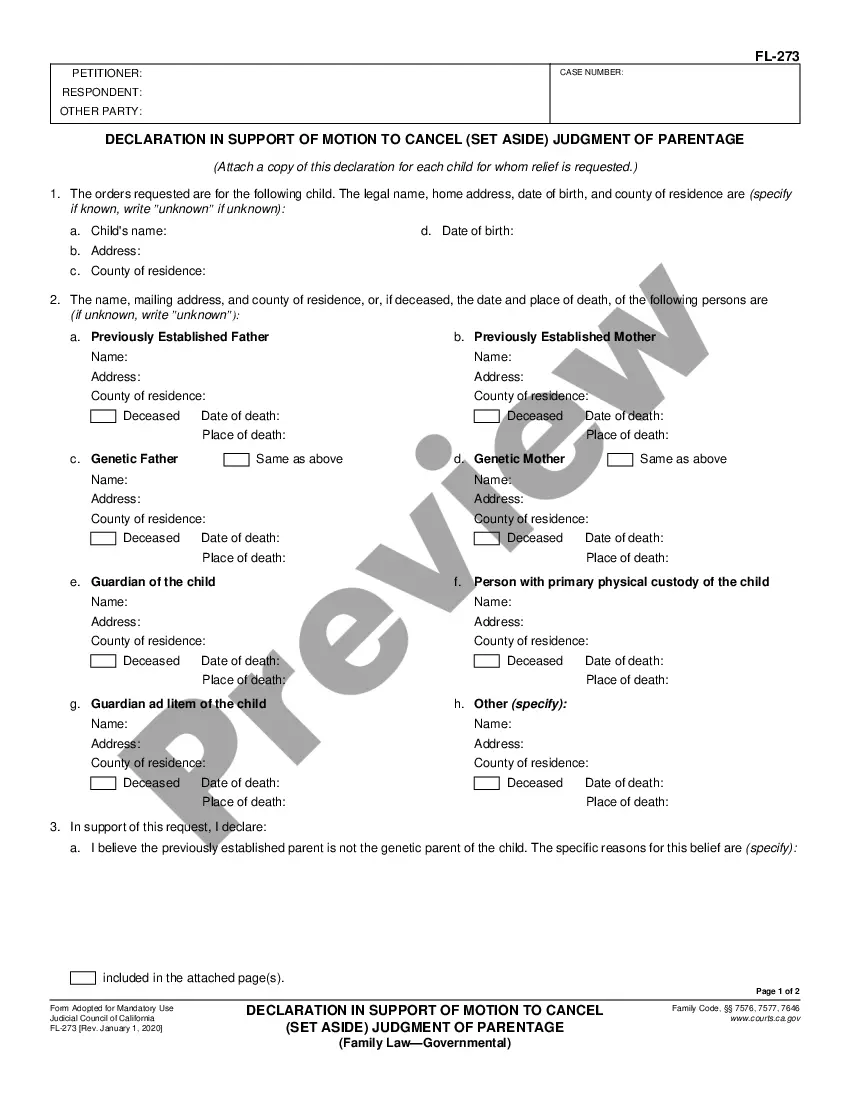
First box, left side: In this box print the name, address, and telephone number of the person for whom you served the documents. Second box, right side: Print the case number in this box. The case number should be the same as the case number on the documents that you served.

