Sample Letter To Customer For Business In Montgomery
Description


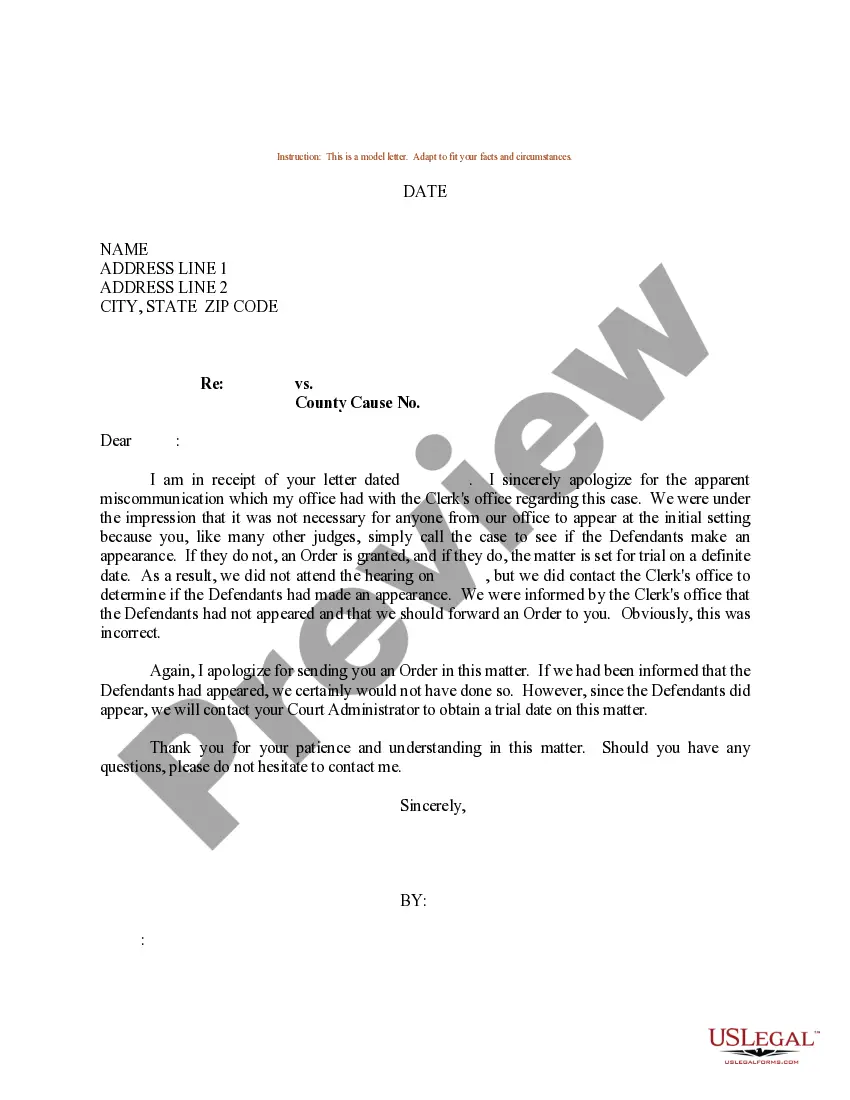

Get your form ready online
Our built-in tools help you complete, sign, share, and store your documents in one place.
Make edits, fill in missing information, and update formatting in US Legal Forms—just like you would in MS Word.
Download a copy, print it, send it by email, or mail it via USPS—whatever works best for your next step.
Sign and collect signatures with our SignNow integration. Send to multiple recipients, set reminders, and more. Go Premium to unlock E-Sign.
If this form requires notarization, complete it online through a secure video call—no need to meet a notary in person or wait for an appointment.
We protect your documents and personal data by following strict security and privacy standards.

Make edits, fill in missing information, and update formatting in US Legal Forms—just like you would in MS Word.

Download a copy, print it, send it by email, or mail it via USPS—whatever works best for your next step.

Sign and collect signatures with our SignNow integration. Send to multiple recipients, set reminders, and more. Go Premium to unlock E-Sign.

If this form requires notarization, complete it online through a secure video call—no need to meet a notary in person or wait for an appointment.

We protect your documents and personal data by following strict security and privacy standards.
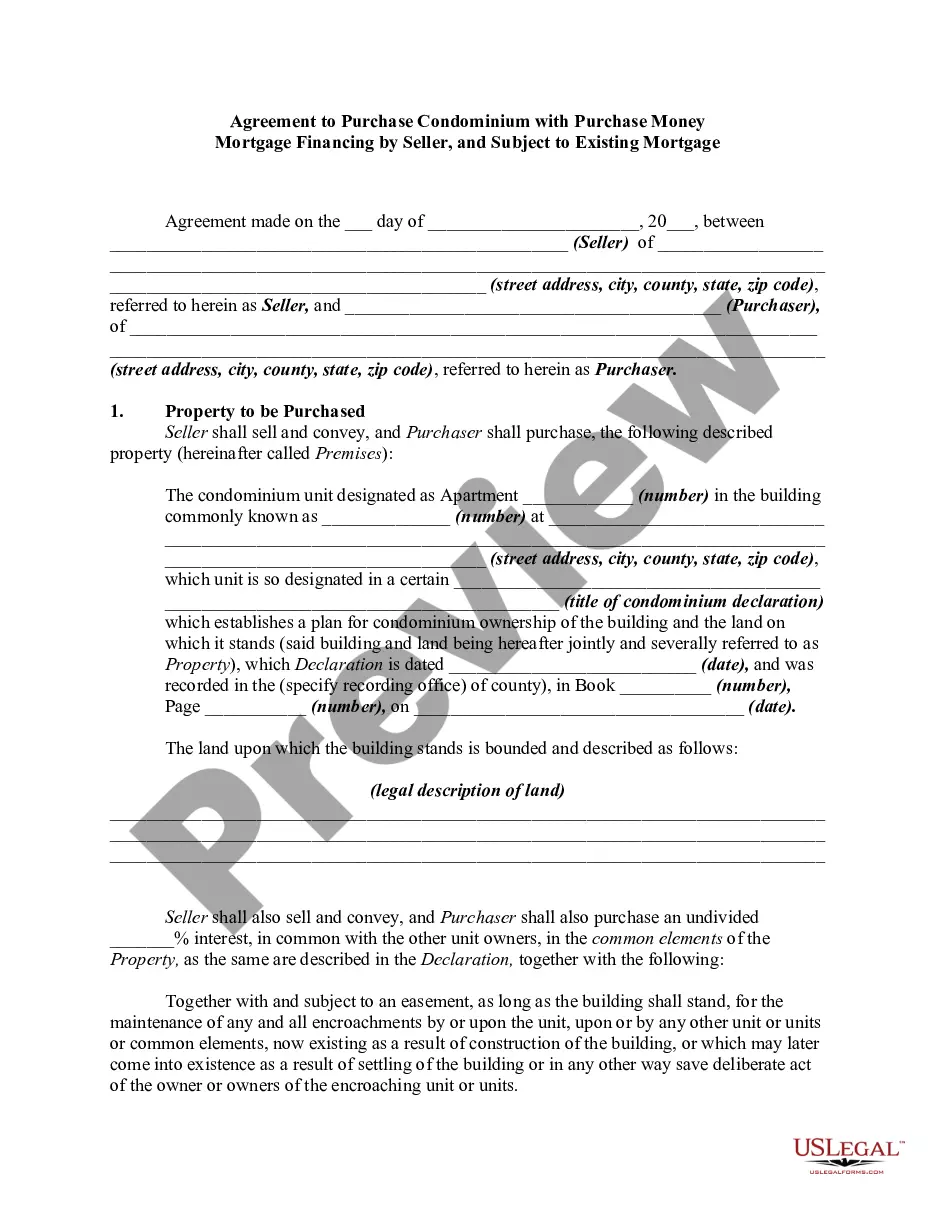
Looking for another form?







Form popularity
FAQ
Here is how to write a request letter in 7 steps: Collect information relating to your request. Create an outline. Introduce yourself. Make your request. Explain the reason for the request. Offer to provide additional information. Show your gratitude and conclude the letter.
How to write a persuasive email State your goal. Explain why you're sending the email. Strengthen your writing with evidence and examples. Encourage the reader to envision your end goal. Remind the reader it's their choice to take action. Create an actionable subject line. Make it easy for the reader to do what you ask.
If you have a new product or offer, you can use e-mail to send out newsletters and/or personalized messages. In addition, your customers can use e-mail to get in touch with you about everything from complaints to new orders. It's an essential component of any business communications platform.
Most business letters must include a return address (letterhead or your name and address), date, an inside address (receiver's name and address), a salutation, body paragraphs, and a closing.
3. Format the letter correctly. Heading. Start by including your name and mailing address at the top of the page. Salutation. Address the letter to the appropriate recipient. Introduction. Introduce who you are, as applicable, and the reason for writing. Body. Conclusion. Closing. Signature. Enclosures.
I hope this letter finds you well. My name is Your Name, and I am the Your Title at Your Company. We specialize in brief description of your company's services/products. I am writing to introduce our company and explore potential opportunities for collaboration.
The salutation (or greeting) in a business letter is always formal. It often begins with “Dear {Person's name}.” Once again, be sure to include the person's title if you know it (such as Ms., Mrs., Mr., or Dr).
The first paragraph of a business letter should state the letter's purpose. While a first sentence may establish goodwill – e.g., “I hope this letter finds you well” – you should arrive quickly at the reason you're writing. Don't be impolite but do be concise and professional in tone.
How to write a proposal letter offering services Consider whether the letter is solicited. Research the potential client. Choose a subject line if using email. Introduce yourself and your company. Describe the project or problem. Answer any questions posed. Consider providing a quote. Include a call to action.

