Wholesale Agreement Template With Notary In Miami-Dade
Description

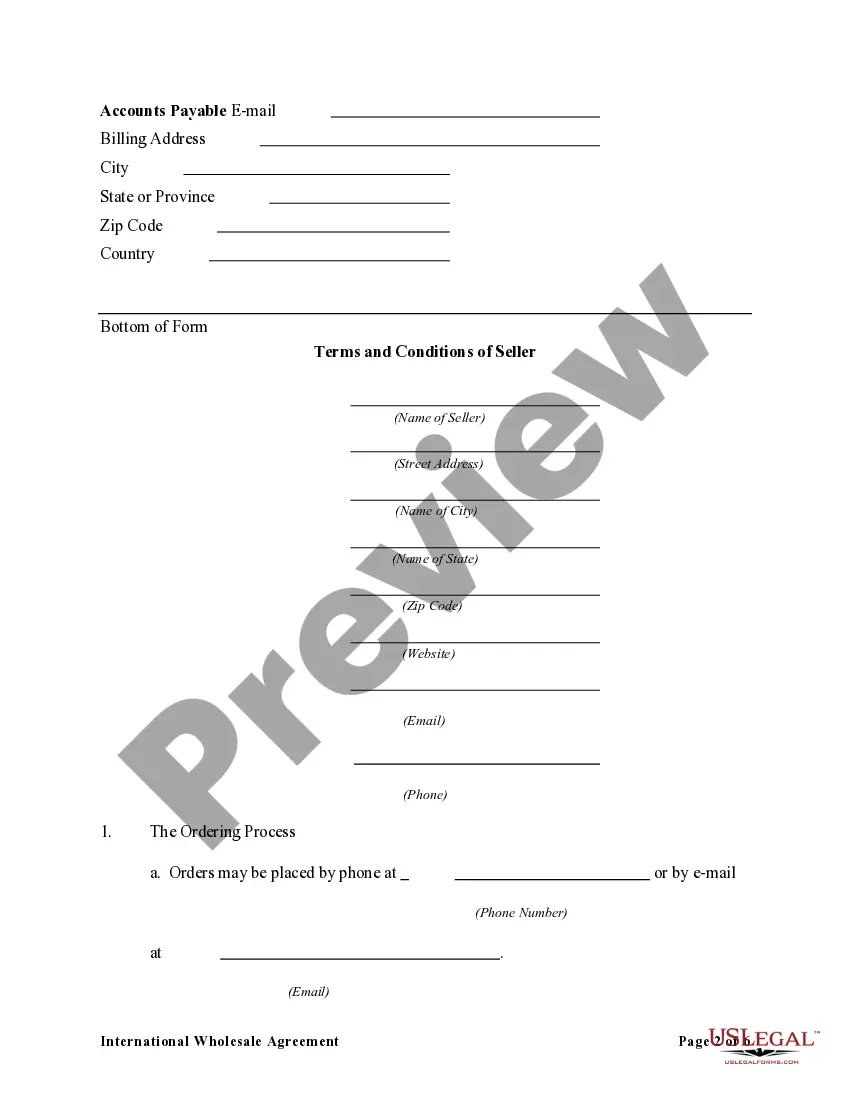
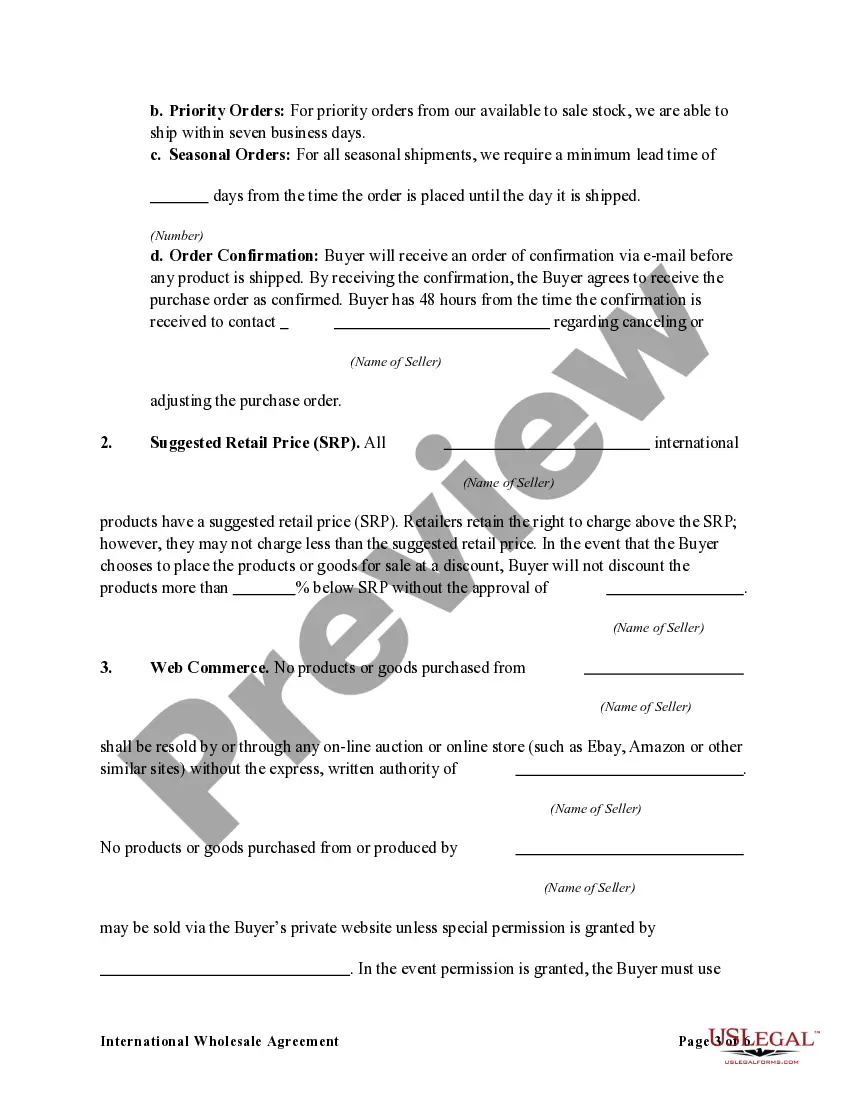
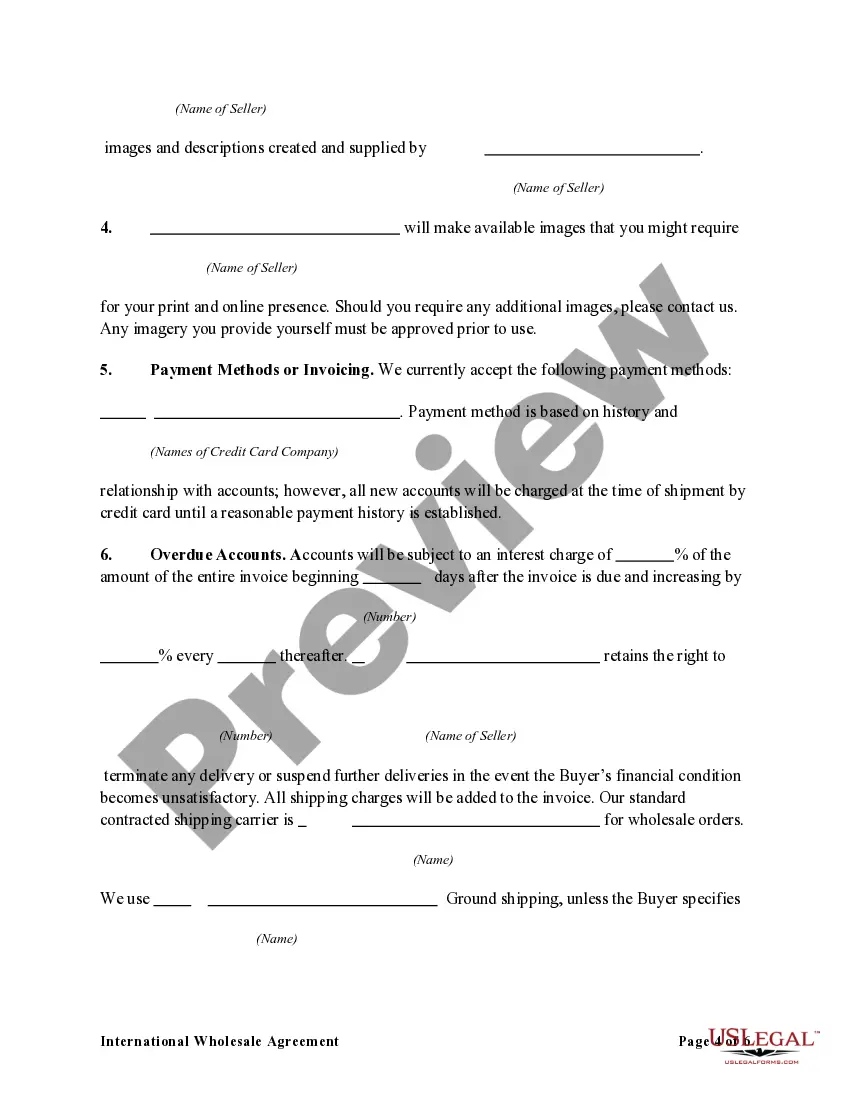
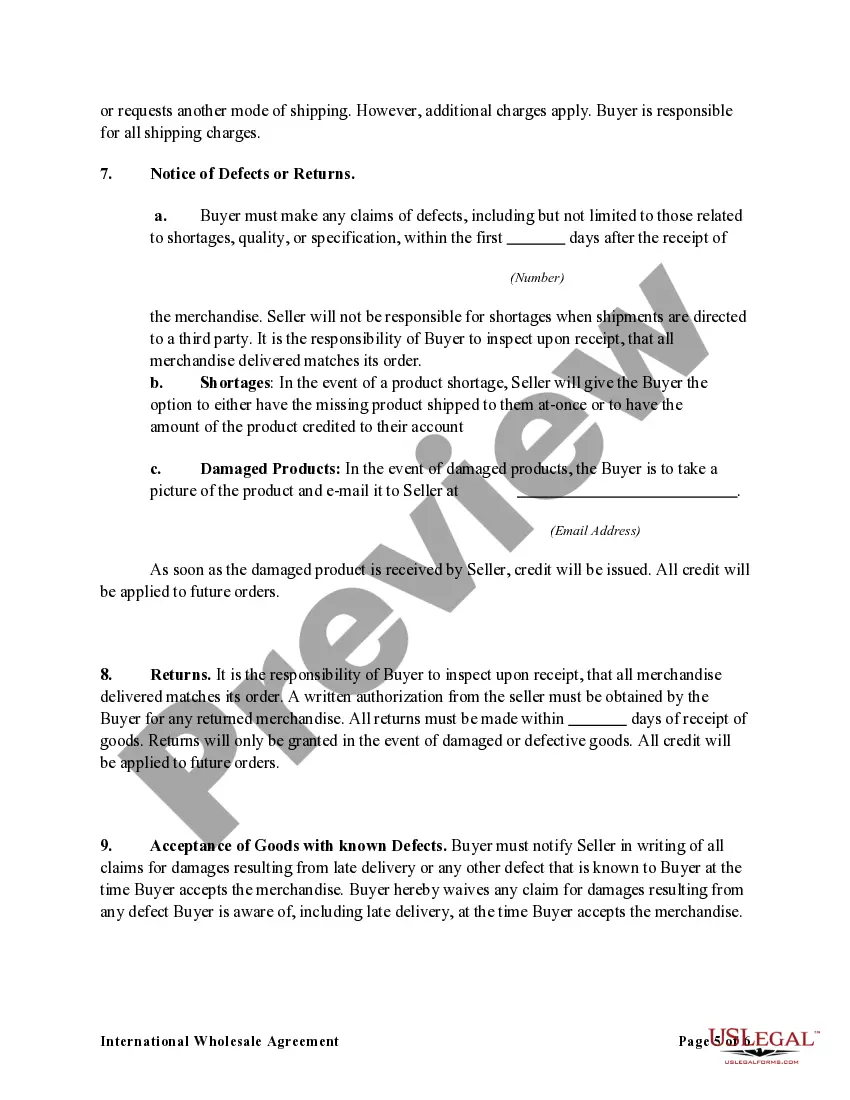
Get your form ready online
Our built-in tools help you complete, sign, share, and store your documents in one place.
Make edits, fill in missing information, and update formatting in US Legal Forms—just like you would in MS Word.
Download a copy, print it, send it by email, or mail it via USPS—whatever works best for your next step.
Sign and collect signatures with our SignNow integration. Send to multiple recipients, set reminders, and more. Go Premium to unlock E-Sign.
If this form requires notarization, complete it online through a secure video call—no need to meet a notary in person or wait for an appointment.
We protect your documents and personal data by following strict security and privacy standards.

Make edits, fill in missing information, and update formatting in US Legal Forms—just like you would in MS Word.

Download a copy, print it, send it by email, or mail it via USPS—whatever works best for your next step.

Sign and collect signatures with our SignNow integration. Send to multiple recipients, set reminders, and more. Go Premium to unlock E-Sign.

If this form requires notarization, complete it online through a secure video call—no need to meet a notary in person or wait for an appointment.

We protect your documents and personal data by following strict security and privacy standards.
Looking for another form?



Form popularity
FAQ
Step-by-Step Guide to Creating an Agreement Step 1: Identify the Parties and Agreement Type. Clearly identify all parties involved and the type of agreement you're creating. Step 2: Draft the Agreement. Draft the agreement including all essential elements. Step 3: Review and Sign. Step 4: Registration (If Required)
In Florida, a vendor's license is required for businesses that sell tangible personal property and certain services to customers.
Step 1: Familiarize Yourself With the Industry. Step 2: Determine Your Business Goals. Step 3: Lay the Foundation to Become a Vendor. Step 4: Get Any Necessary Licensing or Registrations. Step 5: Market to and Network With Your Target Audience. Step 6: Negotiate Your First Sale. Step 7: Learn to Use the Vendor Portal.
All contracts, business transactions and renewals thereof with the County to which this subsection applies, shall require the individual or entity seeking to transact business with the County to verify by affidavit that the individual or entity is current in its obligations to the County and is not otherwise in default ...
A document is notarized by a Notary Public (or Notary in Quebec). The Notary Public will sign and stamp your document, certifying that they have either witnessed a signature, or made a certified true copy of an original document.
Every notarized letter of authorization must list the names of the requesting parties and the reason for authorization. The document must also contain the signatures of each party as well as the notary public's signature to confirm that they witnessed and verified the signatures.
Can you write a letter and have it notarized? Yes, you can fill out the details of a letter on your own and then contact a public notary to get it notarized. If you're wondering what documents need to be notarized, understand that there is a long list of documents you can notarize in your state.
To make a notarized letter, begin with your contact details, create a clear message explaining the purpose of the letter. Include any legal language if necessary. Conclude with a formal closing and leave space for your signature. And that's how you write a statement that needs to be notarized.
For a notarial act to be valid, the notary must perform the verbal part of the acknowledgment notarial act by asking the signer: “Do you acknowledge that you signed this document voluntarily and for the purposes stated therein?”
