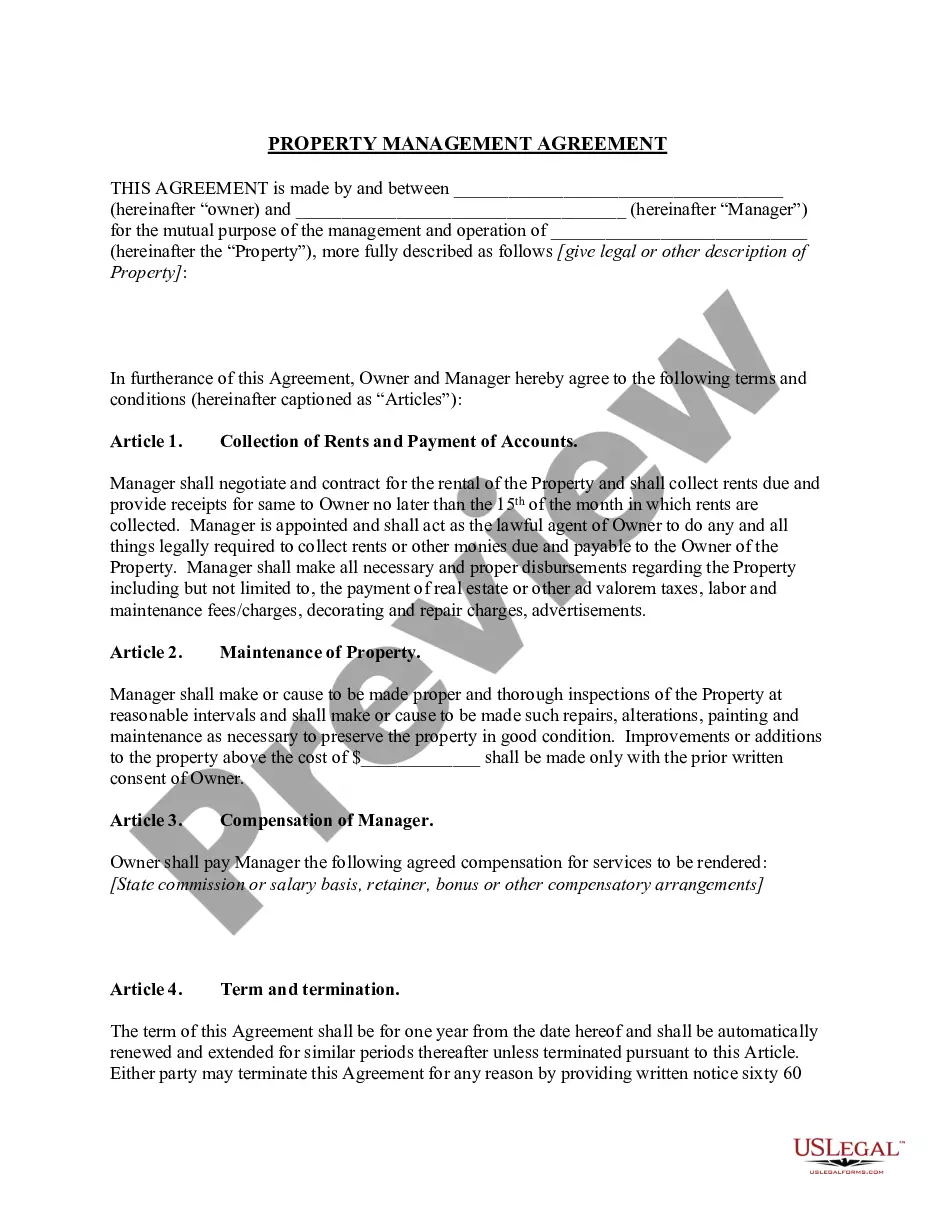
Management Contract Template For Virtual Assistant In Franklin
Description

Get your form ready online
Our built-in tools help you complete, sign, share, and store your documents in one place.
Make edits, fill in missing information, and update formatting in US Legal Forms—just like you would in MS Word.
Download a copy, print it, send it by email, or mail it via USPS—whatever works best for your next step.
Sign and collect signatures with our SignNow integration. Send to multiple recipients, set reminders, and more. Go Premium to unlock E-Sign.
If this form requires notarization, complete it online through a secure video call—no need to meet a notary in person or wait for an appointment.
We protect your documents and personal data by following strict security and privacy standards.

Make edits, fill in missing information, and update formatting in US Legal Forms—just like you would in MS Word.

Download a copy, print it, send it by email, or mail it via USPS—whatever works best for your next step.

Sign and collect signatures with our SignNow integration. Send to multiple recipients, set reminders, and more. Go Premium to unlock E-Sign.

If this form requires notarization, complete it online through a secure video call—no need to meet a notary in person or wait for an appointment.

We protect your documents and personal data by following strict security and privacy standards.
Looking for another form?







Form popularity
FAQ
There are also specialized virtual assistants who can handle work with social media, graphic design, writing blog articles, and more. The specific duties vary based on the needs of the business and the VA's professional skills and experience. A virtual assistant can be an independent contractor or an employee.
How to send an online contract for signing Register or download a contract program. Create a contract in a writing or word processor program. Upload the contract file to the program. Add the names and email addresses of the contract signers to the program. Select the locations where you want eSignatures, initials and dates.
Let's look at some top tips for writing the perfect proposal. Make a Bold Entrance in Your Virtual Assistant Proposal Template. Tailor Your Proposal Templates to Show Strengths for Each Job. Talk Openly About Your Rates for Your Virtual Assistant Business. Focus on Quality over Quantity When including Samples.
How to send an online contract for signing Register or download a contract program. Create a contract in a writing or word processor program. Upload the contract file to the program. Add the names and email addresses of the contract signers to the program. Select the locations where you want eSignatures, initials and dates.
Best Practices To Get Clients As A Virtual Assistant Be Clear About Your Offer. Identify Your Ideal Client. Create a Client Acquisition Funnel. Prepare for Discovery Calls. Build a Strong Portfolio or Platform. Explore Job Sites, LinkedIn, and Upwork. Consider Virtual Assistant Agencies. Network at Events.
