Equipment Maintenance Policy In Philadelphia
Description

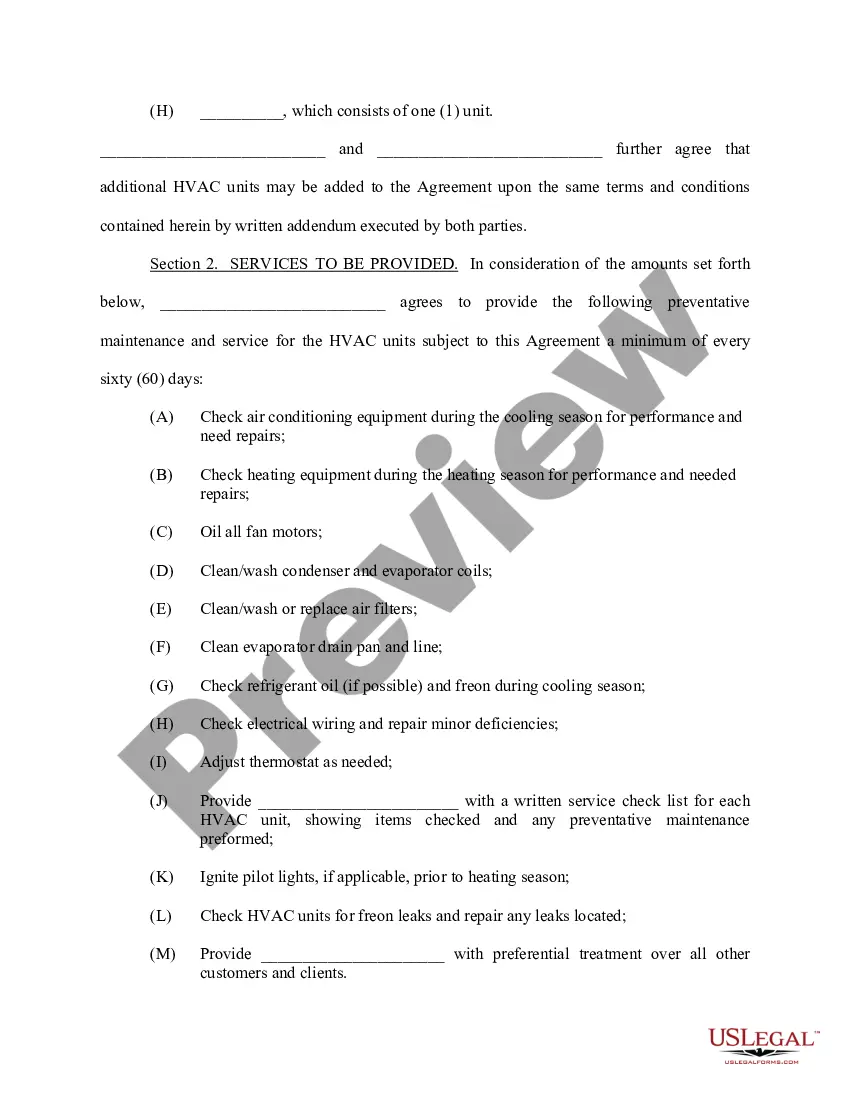
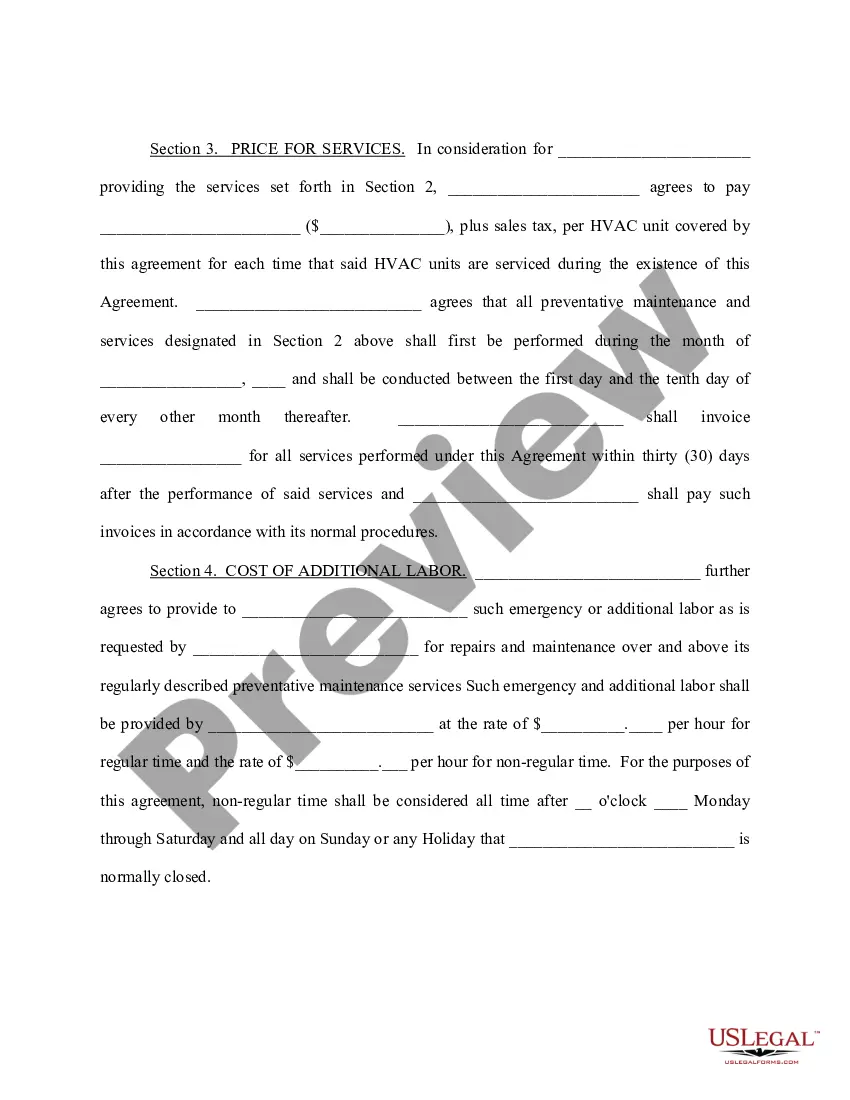
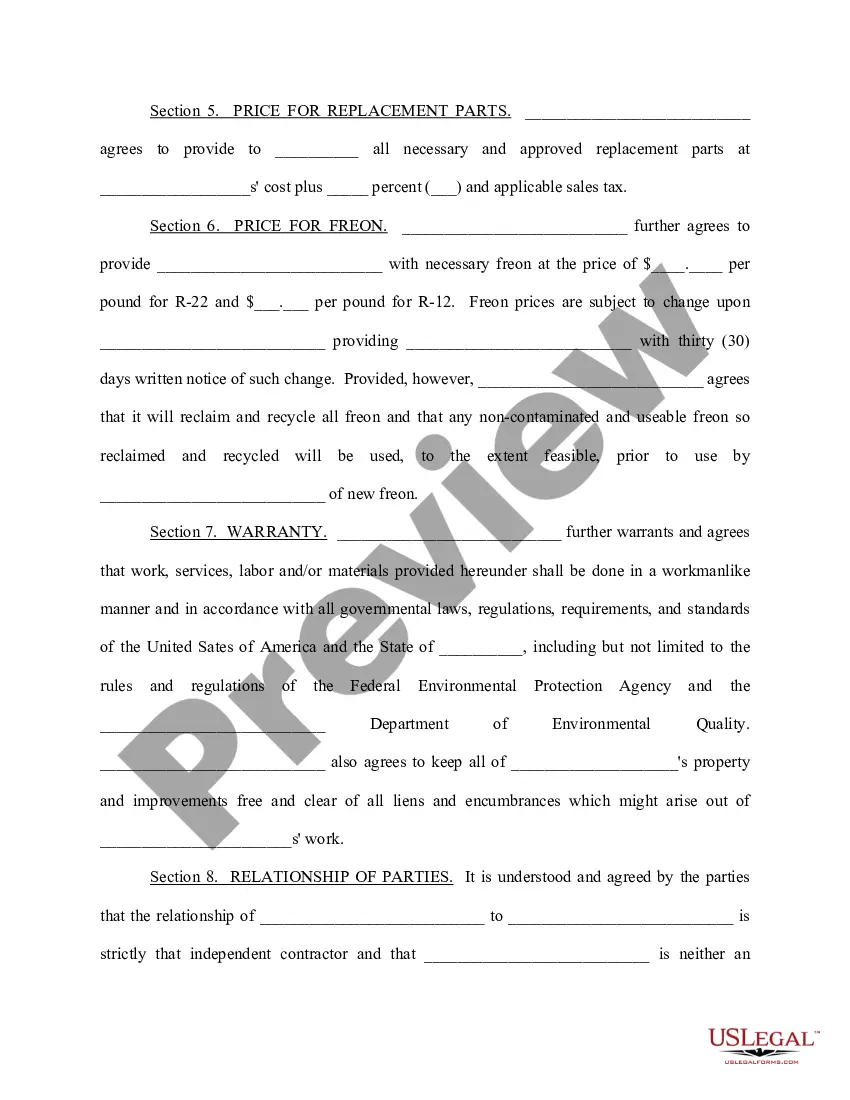
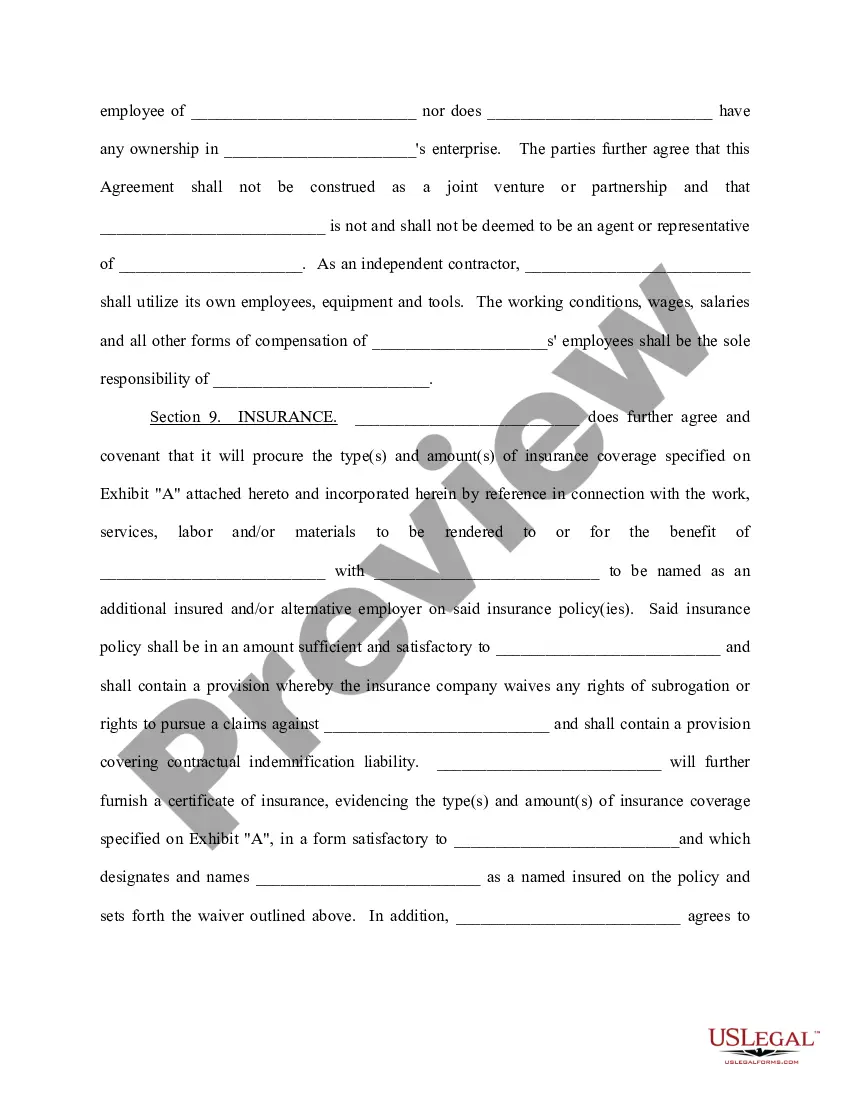
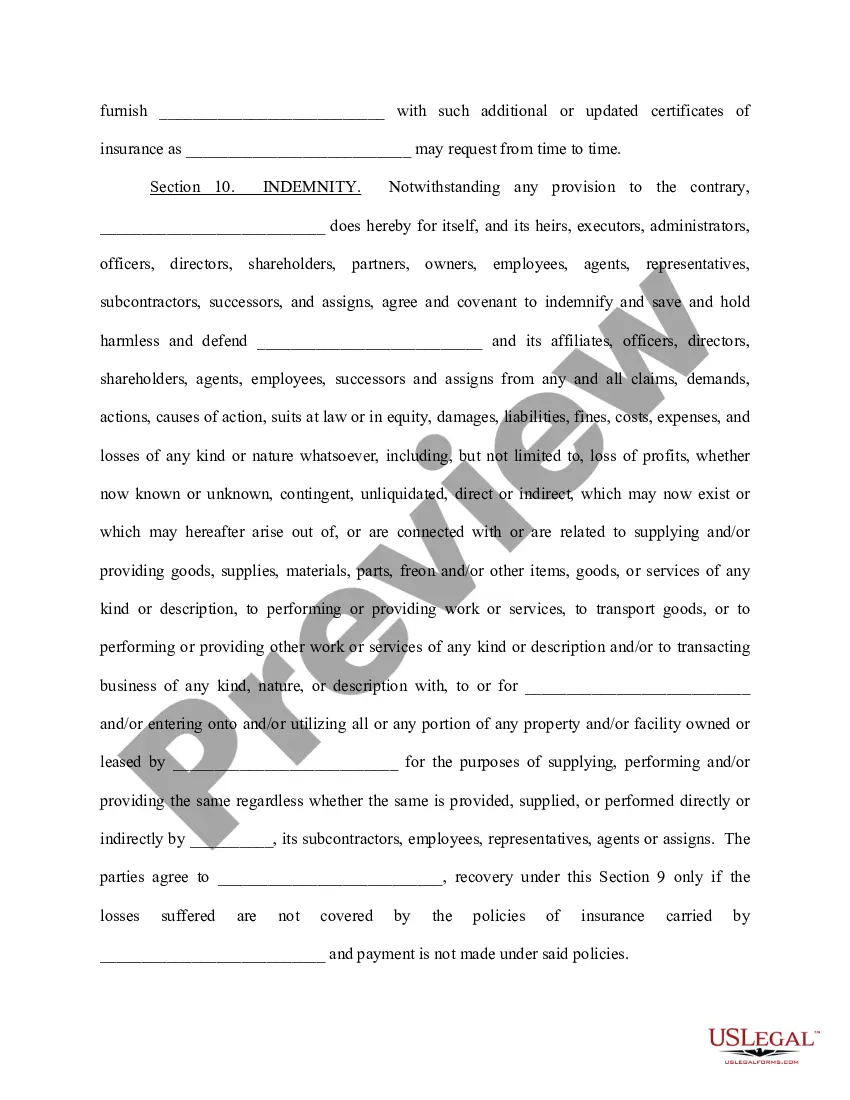
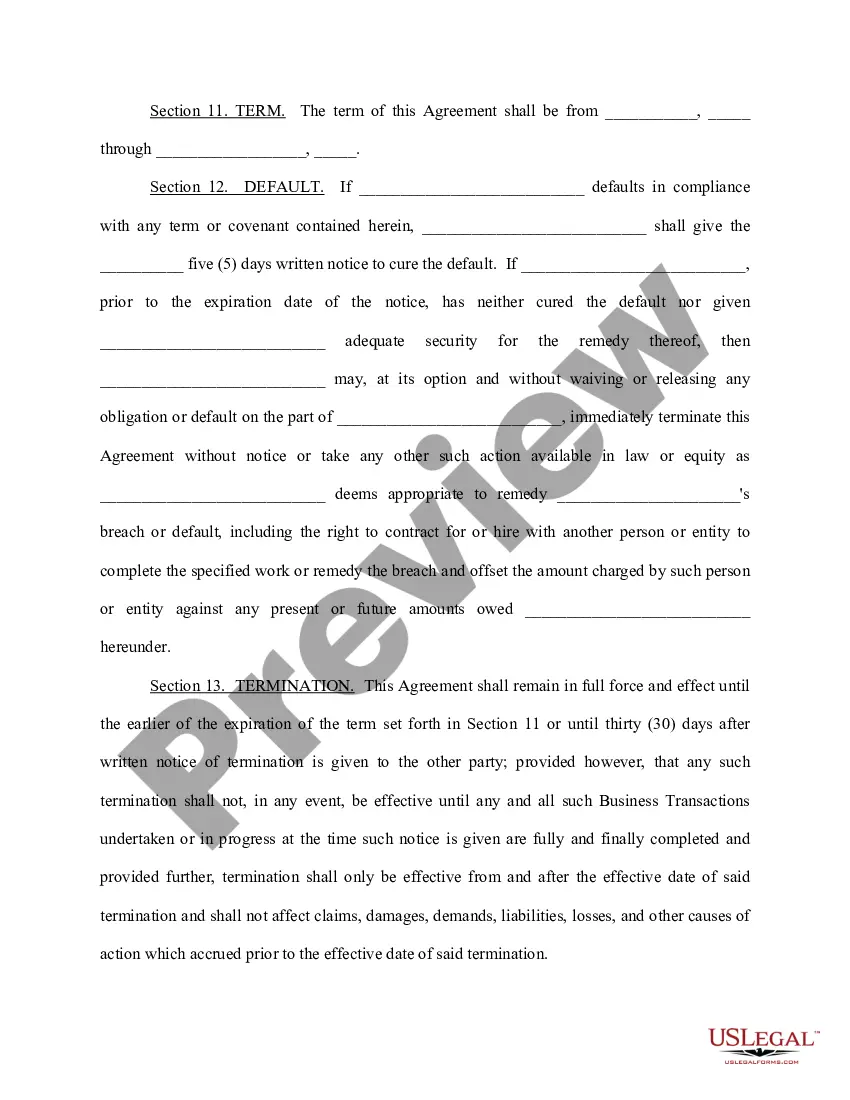
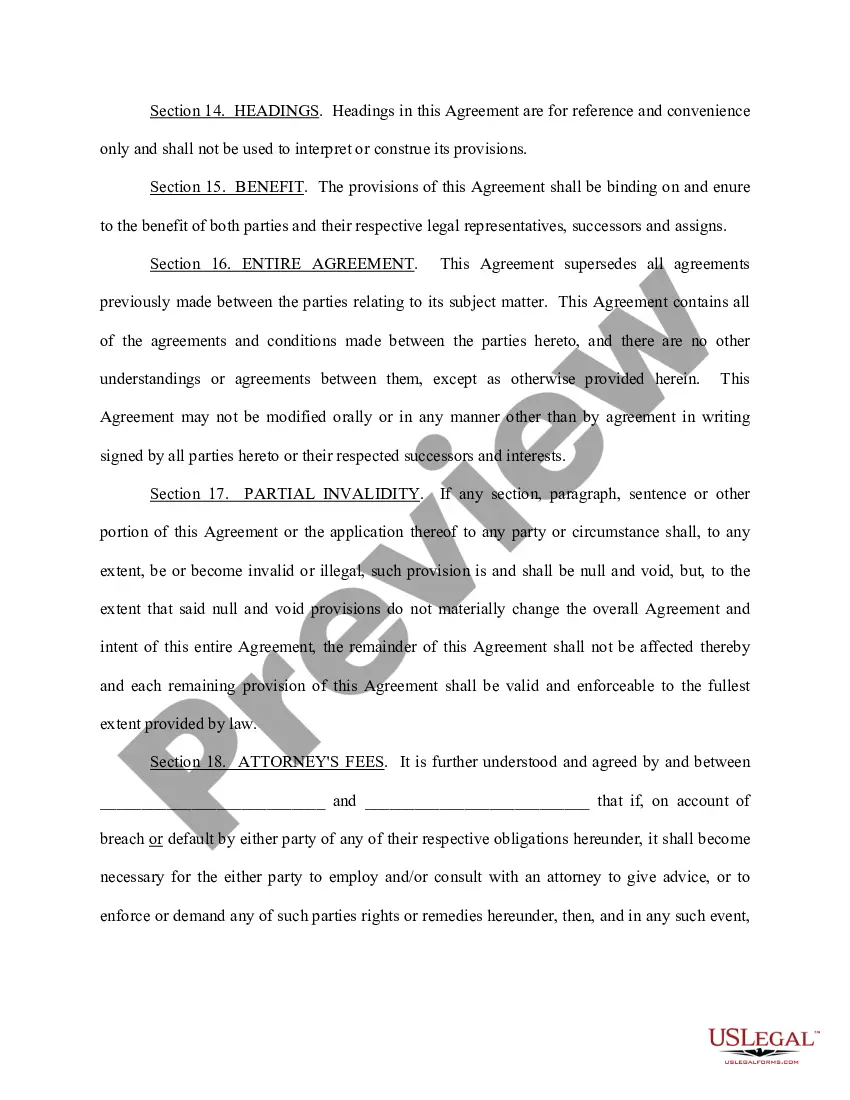
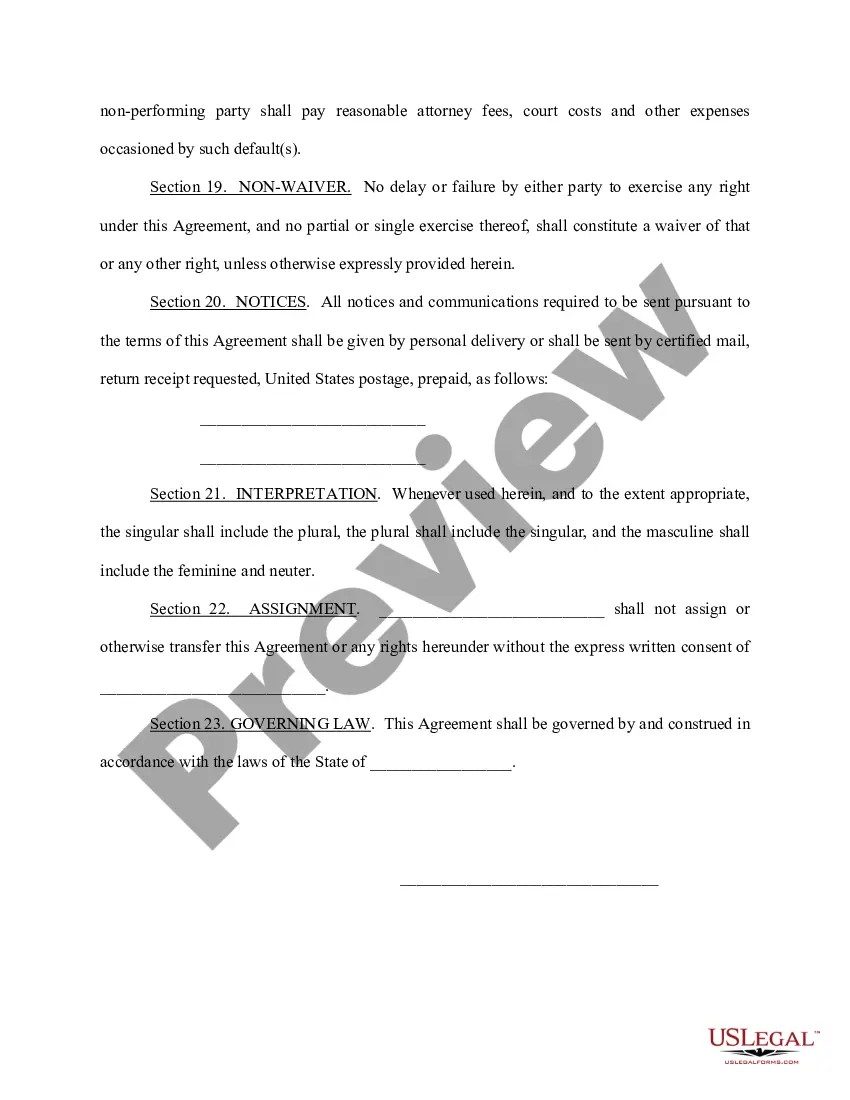
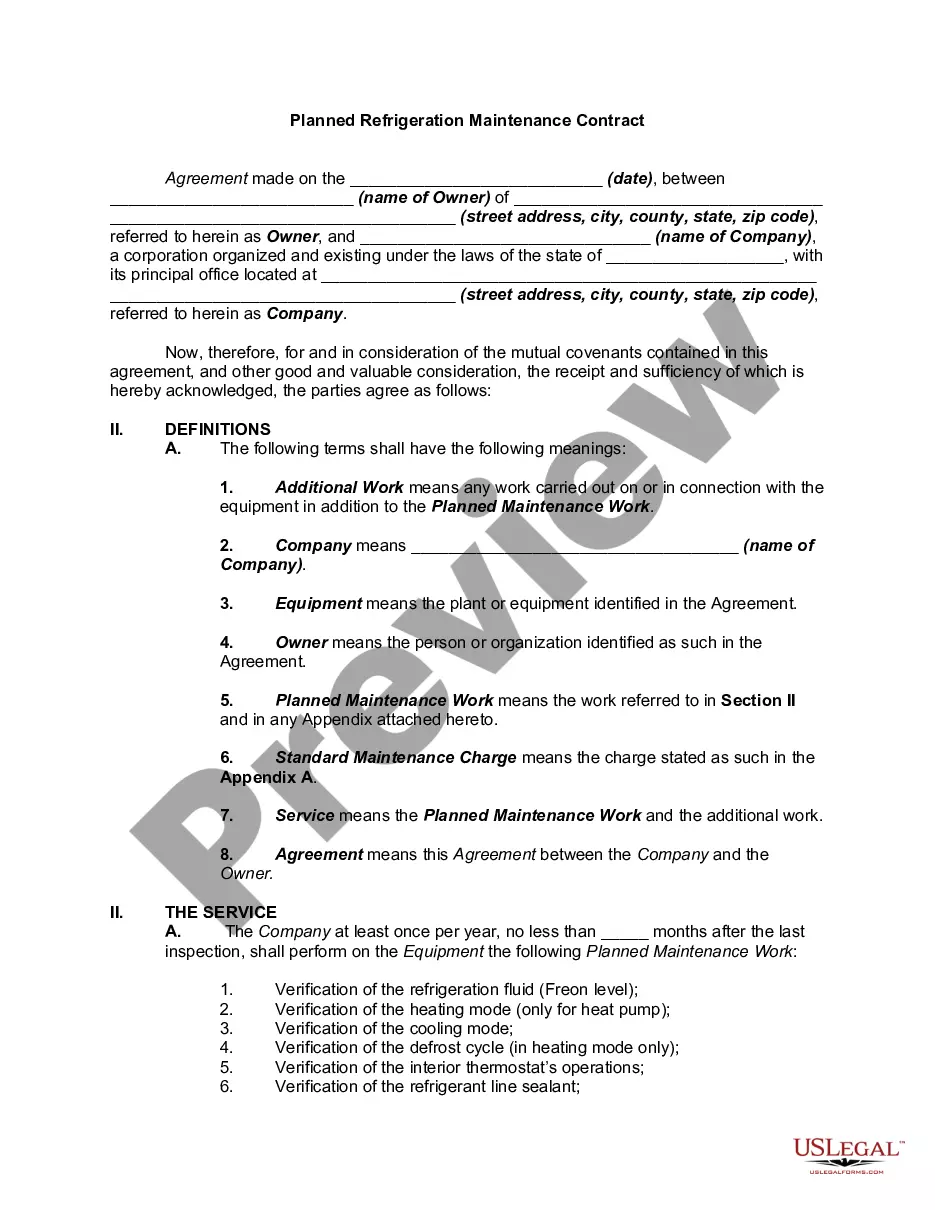
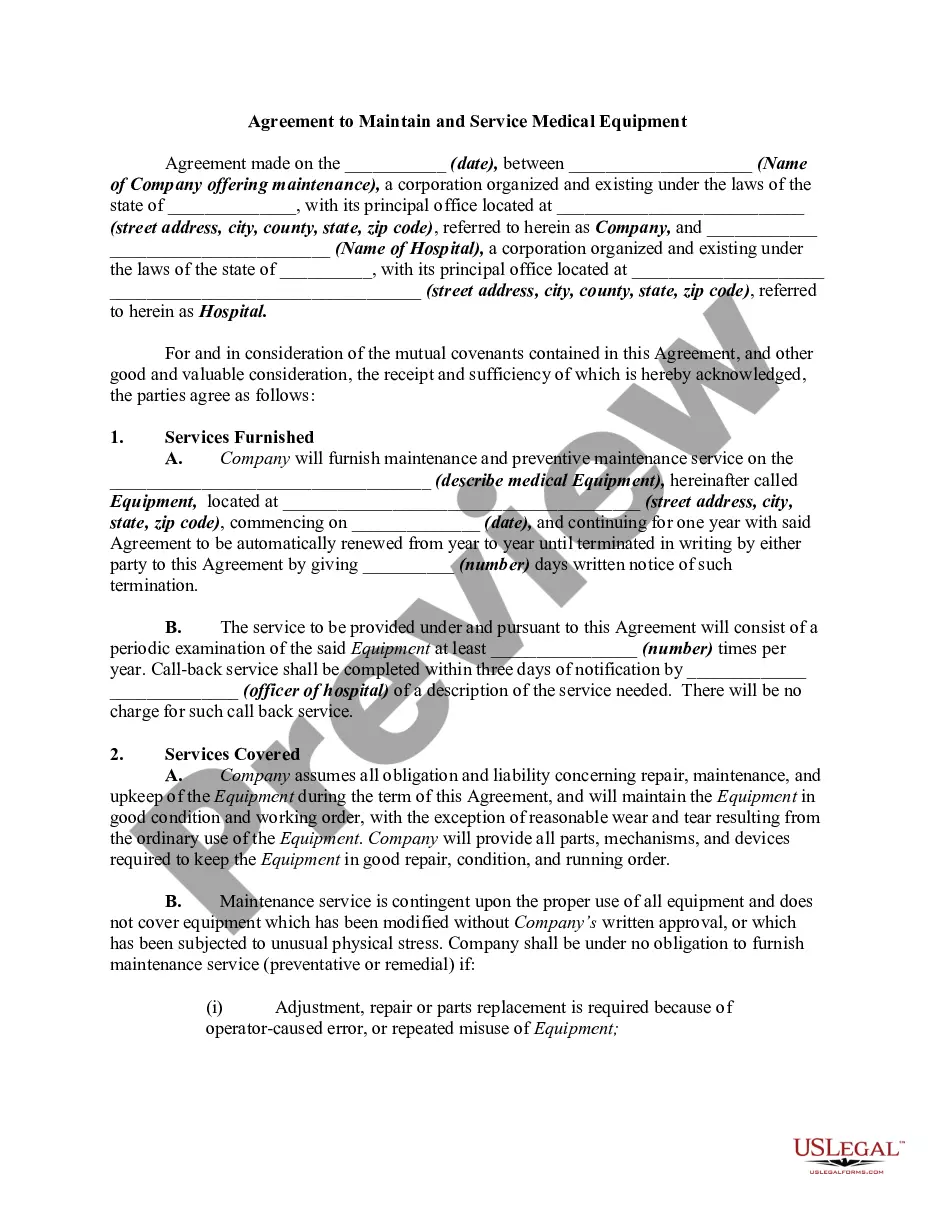
Get your form ready online
Our built-in tools help you complete, sign, share, and store your documents in one place.
Make edits, fill in missing information, and update formatting in US Legal Forms—just like you would in MS Word.
Download a copy, print it, send it by email, or mail it via USPS—whatever works best for your next step.
Sign and collect signatures with our SignNow integration. Send to multiple recipients, set reminders, and more. Go Premium to unlock E-Sign.
If this form requires notarization, complete it online through a secure video call—no need to meet a notary in person or wait for an appointment.
We protect your documents and personal data by following strict security and privacy standards.

Make edits, fill in missing information, and update formatting in US Legal Forms—just like you would in MS Word.

Download a copy, print it, send it by email, or mail it via USPS—whatever works best for your next step.

Sign and collect signatures with our SignNow integration. Send to multiple recipients, set reminders, and more. Go Premium to unlock E-Sign.

If this form requires notarization, complete it online through a secure video call—no need to meet a notary in person or wait for an appointment.

We protect your documents and personal data by following strict security and privacy standards.
Looking for another form?



Form popularity
FAQ
How to create a preventive maintenance schedule Take inventory of your assets. Prioritize your assets. Determine ideal preventive maintenance intervals. Schedule recurring maintenance tasks. Monitor and improve your schedule.
Some common examples of maintenance scheduling include planning, organizing, and coordinating quarterly inspections for HVAC systems or scheduling regular oil changes for a fleet of vehicles every 3000 miles.
To create an effective maintenance schedule and ensure that equipment is always reviewed, maintained and replaced as needed, follow these four steps. List All the Equipment to Maintain. Identify Maintenance Activities. Determine the Frequency of Maintenance. Define Maintenance Dates.
Steps to creating an effective maintenance plan Detail the work that you'll need to do on each asset. Schedule the work – Use a dating frequency, running hours, or measures that will provide insight into the condition of an asset. Add workers or contractors – including the estimated working hours. Add spare parts.
A basic maintenance log is a simple log that captures essential information about maintenance activities. These include the date of maintenance, a brief description of the maintenance action, and the names of the technicians and other personnel involved.
To create an effective maintenance schedule and ensure that equipment is always reviewed, maintained and replaced as needed, follow these four steps. List All the Equipment to Maintain. Identify Maintenance Activities. Determine the Frequency of Maintenance. Define Maintenance Dates.
For all other licensing questions, submit an online request to the Department of Licenses and Inspections (L&I) . You will receive a response within 2 business days. For general questions, call 311 or (215) 686-8686 if outside Philadelphia.
The EZ Permit Difference You do not need to submit architectural plans to apply for these permits. You can pick them up the same day you apply for them in person, and 3-5 business days after application if you apply online.
The Philly311 contact center is Philadelphia's customer service center for non-emergency inquiries. Requests for service can be submitted via telephone, mobile application, and web application.
Call 311 to ask for an inspection from the Department of Licenses & Inspections (L&I). File a Fair Housing Complaint. If your unit fails an L&I inspection, you can contact the Fair Housing Commission at 215-686-4670 or go to 601 Walnut St, Suite 300 South to file a complaint.
