Service Level Agreement For Equipment Maintenance In Clark
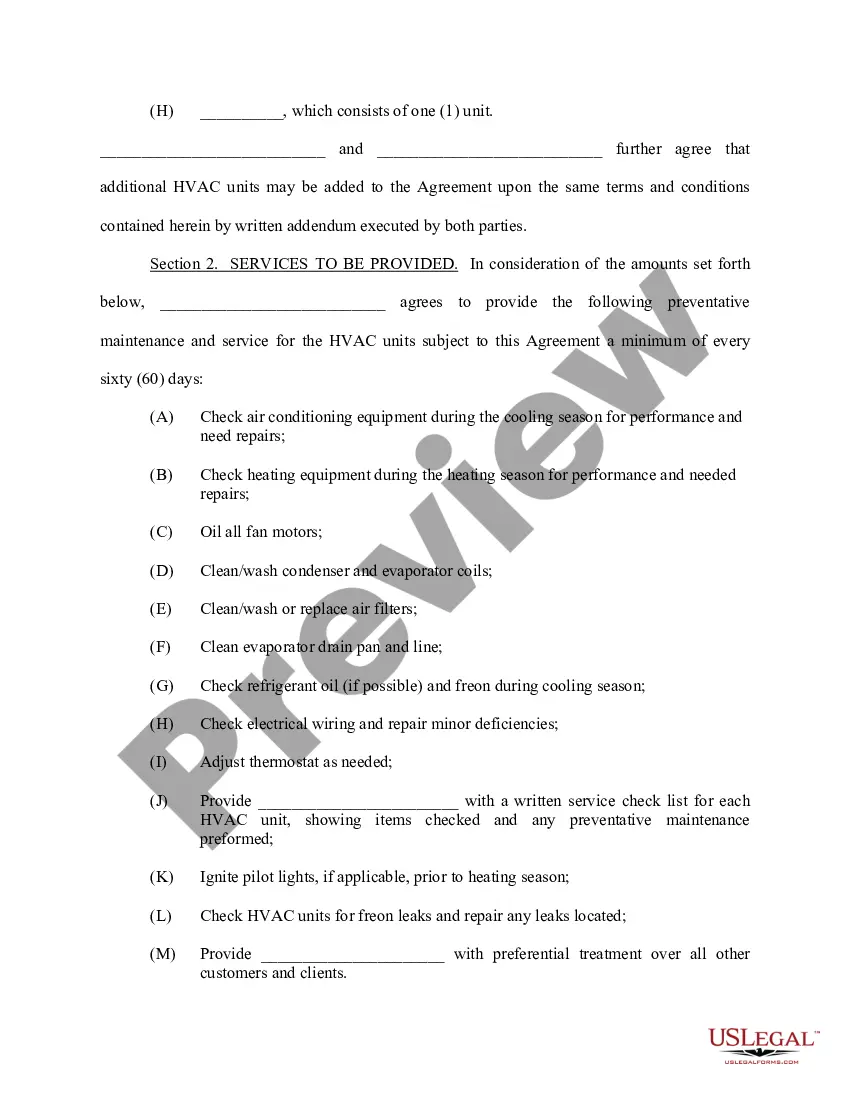
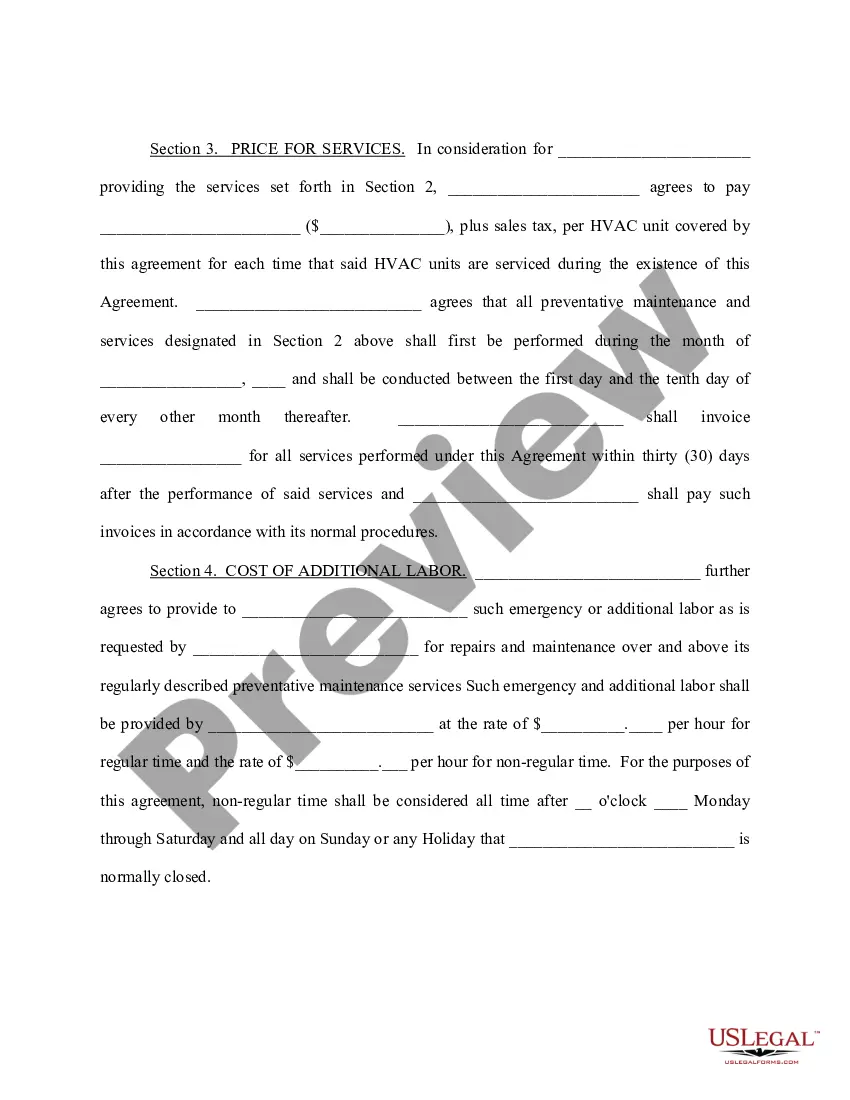
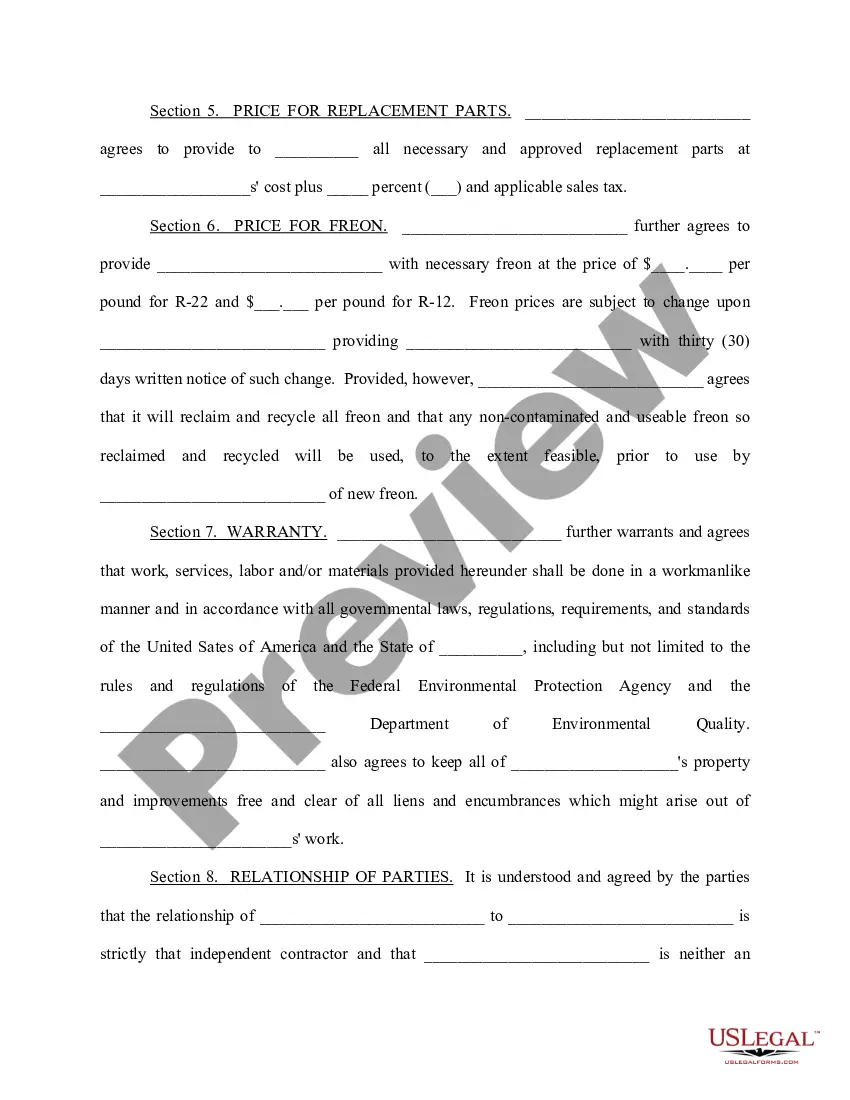
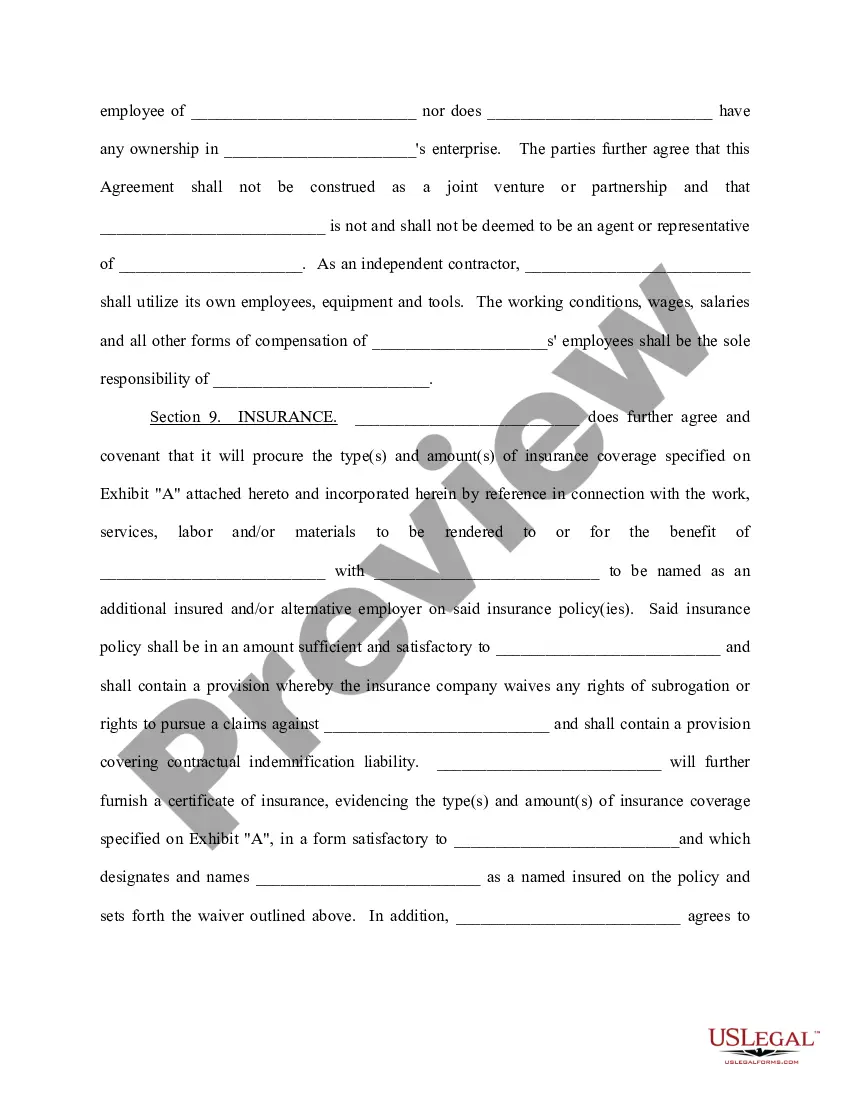
Description

Get your form ready online
Our built-in tools help you complete, sign, share, and store your documents in one place.
Make edits, fill in missing information, and update formatting in US Legal Forms—just like you would in MS Word.
Download a copy, print it, send it by email, or mail it via USPS—whatever works best for your next step.
Sign and collect signatures with our SignNow integration. Send to multiple recipients, set reminders, and more. Go Premium to unlock E-Sign.
If this form requires notarization, complete it online through a secure video call—no need to meet a notary in person or wait for an appointment.
We protect your documents and personal data by following strict security and privacy standards.

Make edits, fill in missing information, and update formatting in US Legal Forms—just like you would in MS Word.

Download a copy, print it, send it by email, or mail it via USPS—whatever works best for your next step.

Sign and collect signatures with our SignNow integration. Send to multiple recipients, set reminders, and more. Go Premium to unlock E-Sign.

If this form requires notarization, complete it online through a secure video call—no need to meet a notary in person or wait for an appointment.

We protect your documents and personal data by following strict security and privacy standards.
Looking for another form?





Form popularity
FAQ
Our SLA life cycle is made of five phases ( Figure 2): Negotiation, Implementation, Monitoring, Remediation and Renegotiation.
How to write a service level agreement in 5 steps Define the service. Your SLA will need to define and outline the service clearly. Verify service levels. Determine performance metrics. Prepare the service level agreement document. Review the SLA with all stakeholders.
How to create an effective SLA 1) Define SLA's scope. The first step is to identify the requirements and list all the services to provide. 2) Identify service levels & terms. 3) Establish reporting & communication processes. 4) Document the agreement. 5) Review and revise.
A service-level agreement (SLA) is a contract between a service provider and its customers that documents what services the provider will furnish and defines the service standards the provider is obligated to meet.
How to set an SLA and measure your performance Set a baseline. The best place to start is by looking at your current SLAs, and how you're performing against them. Ask how you're doing. Build a draft of new SLAs based on the results of the steps above. Get support from management.
Configure actions for the SLA item On the SLA page, select the SLA item, and then select Edit SLA Item. In the Actions area, select Configure Actions. Perform the following steps in Power Automate. Select Save & Close on the SLA item dialog box. Define as many SLA items as you need. Select Activate.
There are three types of SLAs used in businesses, they are: Customer-based SLA: Service-based SLA: Multi-level SLA:
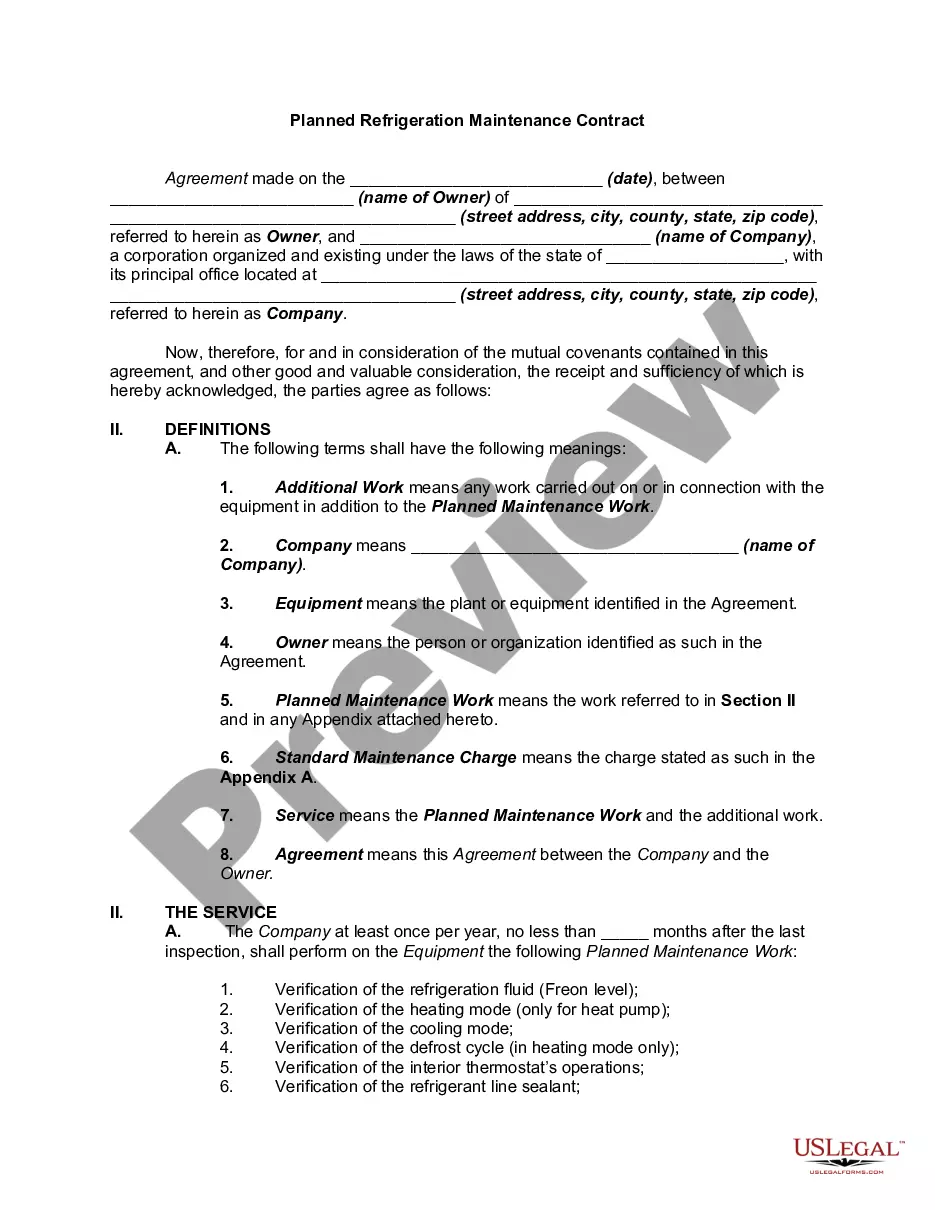
A maintenance agreement (contract), sometimes called a service agreement (contract), is an agreement which requires specific performance of repairing, cleaning, altering, or improving tangible personal property on a regular or irregular basis to ensure the product's continued satisfactory operation.
A service-level agreement (SLA) is an agreement between a service provider and a customer. Particular aspects of the service – quality, availability, responsibilities – are agreed between the service provider and the service user.
Applying for SLA There is not a defined process for the allocation of SLA, however most Units will send a welcome pack informing you of the local application process. For full eligibility criteria, how to apply and guidelines for the occupation of SLA please refer to JSP 464 Volume 2.
