Sample Schedule Form For Job Application In Mecklenburg
Description

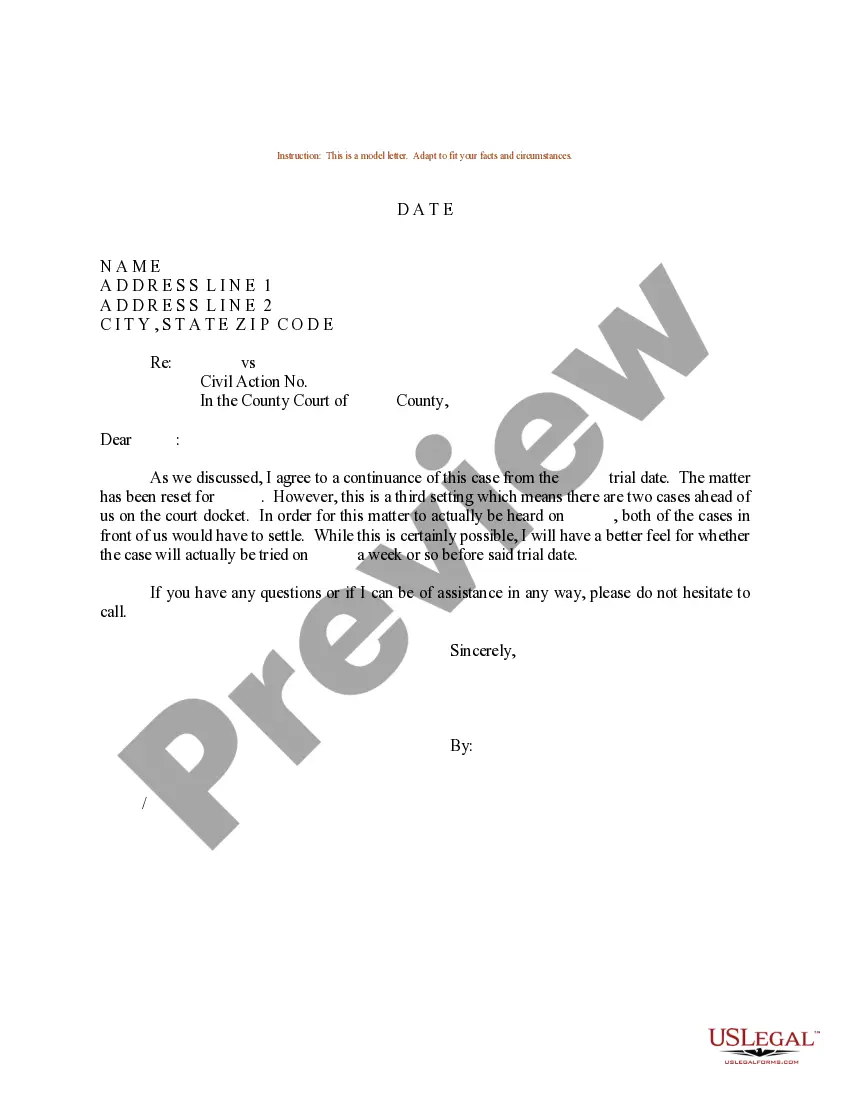
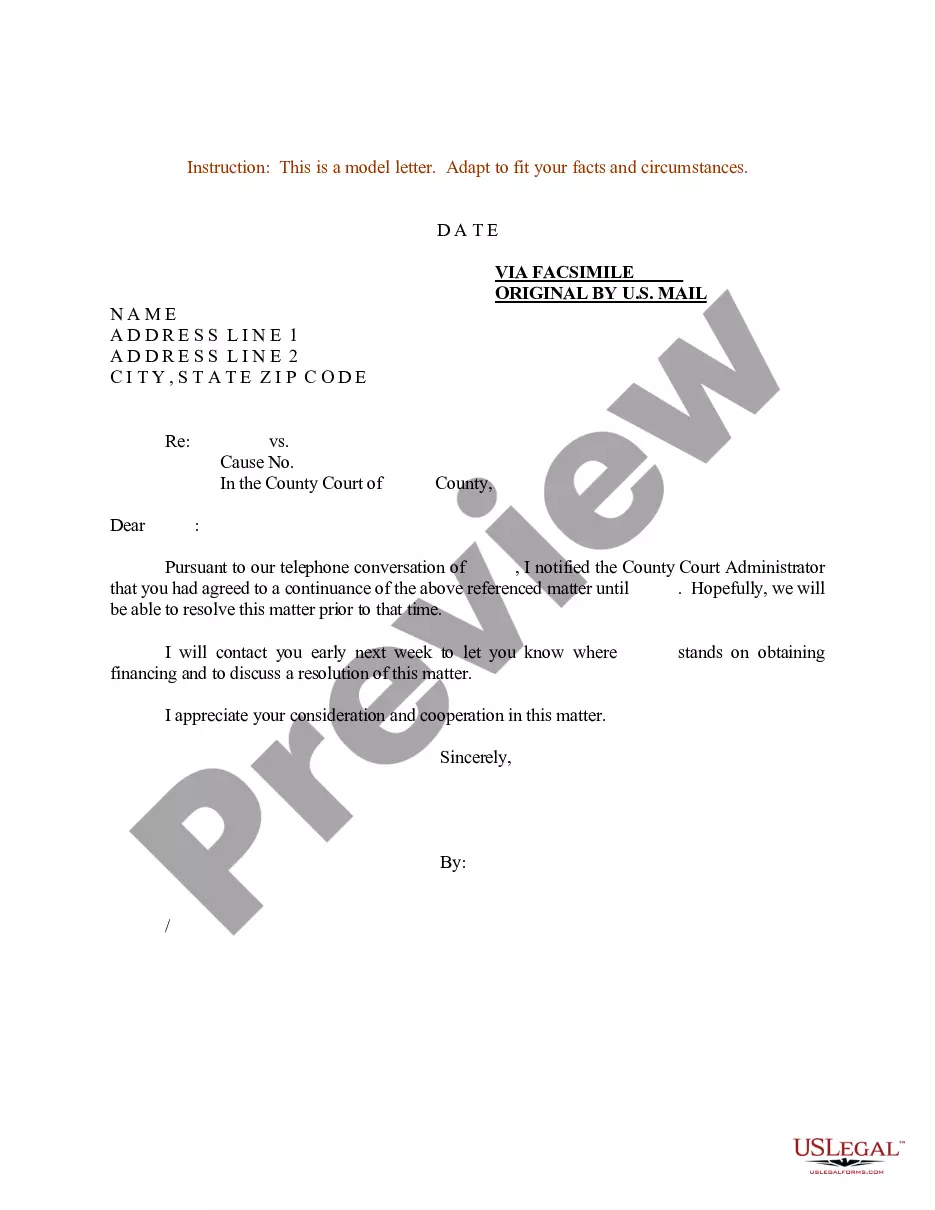
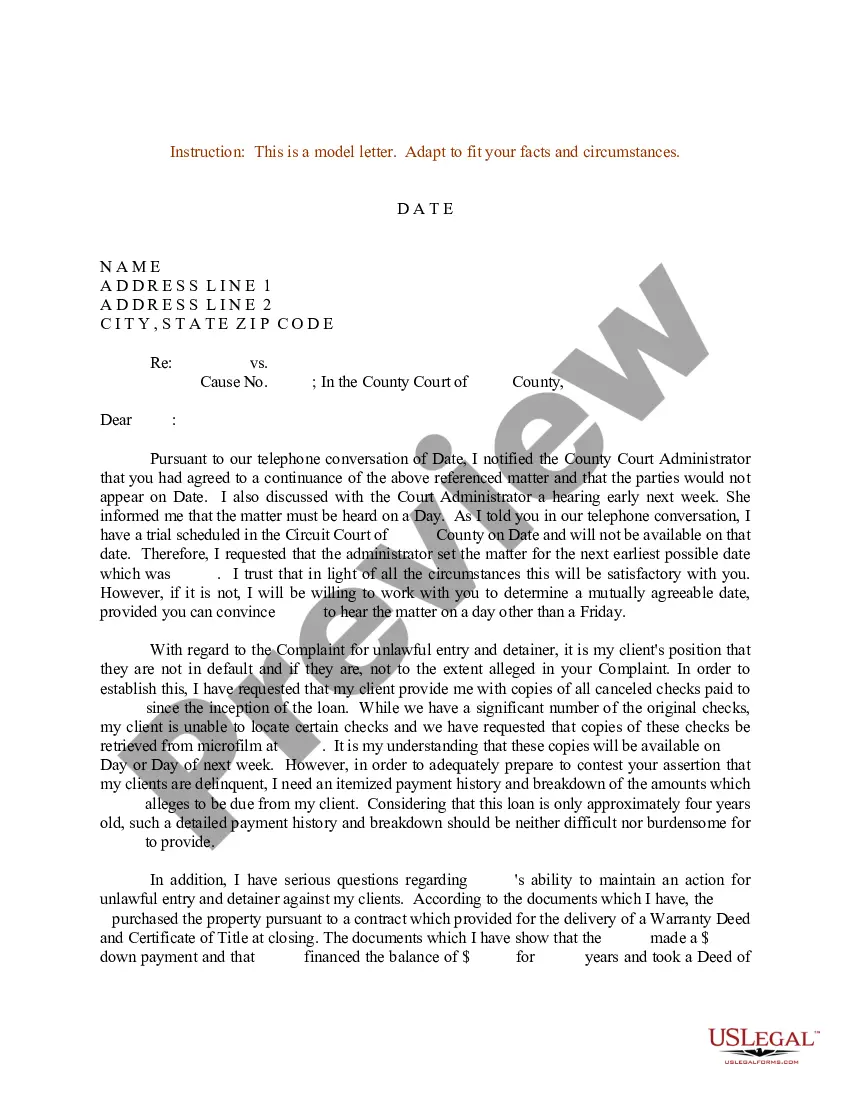

Get your form ready online
Our built-in tools help you complete, sign, share, and store your documents in one place.
Make edits, fill in missing information, and update formatting in US Legal Forms—just like you would in MS Word.
Download a copy, print it, send it by email, or mail it via USPS—whatever works best for your next step.
Sign and collect signatures with our SignNow integration. Send to multiple recipients, set reminders, and more. Go Premium to unlock E-Sign.
If this form requires notarization, complete it online through a secure video call—no need to meet a notary in person or wait for an appointment.
We protect your documents and personal data by following strict security and privacy standards.

Make edits, fill in missing information, and update formatting in US Legal Forms—just like you would in MS Word.

Download a copy, print it, send it by email, or mail it via USPS—whatever works best for your next step.

Sign and collect signatures with our SignNow integration. Send to multiple recipients, set reminders, and more. Go Premium to unlock E-Sign.

If this form requires notarization, complete it online through a secure video call—no need to meet a notary in person or wait for an appointment.

We protect your documents and personal data by following strict security and privacy standards.
Looking for another form?

Form popularity
FAQ
5 tips for creating online application forms Embed an application form. Make sure you're asking for all the right information. Let applicants save progress for later. Include fields to upload important documents. Confirm application when it's complete.
The hiring process for Mecklenburg County varies depending on the job you are applying for. Generally, the process includes submitting an application, taking part in an assessment, interviewing with the hiring manager, and submitting to a background check or drug test.
Give your form an appropriate title, such as “Job Application,” and add a description field if desired. Modify the first question to collect the applicant's name. Click the dropdown menu for question type and select the Short answer option. Slide the toggle button next to Required to make this a mandatory question.
Start with a form template Go to File > New. In the Search for online templates field, type Forms or the kind of form you want. Then press Enter. In the displayed results, right-click any item, then select Create.
How to structure an effective job application form Name of applicant. Contact information (phone and email) Social Security Number (SSN) Work eligibility. Education, including schools attended. Degrees obtained. Work experience. Specialty skills.
In this section, an employee provides personal data, such as their full name, address, phone numbers, email address, birth date and marital status. It also includes their Aadhaar number, PAN and the contact details of their spouse or family members.
You can follow this step-by-step guide to complete a paper job application: Include your personal information. Describe your work history. Include your education. Identify your skills. Add your references. Provide your desired salary.
During the interview, emphasize your availability when you speak and express your will to offer quality work. If you are flexible, explain that you are willing to work every day of the week and additional hours if necessary. If you are ready to work in the evening or weekend, say it without any hesitation.
How to fill out a job application Read the application before filling it out. Take your time. Answer completely and truthfully. Include your resume. Fill out job information chronologically. Put in the extra effort. Research your salary.
Specify Your Availability: Clearly outline the days and times you are available. For example, ``I am available to work full-time starting immediately, and I can also be flexible with hours on weekends if needed.'' Show Willingness to Adapt: Express your openness to adjust your schedule if necessary.

