Sample Schedule Form For Job Application In Kings
Description

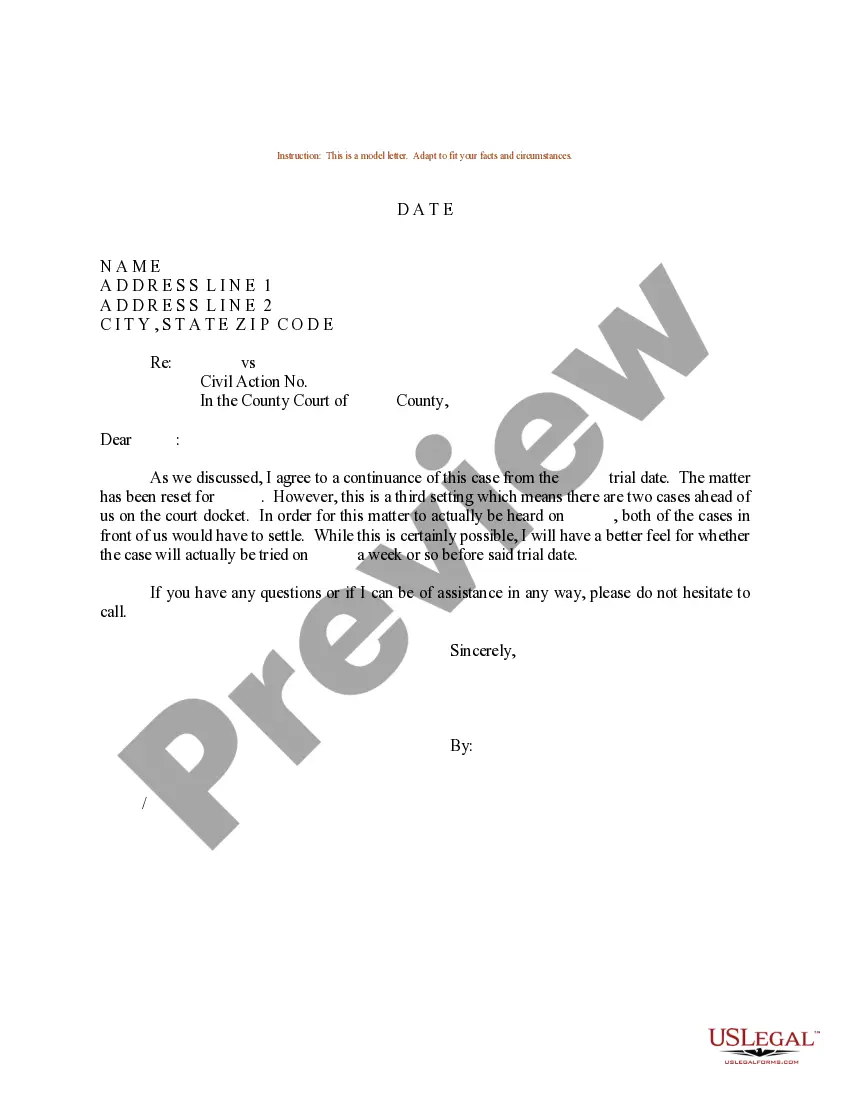
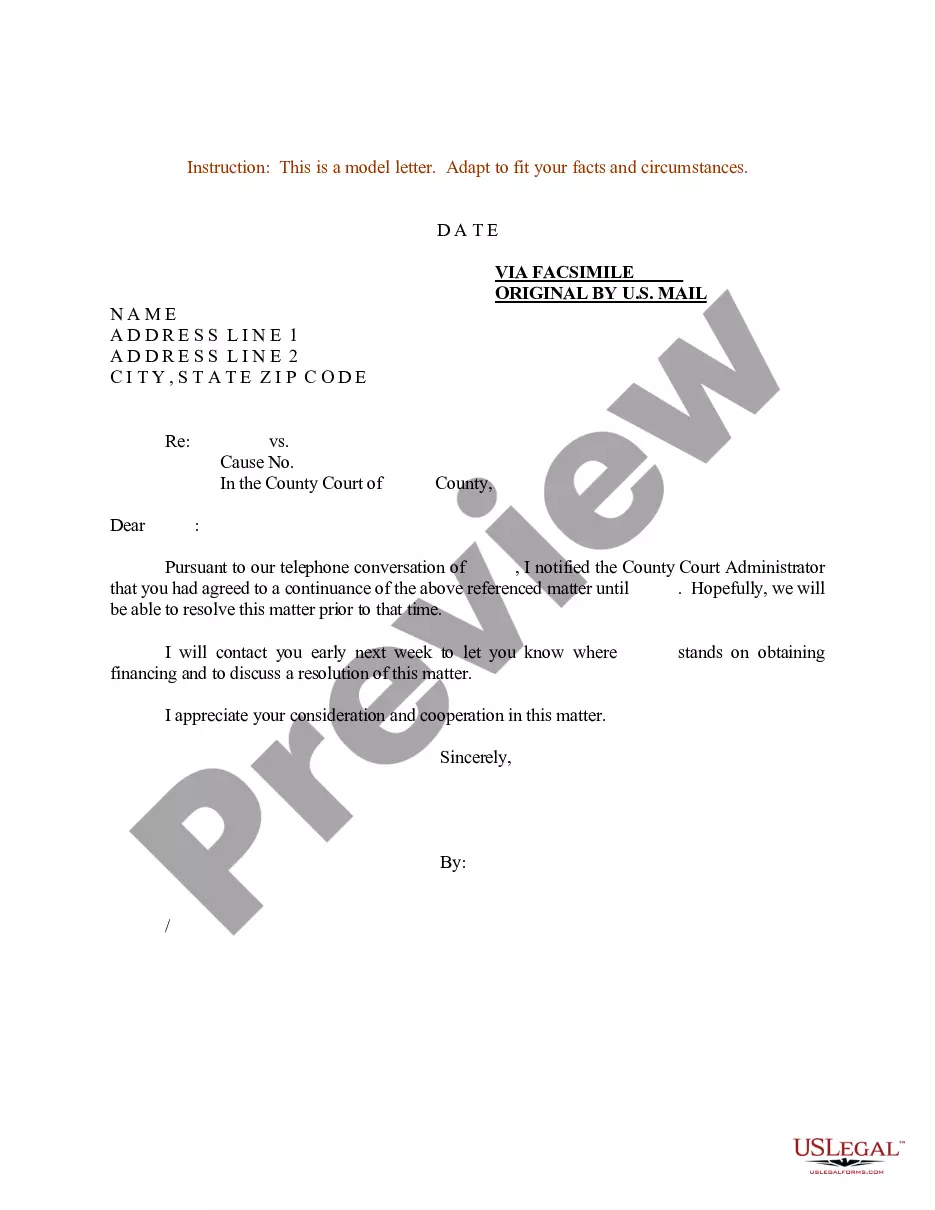
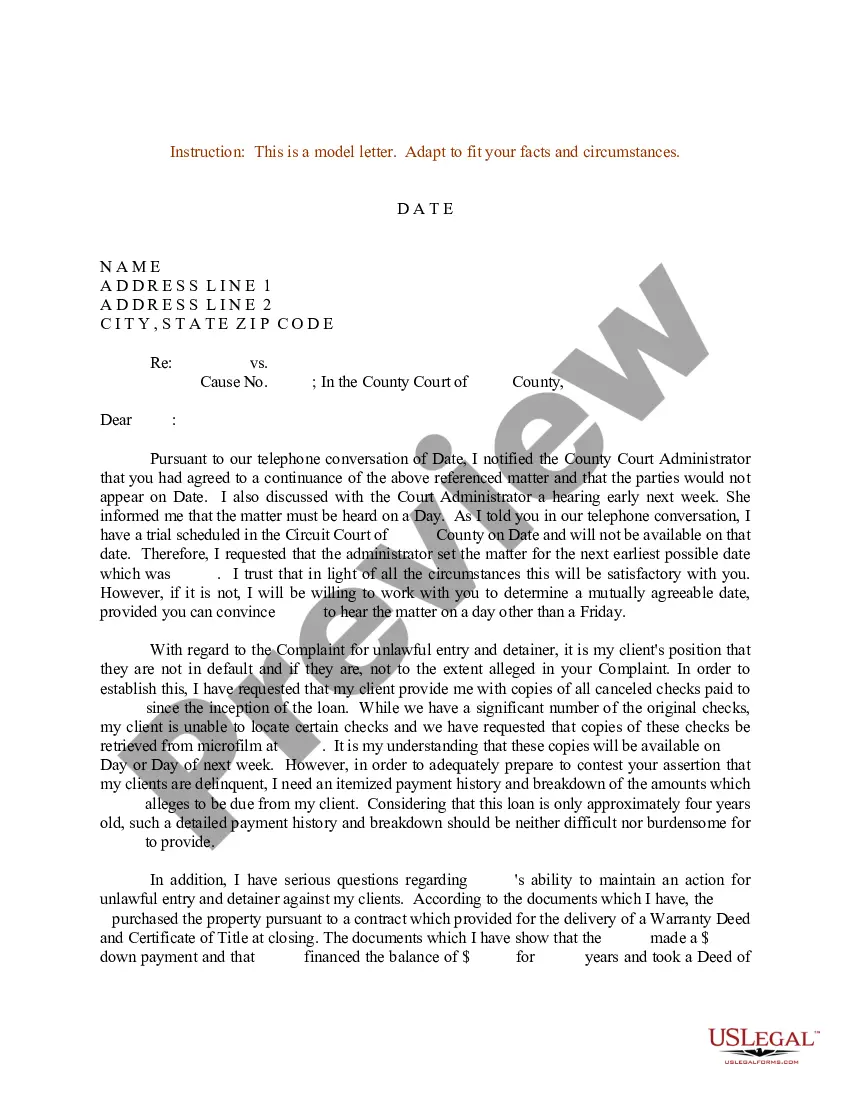

Get your form ready online
Our built-in tools help you complete, sign, share, and store your documents in one place.
Make edits, fill in missing information, and update formatting in US Legal Forms—just like you would in MS Word.
Download a copy, print it, send it by email, or mail it via USPS—whatever works best for your next step.
Sign and collect signatures with our SignNow integration. Send to multiple recipients, set reminders, and more. Go Premium to unlock E-Sign.
If this form requires notarization, complete it online through a secure video call—no need to meet a notary in person or wait for an appointment.
We protect your documents and personal data by following strict security and privacy standards.

Make edits, fill in missing information, and update formatting in US Legal Forms—just like you would in MS Word.

Download a copy, print it, send it by email, or mail it via USPS—whatever works best for your next step.

Sign and collect signatures with our SignNow integration. Send to multiple recipients, set reminders, and more. Go Premium to unlock E-Sign.

If this form requires notarization, complete it online through a secure video call—no need to meet a notary in person or wait for an appointment.

We protect your documents and personal data by following strict security and privacy standards.
Looking for another form?









Form popularity
FAQ
How to Make a Job Application in 8 Simple Steps Understand your career ambitions. It may seem obvious, but it's important to be clear about the kind of job you want. Write your CV. Search for job vacancies. Complete the application form. Produce a covering email or letter. Prepare for interview. Tackling assessments. Follow-up.
You should: Read over the job application. Use a professional name and email address. Follow the instructions. Tailor your cover letter to the job. Include keywords in your resume. Check your responses for errors. Track your applications when applying for multiple jobs. Tidy your social media profiles.
Clearly state your relevant qualifications and experience. Demonstrate your enthusiasm and interest in the role. Discuss your key accomplishments and achievements that are most pertinent to the job requirements. Address any gaps or concerns the employer may have about your
How to fill out an application form Prepare yourself. Preparing before filling out any job application is essential, and it makes the process much easier and more productive. Research the company. Plan your time allocation. Be honest. Add keywords. Proofread your application. Include your resume. Include your cover letter.
A sample application form is filled out by an applicant to apply for a specific job, course, or other opportunities. Sample applications can be used by employers and educational institutions to recruit and screen applicants.
You can follow this step-by-step guide to complete a paper job application: Include your personal information. Describe your work history. Include your education. Identify your skills. Add your references. Provide your desired salary.
Do not put a photo. Do not put your marital status Do not put your age Do not put your gender or sexual orientation Do not put your hobbies and interests unless they are directly relevant to the position
The most common types of employment forms to complete are: W-4 form (or W-9 for contractors) I-9 Employment Eligibility Verification form. State Tax Withholding form.
A job application form is a document used by employers to gather information from job candidates applying for a specific position. It includes personal information, work history, education, skills, and qualifications, as well as specific prompts to evaluate their suitability for the job.
You may have also heard it called a job application form or an application for employment form. People often wonder why companies still bother with employee application forms since everyone has a resume these days.
