Master Sales Agreement Form Pdf In Cook
Description


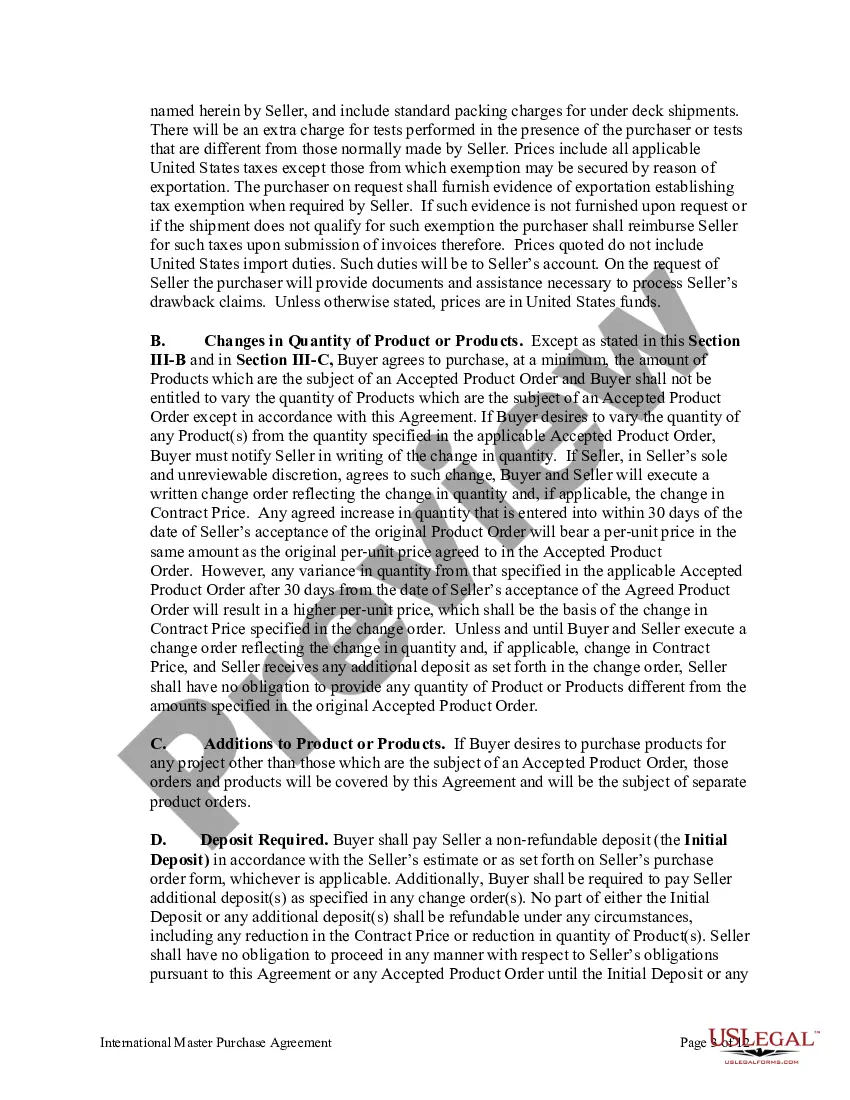
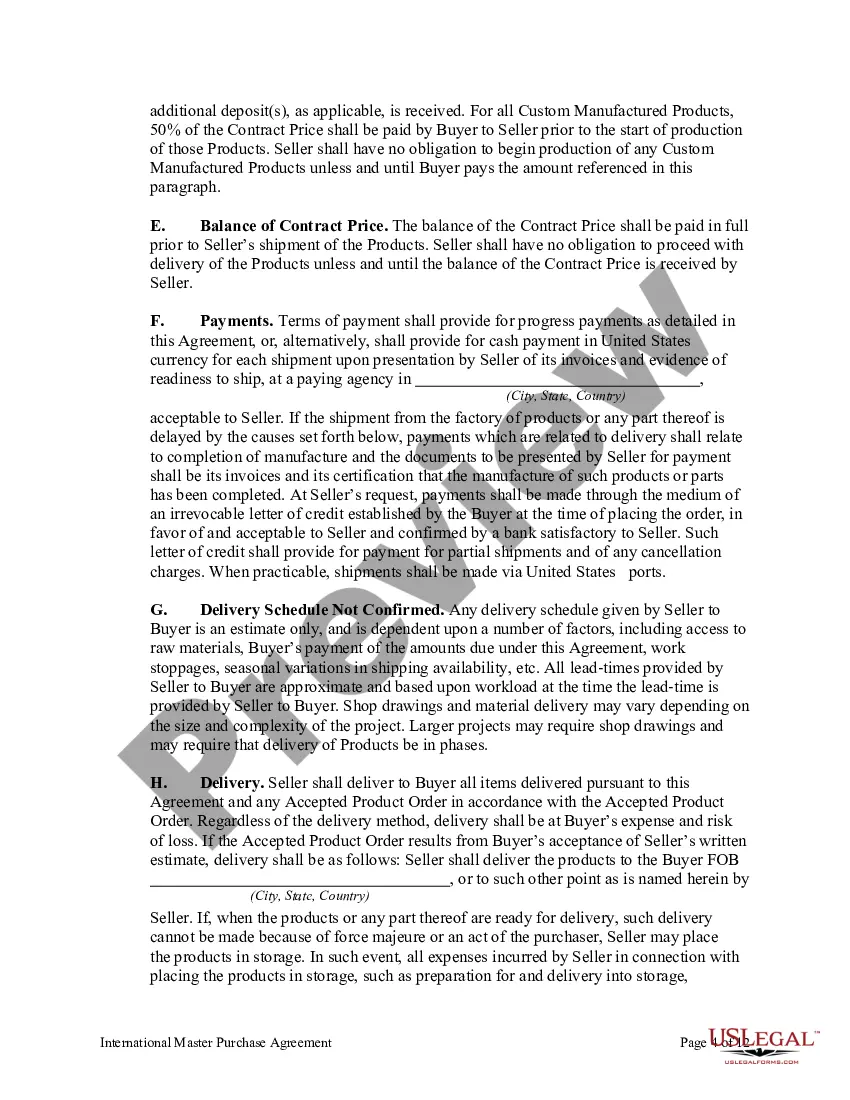
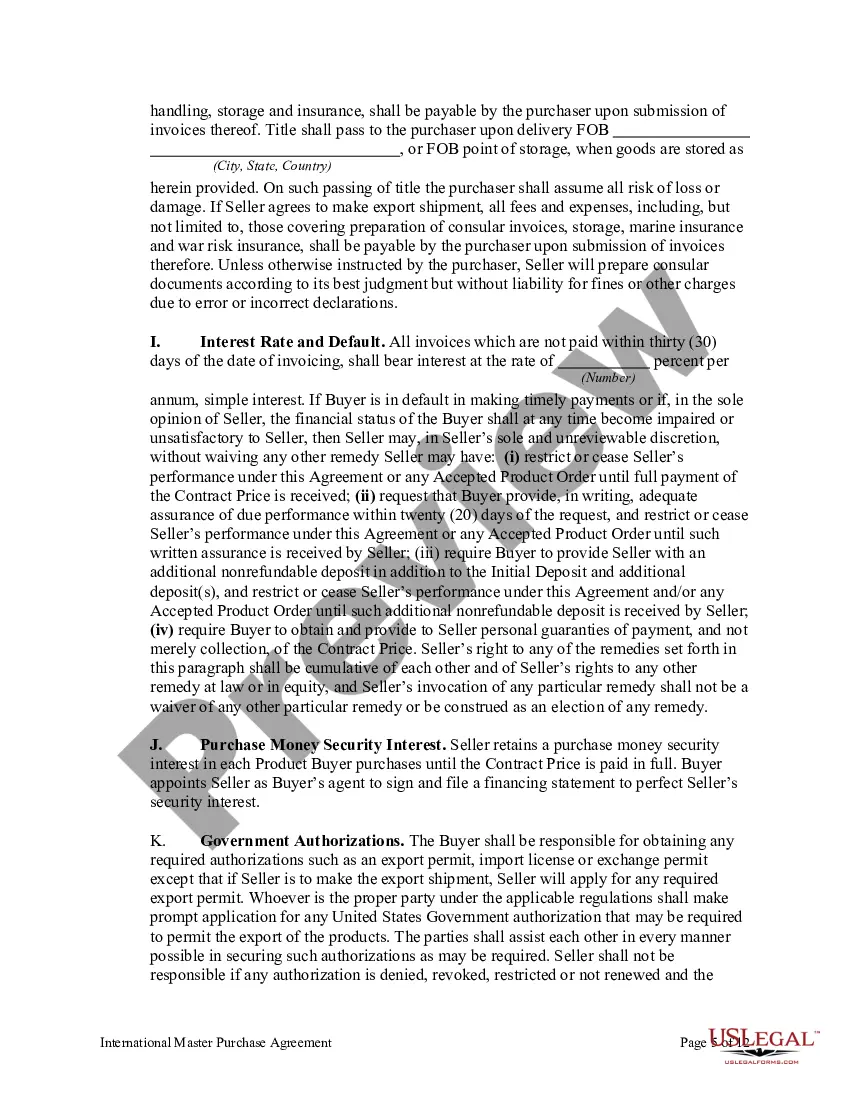
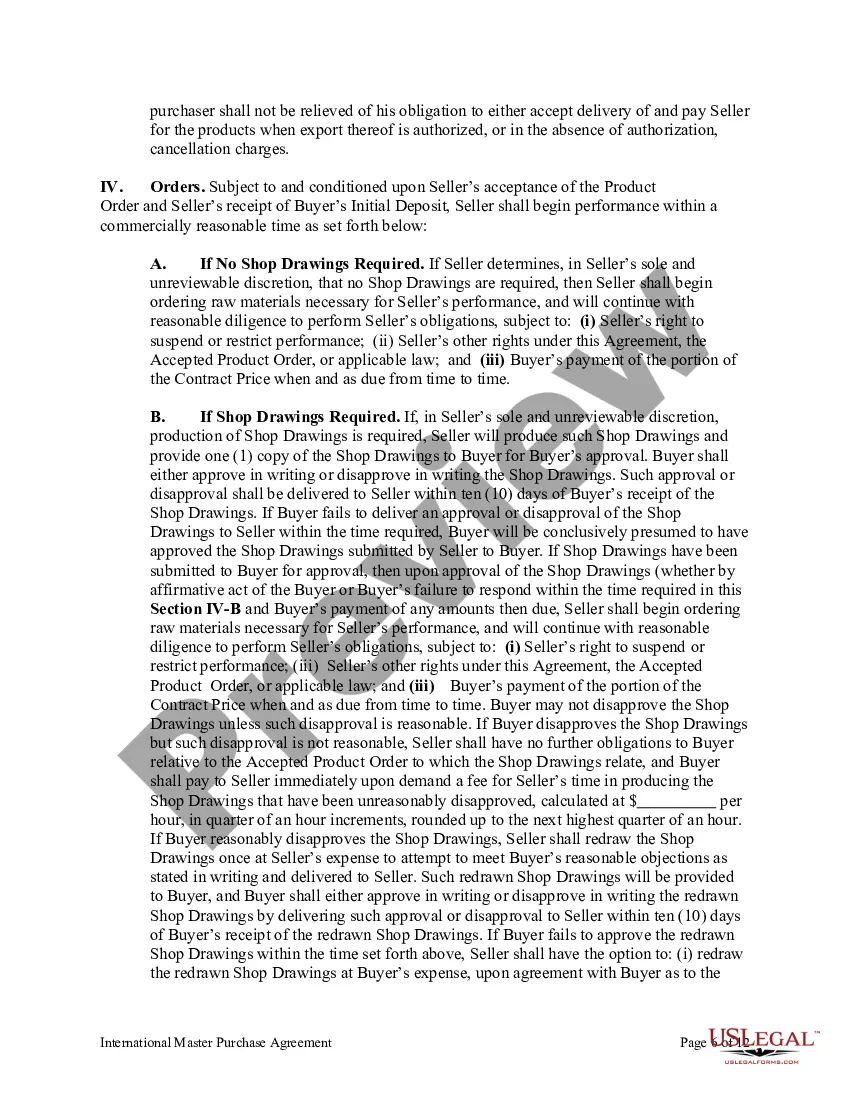
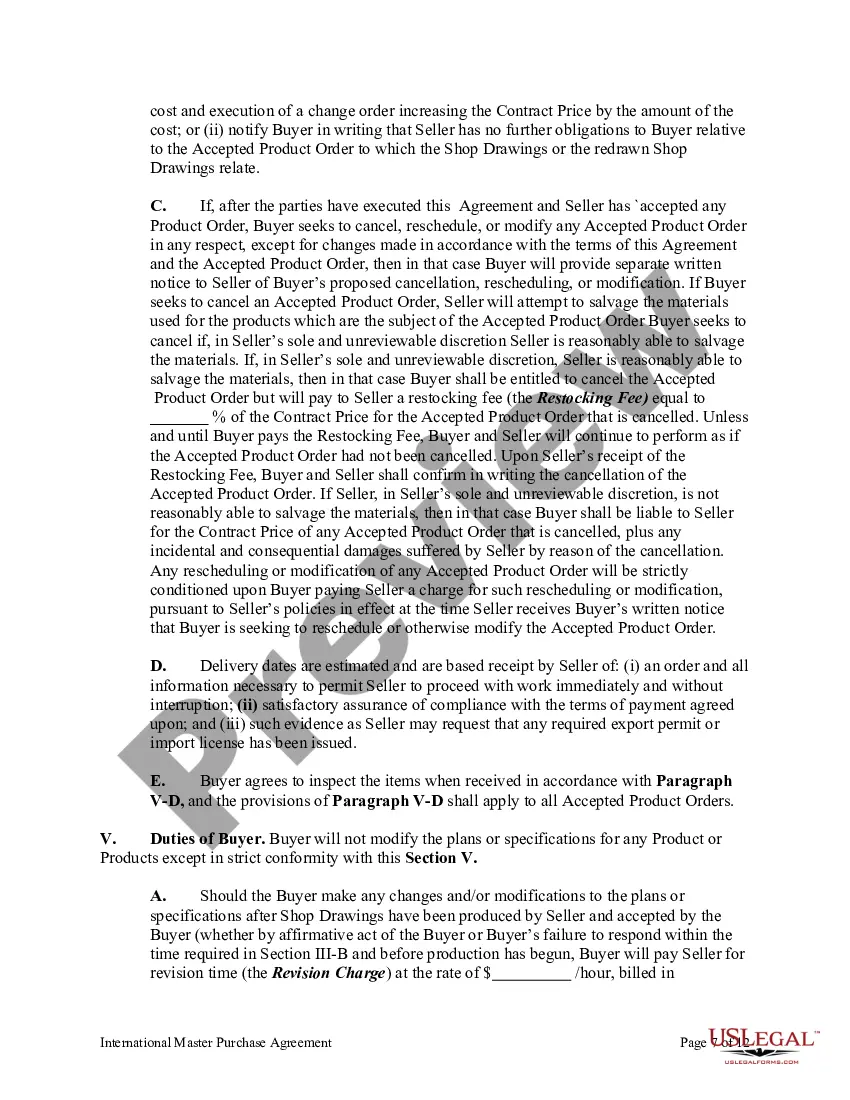
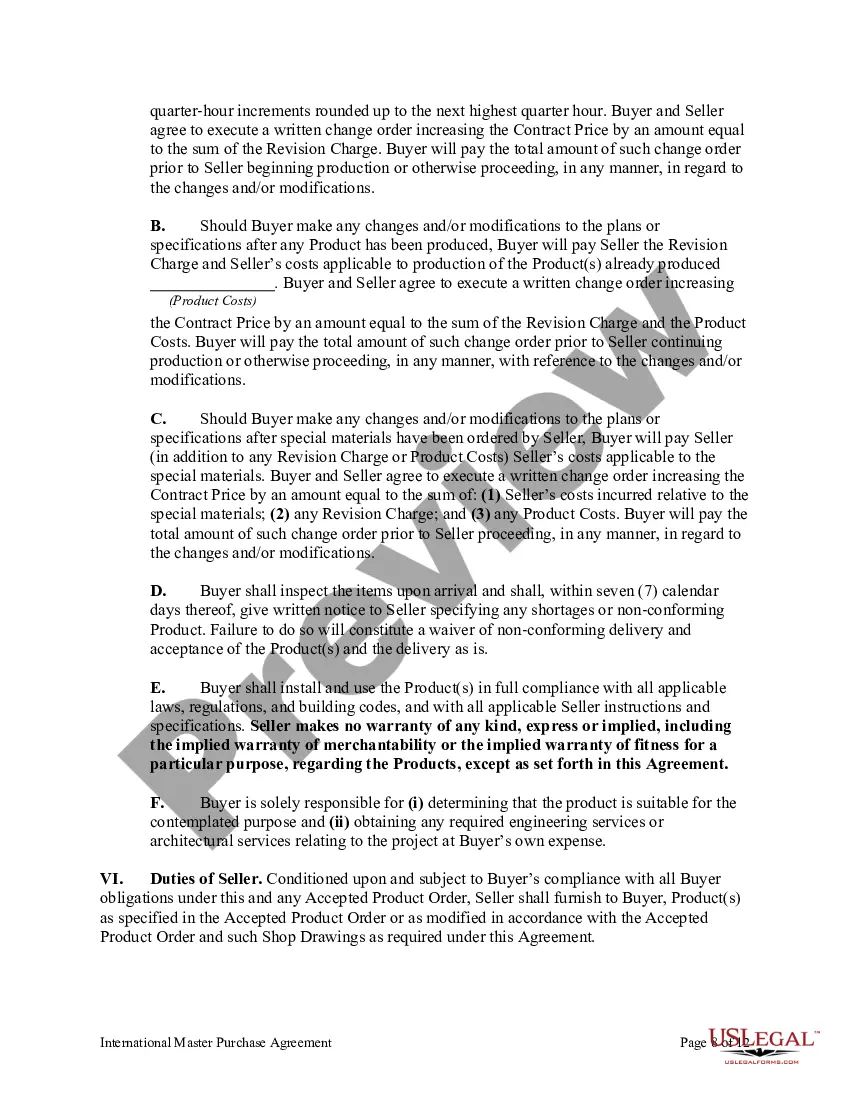
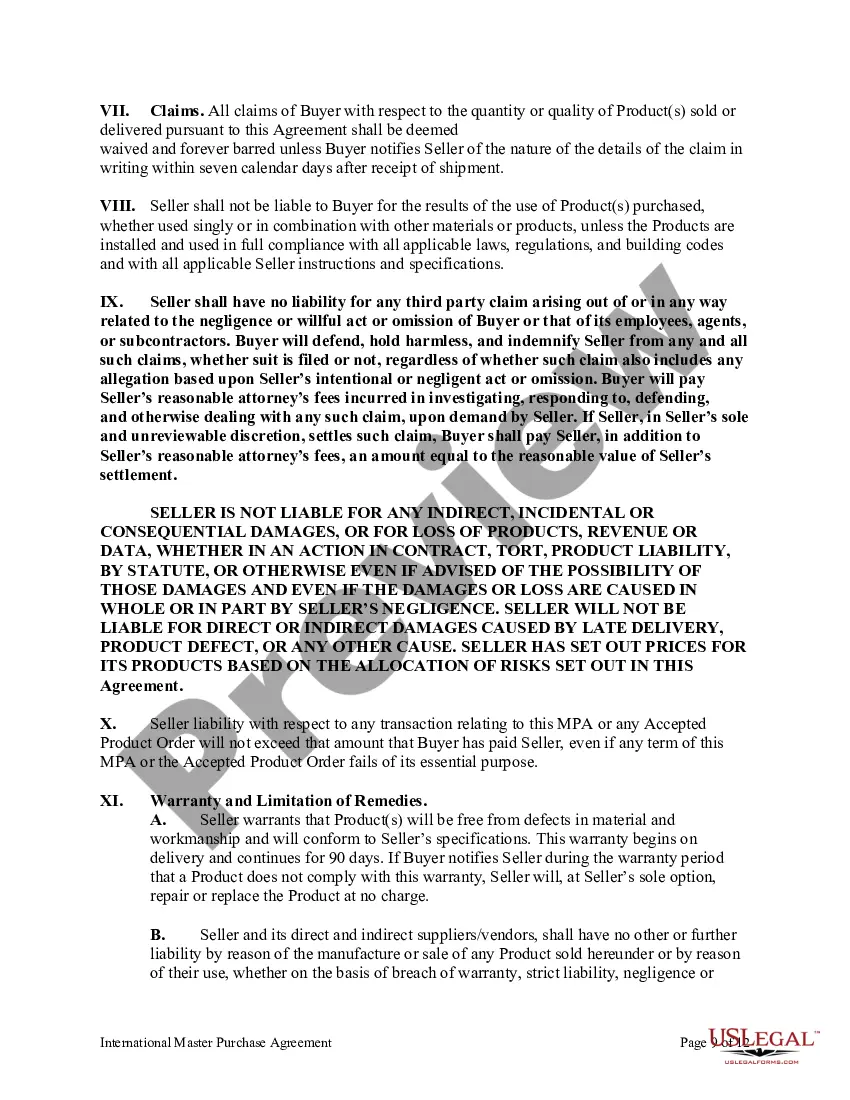
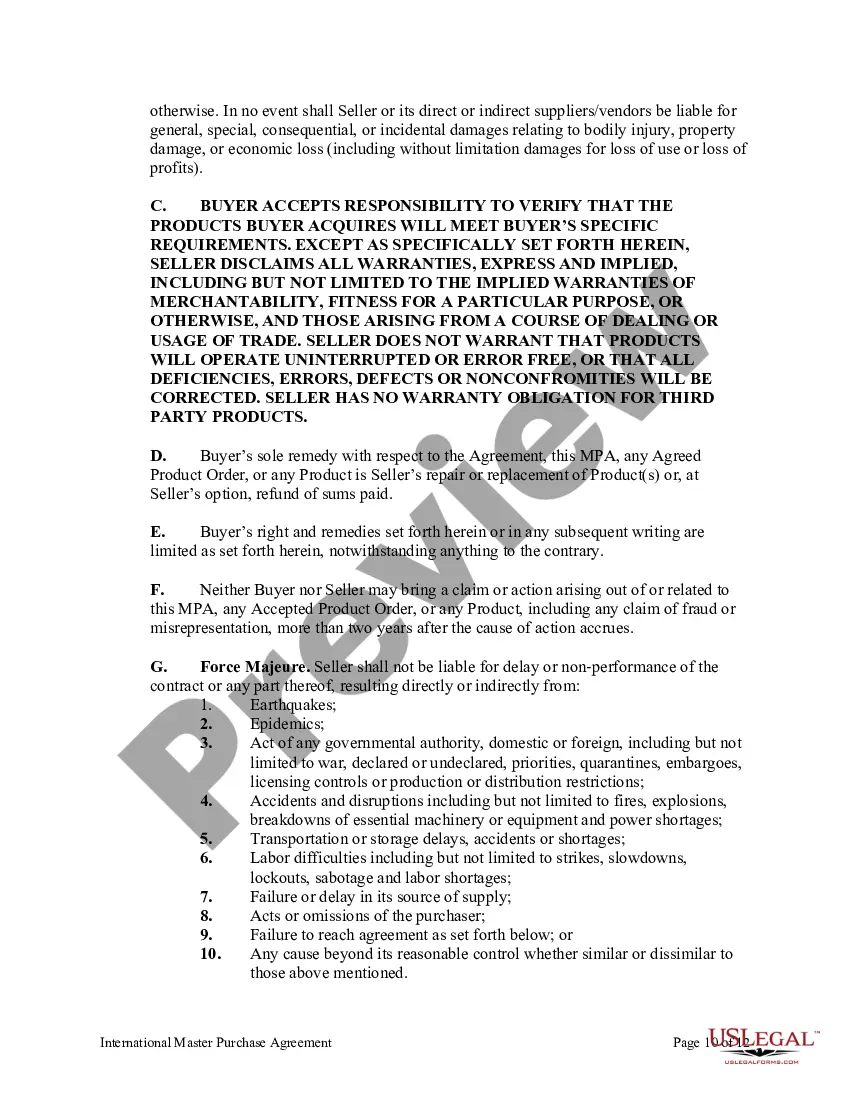



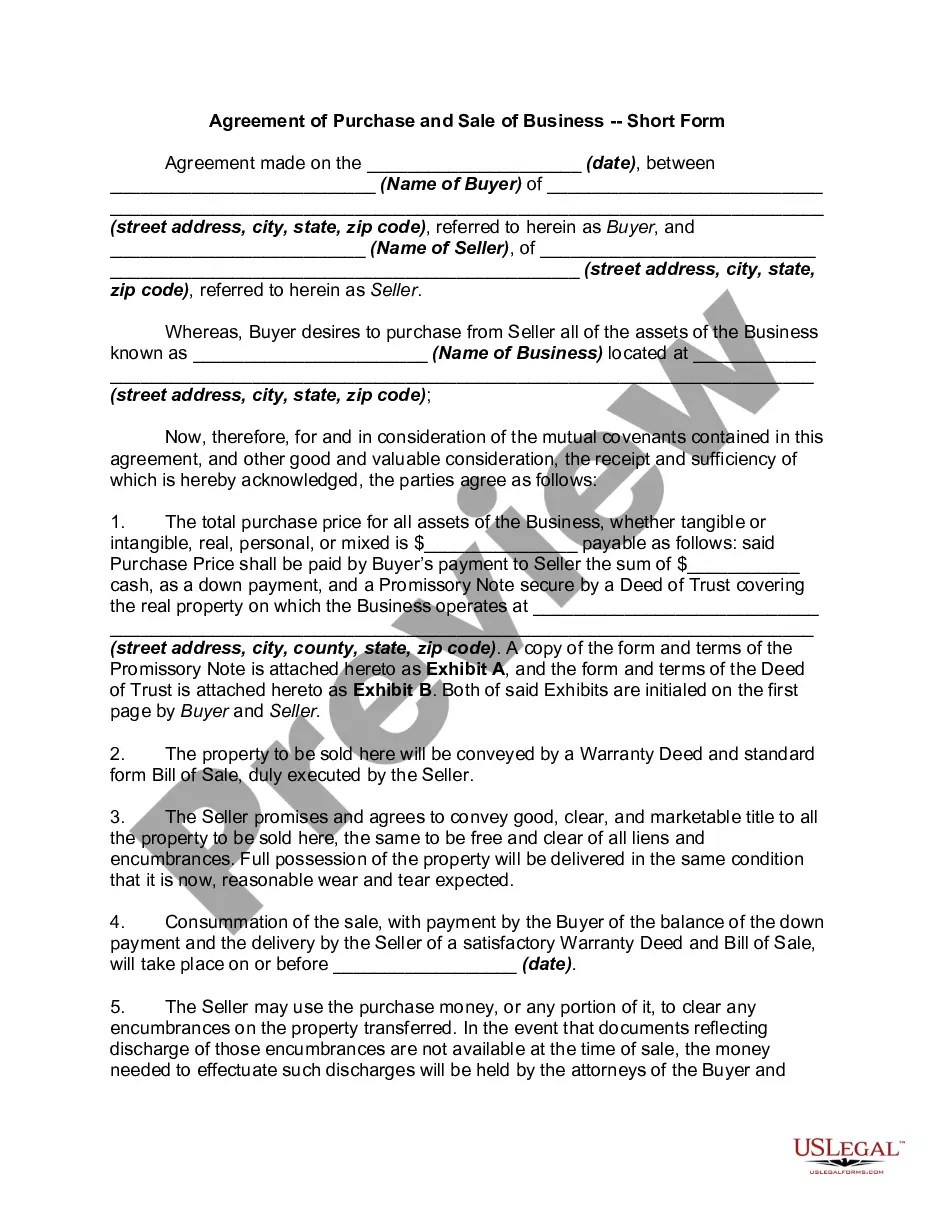
Get your form ready online
Our built-in tools help you complete, sign, share, and store your documents in one place.
Make edits, fill in missing information, and update formatting in US Legal Forms—just like you would in MS Word.
Download a copy, print it, send it by email, or mail it via USPS—whatever works best for your next step.
Sign and collect signatures with our SignNow integration. Send to multiple recipients, set reminders, and more. Go Premium to unlock E-Sign.
If this form requires notarization, complete it online through a secure video call—no need to meet a notary in person or wait for an appointment.
We protect your documents and personal data by following strict security and privacy standards.

Make edits, fill in missing information, and update formatting in US Legal Forms—just like you would in MS Word.

Download a copy, print it, send it by email, or mail it via USPS—whatever works best for your next step.

Sign and collect signatures with our SignNow integration. Send to multiple recipients, set reminders, and more. Go Premium to unlock E-Sign.

If this form requires notarization, complete it online through a secure video call—no need to meet a notary in person or wait for an appointment.

We protect your documents and personal data by following strict security and privacy standards.
Looking for another form?



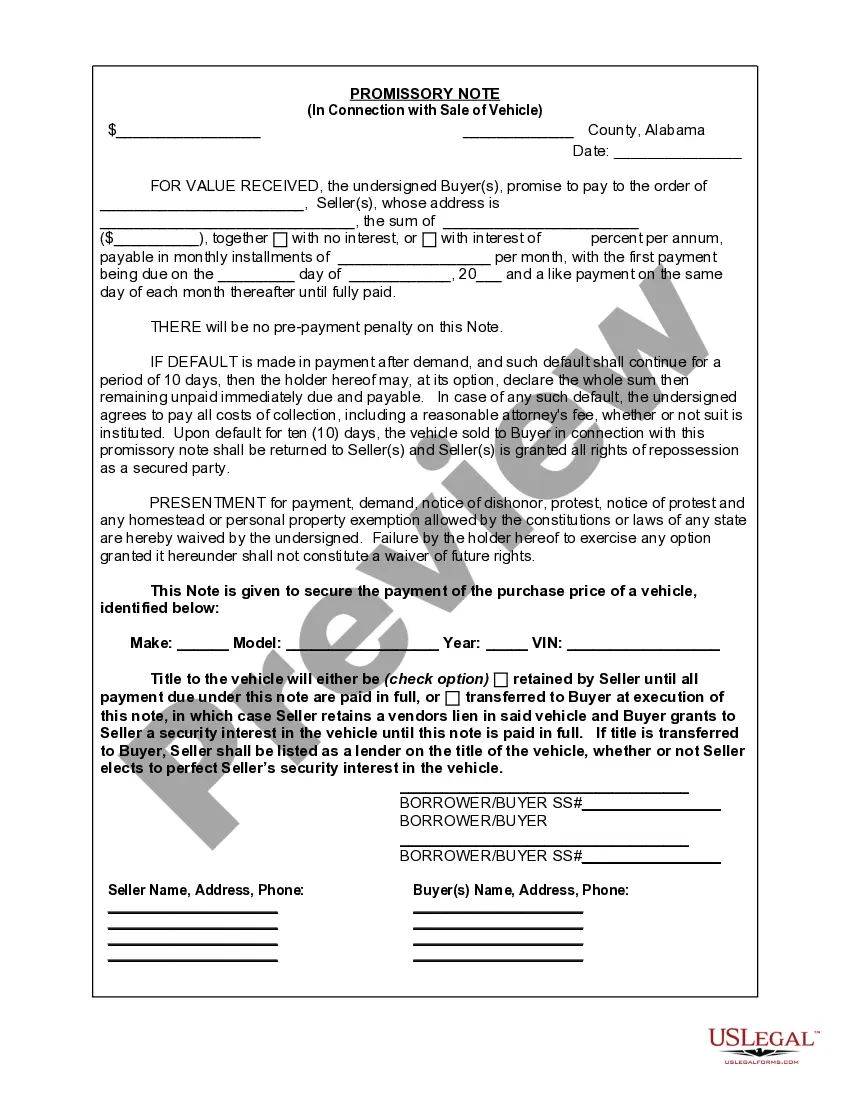






Form popularity
FAQ
7 Best Practices When Drafting Simple Agreements Start with a clear statement of purpose. Define key terms and definitions. Use clear and concise language. Include dispute resolution provisions. Consider the potential consequences of the breach. Include termination and renewal provisions. Use a standard contract template.
How to write a letter of agreement Title the document. Add the title at the top of the document. List your personal information. Include the date. Add the recipient's personal information. Address the recipient. Write an introduction paragraph. Write your body. Conclude the letter.
Write the contract in six steps Start with a contract template. Open with the basic information. Describe in detail what you have agreed to. Include a description of how the contract will be ended. Write into the contract which laws apply and how disputes will be resolved. Include space for signatures.
Master agreements are created in SAP S/4HANA Service using the Manage Master Agreement app. Sales Order Management (SOM) focuses on the ordering side of the master agreement. The master agreement is used as a product catalog in which you can define individual products (configuration) for a customer.
Procedure You are in the Modeling functional area of the Data Warehousing Workbench. Use the input help to select the required data. Choose Create to add new master records. Double-clicking a data record takes you to the individual maintenance. Select multiple records and choose Change to carry out mass changes.
The master agreement is a contract between a provider and another company, which you use to manage B2B scenarios and in which you can define the following individual sales agreements for a defined validity period: Authorized groups. Individual products (define specific product attributes) Individual prices and ...
Steps for creating an outline agreement/contract in SAP Step 1: Navigate to the agreement creation screen. Logistics >>> Material Management >>> Purchasing >>> Outline Agreement >>> Contract >>> Create.
MSAs are contracts that formulate the basic terms between vendors and clients at the beginning of a business relationship. This initial agreement helps to speed up the negotiation process for future contracts and facilities the project management process, resulting in a more efficient and streamlined process.
Sometimes, a contract covers a one-time action between parties, but what happens when the relationships or circumstances are ongoing? When signing parties know they will continue to work together in the future, a Master Service Agreement (MSA) can simplify those future agreements and speed up the negotiation process.
