Cancellation Fee Template In Cook
Description




Get your form ready online
Our built-in tools help you complete, sign, share, and store your documents in one place.
Make edits, fill in missing information, and update formatting in US Legal Forms—just like you would in MS Word.
Download a copy, print it, send it by email, or mail it via USPS—whatever works best for your next step.
Sign and collect signatures with our SignNow integration. Send to multiple recipients, set reminders, and more. Go Premium to unlock E-Sign.
If this form requires notarization, complete it online through a secure video call—no need to meet a notary in person or wait for an appointment.
We protect your documents and personal data by following strict security and privacy standards.

Make edits, fill in missing information, and update formatting in US Legal Forms—just like you would in MS Word.

Download a copy, print it, send it by email, or mail it via USPS—whatever works best for your next step.

Sign and collect signatures with our SignNow integration. Send to multiple recipients, set reminders, and more. Go Premium to unlock E-Sign.

If this form requires notarization, complete it online through a secure video call—no need to meet a notary in person or wait for an appointment.

We protect your documents and personal data by following strict security and privacy standards.
Looking for another form?






Form popularity
FAQ
To create a cancellation policy that works for your customers and your business, take some time to think through these salient points: Look at industry standards. Consider how quickly you can fill the slot. Brainstorm what you can offer customers who cancel. Decide what prepayment option works for you.
To clearly communicate this information, every cancellation policy template should include these key elements: A timeframe to cancel a service with or without penalty. A late cancellation penalty. Contact information for cancellations. A place for a signature.
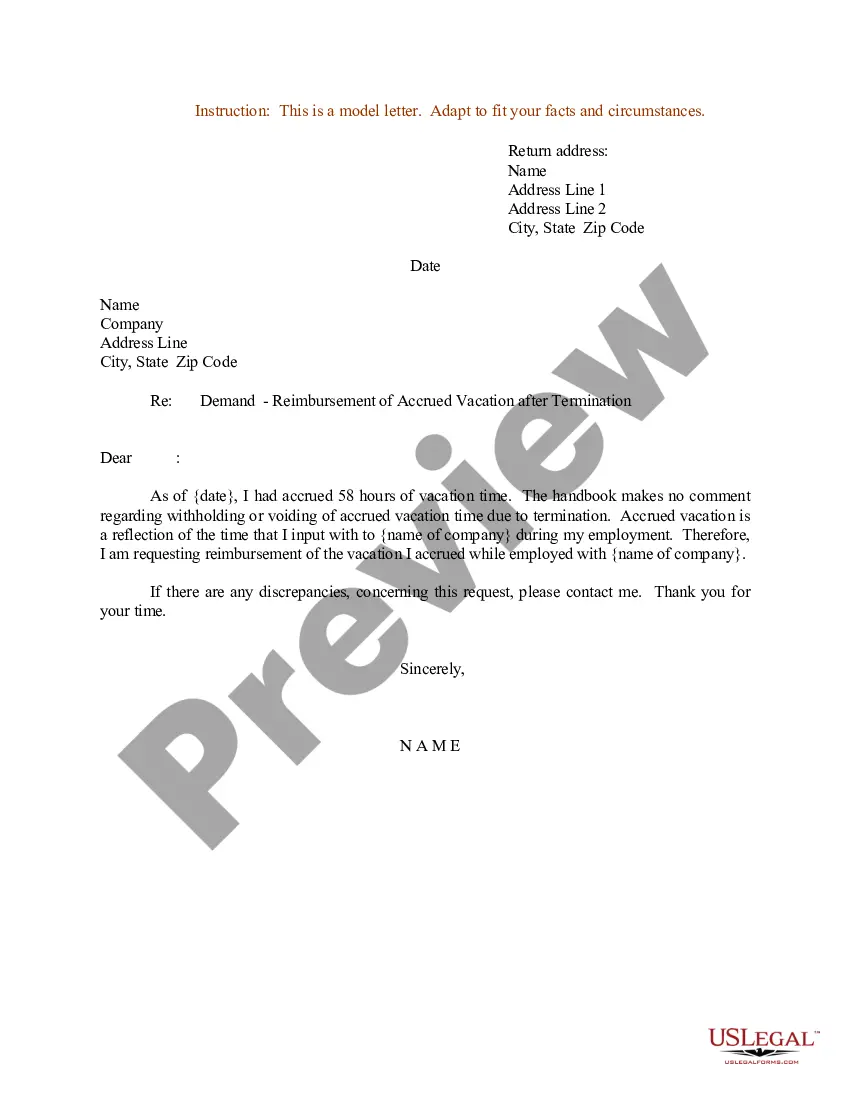
Ensure that your letter professionally conveys the intent to terminate a service, subscription, or event agreement. Clearly State the Purpose. Begin your cancellation letter by directly stating its purpose at the outset. Mention Details of the Contract or Service. Include a Request for Confirmation. Closing and Signature.
Writing a cancellation policy Time frame: Define what constitutes a no-show for an appointment. Dates: Make it clear how many days clients have to cancel without penalty. Consequences: Set clear consequences for late cancellations and no-shows.
Writing a cancellation policy Time frame: Define what constitutes a no-show for an appointment. Try giving a grace period, such as 15 minutes, to accommodate lateness due to unforeseen circumstances. Dates: Make it clear how many days clients have to cancel without penalty.
Remember to use clear language and to-the-point email phrases when framing your message. Hey Attendee Name, We regret to inform you that Event Name scheduled on Date at Time has been canceled due to Reason for Cancellation. We extend our sincere apologies for the inconvenience caused.
Either party may terminate this Agreement at any time after insert time period after which agreement can be terminated, e.g., one (1) year, with or without cause, by written notice to the other, such termination to become effective number, e.g., sixty (60) days after receipt of such notice.
How To Write A Cancellation Email (9 Steps) Step 1: Start with a Clear Subject Line. Step 2: Greet the Recipient. Step 3: State the Cancellation at the Beginning. Step 4: Provide a Reason for the Cancellation (If Appropriate) ... Step 5: Express Your Regret. Step 6: Mention Any Next Steps or Alternatives.

