Volunteer Service Agreement For Students In Maricopa
Description

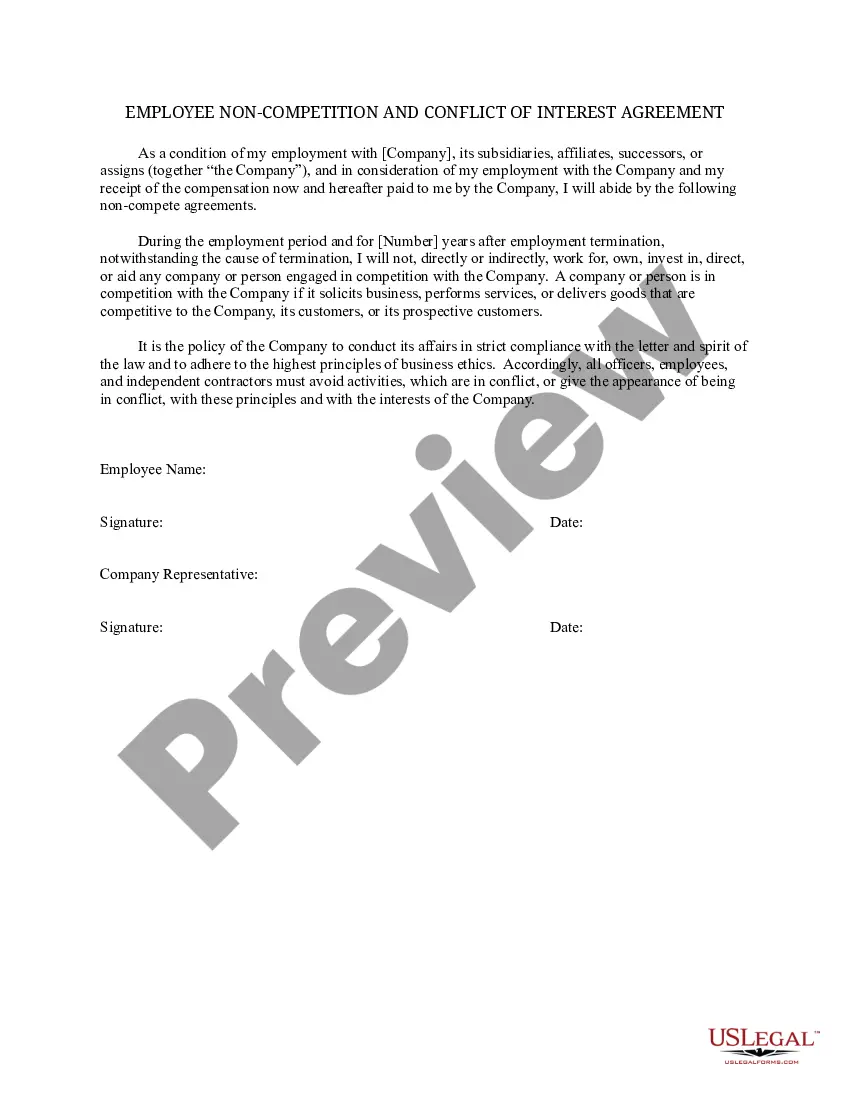
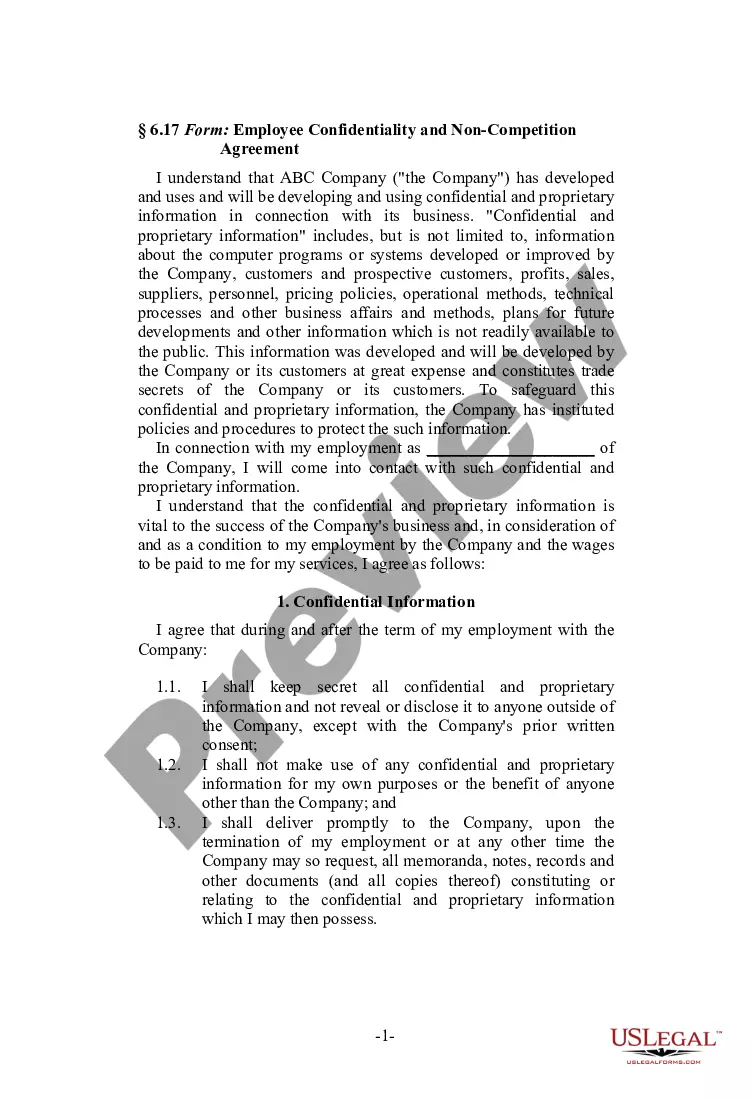
Get your form ready online
Our built-in tools help you complete, sign, share, and store your documents in one place.
Make edits, fill in missing information, and update formatting in US Legal Forms—just like you would in MS Word.
Download a copy, print it, send it by email, or mail it via USPS—whatever works best for your next step.
Sign and collect signatures with our SignNow integration. Send to multiple recipients, set reminders, and more. Go Premium to unlock E-Sign.
If this form requires notarization, complete it online through a secure video call—no need to meet a notary in person or wait for an appointment.
We protect your documents and personal data by following strict security and privacy standards.

Make edits, fill in missing information, and update formatting in US Legal Forms—just like you would in MS Word.

Download a copy, print it, send it by email, or mail it via USPS—whatever works best for your next step.

Sign and collect signatures with our SignNow integration. Send to multiple recipients, set reminders, and more. Go Premium to unlock E-Sign.

If this form requires notarization, complete it online through a secure video call—no need to meet a notary in person or wait for an appointment.

We protect your documents and personal data by following strict security and privacy standards.
Looking for another form?






Form popularity
FAQ
Transcripts Visit the My Maricopa Student Portal. Use your MEID and password to log in. Select the Transcripts tab. Click Print. Here you will see your unofficial transcript, including: Maricopa Colleges attended. Semesters attended at the college. Classes taken along with the grades received.
Log in to your Student Center. Click on the Manage Refunds tile in the Finance section. Follow the prompts to select your refund method.
Full-time: Student enrolls and participates in 12 credit hours or more per semester. Three-quarter (¾)-time: Student enrolls and participates in 9, 10, or 11 credit hours per semester. Half (½)-time: Student enrolls and participates in 6, 7, or 8 credit hours per semester.
Students electing to withdraw from the college must contact the Admissions and Records Office/Office of Enrollment Services no later than two weeks before the end of the last ● Through the 7th week, a student may initiate an official withdrawal from any course by completing the withdrawal process online using the ...
For immediate assistance with your financial aid questions, call 480-731-8900.
The process to withdraw a community college application can vary depending on the college. Typically, however, you should be able to request to withdraw your application through the admissions office or through your application portal, if the college has one.
If you must withdraw, you should always withdraw officially by going to your advisor or dropping the class on your student account. You should not withdraw from a class by not going to the class anymore.
Steps Talk to your professors about your decision. Discuss the potential consequences with a counselor. Finish out the semester. Submit a withdrawal request. Take advantage of your school's refund policy.
