Sample Letter With Signature In San Jose
Description





Get your form ready online
Our built-in tools help you complete, sign, share, and store your documents in one place.
Make edits, fill in missing information, and update formatting in US Legal Forms—just like you would in MS Word.
Download a copy, print it, send it by email, or mail it via USPS—whatever works best for your next step.
Sign and collect signatures with our SignNow integration. Send to multiple recipients, set reminders, and more. Go Premium to unlock E-Sign.
If this form requires notarization, complete it online through a secure video call—no need to meet a notary in person or wait for an appointment.
We protect your documents and personal data by following strict security and privacy standards.

Make edits, fill in missing information, and update formatting in US Legal Forms—just like you would in MS Word.

Download a copy, print it, send it by email, or mail it via USPS—whatever works best for your next step.

Sign and collect signatures with our SignNow integration. Send to multiple recipients, set reminders, and more. Go Premium to unlock E-Sign.

If this form requires notarization, complete it online through a secure video call—no need to meet a notary in person or wait for an appointment.

We protect your documents and personal data by following strict security and privacy standards.
Looking for another form?

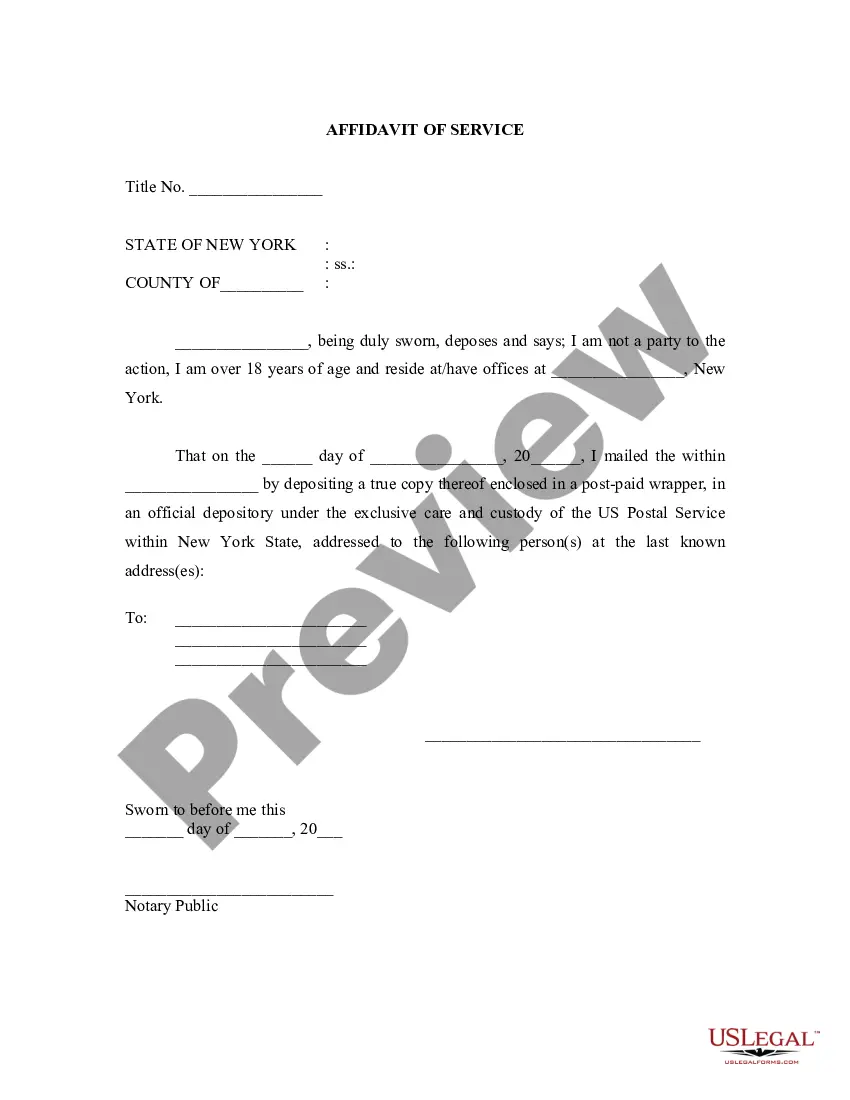
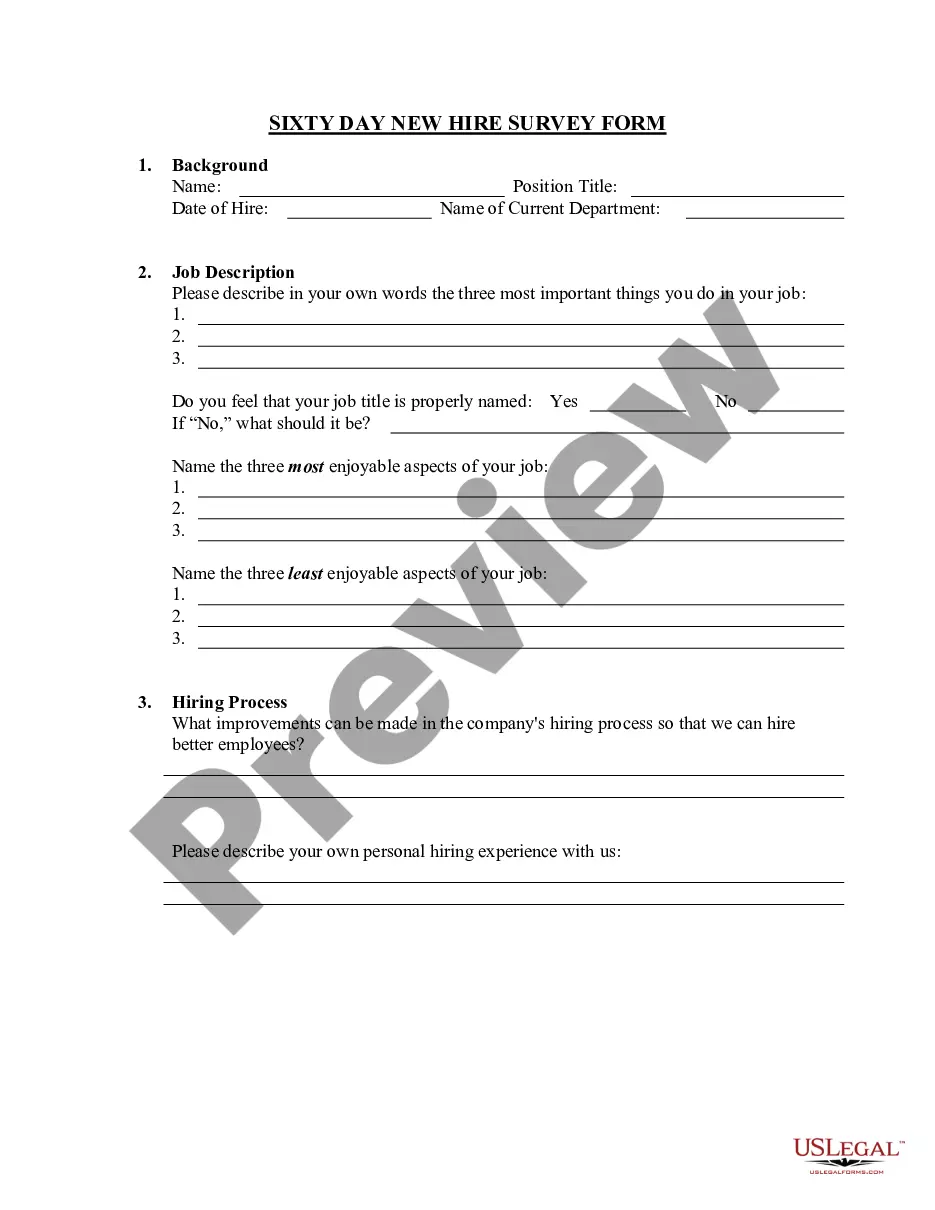
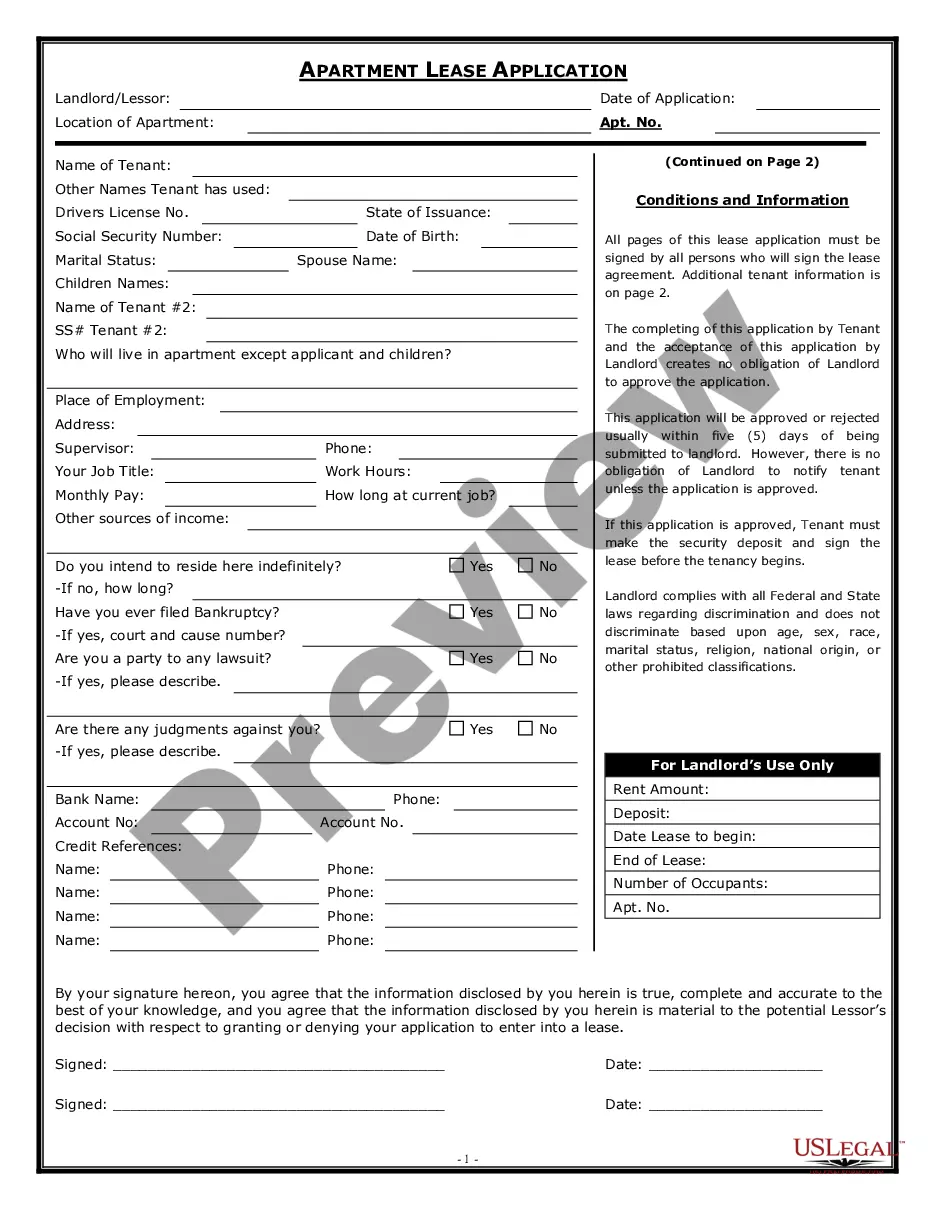
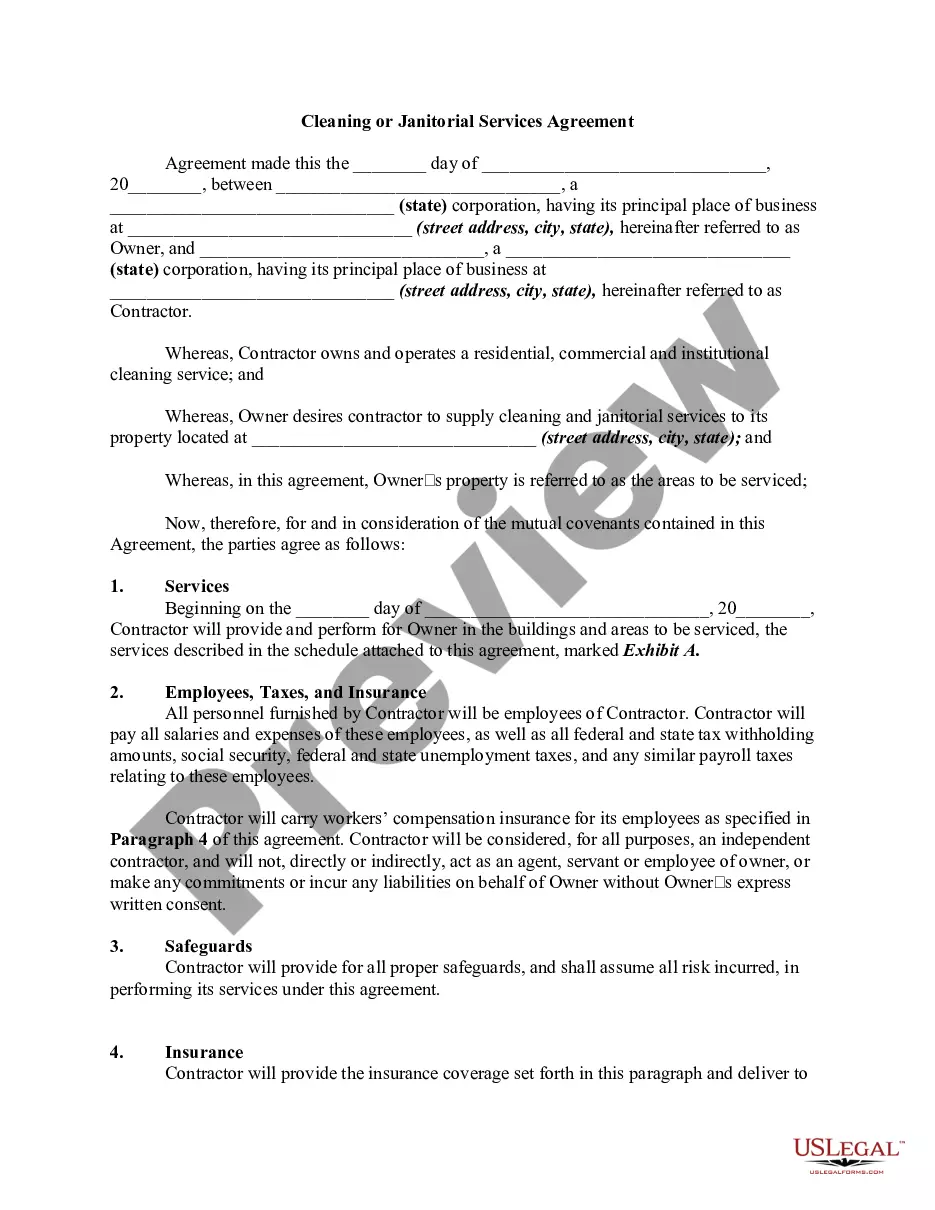


Form popularity
FAQ
One of the symbols to indicate an electronic signature is /s/, placed before the signer's name. For example, /s/ Jimmy Doe. The other symbol is the signer's name between two forward slashes, typed out, for example, as /Jimmy Doe/.
Open the document Once you see the document you want to sign, find the signature icon. In some applications, this icon may appear as a pen, while others have an icon that says "Sign" or "Fill and Sign." Click on this icon to add your e-signature to the document.
Use the Signature Line command to insert a signature line with an X by it to show where to sign a document. Click where you want the line. Select Insert > Signature Line. Select Microsoft Office Signature Line. In the Signature Setup box, you can type a name in the Suggested signer box. Select OK.
How to create a digital signature. Click review link and opt to digitally sign. Click the review link and opt to sign PDFs digitally. Select signature source and select name. Sign in and apply a digital signature. Preview signature. Authenticate the signature. Send your signed document.
You can use an image of your handwritten signature or create a digital image using the software. Save the Signature : After selecting the signature image, click on the "OK" button to save the signature. Sign the Document : Once you have saved the signature, the signature line will appear in the Word document.
The most common example is a wet signature scanned by an electronic device and then inserted into a document. Another example of a simple digital signature is the email signature that we often add at the end of the email, and check the terms and conditions box in the software installation process.
To add a digital signature, open your Microsoft Word document and click where you'd like to add your signature line. From the Word ribbon, select the Insert tab and then click Signature Line in the Text group. A Signature Setup pop-up box appears. Enter your information in the text fields and click OK.
How to create an electronic signature. Click review and sign the link in an email. Click prompt in document. Create electronic signature. Select signature option. Sign document. Finalize signature. Send.
And then the signature add-on. When it's done go into the form Builder. And find theMoreAnd then the signature add-on. When it's done go into the form Builder. And find the signature field on the left hand side and drag it wherever you want into your form. Add a description.

