Sample Letter With Attached Documents In Salt Lake
Description





Get your form ready online
Our built-in tools help you complete, sign, share, and store your documents in one place.
Make edits, fill in missing information, and update formatting in US Legal Forms—just like you would in MS Word.
Download a copy, print it, send it by email, or mail it via USPS—whatever works best for your next step.
Sign and collect signatures with our SignNow integration. Send to multiple recipients, set reminders, and more. Go Premium to unlock E-Sign.
If this form requires notarization, complete it online through a secure video call—no need to meet a notary in person or wait for an appointment.
We protect your documents and personal data by following strict security and privacy standards.

Make edits, fill in missing information, and update formatting in US Legal Forms—just like you would in MS Word.

Download a copy, print it, send it by email, or mail it via USPS—whatever works best for your next step.

Sign and collect signatures with our SignNow integration. Send to multiple recipients, set reminders, and more. Go Premium to unlock E-Sign.

If this form requires notarization, complete it online through a secure video call—no need to meet a notary in person or wait for an appointment.

We protect your documents and personal data by following strict security and privacy standards.
Looking for another form?








Form popularity
FAQ
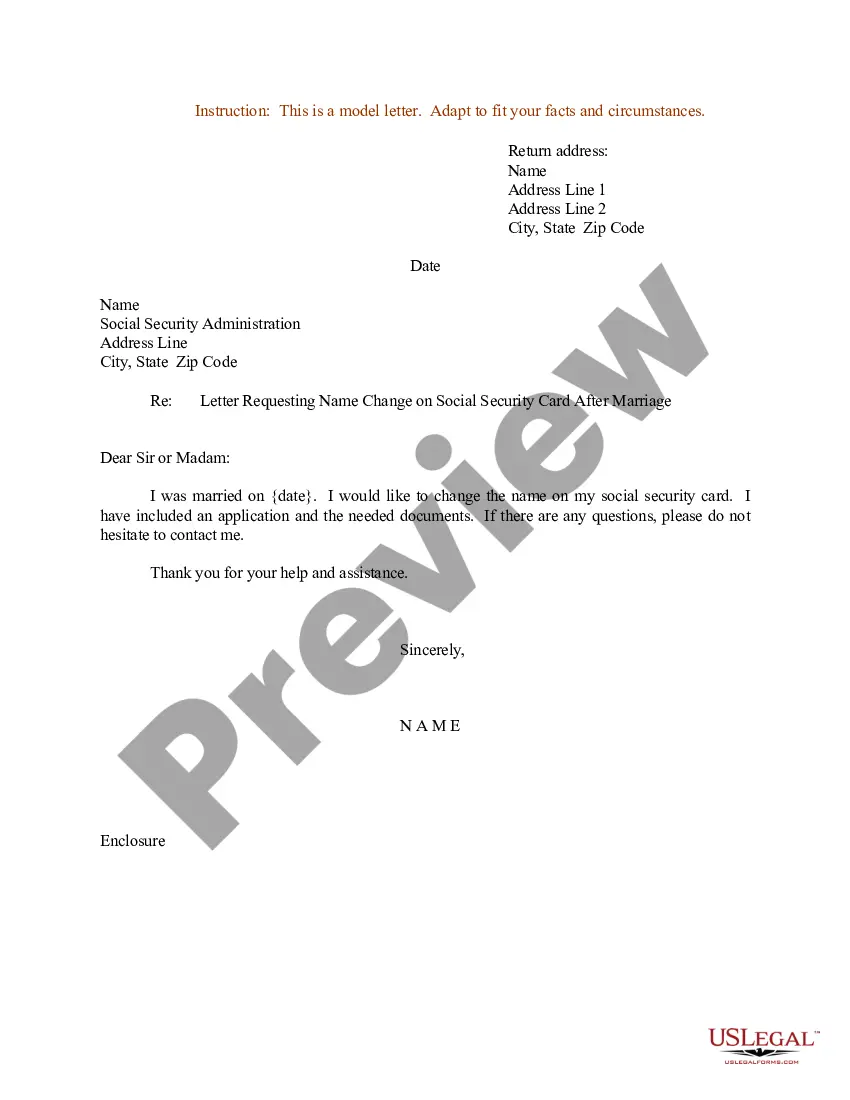
If something is enclosed with a letter, the notation “Enclosure” is typed a double-space below the writer's initials and/or typist's initials. If more than one item is enclosed, the word is made plural and followed by the number of items (e.g., “Enclosures 2”).
Here are six steps to help you format a hard copy business letter with an attachment: Begin with a blank letter. First, open your word processing program of choice. Apply basic formatting rules. Mention the additional materials. Note the attachments. Print and sign the letter. Add the materials.
When writing your letter, you should indicate any attachments or enclosures. You can do this by placing the word “Attachment” or “Enclosure” at the end of your letter, followed by a colon and the name of the document. If you have multiple documents, use the plural form.
Enclosures If you have any enclosed documents, such as a resume, you can indicate this by typing “Enclosures” one line below the listing. You also may include the name of each document.
For example, say, “Please find the attached file you requested yesterday.” If you do not want to specify a specific file, avoid using “the”. You can simply write, “Please find attached.” or its short form: PFA. “Attached” is the correct word for electronic communication.
How to write a job application email Write a clear subject line. Include a salutation. Introduce yourself in the first sentence. Turn your cover letter into the body of your email. Close with details. Sign your email. Attach your materials. Proofread before you hit “send.”
I am writing this letter to inform you that I have submitted the pending documents including my marksheets, transfer certificate and migration certificate. I could not provide them during the admission process as I had not received them from my previous school. I have attached all the documents along with this letter.
Mention the attachments In your email, reference the attached documents. For example, you could write, “As my attached resume shows, I have been in my current position for five years."
Alternatives to Please Find Attached Attach the file with no explanation. Here is ... I've attached ... This X has … I'm sharing X with you. You'll find the attachment below. Let me know if you have any questions about the attachment. The requested document is attached to this email.
Note the attachments Under your name and title, type “Enclosure:” or “Attachment:” to indicate that you've included additional documents. On the next line, provide a brief description of the contents. In a typical letter with an attachment, you might state “Curriculum Vitae,” for example.

