Sample Letter With Attachment In Phoenix
Description


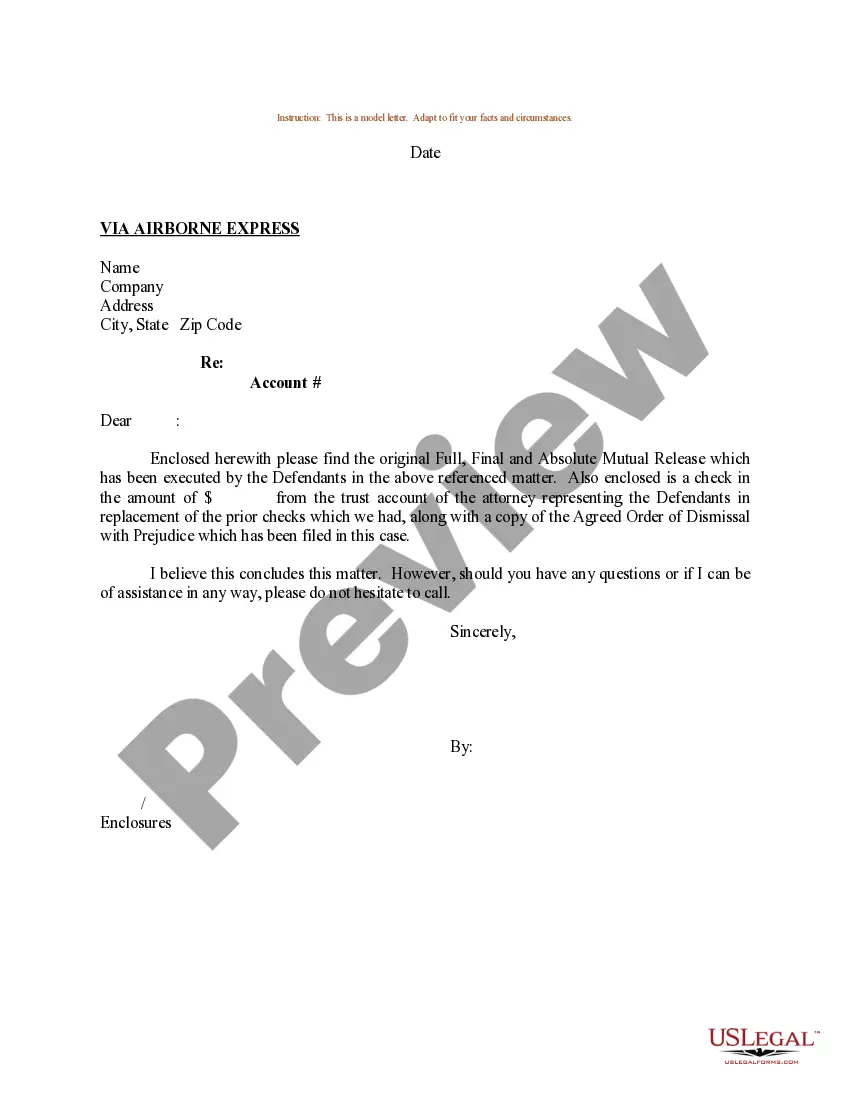
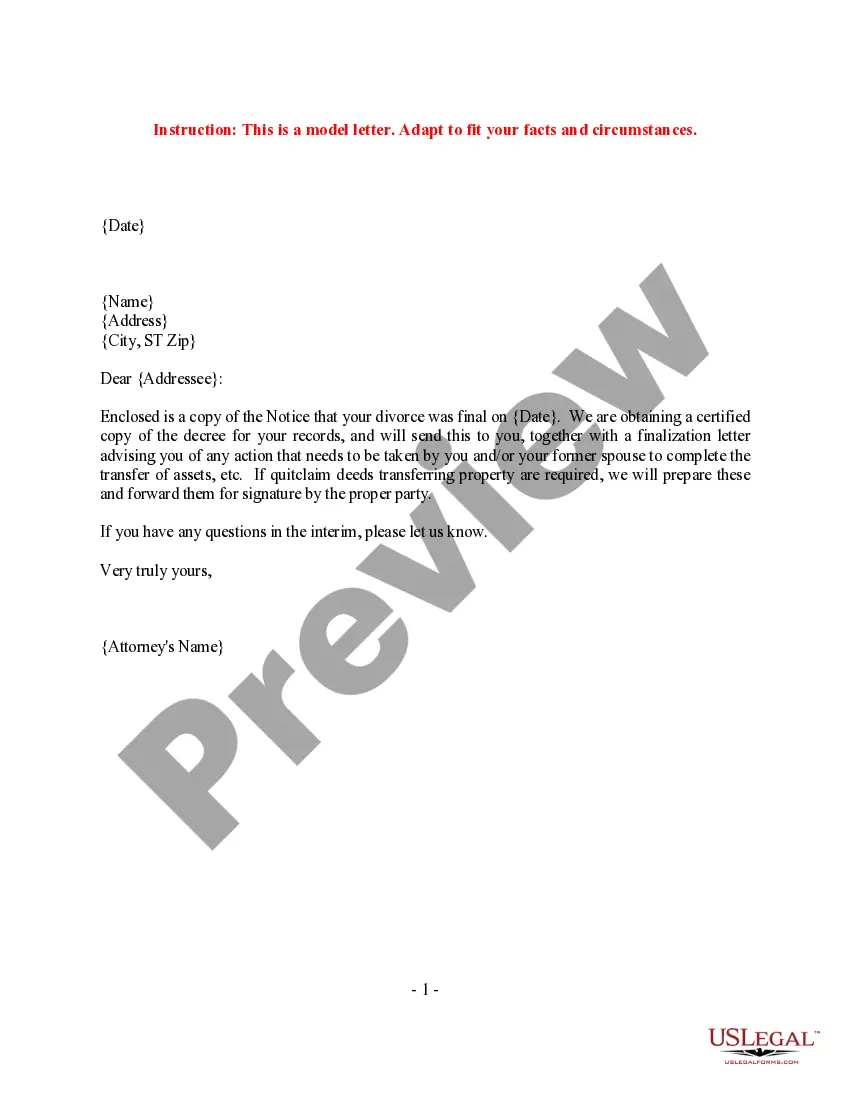

Get your form ready online
Our built-in tools help you complete, sign, share, and store your documents in one place.
Make edits, fill in missing information, and update formatting in US Legal Forms—just like you would in MS Word.
Download a copy, print it, send it by email, or mail it via USPS—whatever works best for your next step.
Sign and collect signatures with our SignNow integration. Send to multiple recipients, set reminders, and more. Go Premium to unlock E-Sign.
If this form requires notarization, complete it online through a secure video call—no need to meet a notary in person or wait for an appointment.
We protect your documents and personal data by following strict security and privacy standards.

Make edits, fill in missing information, and update formatting in US Legal Forms—just like you would in MS Word.

Download a copy, print it, send it by email, or mail it via USPS—whatever works best for your next step.

Sign and collect signatures with our SignNow integration. Send to multiple recipients, set reminders, and more. Go Premium to unlock E-Sign.

If this form requires notarization, complete it online through a secure video call—no need to meet a notary in person or wait for an appointment.

We protect your documents and personal data by following strict security and privacy standards.
Looking for another form?



Form popularity
FAQ
Cover Letter Tips From Career Advice Experts Demonstrate fit and value for the role. Follow application instructions. Tailor your cover letter to the job. Avoid apologizing for lack of experience. Avoid oversharing personal information. Maintain a professional tone. End with a call to action.
What's included in a cover letter? Opening paragraph. State why you are writing, what you're applying for/type of work you're looking for, and (if relevant) how you heard about this position. Middle paragraph. Explain why you are interested in working for this employer and in this kind of position. Closing paragraph.
Depending on the type of letter and delivery method, there are different ways to indicate attachments and enclosures. For instance, if sending a business letter by mail or courier, you can write “Enclosure(s)” or “Encl.” at the bottom of the letter, followed by a list of the enclosed documents or files.
A strong cover letter starts with a personalized greeting, includes an engaging introduction, highlights key skills and achievements, and ends with a call to action. Example: "Dear Hiring Manager's Name, I am excited to apply for Job Title at Company Name.
Elements of a Cover Letter FIRST PARAGRAPH OR INTRODUCTION: ACTS AS BASIS OR PURPOSE OF THE LETTER. SECOND PARAGRAPH OR BODY: SUPPORTS YOUR CLAIMS FOR BEING THE RIGHT CANDIDATE FOR THIS POSITION/ORGANIZATION. THIRD PARAGRAPH OR CLOSING: REITERATES YOUR INTEREST IN THE POSITION/ORGANIZATION.
15 Cover Letter Tips Customize Your Cover Letter for Each Job. Make sure your cover letter is tailored to the job you're applying for. Showcase Your Skills. Avoid Fluff. Use Specific Examples. Research the Company. Follow the Application Instructions. Use the Right Template and Format. Express Your Enthusiasm.
Enclosures. If you have enclosed any documents along with the letter, such as a resume, you indicate this simply by typing Enclosures below the closing. As an option, you may list the name of each document you are including in the envelope.
Here are different ways to say "please find attached": Attached is... I've attached... Enclosed, please find... Kindly find attached... Please see attached... Please see the attached file for... I'm attaching... Attached for your review...
Attach a file On your computer, go to Gmail. Click Compose. At the bottom, click Attach . Choose the files you want to upload. Click Open.
Under your name and title, type “Enclosure:” or “Attachment:” to indicate that you've included additional documents. On the next line, provide a brief description of the contents. In a typical letter with an attachment, you might state “Curriculum Vitae,” for example.

