Sample Letters With Dates In Mecklenburg
Description


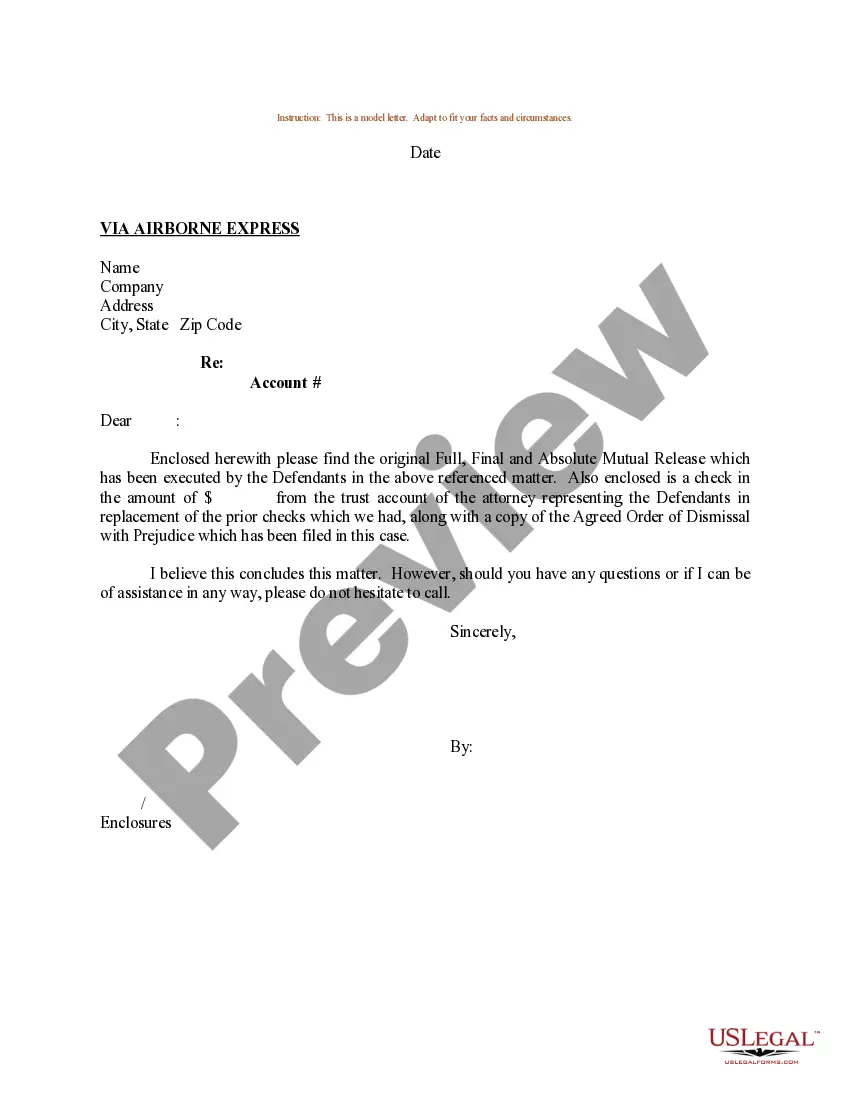
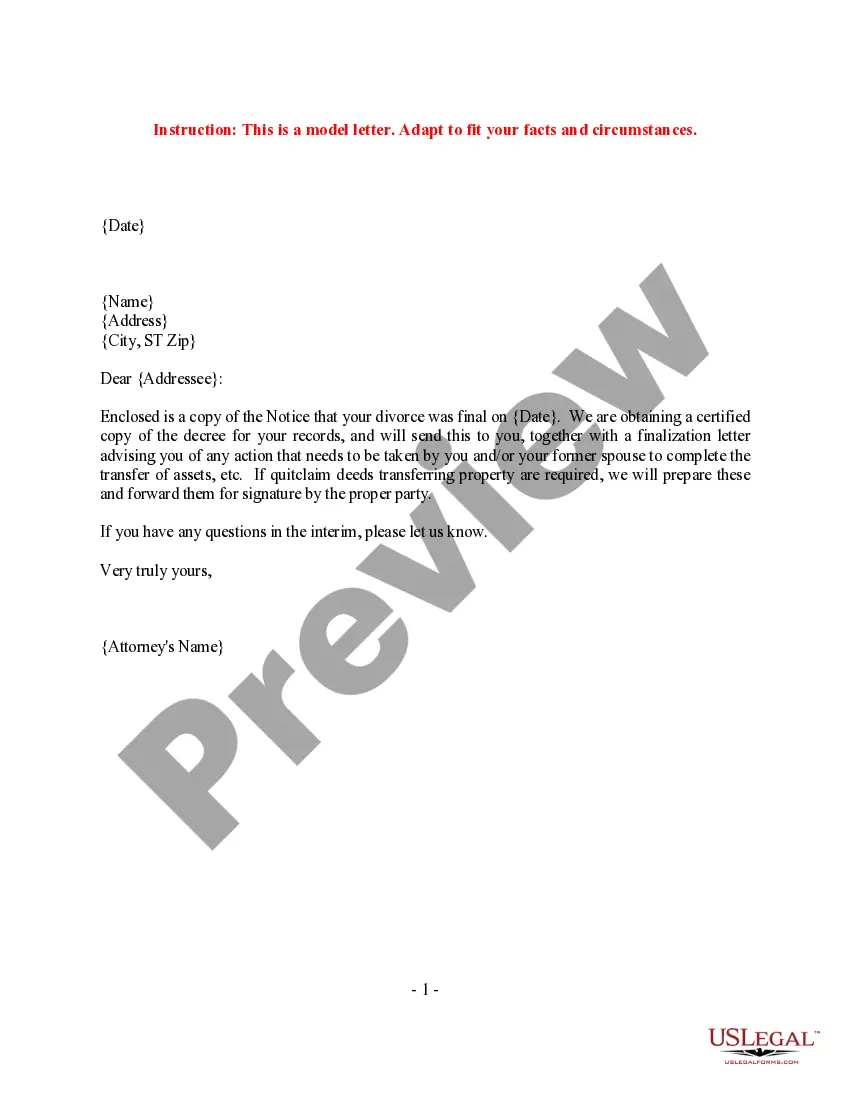

Get your form ready online
Our built-in tools help you complete, sign, share, and store your documents in one place.
Make edits, fill in missing information, and update formatting in US Legal Forms—just like you would in MS Word.
Download a copy, print it, send it by email, or mail it via USPS—whatever works best for your next step.
Sign and collect signatures with our SignNow integration. Send to multiple recipients, set reminders, and more. Go Premium to unlock E-Sign.
If this form requires notarization, complete it online through a secure video call—no need to meet a notary in person or wait for an appointment.
We protect your documents and personal data by following strict security and privacy standards.

Make edits, fill in missing information, and update formatting in US Legal Forms—just like you would in MS Word.

Download a copy, print it, send it by email, or mail it via USPS—whatever works best for your next step.

Sign and collect signatures with our SignNow integration. Send to multiple recipients, set reminders, and more. Go Premium to unlock E-Sign.

If this form requires notarization, complete it online through a secure video call—no need to meet a notary in person or wait for an appointment.

We protect your documents and personal data by following strict security and privacy standards.
Looking for another form?








Form popularity
FAQ
Information about civil, special proceeding, or estates cases in the North Carolina court system can be accessed on the public, self-service terminals in the clerk of court's office in any county. View a user's manual for the system in which the information is stored.
Locate a federal court case by using the Public Access to Court Electronic Records (PACER) or by visiting the Clerk's Office of the courthouse where the case was filed.
Your answer should include the court name, case name, case number, and your affirmative defenses. Print three copies of your answer. File one with the clerk's office and mail (or “serve”) one to the plaintiff or plaintiff's attorney.
You are required to file your Answer with the Clerk of Court and send a copy to the Plaintiff. You may serve your Answer by delivering a copy to the Plaintiff or by mailing it to the Plaintiff's last known address.
Intestate letters are called “Letters of Administration” and are granted to an Administrator. How do I begin the estate administration process and apply for letters? To formally begin the estate administration process, you will need to visit the clerk of court in the appropriate county.
Mecklenburg County To access Criminal files, email Mecklenburg.Criminal@nccourts. To access Civil files, email Mecklenburg.Civil@nccourts. To access Estate Special Proceedings files, email Mecklenburg.ESP@nccourts.
For example, if you were to write a formal business letter, you'd write out the entire date, including the full month. In British English, you could write the date as 6th September 2019. In American English, you could use September 6, 2019.
In traditional American usage, dates are written in the month–day–year order (e.g. January 1, 2025) with a comma before and after the year if it is not at the end of a sentence and time in 12-hour notation ( pm).
“The” + Ordinal Number + “of” + Month, Year (Ex. – The 21st of September, 1990) Month + Ordinal Number, Year (Ex. – March 3rd, 1947)
Range of dates Use whole date (day, month, year) if years are different, e.g. 1 January 1990–5 February 1995. Only include the year after the second date if the months are the same, e.g. 1 January–5 February 1990. Only include the month and year after the second date if these are the same, e.g. 1–5 January 1990.

