Sample Letter With Signature In Hennepin
Description





Get your form ready online
Our built-in tools help you complete, sign, share, and store your documents in one place.
Make edits, fill in missing information, and update formatting in US Legal Forms—just like you would in MS Word.
Download a copy, print it, send it by email, or mail it via USPS—whatever works best for your next step.
Sign and collect signatures with our SignNow integration. Send to multiple recipients, set reminders, and more. Go Premium to unlock E-Sign.
If this form requires notarization, complete it online through a secure video call—no need to meet a notary in person or wait for an appointment.
We protect your documents and personal data by following strict security and privacy standards.

Make edits, fill in missing information, and update formatting in US Legal Forms—just like you would in MS Word.

Download a copy, print it, send it by email, or mail it via USPS—whatever works best for your next step.

Sign and collect signatures with our SignNow integration. Send to multiple recipients, set reminders, and more. Go Premium to unlock E-Sign.

If this form requires notarization, complete it online through a secure video call—no need to meet a notary in person or wait for an appointment.

We protect your documents and personal data by following strict security and privacy standards.
Looking for another form?


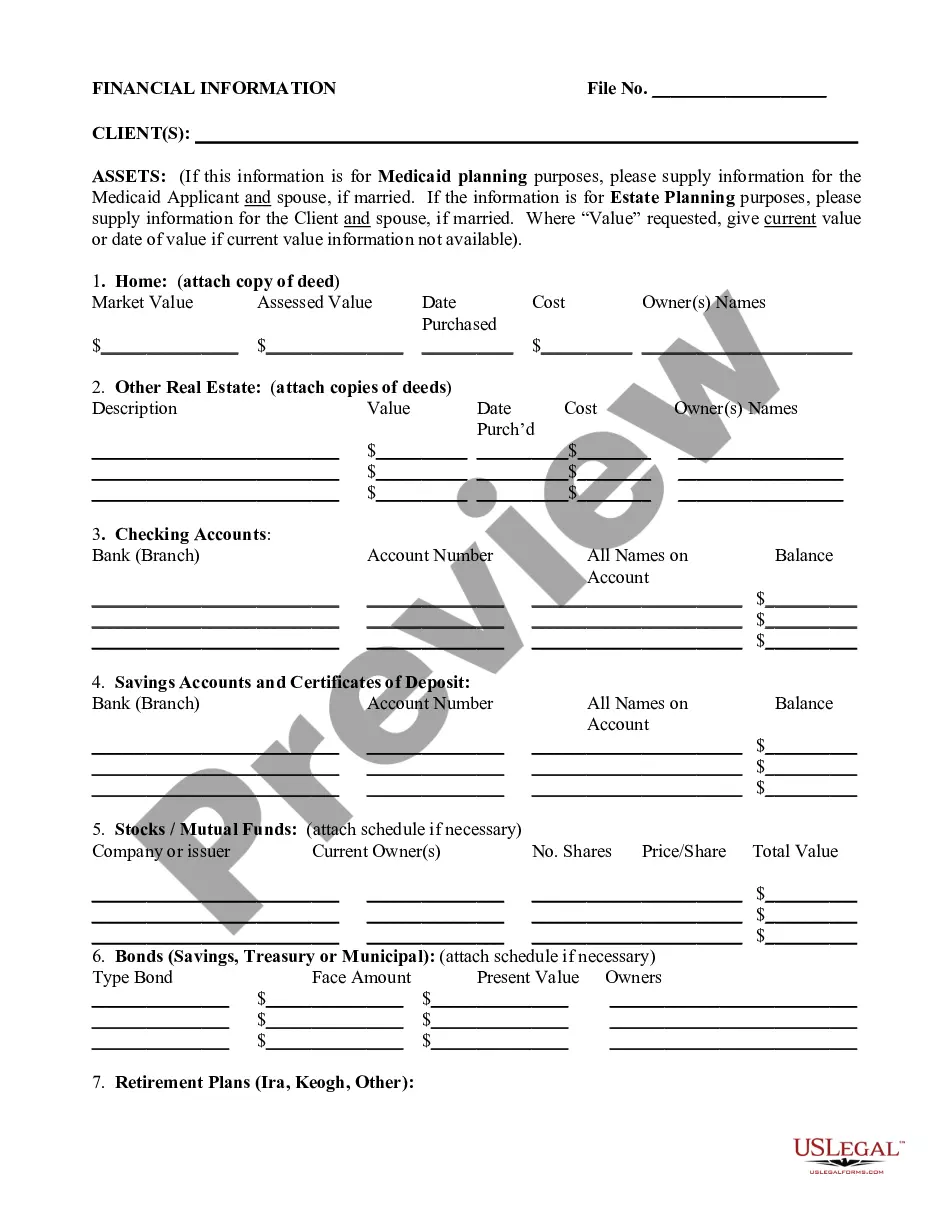





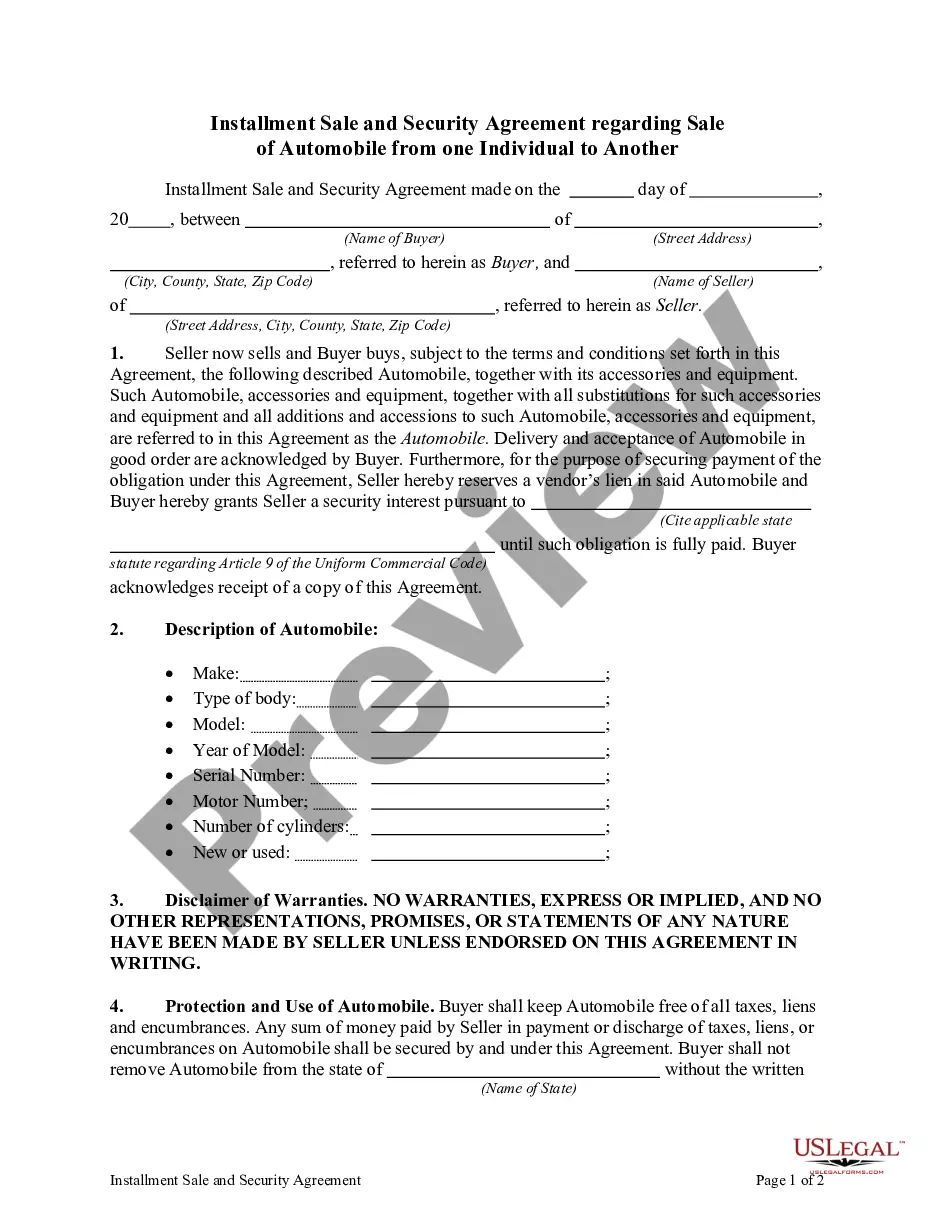
Form popularity
FAQ
In the past, when people wrote letters by hand (with a pen) or on a typewriter, they used to sign the letter 'justified right' (on the right side of the page). But nowadays, the signature can be left or right justified (left side or right side). Usually emails are always aligned with the left margin.
Simply sign your name by hand directly under the letter closing. Use your first and last name when signing. If you know the person well, it's okay to sign with your first name only. Sign with your first and last name if you're writing to someone you've never met face to face.
Sign the letter under the closing. Simply sign your name by hand directly under the letter closing. Use your first and last name when signing. If you know the person well, it's okay to sign with your first name only. Sign with your first and last name if you're writing to someone you've never met face to face.
Closing. The closing begins at the same vertical point as your date and one line after the last body paragraph. Capitalize the first word only (for example: Thank you) and leave four lines between the closing and the sender's name for a signature.
Four lines below the closing phrase, write your full name. If you are writing in an official capacity that is not included in the stationery's letterhead, write your title on the next line. Your signature goes above your typed name.
Sincerely is an adverb meaning “genuinely” or “honestly.” It's related to the adjective “sincere.” It's commonly used on its own or in combination with “yours” as a sign-off at the end of an email message or letter.
In Minnesota there are two systems of public real estate records, Abstract and Torrens. Abstract – System of recording evidence of real estate title.
You may come into the Recorder's Office and look at the official plat, order a copy online by entering the name of the plat instead of the document number, search for the property on LandShark GIS, search/download the plat using LandShark online searching, or contact the Public Works Department at 651-213-8700.
So be sure to check with your county recorder's office for more. Information. Take a look at theMoreSo be sure to check with your county recorder's office for more. Information. Take a look at the links in the description below to learn more.
Insert a signature line Select Insert > Signature Line. Select Microsoft Office Signature Line. In the Signature Setup box, you can type a name in the Suggested signer box. You can also add a title in the Suggested signer's title box.

